
Trusted by Industry-Leading Companies




The problem
“Without clear visibility into agent performance, support managers struggle to identify bottlenecks, coach effectively, or prove team value. Are response times slipping? Which agents need support? What's causing resolution delays?”
The percentage of resolved tickets where an agent solves a customer's issue with only one reply.
What performance reports make possible.
- First Contact Resolution
- FCR
- Average First Response Time
- Speed
- Average Time to Closure
- Efficiency
The percentage of resolved tickets where an agent solves a customer's issue with only one reply.
The average time taken by agents to send the first response to a ticket.
The average time taken by agents to move a ticket to a completed status.
Get the Big Picture Instantly
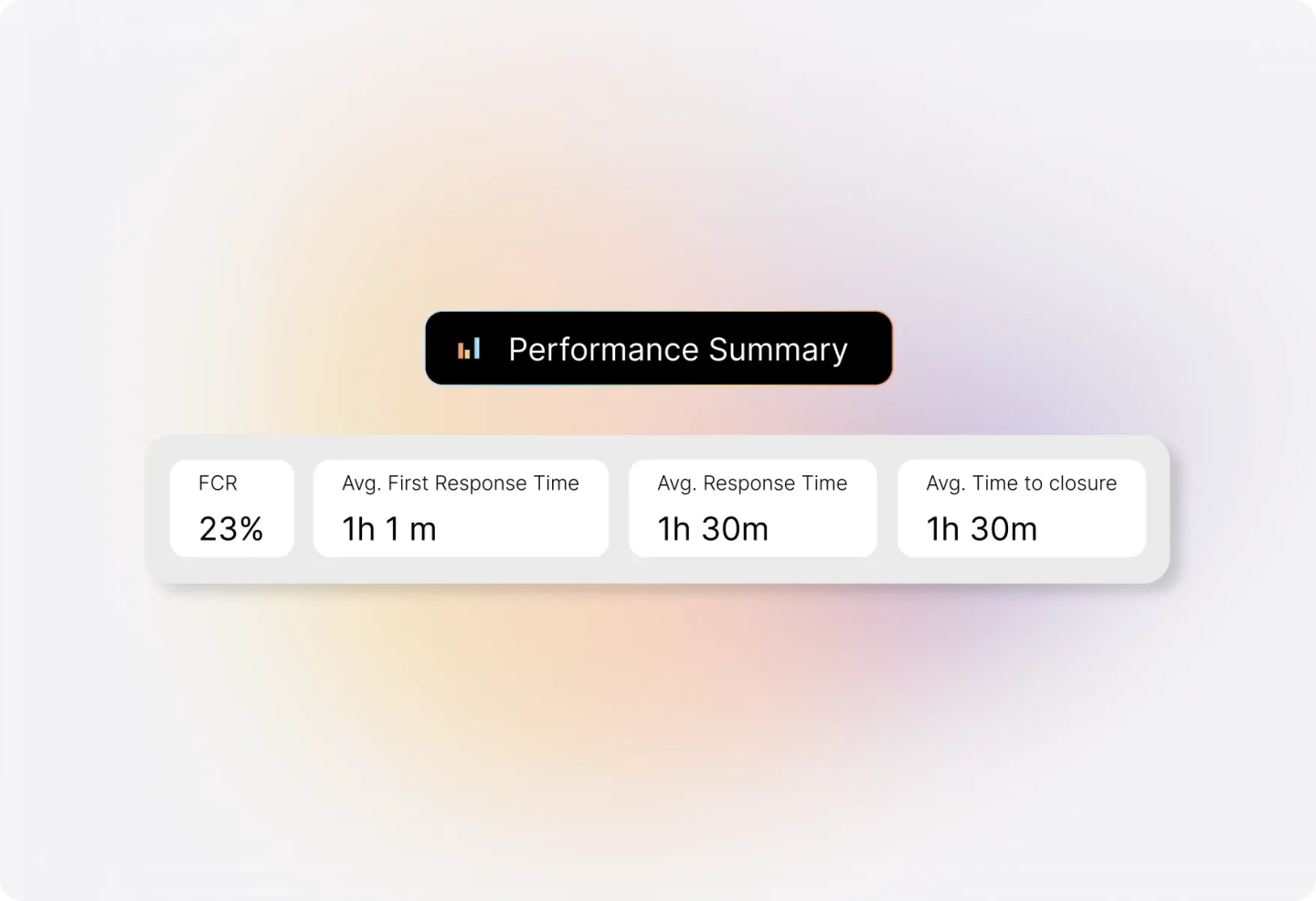
The Summary Pane gives you a quick overview of your help desk's overall performance statistics. See FCR rates, average first response time, average response time, and average time to closure—all calculated based on your selected categories and time range.
Understand How Each Category Performs
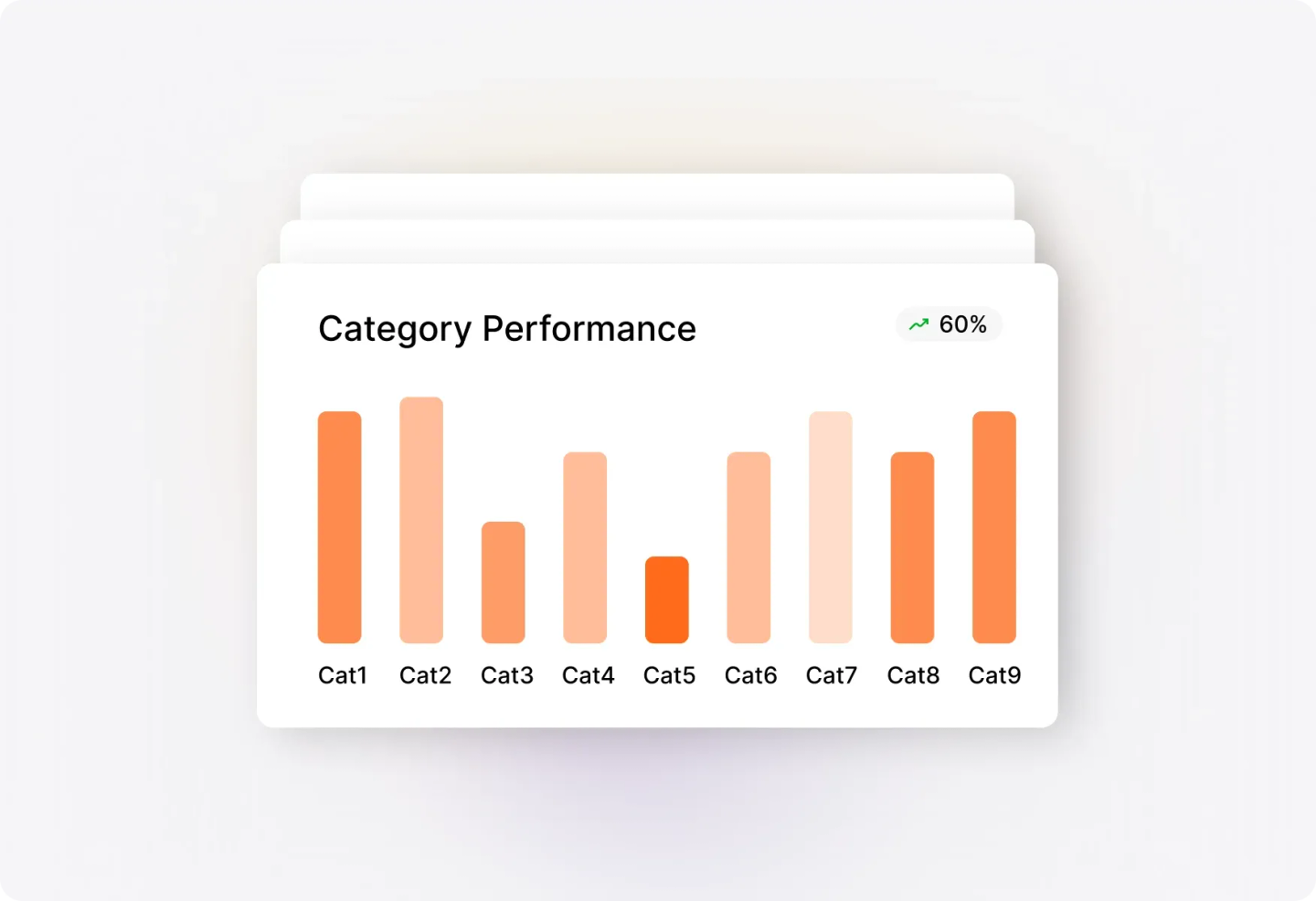
Get a quick overview of how different ticket categories stack up across key performance metrics. Toggle between FCR, average response time, average first response time, average responses to closure, and average time to closure to spot trends and identify areas for improvement.
Track Individual Agent Performance
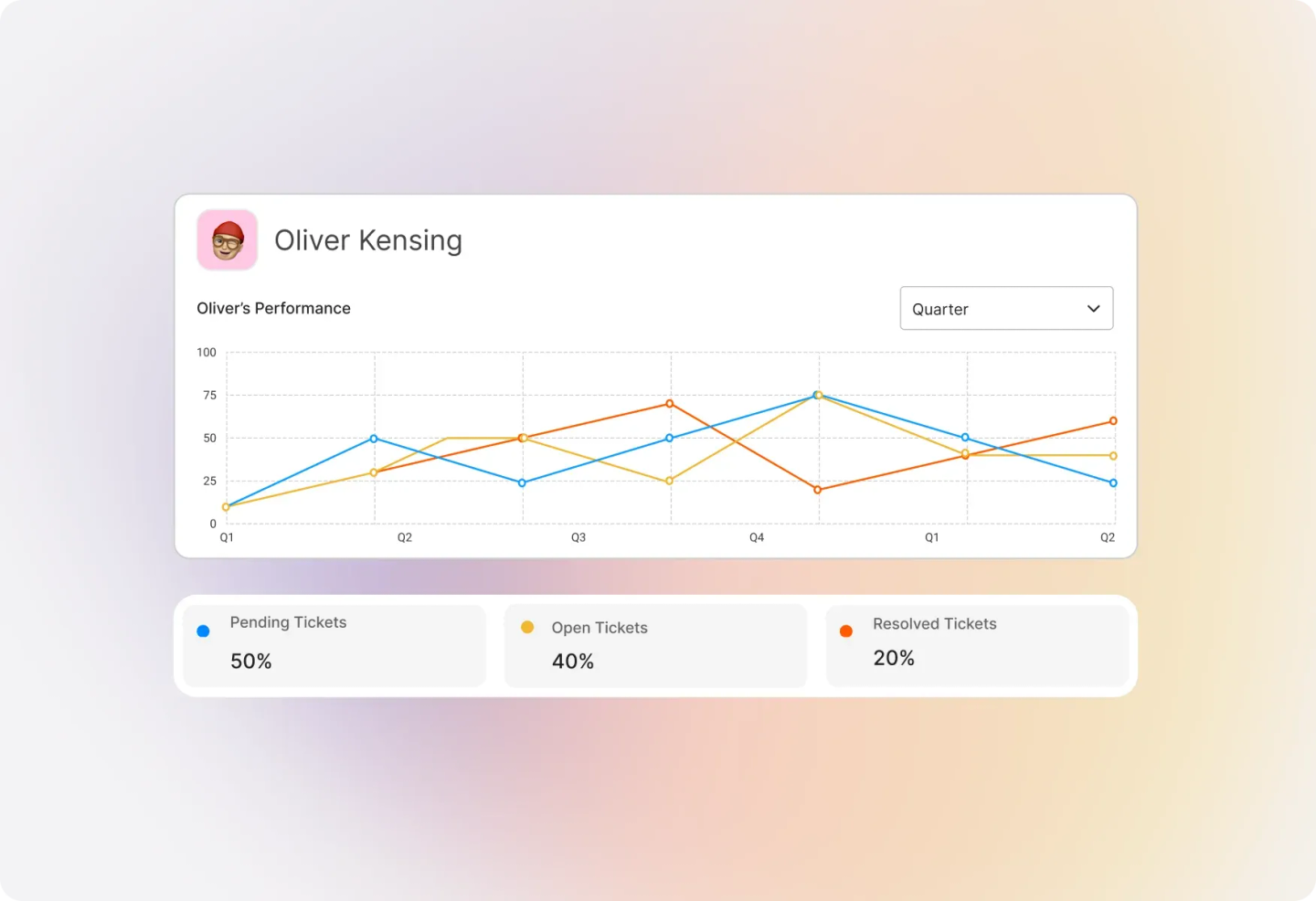
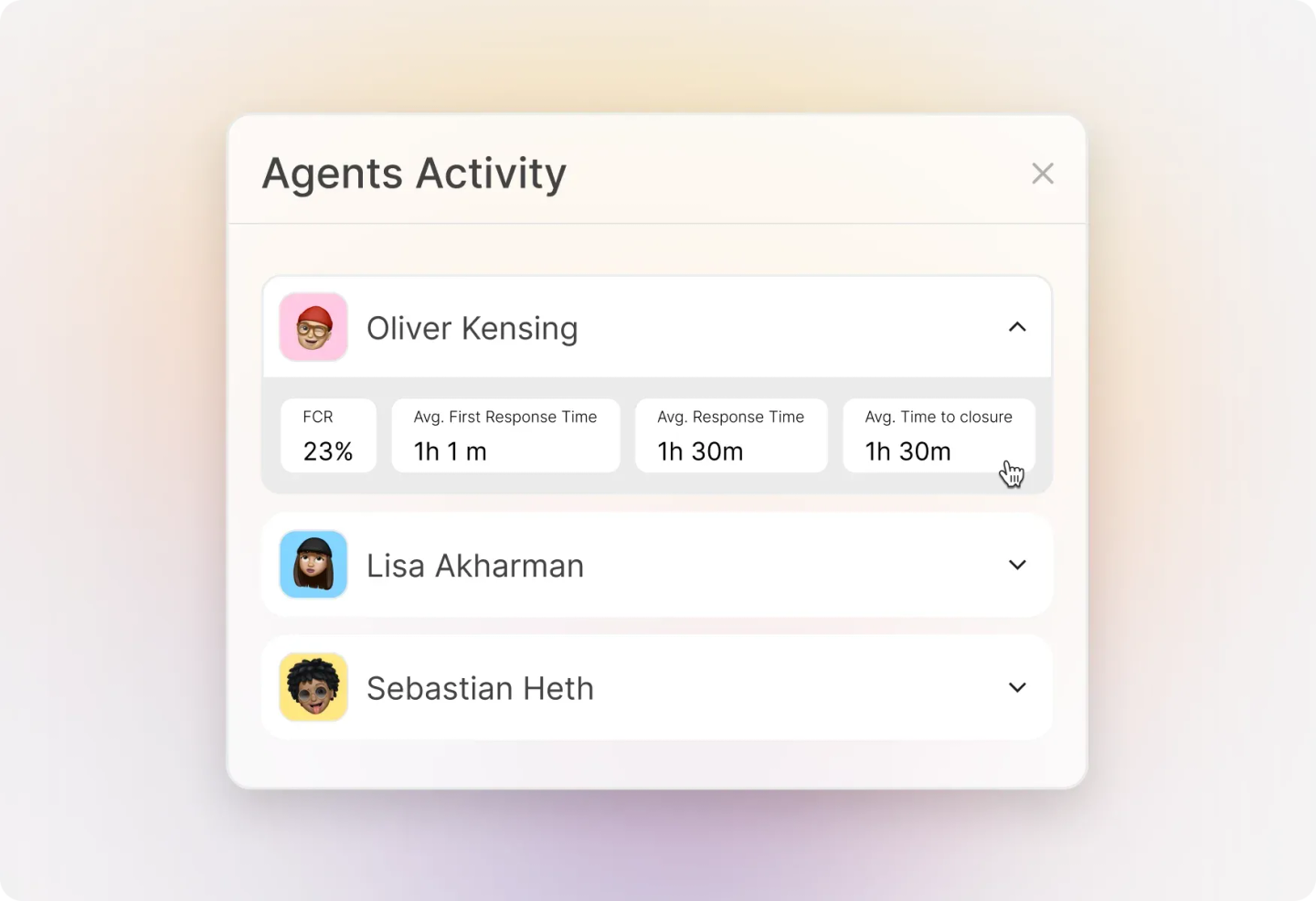
See how each agent performs across all key metrics. Use the dropdown to toggle between FCR, response times, and closure metrics to identify top performers and agents who may need additional coaching or support.
Deep Dive into Category Performance
Visualize the distribution of categories across all performance metrics in a tabular format for quick comparison. Search for specific categories and sort by any metric to find the highest or lowest values. Supports up to 100 categories.
Detailed Agent Performance Analysis
Compare agents side-by-side across FCR, average first response time, average response time, average time to closure, average responses, and average responses to closure. Search for specific agents and sort to identify performance patterns. Supports up to 200 agents.
Frequently asked questions.
How do I set up a Performance Report?
Navigate to Reports >> Performance from the Main Menu. Choose your desired categories, select a ticket activity filter (by creation or update date), and pick your time period. The report will automatically populate with your performance statistics.
What's the difference between ticket creation and ticket update filters?
Ticket Creation filters show tickets created during your selected time period, while Ticket Update filters show tickets that had any activity during that period—giving you flexibility in how you analyze performance.
How is First Contact Resolution (FCR) calculated?
FCR represents the percentage of resolved tickets where an agent solved the customer's issue with only one reply—a key indicator of agent effectiveness and customer satisfaction.
Can I compare performance across different categories?
Yes! The Performance by Category widget lets you toggle between metrics like FCR, response times, and closure times to compare how different ticket types are being handled.
How many agents or categories can I view in the expanded reports?
The expanded category view supports up to 100 categories, while the expanded agent view supports up to 200 agents. You can use search and sort functionality to quickly find specific data.