
Trusted by Industry-Leading Companies




The problem
“Without clear reporting, support managers struggle to identify bottlenecks, track SLA compliance, and measure team performance. Decisions get made on gut feeling instead of data, leading to missed targets and frustrated customers.”
HappyFox Reports gives you a complete view of your help desk operations—from ticket distribution and response times to staff performance and customer activity. Make data-driven decisions that actually move the needle.
What reporting makes possible.
- Ticket Visibility
- 100%
- SLA Tracking
- Real-time
- Export Options
- Custom
See every ticket's status, priority, assignee, and category at a glance with the Overview section.
Monitor SLA triggers, targets, and achievements to ensure you're meeting customer commitments.
Export reports to CSV/Excel with customizable fields for deeper analysis and custom reporting.
Overview Reports at a Glance
Get a quick summary of all tickets matching your report conditions and selected date range. Instantly understand your support volume and ticket status without digging through data.
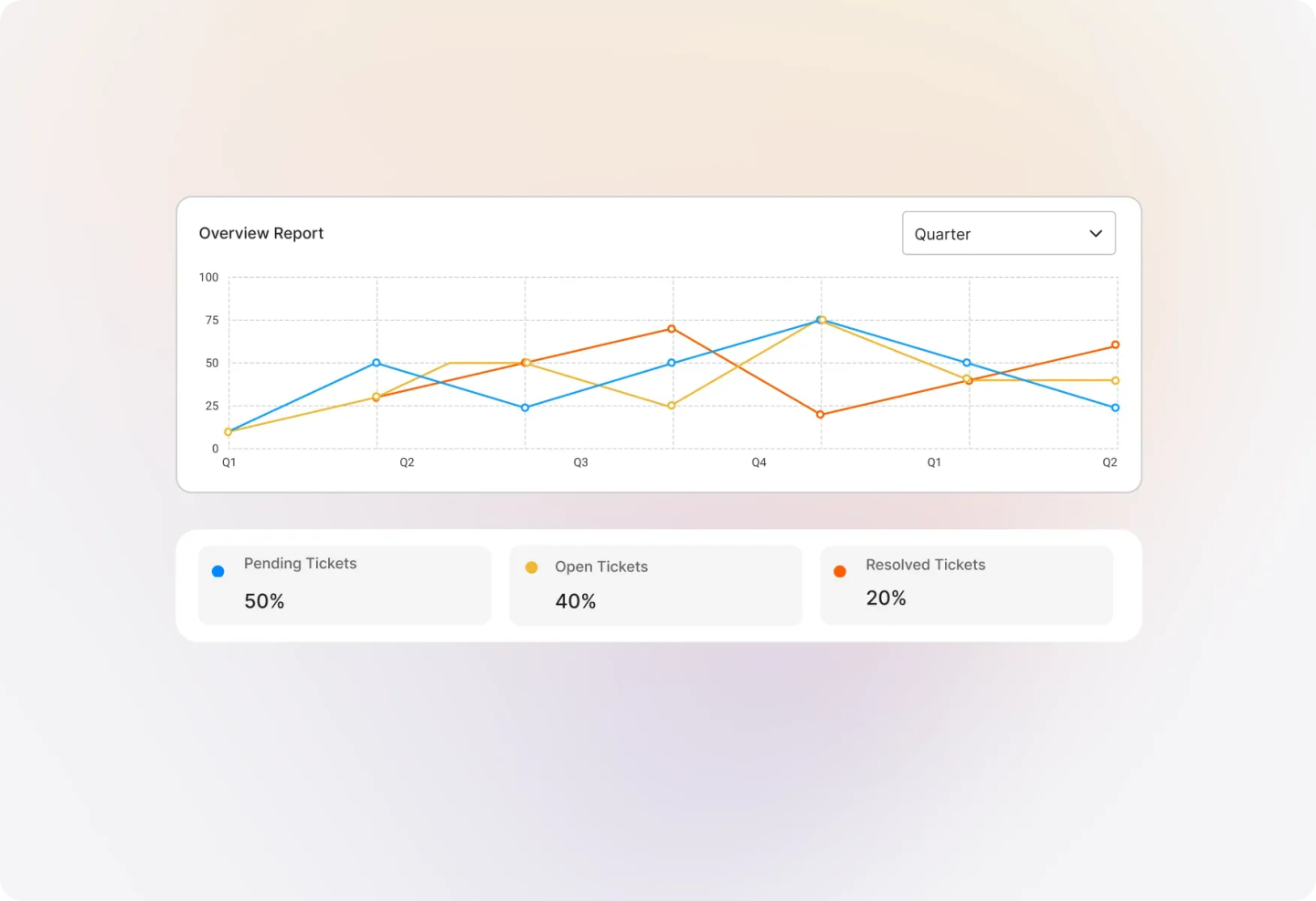
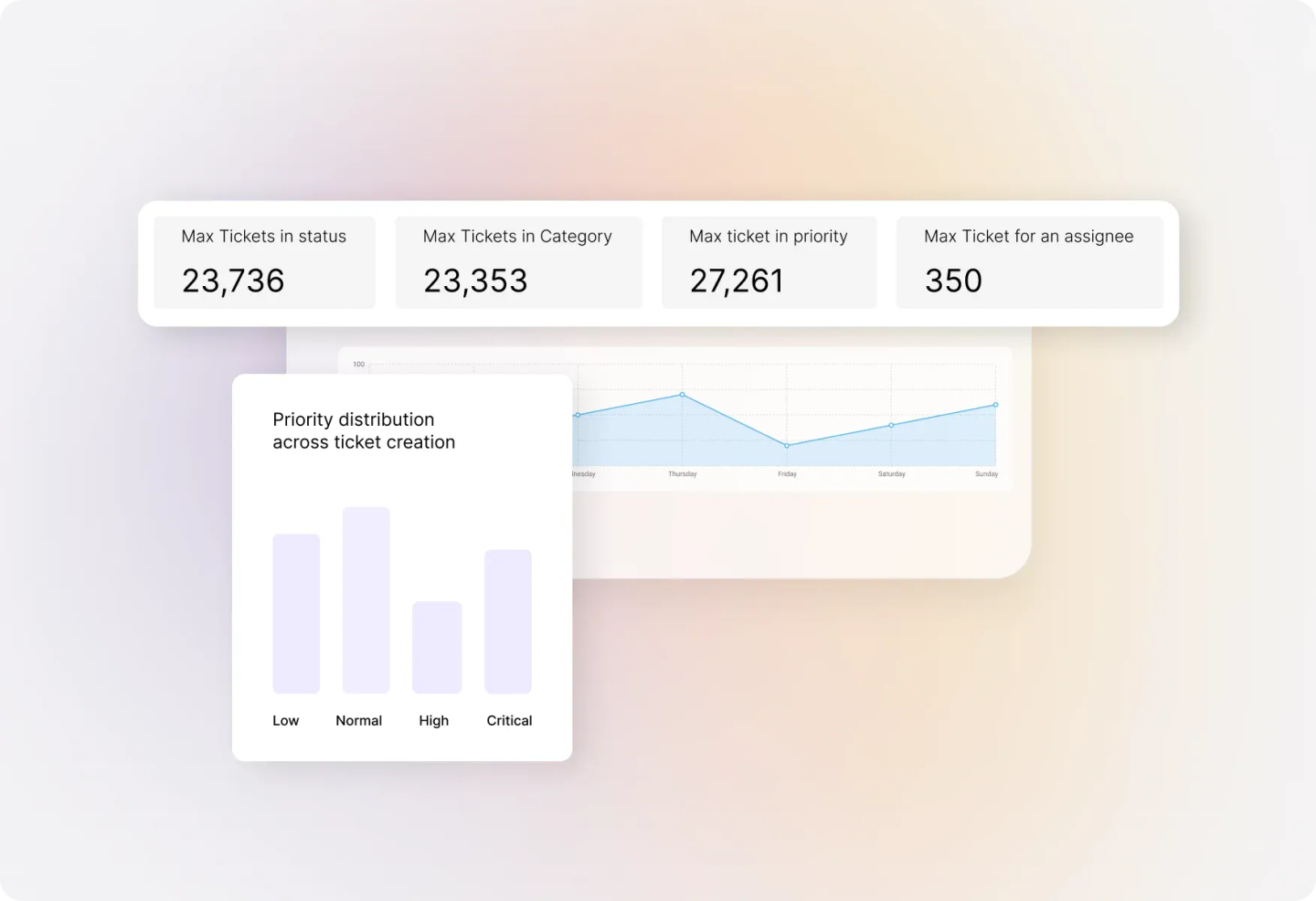
Visual Ticket Distribution
See your tickets in a graphical view, filtered by status, priority, assignee, or category. Spot trends and patterns that help you allocate resources more effectively.
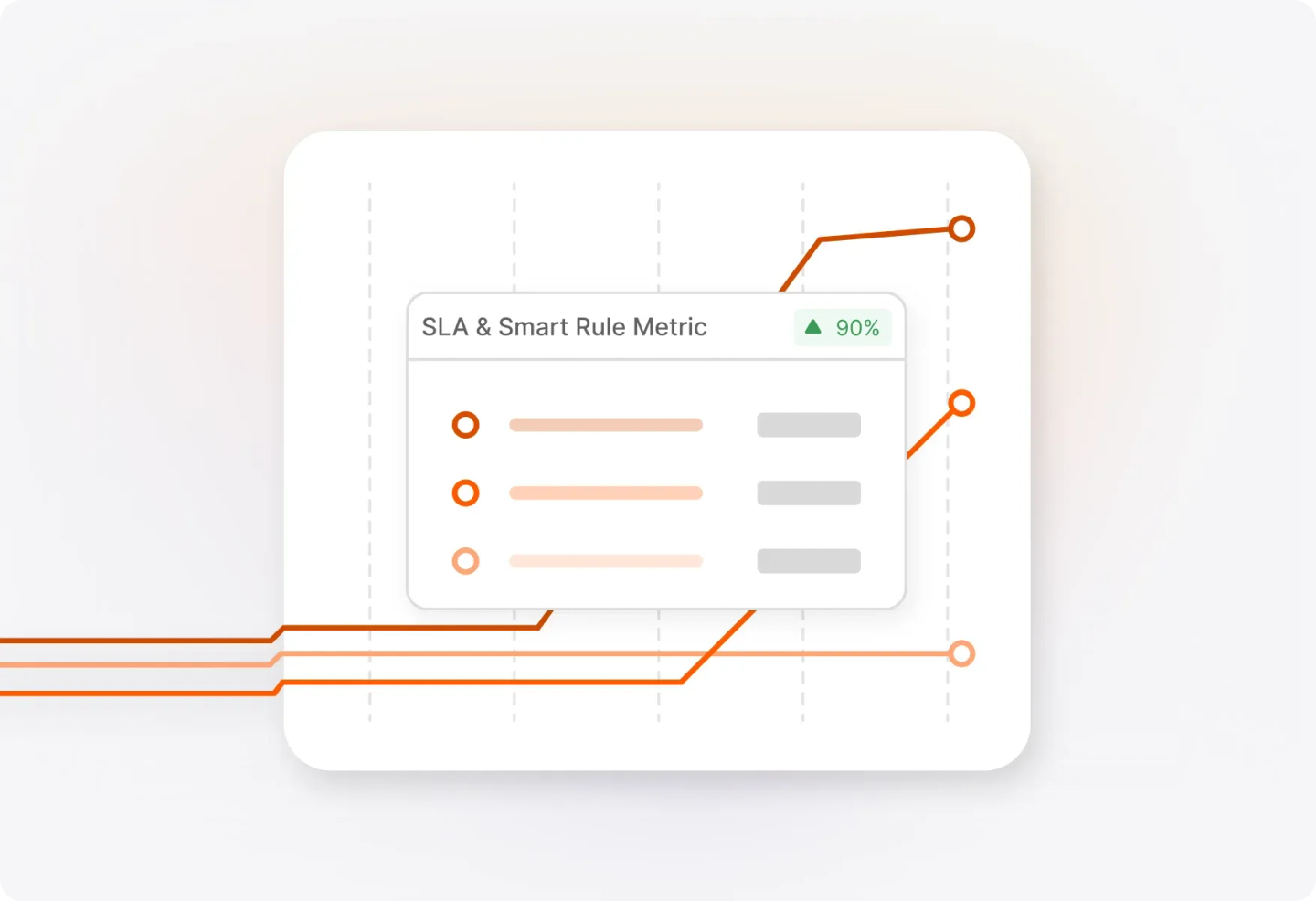
SLA Performance & Smart Rule Metrics
Track how often SLAs and Smart Rules are triggered within your date range. See targets vs. actual achievements to identify where your team excels and where improvements are needed.
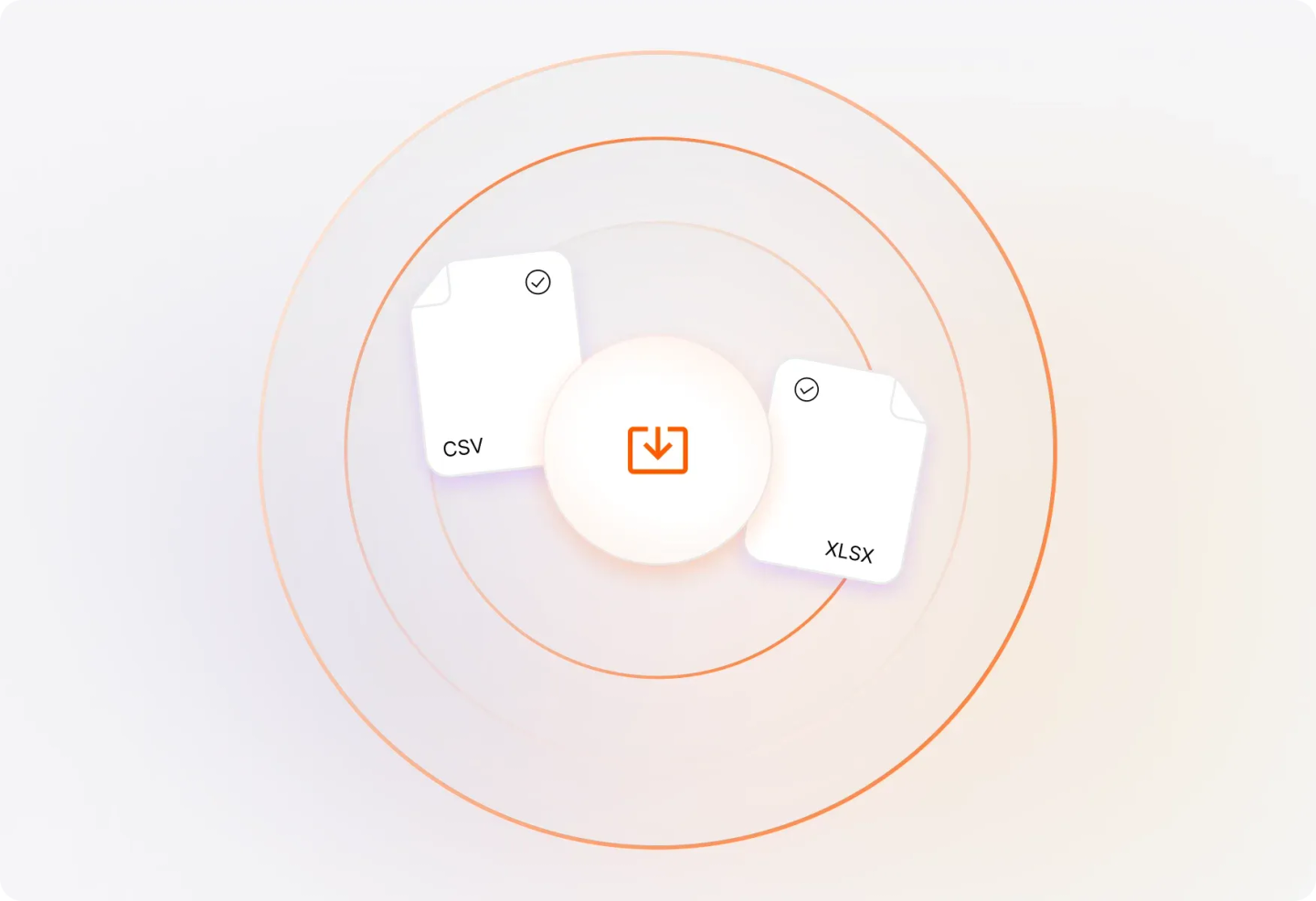
Tabular View with Flexible Exports
Access a detailed list of all tickets matching your report conditions. Export to CSV or Excel with customizable field selection—choose exactly what data you need for your analysis.
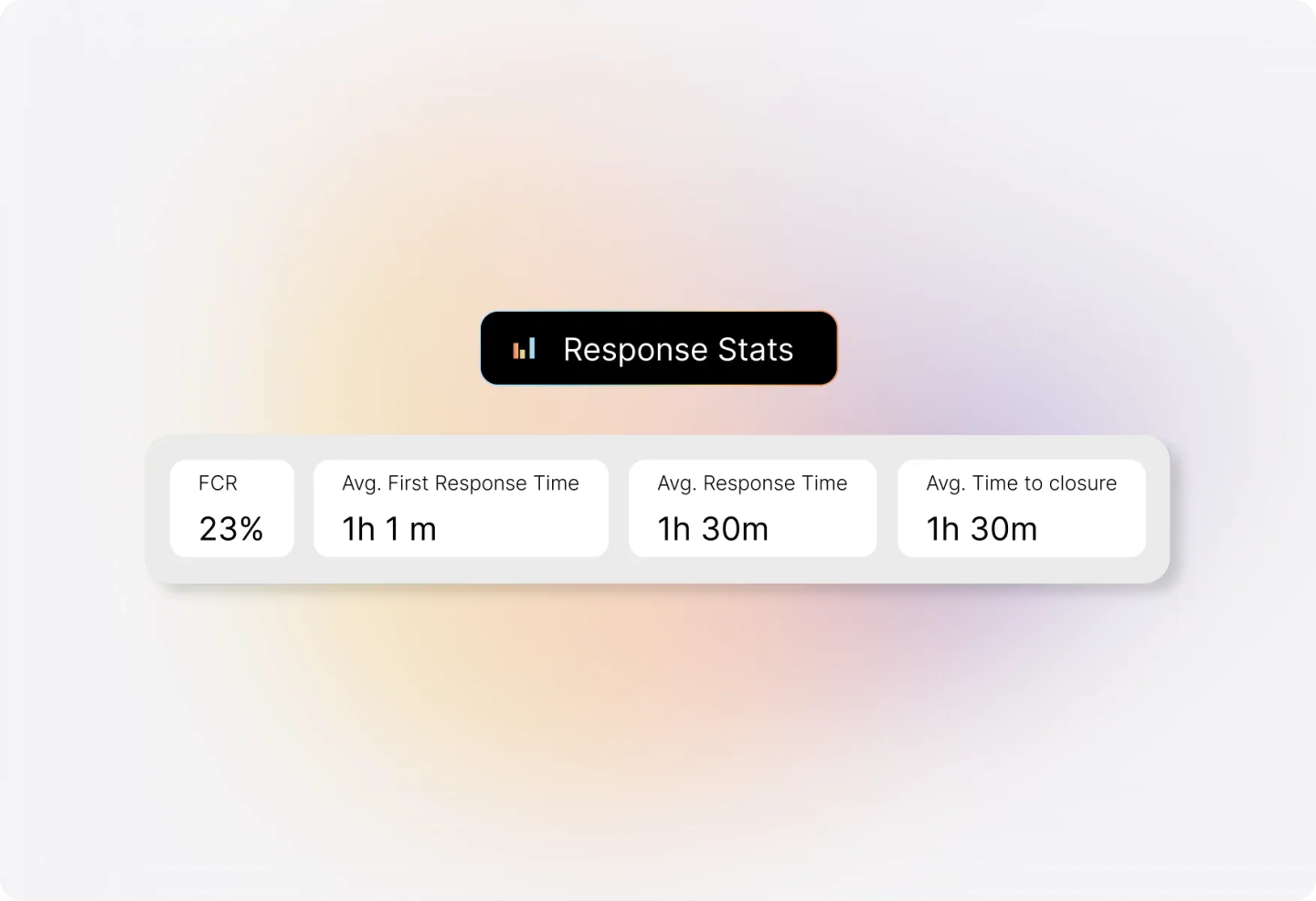
Response Stats That Matter
Monitor average first response time, overall response time, number of replies, and replies to completion. Understand your team's responsiveness at a glance.
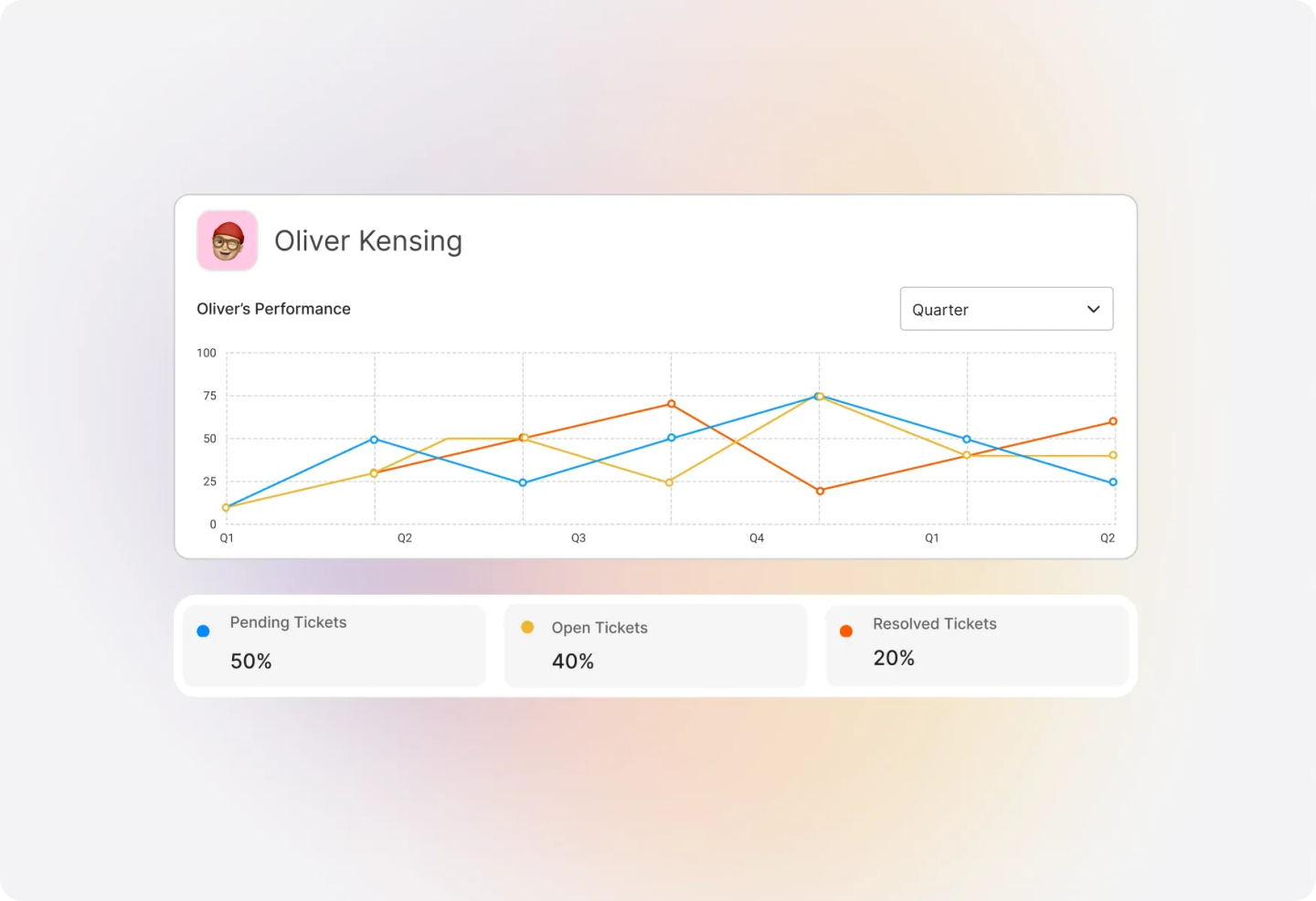
Staff Performance & Activity Tracking
Drill down into per-staff metrics to see individual agent performance. Track response times, ticket handling, and activity levels to identify top performers and coaching opportunities.
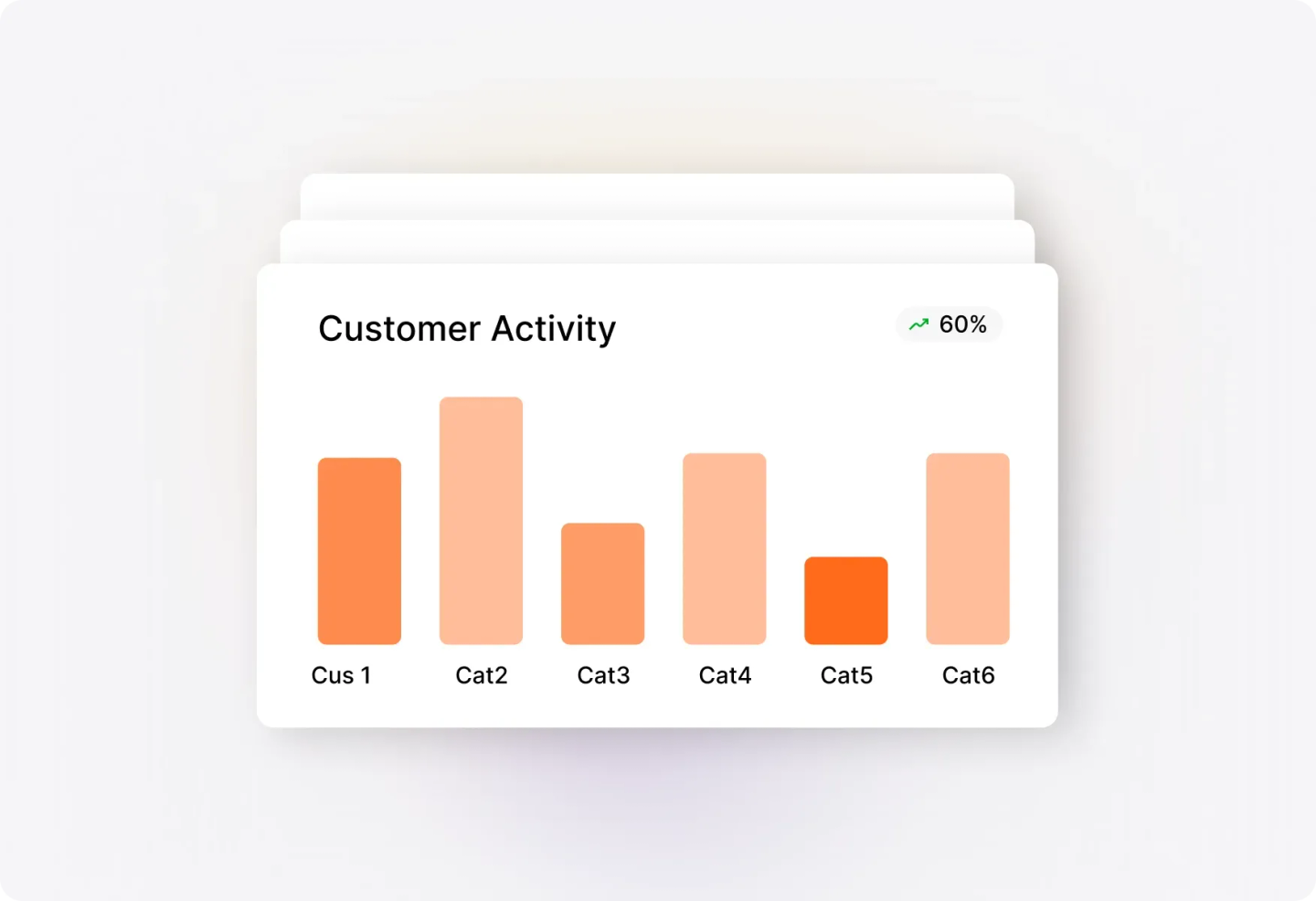
Customer Activity Insights
Identify customers who contact support most frequently, have the most tickets in backlog, or require the most time to resolve. Prioritize high-touch accounts and spot potential issues early.
Frequently asked questions.
How do I access HappyFox Reports?
Once you log in to your help desk system, navigate to Reports >> All Reports Page. Your created reports are listed under the "Available Reports" section.
Can I customize the date range for reports?
Yes! You can modify the default timeline of any report to specify your own custom date range.
What export options are available?
All reports except Ticket Distribution and Overview can be exported to CSV or Excel. You can choose which fields to include in your export, and there's an option to strip newlines from text values for cleaner imports.
Can I add reports to a dashboard?
Fantastic and Enterprise plan users can use the "Add to Dashboard" feature to pin report sections to the "My Widgets" dashboard for quick access.
What staff metrics can I track?
The Staff Performance and Staff Activity views show per-staff breakdowns of first response time, response time, number of replies, and replies to completion.