
Trusted by Industry-Leading Companies




The problem
“When every agent has the same level of access, sensitive data is exposed, critical settings can be accidentally changed, and accountability becomes impossible. You need a way to give each team member exactly the right permissions - no more, no less.”
When every agent has the same level of access, sensitive data is exposed, critical settings can be accidentally changed, and accountability becomes impossible. You need a way to give each team member exactly the right permissions - no more, no less.
What roles and permissions make possible.
- Default Roles Included
- 2
- Access Control
- 100%
- Permission Types
- 2
HappyFox ships with Admin (full access) and Agent (restricted access) roles ready to use.
Every agent is associated with a role—ensuring consistent, secure access across your team.
Managerial permissions for app-level functions, plus ticket-level permissions for ticket actions.
Create Custom Roles Tailored to Your Team
Build roles that match your team structure. Define exactly which features and actions each role can access—from viewing reports to managing agents.
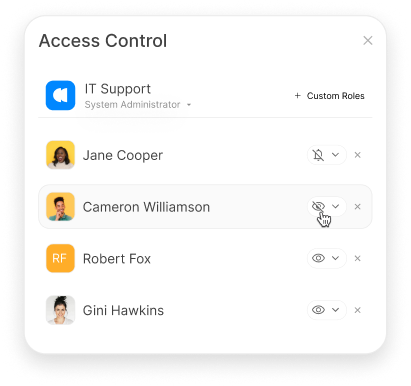
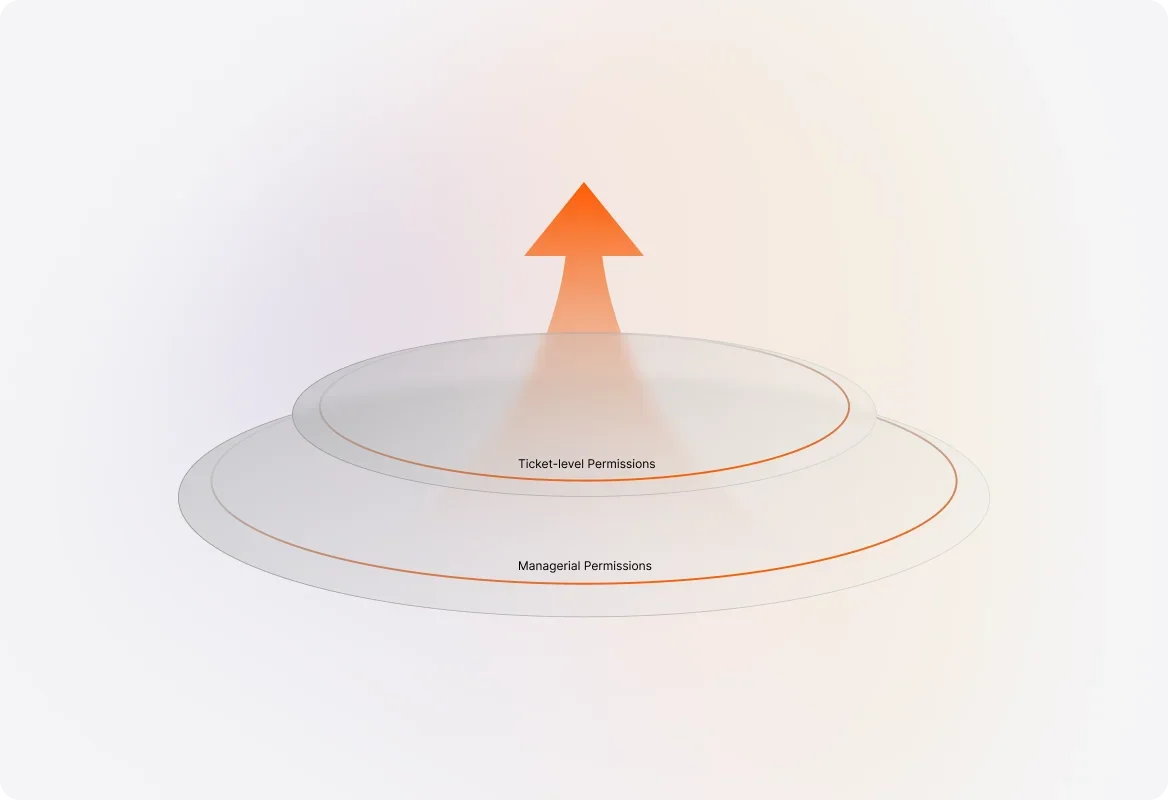
Two Levels of Permissions for Maximum Flexibility
Configure managerial permissions for application-level functions (like managing agents and settings) and ticket-level permissions for day-to-day ticket actions.
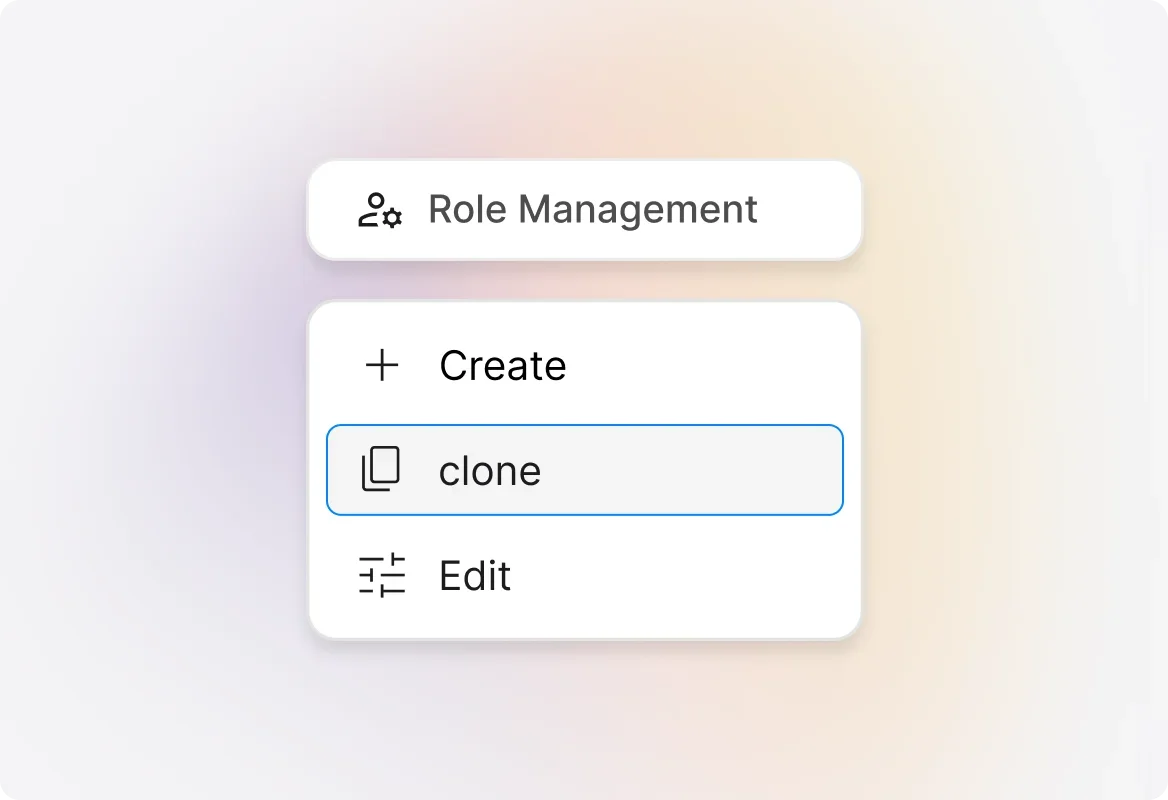
Clone Existing Roles to Save Time
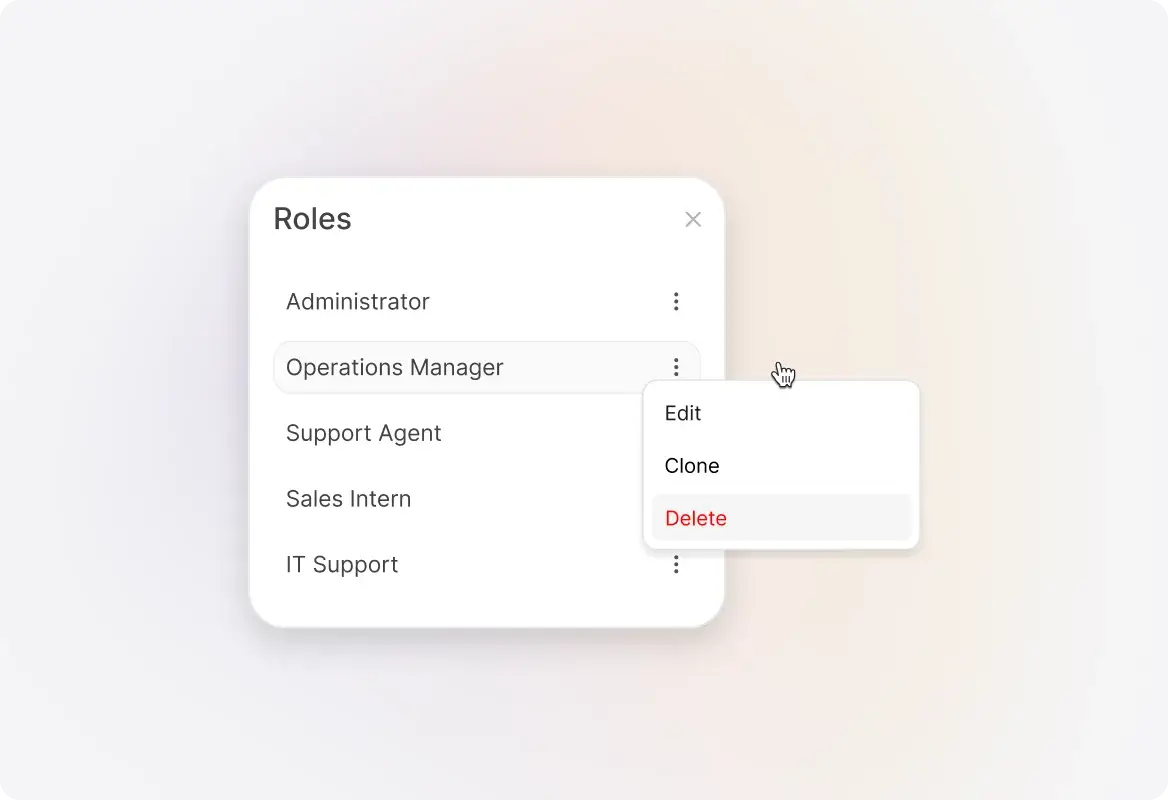
Need a role similar to an existing one? Clone it with pre-selected permissions and make quick adjustments—no need to start from scratch.
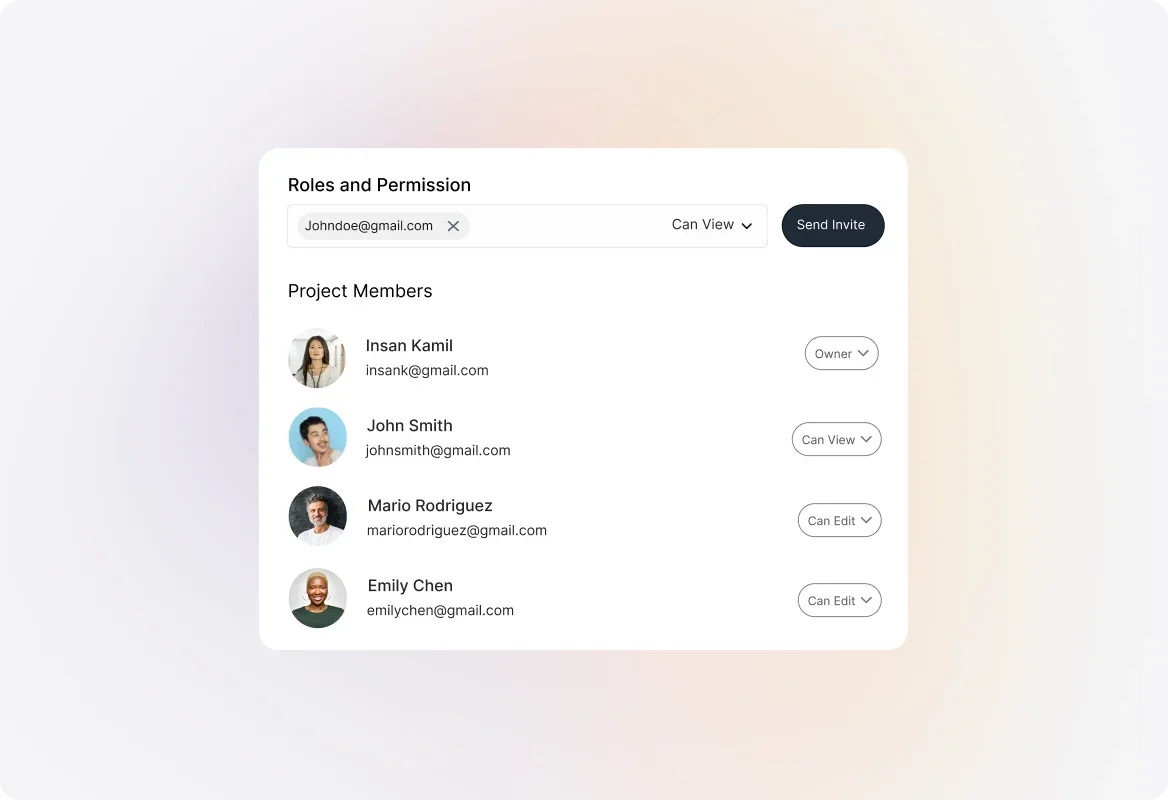
Assign Roles to New and Existing Agents
Easily assign roles when adding new agents or update roles for existing team members. Changes take effect immediately.
Edit or Delete Roles as Your Team Evolves
Update role permissions anytime as your needs change. When deleting a role, simply reassign affected agents to a new role.
Frequently asked questions.
What default roles come with HappyFox?
HappyFox includes two default customizable roles: Admin (complete access to all features) and Agent (restricted access). You can customize these or create new roles.
What's the difference between managerial and ticket-level permissions?
Managerial permissions control access to application-level functions like managing agents and settings. Ticket-level permissions control what actions agents can take on tickets.
Who can manage roles and permissions?
Only the account admin and agents with the "Manage Agents" permission can view and edit the Roles & Permissions section.
Can I duplicate an existing role?
Yes! Use the clone feature to create a copy of any existing role with pre-selected permissions, then adjust as needed.
What happens when I delete a role?
When you delete a role, you'll be prompted to select an alternate role. All agents currently assigned to the deleted role will be reassigned to the new role.