
Trusted by Industry-Leading Companies




The problem
“Without clear visibility into SLA performance, support managers struggle to identify which agreements are being breached, which teams are falling behind, and where bottlenecks exist. Missed SLAs lead to frustrated customers, damaged trust, and lost revenue.”
HappyFox SLA Reports give you complete visibility into your service level performance. Track every SLA, identify breaches instantly, and pinpoint your worst-performing areas so you can fix problems before they escalate.
What SLA reports make possible.
- Tickets Checked
- Real-Time
- Breach Detection
- Instant
- Performance Visibility
- 100%
See exactly how many tickets were monitored against your SLAs in any time period.
Identify tickets that breached SLA targets with multiple breaches counted separately for accurate tracking.
Compare your target goals against achieved percentages to measure true SLA compliance.
Summary Pane with At-a-Glance Performance Stats
Get a quick overview of your SLA health with key metrics including tickets checked, tickets breached, total breach count, and your worst-performing SLA all updated hourly and filterable by category and time period.
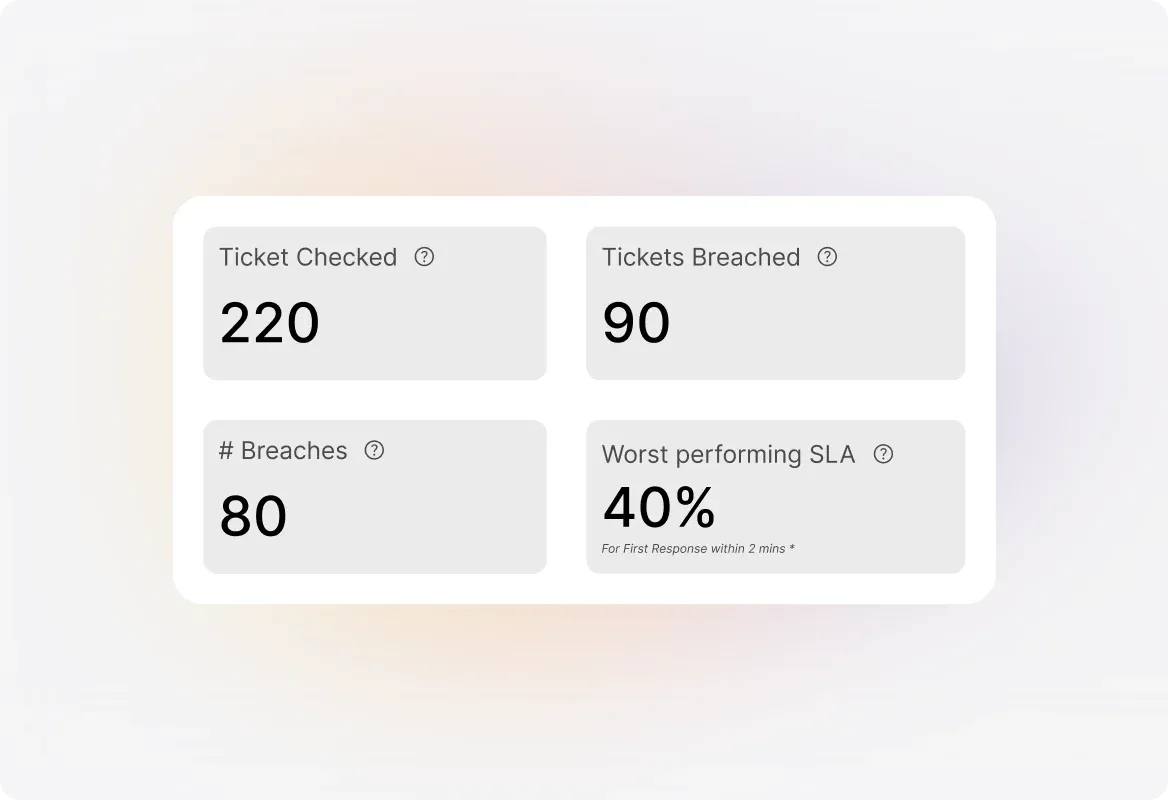
Track Tickets Checked vs. Tickets Breached
See the count of tickets monitored by each SLA alongside how many breached their targets. Multiple breaches within the same ticket are counted as one for ticket-level tracking, or separately for detailed breach analysis.
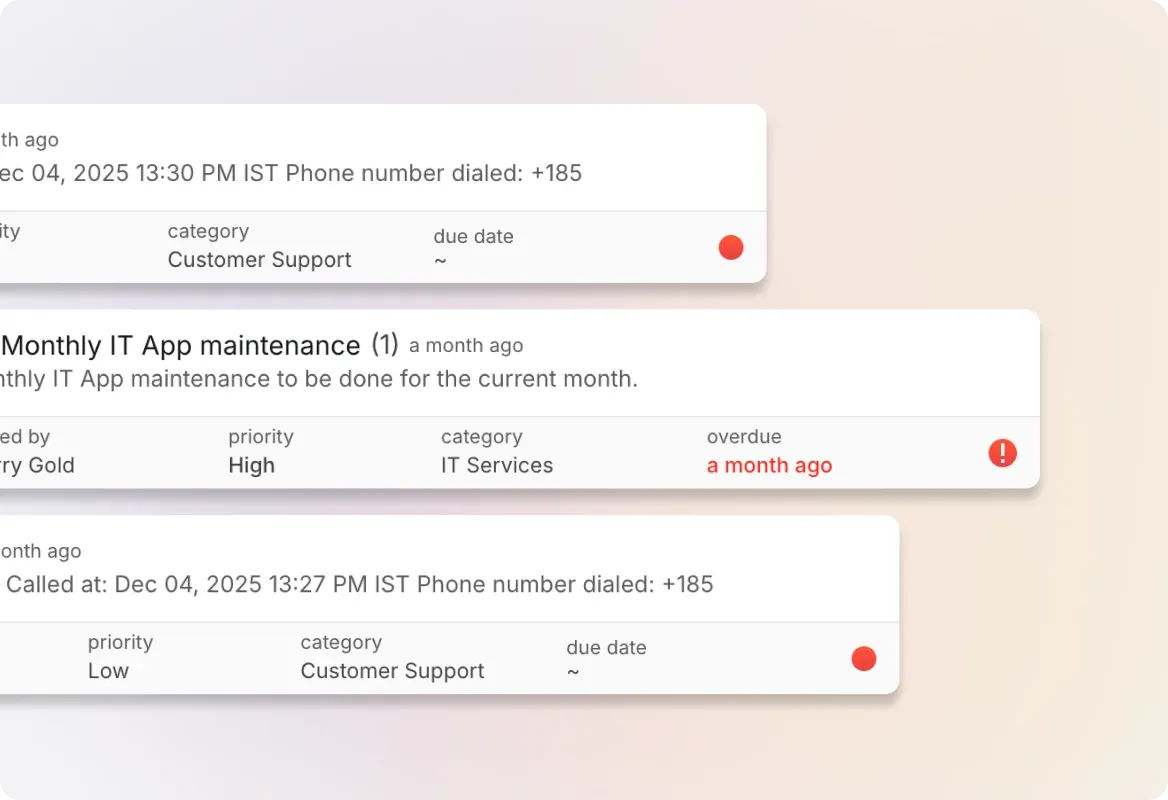
Identify Your Worst-Performing SLAs Instantly
Quickly spot which SLAs aren't meeting their targets. The report highlights your worst-performing SLA with its achieved percentage so you know exactly where to focus improvement efforts.
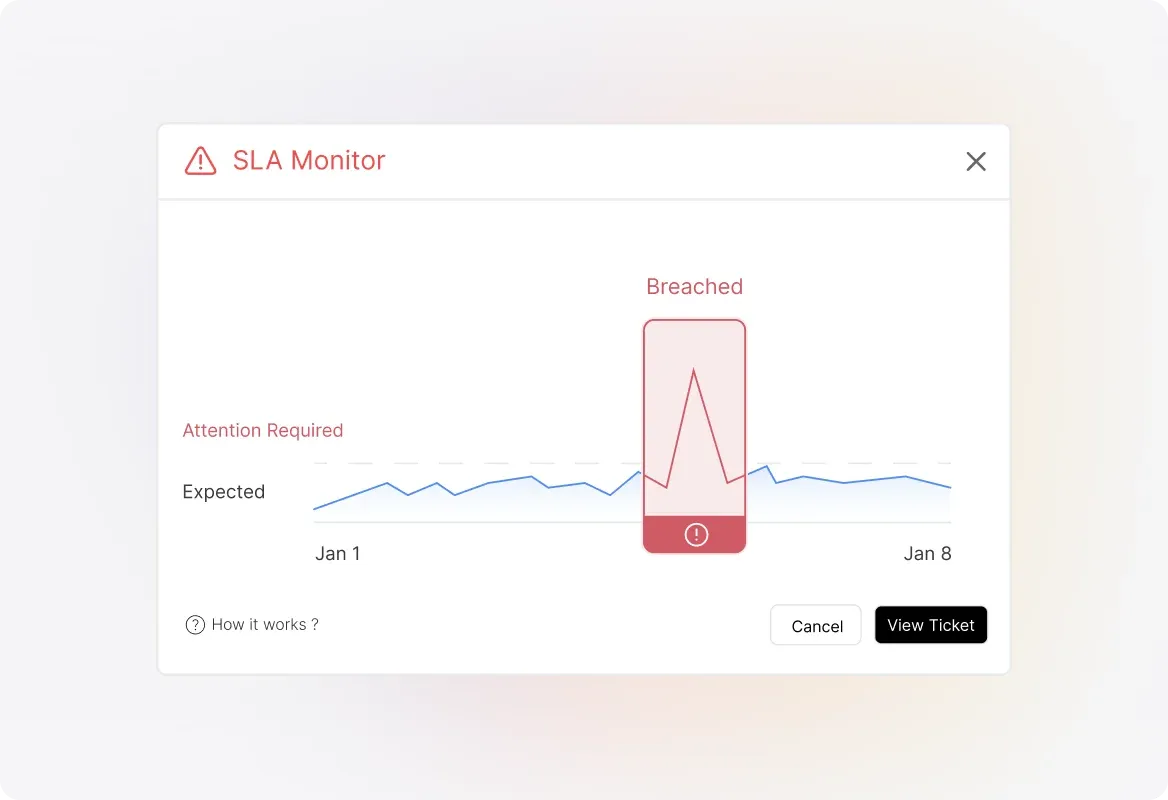
Detailed SLA-by-SLA Breakdown
Dive deep with the "By SLA - Expanded" view showing tickets checked, tickets breached, breach count, target percentage, and achieved percentage for each SLA. Sort columns to find best and worst performers, or search for specific SLAs.
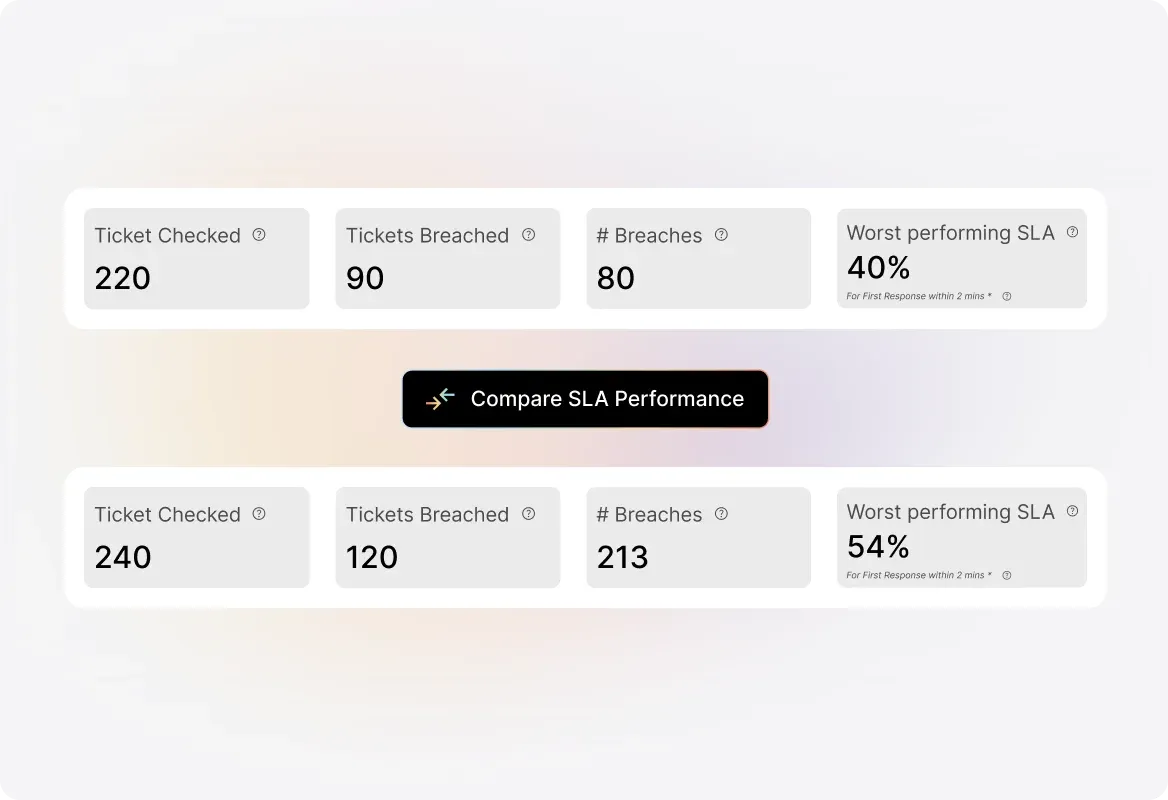
Filter by Category and Time Period
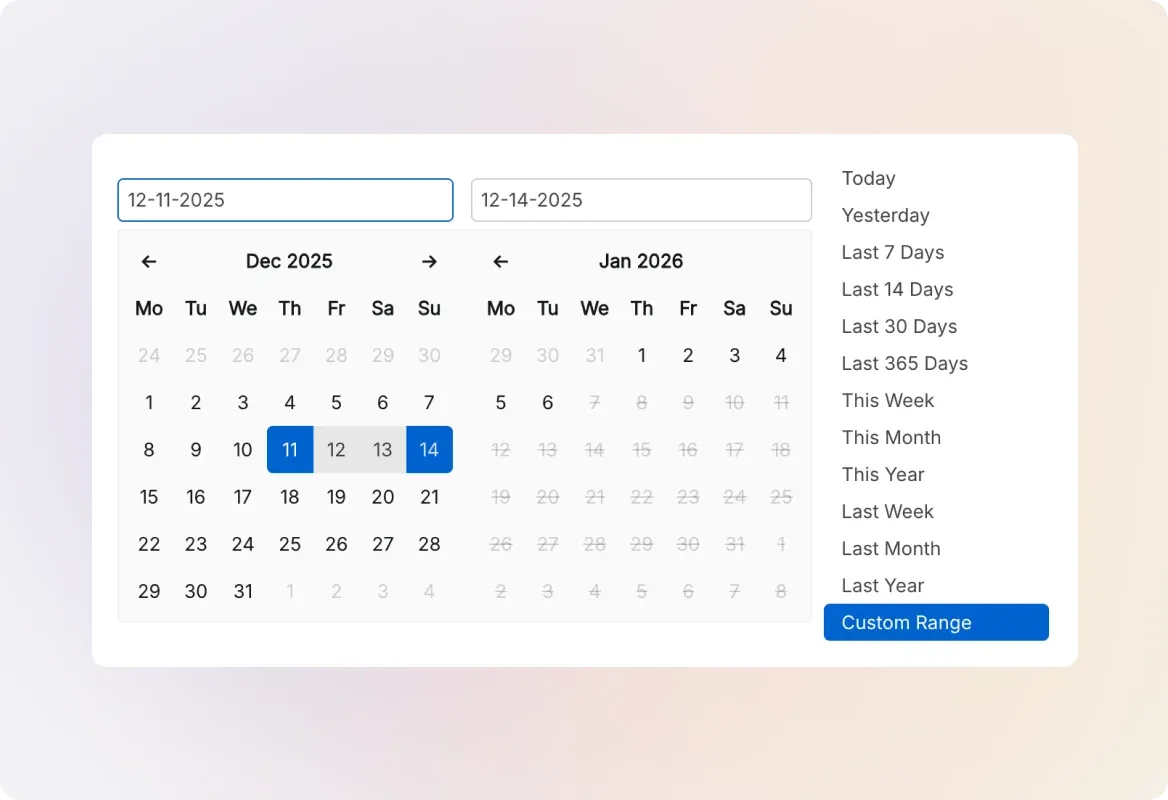
Narrow down your report to specific ticket categories and custom time ranges. All statistics update based on tickets that had an SLA watch during your selected period.
Frequently asked questions.
What is the update frequency of the SLA report?
SLA reports are updated every hour automatically. You can also use the "Refresh" button to pull in the latest statistics whenever you need them.
Are disabled or deleted SLAs included in the SLA report?
Yes. Both disabled and deleted SLAs are included in the report statistics, provided they monitored at least one ticket in the selected time range.
How are multiple breaches within the same ticket counted?
It depends on the metric. "Tickets Breached" counts multiple breaches within the same ticket as one. The "# Breaches" metric counts each breach separately for more granular tracking.
What pricing plans include SLA Reports?
SLA Reports are available on Team and above pricing plans.
How many SLAs can I view in the detailed breakdown?
The "By SLA - Expanded" table displays a maximum of 100 SLAs. You can use the search bar to find specific SLAs or sort columns to identify top and bottom performers.