Rules Triggered
See the count of smart rules triggered at least once during your selected time-frame
 Help Desk
Trusted by Industry-Leading Companies




“You've set up Smart Rules to automate your support workflows—but how do you know they're performing? Without visibility into automation activity, you're flying blind. Smart Rules Report puts the data in your hands, helping you monitor which rules are firing, how often they trigger, and which tickets they're impacting. Make informed decisions to continuously improve your automation strategy.”
The Smart rules report summary gives you instant insight into your automation performance.
See the count of smart rules triggered at least once during your selected time-frame
Track how many times your smart rules fired across all tickets
Monitor how many tickets had at least one smart rule trigger
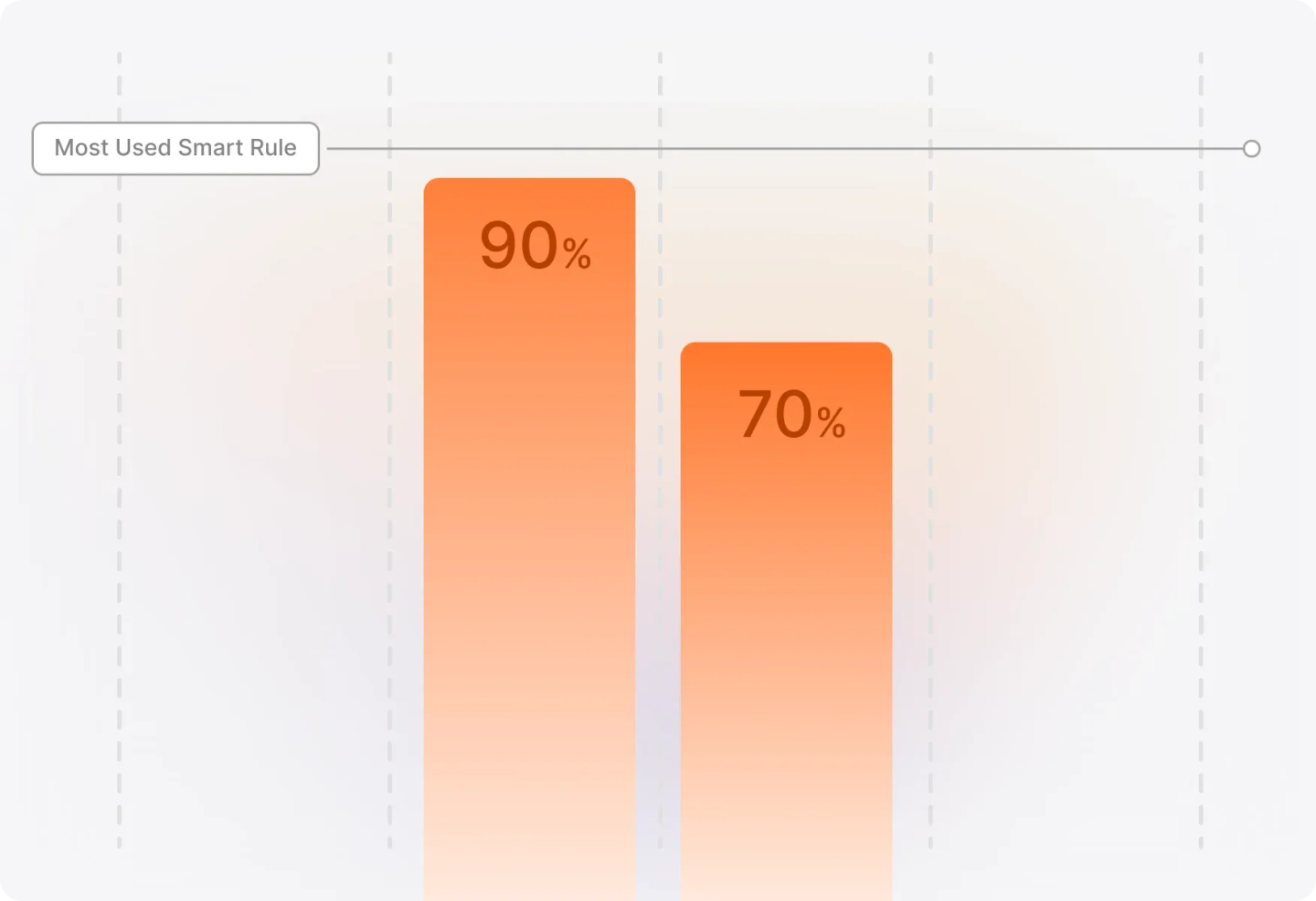
Dive deep into each smart rule's performance. View distribution across two key metrics: Times Triggered and Tickets Applied. This side-by-side comparison helps you quickly identify which rules are most active and spot high-frequency automation patterns.
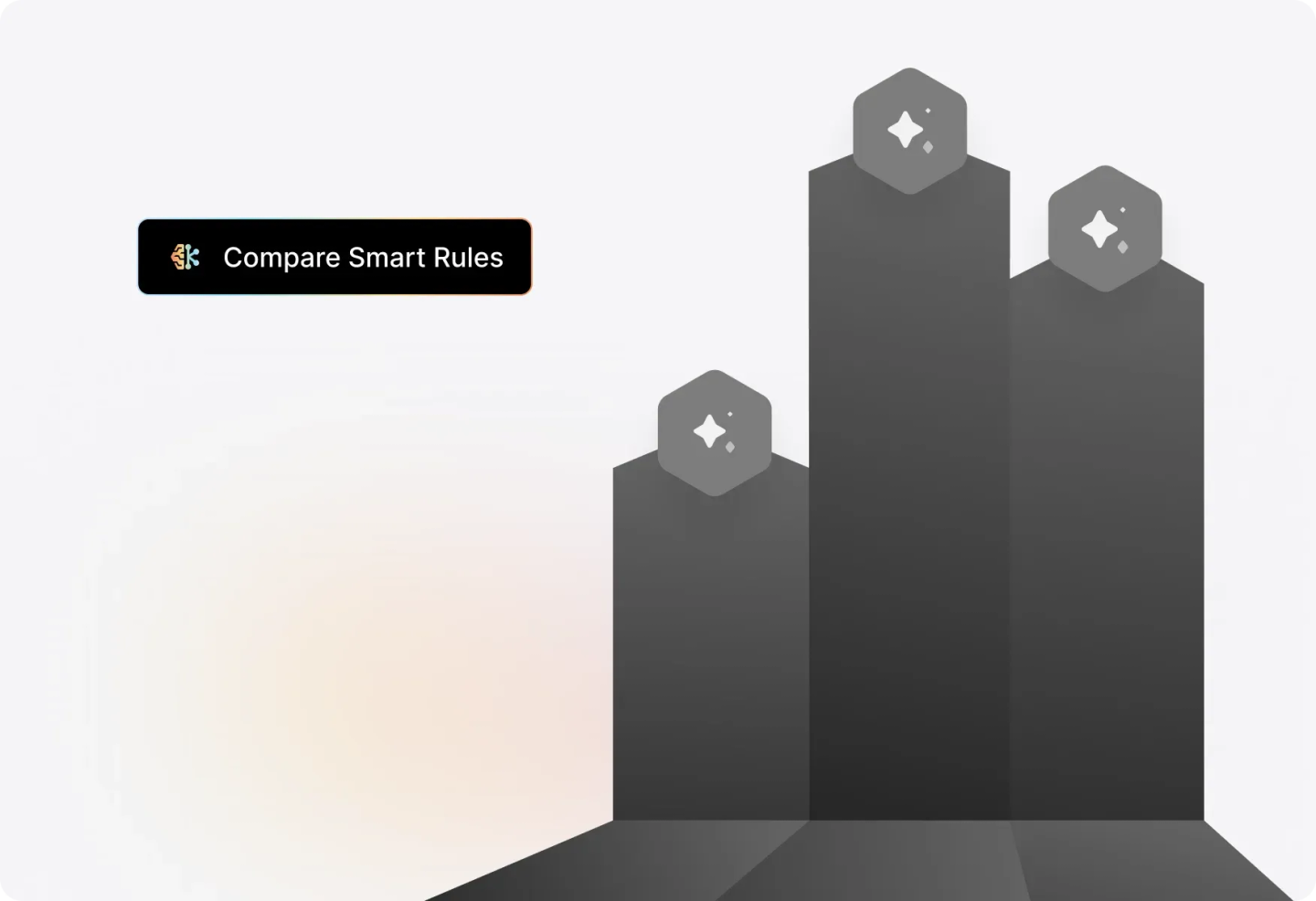
Quickly compare one metric's value relative to another and identify which smart rules have a high Times Triggered to Tickets Applied ratio - revealing rules that fire repeatedly on the same tickets.
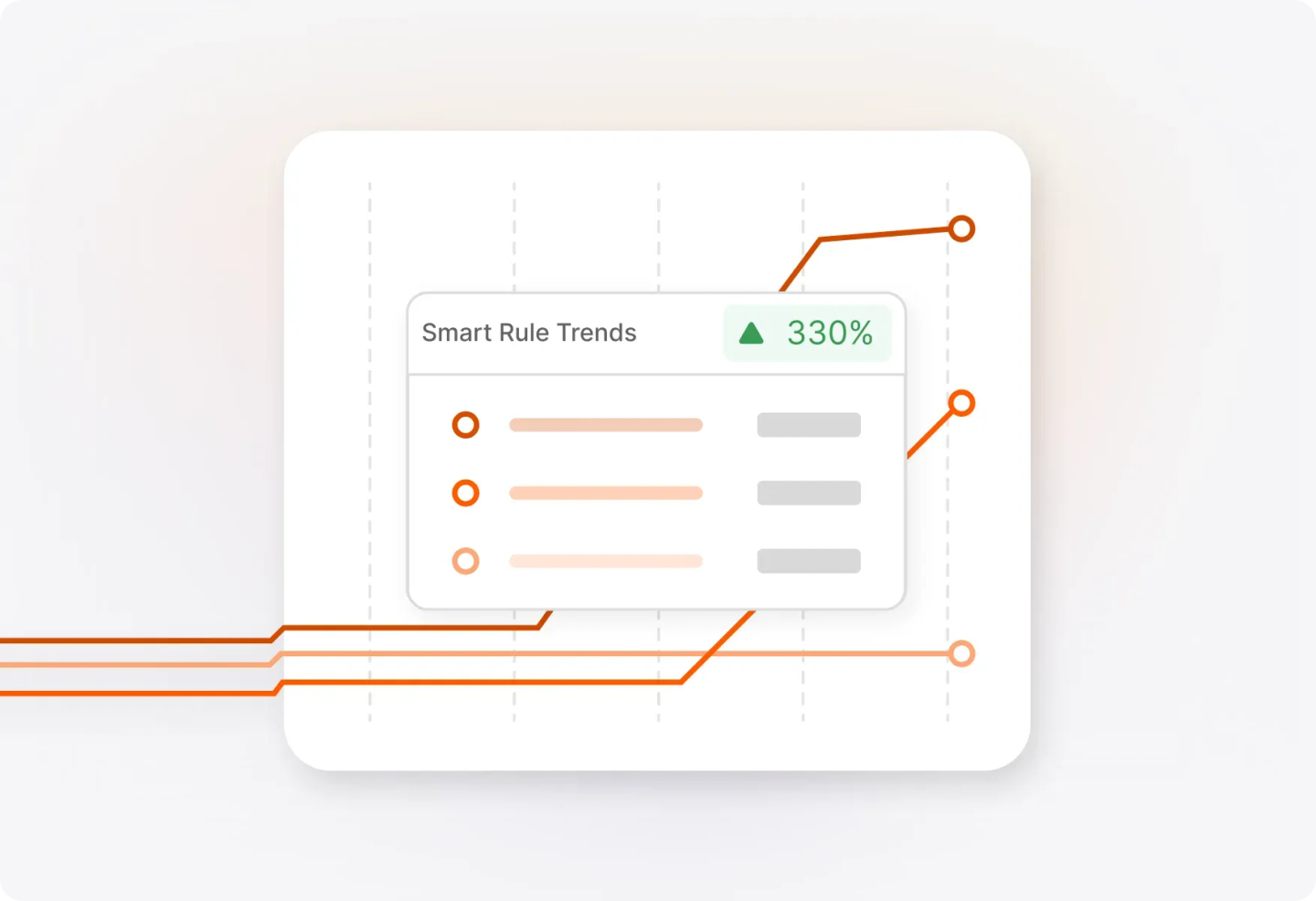
Track automation activity over time with flexible visualization options: Timeline Table, Heatmap, and Line Graph to track trends and benchmark one Smart Rule against another. Refine your view by hour, day, month, quarter, or year to identify patterns and optimize your automation timing.
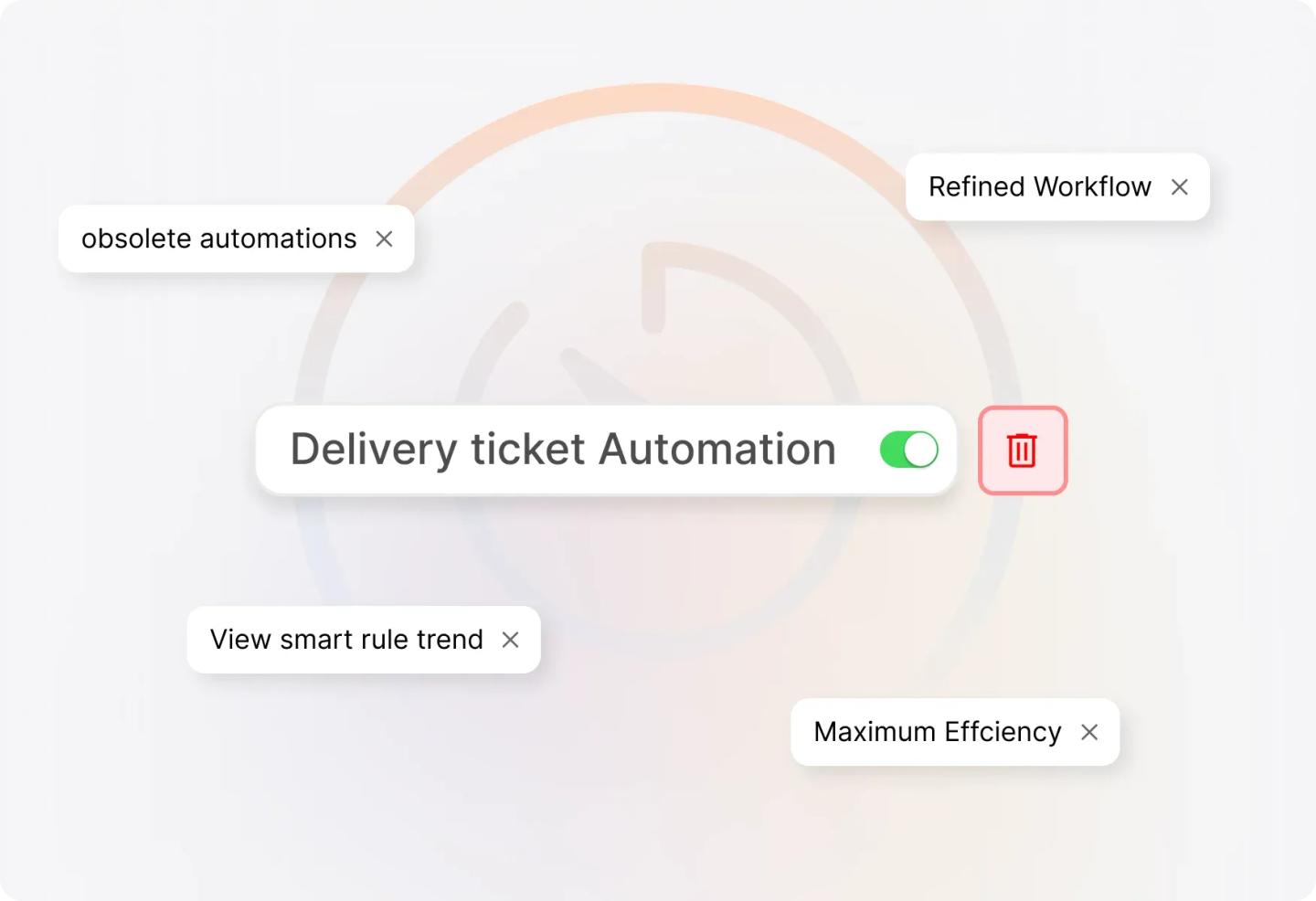
Deleted Smart rules still count in your report statistics—as long as they had at least one trigger during your selected time-frame. Plus, you can view the count of active, disabled, and deleted smart rules right from the Smart Rules overview tab.
Smart Rules Report is a reporting feature that helps you monitor and analyze the performance of your Smart Rules automations. It shows key statistics like how many rules were triggered, how often they fired, and how many tickets were affected during any time period you select.
You can track three key metrics: Smart Rules (count of rules triggered at least once), Times Triggered (total number of times rules fired across tickets), and Tickets Applied (count of unique tickets that had at least one rule trigger).
Smart Rules Report offers three visualization options for tracking metrics over time: Timeline Table for detailed data, Heatmap for spotting high-activity periods at a glance, and Line Graph for tracking trends and comparing rules.
Yes! You can refine your visualization by hour, day, month, quarter, or year to identify specific patterns and benchmark automation performance over time.
Deleted Smart Rules still appear in your report statistics if they had at least one trigger during your selected time-frame. You can also view the count of active, disabled, and deleted rules in the Smart Rules overview tab.
Smart Rules Report is available on Fantastic and above pricing plans.