
Trusted by Industry-Leading Companies




The problem
“Support teams spend countless hours on repetitive tasks—categorizing tickets, assigning work, sending notifications, and updating ticket properties. These manual workflows not only slow down response times but also increase the risk of human error.”
HappyFox Smart Rules automates these workflows, helping your team deliver faster and more consistent support.
What smart rules make possible.
- Less Manual Work
- 85%
- Faster Responses
- 60%
- Time Saved
- 40%
Automate routine ticket management tasks
Reduce delays with automated ticket assignments and notifications for agents
Free up your team from repetitive administrative work
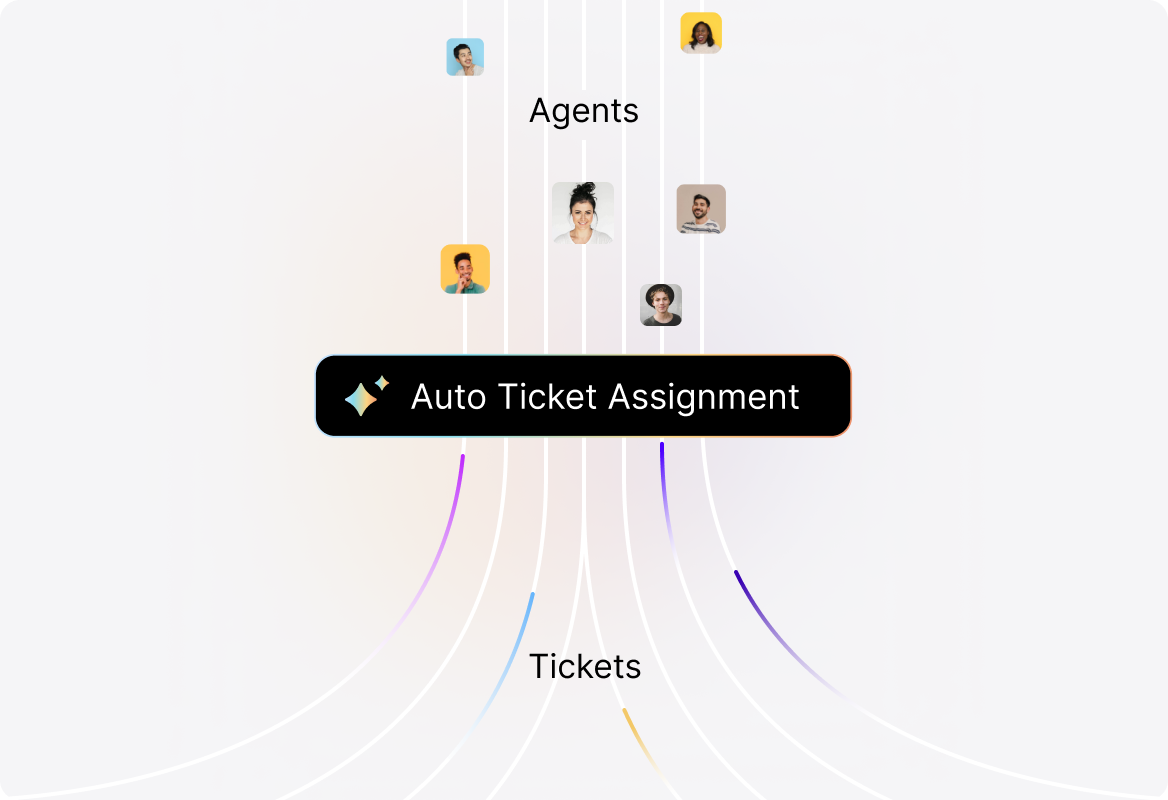
Automate Ticket Assignment
Ensure no ticket slips through the cracks. Automatically assign requests based on conditions like category, priority, or channel so customers get the right help from the right agent instantly.
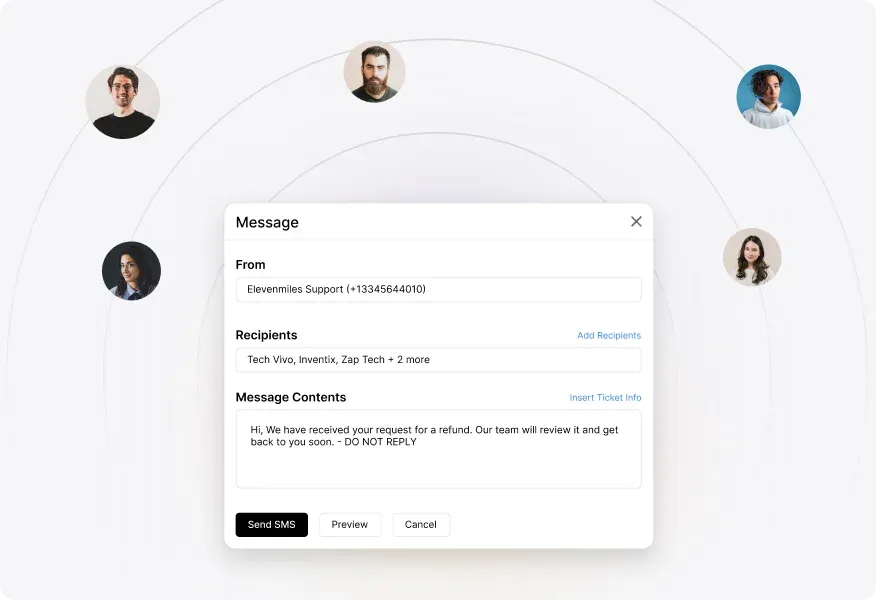
Enable Smart Communications
Keep everyone in the loop without lifting a finger. Trigger customized emails or SMS updates to customers, agents, or third parties the moment ticket conditions are met.
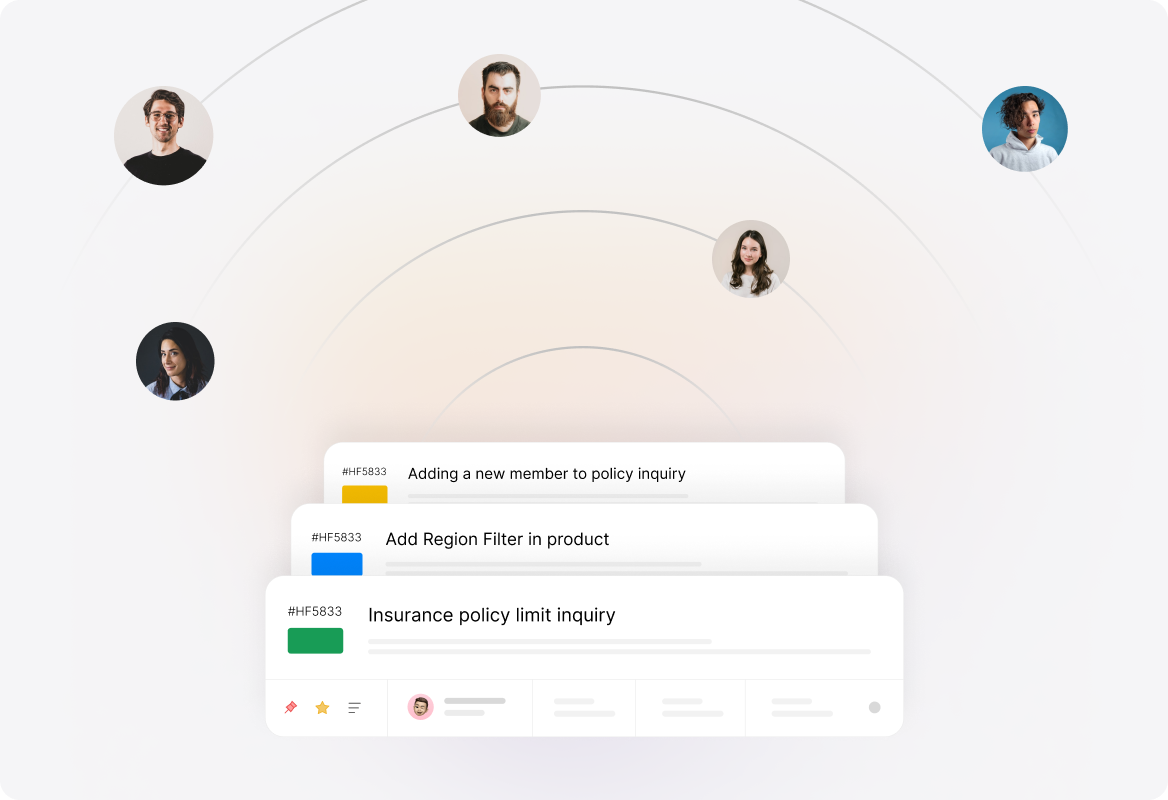
Streamlined Ticket Management
No more ticket clutter. Auto-close resolved issues, archive inactive tickets, and escalate overdue ones to keep your queue clean and your SLAs protected.
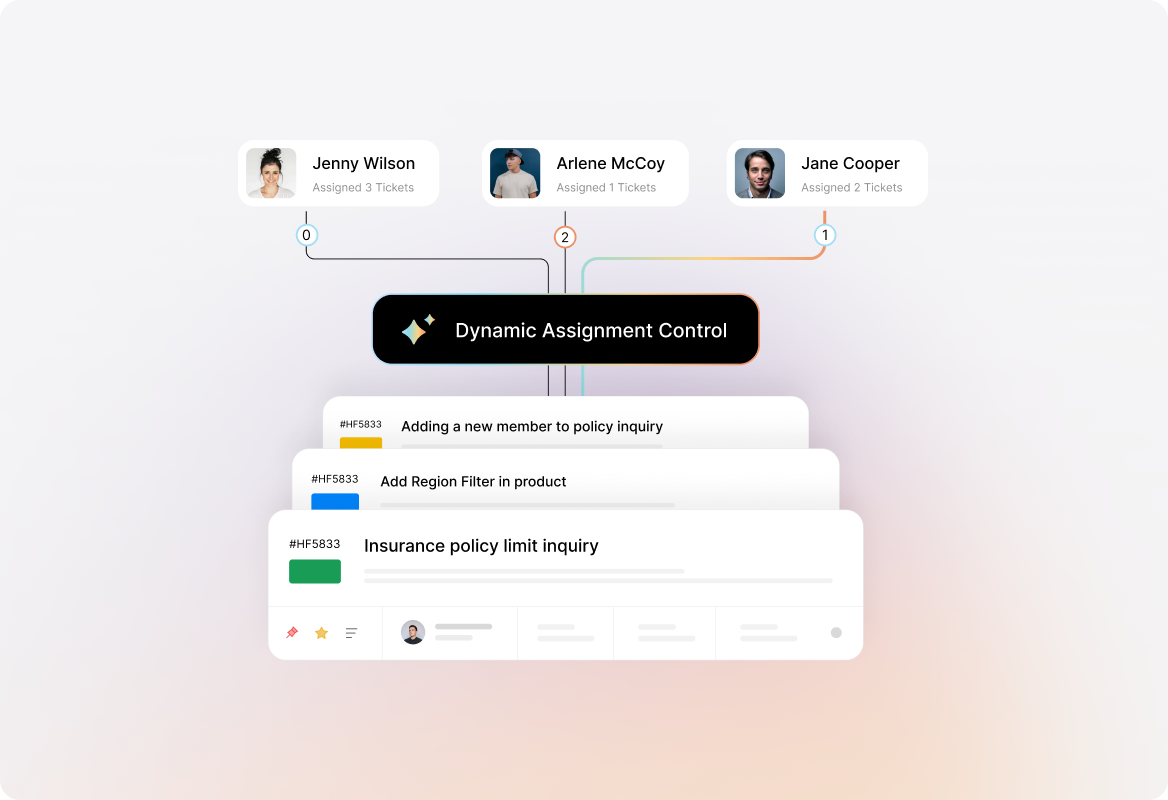
Dynamic Ticket Assignment
Distribute tickets intelligently based on agent availability, first response, or last interaction, keeping conversations moving without delays.
Time-Based Automation
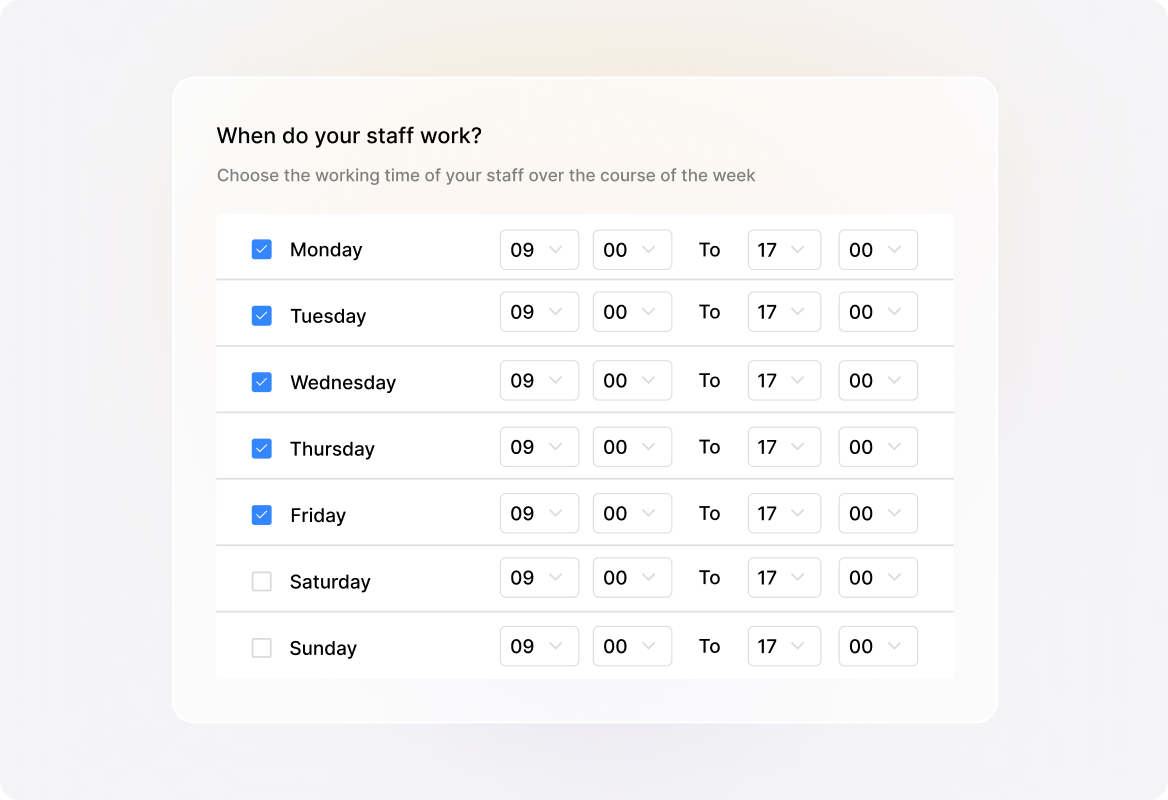
Schedule actions around working hours, manage due dates automatically, and keep customer expectations aligned with agent availability
Connect With External Tools
Trigger actions in external systems with conditional webhooks. Send real-time updates to Slack, push customer data into your CRM, or notify project management tools automatically, keeping every system in sync without manual effort.

Frequently asked questions.
What are Smart Rules in HappyFox Help Desk?
Smart Rules are automation workflows that eliminate repetitive manual tasks in customer support. By setting conditions and triggers, you can automatically assign tickets, send notifications, escalate issues, update ticket properties, or close inactive tickets. This ensures faster responses, fewer errors, and more consistent support for your customers.
Can Smart Rules be customized for different departments or ticket categories?
Yes. You can create unique Smart Rules tailored to specific teams, ticket categories, or departments. For example, IT issues can be routed to your technical support team, while billing inquiries can go directly to your finance team. This ensures tickets always reach the right person, without manual intervention.
Do Smart Rules support multi-condition workflows?
Absolutely. You can set up multiple conditions (like ticket priority + customer type + category) to trigger a specific automation. This allows precise control over how tickets are routed and handled.
Can Smart Rules handle time-sensitive and SLA-based tasks?
Yes. Smart Rules can escalate overdue tickets, adjust due dates, or send reminders based on SLA policies. They also support time-based triggers aligned with your business hours.
How easy is it to set up Smart Rules?
Creating Smart Rules in HappyFox is simple and requires no coding. The interface allows you to define conditions and actions through a few clicks, making automation accessible for non-technical teams.