Trusted by Industry-Leading Companies




The problem
“Support tickets can contain sensitive information. Teams need clear control over who can access that information and how account activity is tracked.”
Use authentication, access restrictions, permissions, and audit logs to manage access to your help desk.
Security controls for your team.
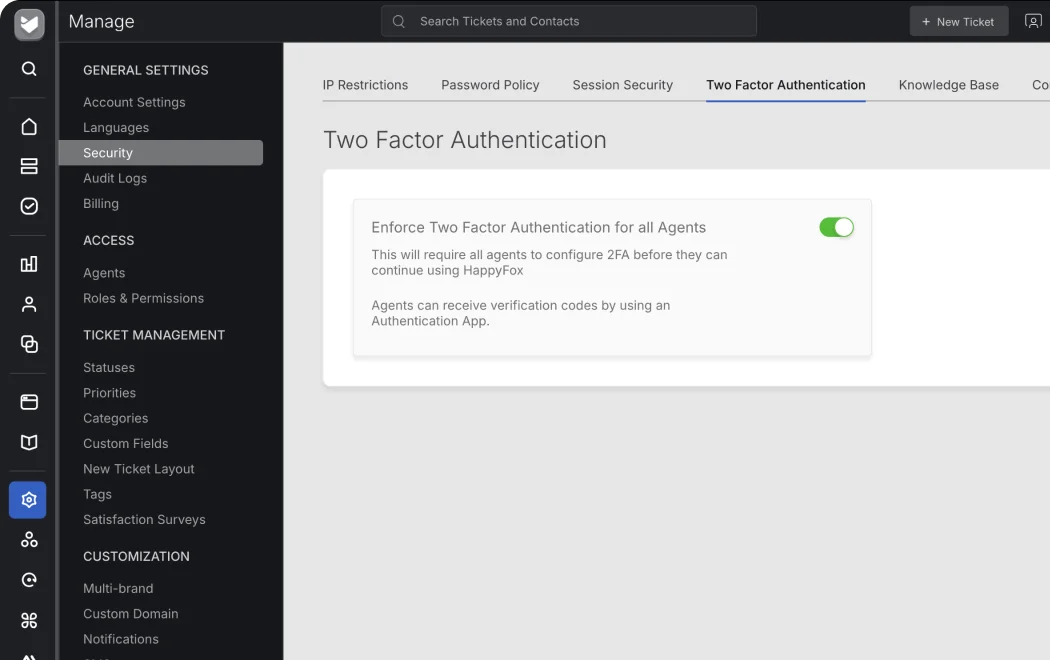
Use two-factor authentication, audit logs, and access controls to help protect support data and reduce unauthorized access.
Encrypted portal connections.
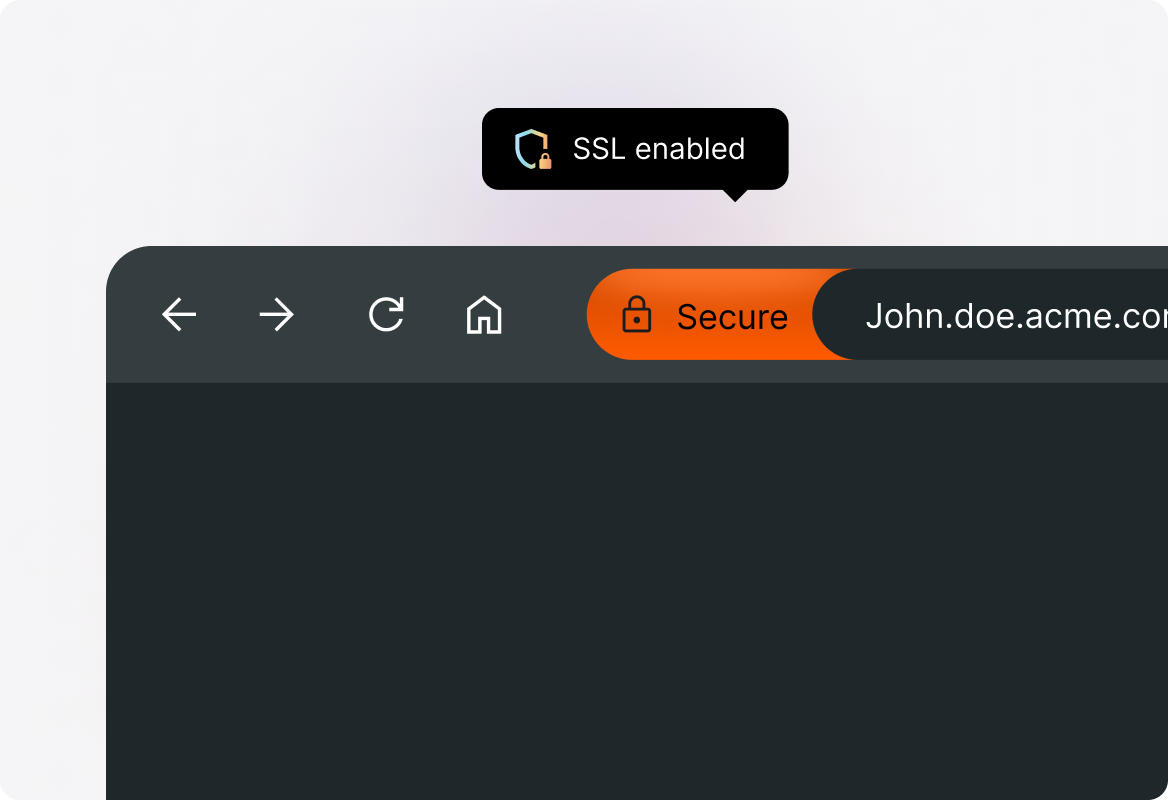
Support portals use HTTPS to encrypt communication between customers and the help desk.
How is your data handled?
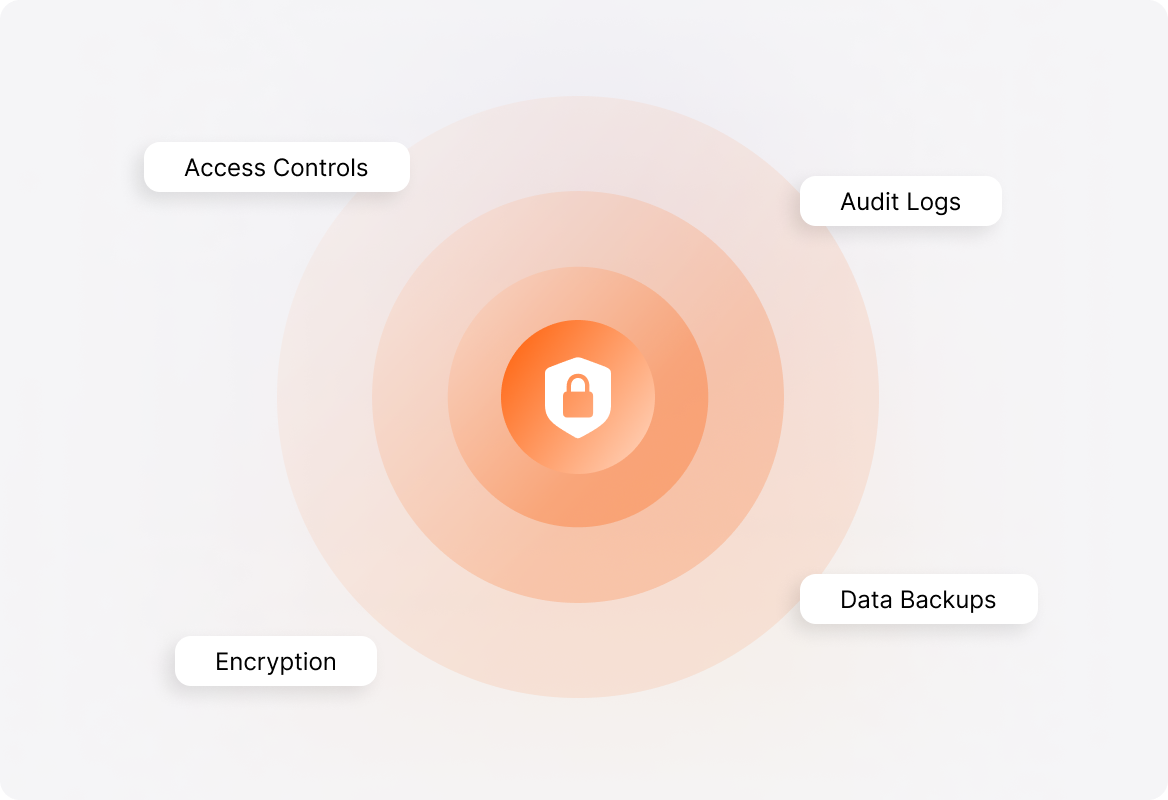
Audit logs help your team review ticket changes and account activity.
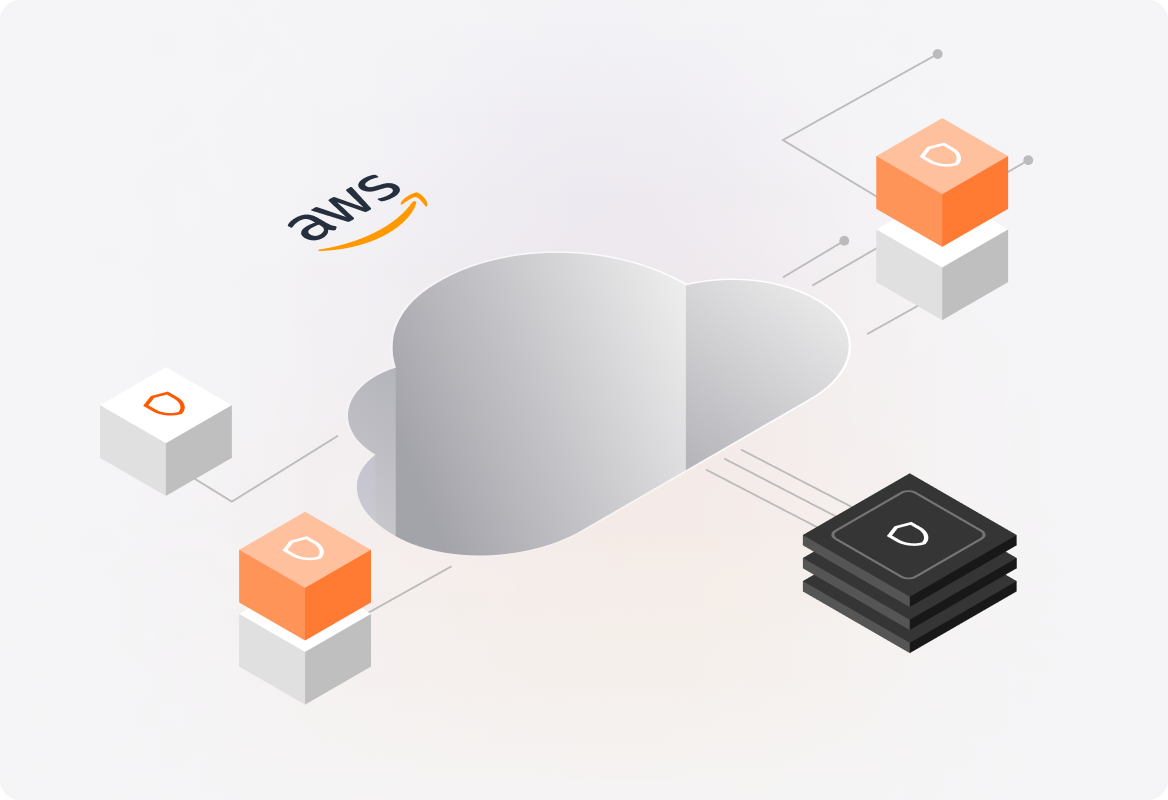
Safe Cloud
HappyFox is hosted on Amazon Web Services.
Role-based security
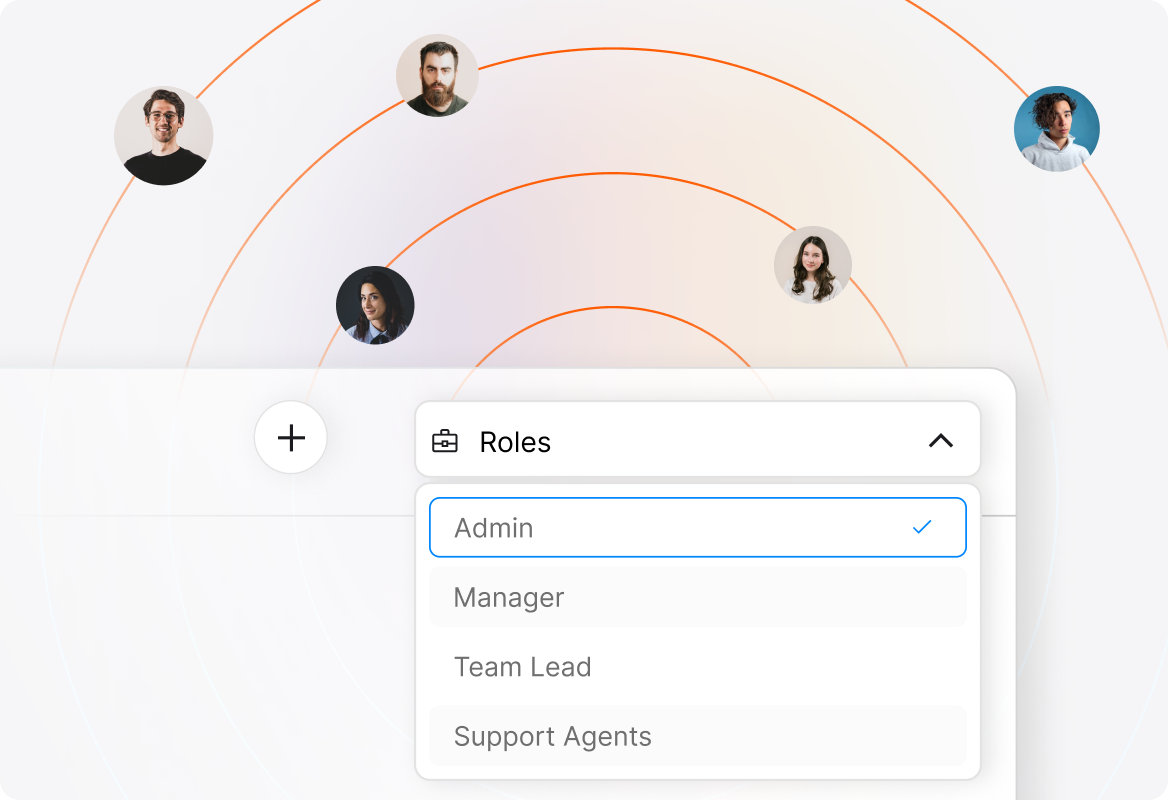
Create a web of internal security by providing role-based permissions. Let the roles assigned to your support agents take precedence in deciding who gets access to data and who is allowed to take critical actions.
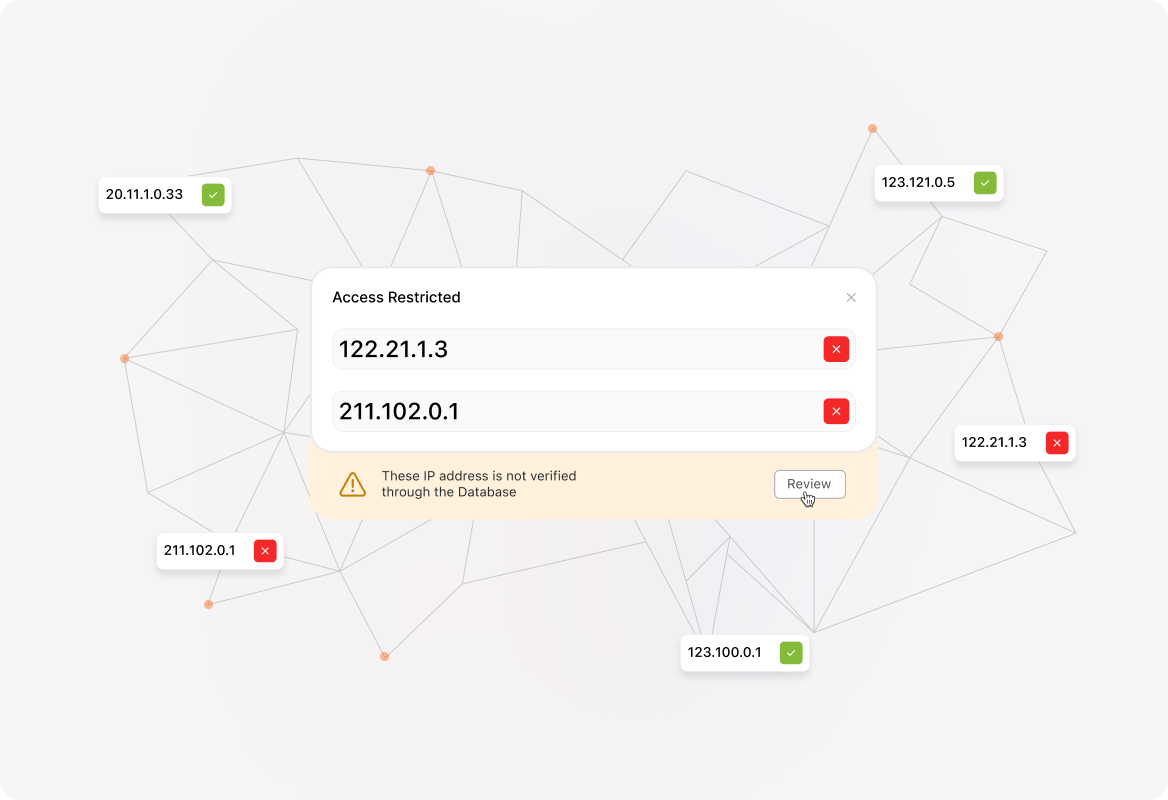
Restrict access based on IPs
HappyFox can also confine access to only a specific set of IPs. If you want only your company members to use HappyFox, include only your company IP to the list of allowed IPs and all other IPs will be automatically denied access.