Support Agents
Creating and tracking follow-up tasks directly from customer tickets.
 Help Desk
HappyFox Help Desk integration
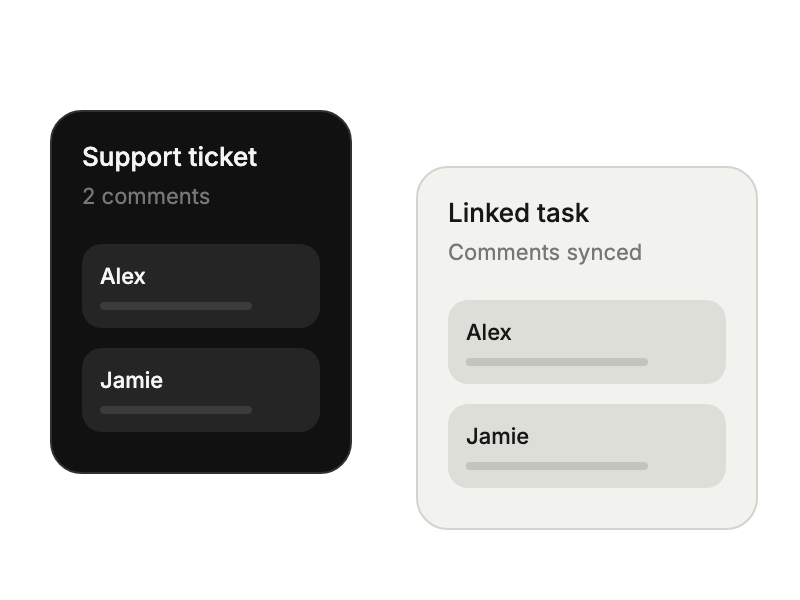
Create linked Todoist tasks with two-way comment sync.

Find Todoist under Project Management in HappyFox Apps.
Authorize the connection in Todoist and return to HappyFox.
Choose how ticket replies, private notes, and task comments travel between tools.
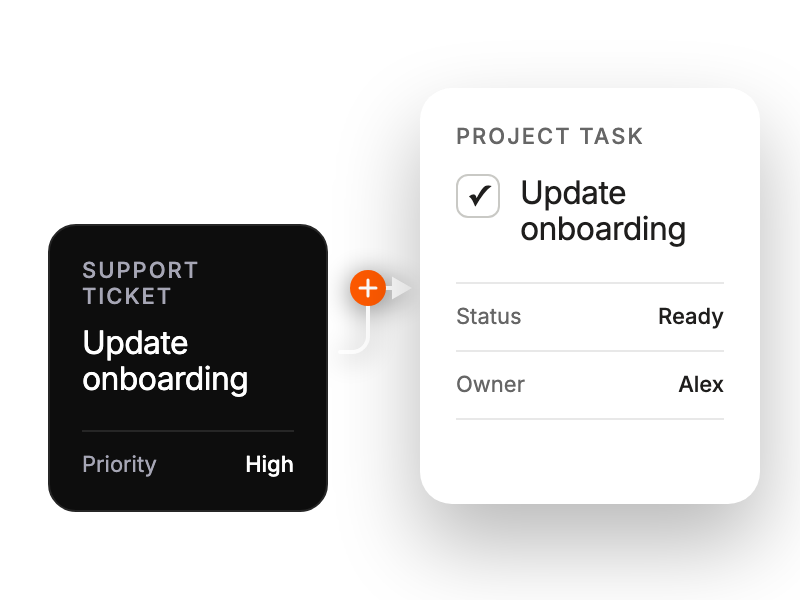
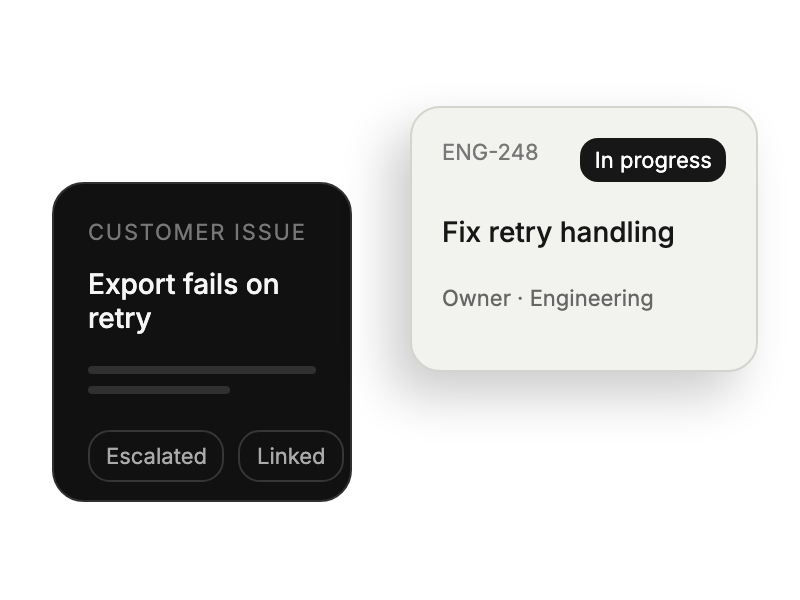
Creating and tracking follow-up tasks directly from customer tickets.
Monitoring team workload and task completion across both platforms.
Integrating support deliverables into broader project workflows.
Tracking bug fixes and feature requests through development cycles.