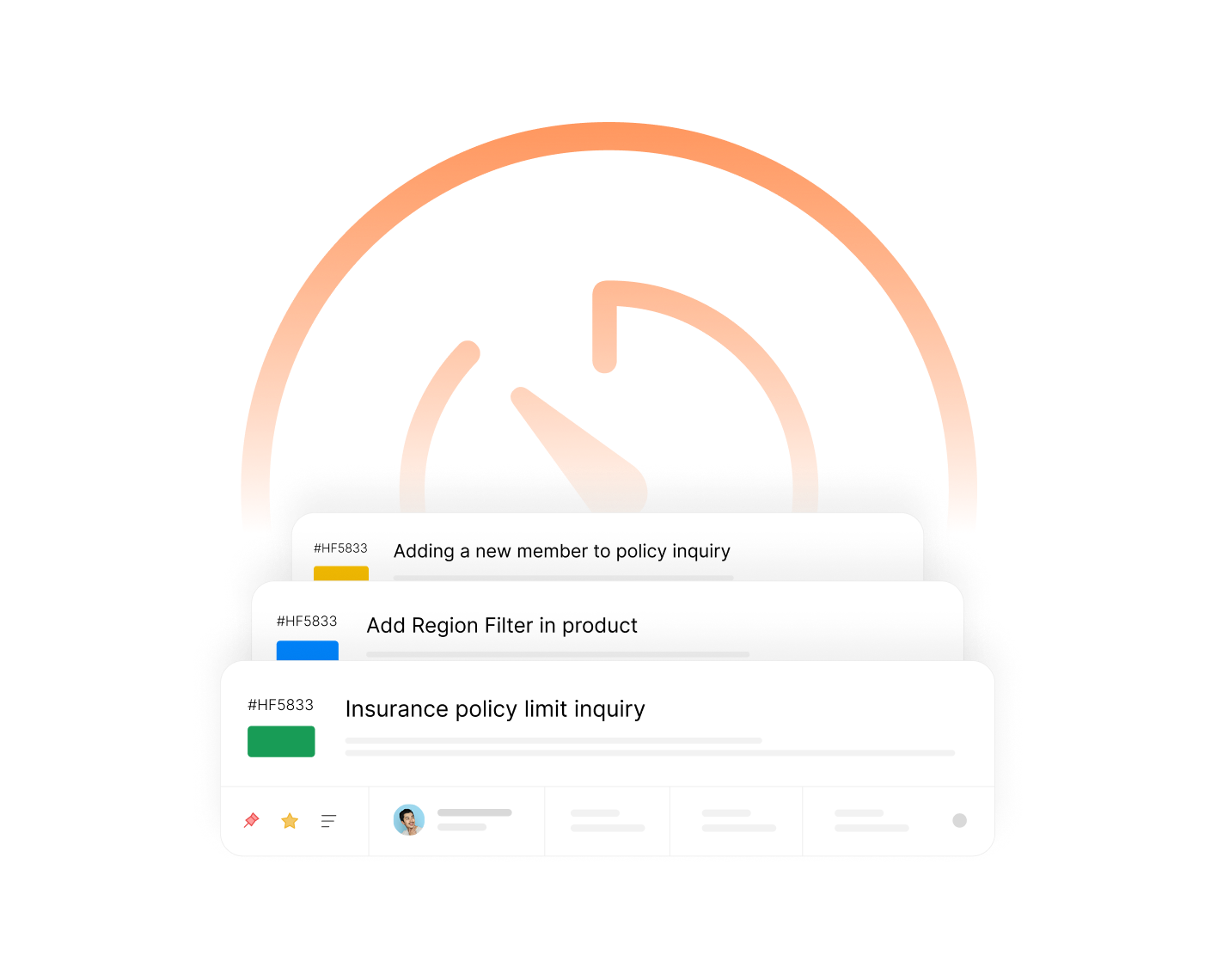
Combine Tickets. Simplify Support. Resolve Faster.
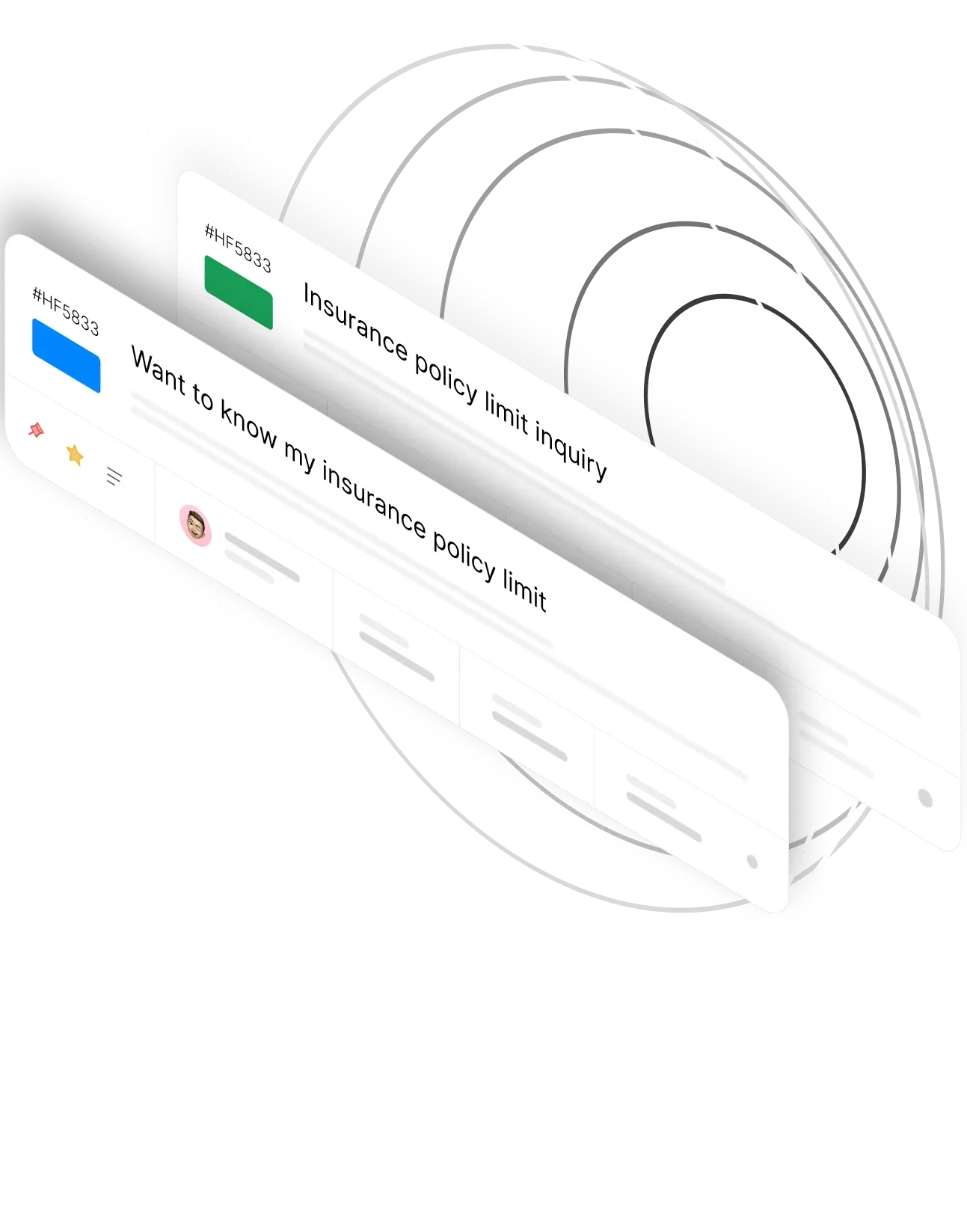
When customers send multiple messages about the same issue, things get messy. Merge Tickets brings everything together in one place—so your team can focus on solving problems, not sorting through duplicates.
darwinbox Dartmouth Planned Parenthood_Customer Logo Pinewood School_Customer Logo loanlogics Medipulse North Country Healthcare_Customer Logo Whirlpool_Customer Logo Improved Racing_Customer Logo Slam_Customer Logo Sonny's BBQ_Customer Logo Minnnetronix_Customer Logo renoworks_Customer Logo darwinbox Dartmouth Planned Parenthood_Customer Logo Pinewood School_Customer Logo loanlogics Medipulse North Country Healthcare_Customer Logo Whirlpool_Customer Logo Improved Racing_Customer Logo Slam_Customer Logo Sonny's BBQ_Customer Logo Minnnetronix_Customer Logo renoworks_Customer Logo darwinbox Dartmouth Planned Parenthood_Customer Logo Pinewood School_Customer Logo loanlogics Medipulse North Country Healthcare_Customer Logo Whirlpool_Customer Logo Improved Racing_Customer Logo Slam_Customer Logo Sonny's BBQ_Customer Logo Minnnetronix_Customer Logo renoworks_Customer Logo

Drowning in Duplicate Tickets?

When customers reach out multiple times about the same issue, your inbox fills up with scattered conversations. Agents waste time piecing together context, responses get duplicated, and customers get frustrated repeating themselves.

HappyFox Merge Tickets eliminates this chaos by combining related tickets into a single, unified thread—keeping communication centralized and resolutions on track.

Merge Tickets: One Conversation, One Resolution

Merge Tickets lets you combine multiple tickets from the same contact into a single ticket. This reduces clutter, keeps communication centralized, and makes it easier to manage resolutions from one place. Available in all HappyFox pricing plans.

10

Tickets at Once

Merge up to 10 source tickets into a single destination ticket

100%

Context Preserved

Attachments from merged tickets automatically transfer to the winning ticket

1-Click

Un-merge

Easily reverse merges when needed with simple un-merge functionality

Everything You Need to Merge Tickets Seamlessly

You Decide Which Ticket Wins

Flexible Merge Control

Take full control of your merge workflow. The ticket you start from is set as the source (losing) ticket by default, but you can easily change it. Uncheck it from the source list and select it as the destination (winning) ticket instead. Your merge, your rules.

ticket win

Merge Up to 10 Tickets at Once

Bulk Merge Capability

Dealing with a flood of related tickets? No problem. Select up to 10 source tickets and merge them all into a single destination ticket in one action. Perfect for handling email storms or customers who reach out across channels.

merge 10 tkts

Never Lose Important Files

Automatic Attachment Transfer

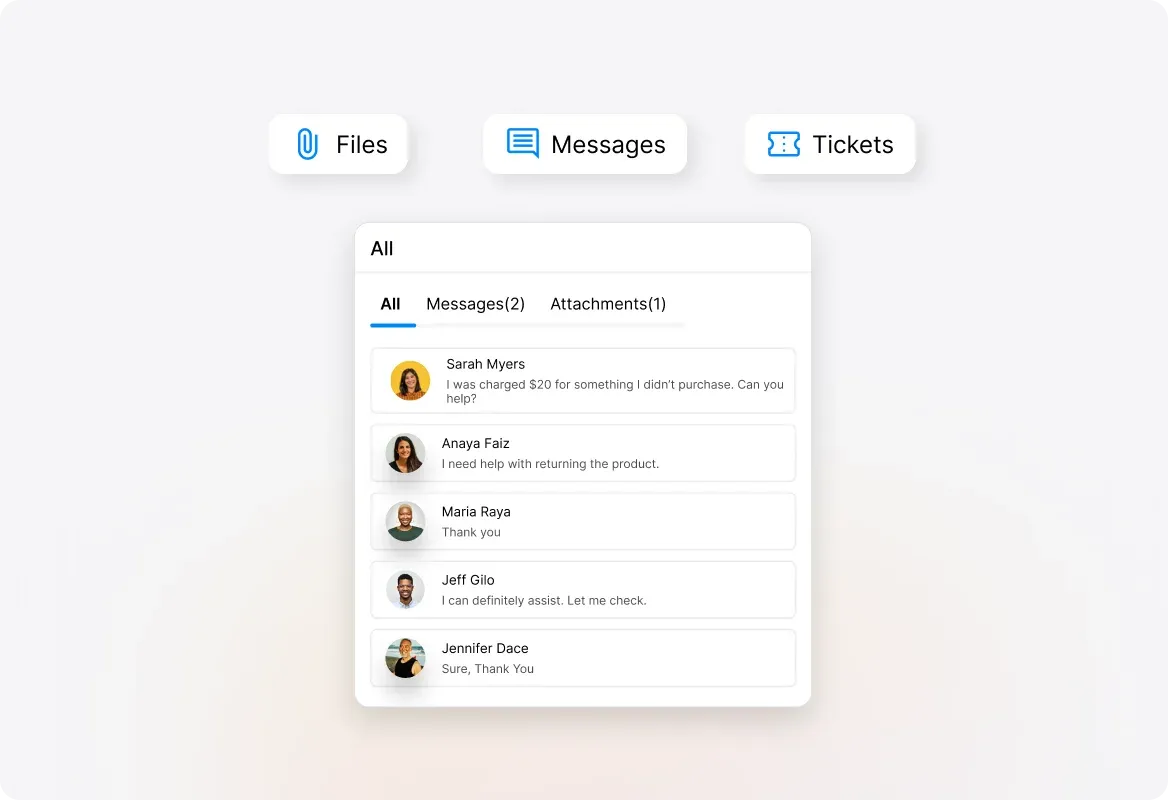
When you merge tickets, all attachments from the losing tickets automatically move to the winning ticket. No manual downloading and re-uploading, everything your team needs stays together in one place.
Important files

Keep Your Team in the Loop

Private Merge Notes

Add a merge note when combining tickets—it appears as a private note on the winning ticket, complete with links to all merged tickets. Your team always knows the full story without digging through multiple threads.

Keep team loop

Made a Mistake? Reverse It Instantly

Easy Un-merge

Merged the wrong tickets? No stress. Simply click the un-merge icon next to any merged ticket to separate them again. Access your merged ticket list anytime from the "Merged" tab under updates.
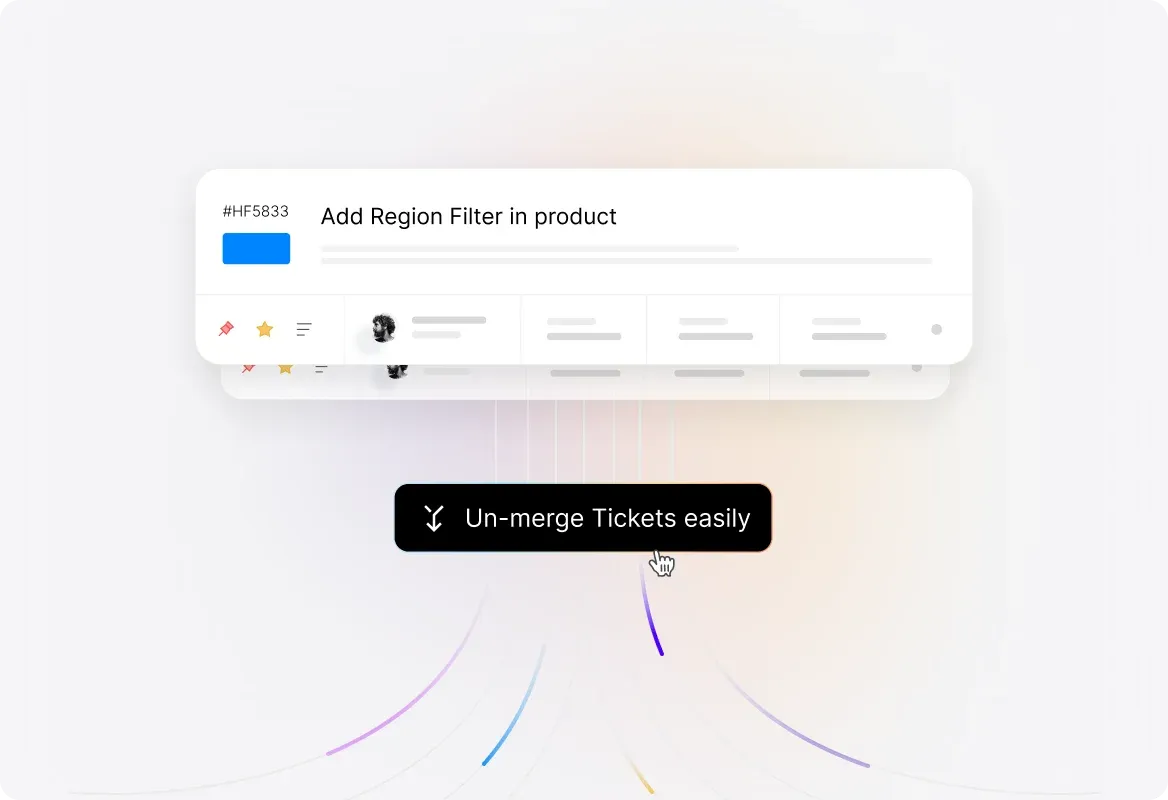
mistake reverse

Frequently Asked Questions

How does ticket merging work in HappyFox?
arrow
When you receive multiple tickets from the same contact about the same issue, you can merge them into a single ticket. Open the ticket you want to merge, click More Actions → Merge Tickets, select your source tickets (up to 10), choose a destination ticket, and click Merge. Attachments transfer automatically, and losing tickets move to a completed status.
Can I merge tickets from different contacts?
arrow
No, the merge action is only available for tickets created by the same contact. The contact must either have the same email ID or share the same name and phone number.
What happens to attachments when I merge tickets?
arrow
Attachments from the losing (source) tickets are automatically moved into the winning (destination) ticket after the merge. You won't lose any files.
Can I undo a ticket merge?
arrow
Yes! You can un-merge tickets by clicking the Un-merge icon next to the merged tickets. Navigate to the "Merged" tab under updates to access your merged ticket list.
How many tickets can I merge at once?
arrow
You can merge up to 10 source (losing) tickets into a single destination (winning) ticket at one time.
What happens to updates on merged tickets?
arrow
If a losing ticket has only one update, that update will be copied to the winning ticket. However, if a losing ticket has more than one update, its updates will not be copied forward—only single-update tickets carry their updates to the winning ticket.
Is Merge Tickets available on all plans?
arrow
Yes, Merge Tickets is available in all HappyFox pricing plans.

Ready to Simplify Your Ticket Queue?

Let us show you how Merge Tickets can help your team work smarter, not harder.

footer-banner-image