















One Helpdesk. Multiple Brands. Seamless Support.












Managing Multiple Brands Shouldn't Mean Multiple Headdesks
When you support multiple products or brands, things get messy fast. Separate helpdesk accounts mean scattered data, inconsistent support quality, and agents juggling between systems. Your customers deserve a tailored experience—but your team needs centralized control.
HappyFox Multi-Brand Helpdesk gives you the best of both worlds. Create distinct support centers with unique branding for each product or customer segment, while managing everything from one unified portal. Your customers see what's relevant to them. Your team sees the full picture.
What is Multi-Brand Helpdesk?
1
Unified Portal
Manage all brands from a single helpdesk account—no switching between systems
100%
Brand Customization
Unique support centers, knowledge bases, and email addresses for each brand
Zero
Duplicate Effort
Centralized management means your team works smarter, not harder
Everything You Need to Support Multiple Brands
Create Distinct Support Centers for Each Brand
Set up separate support centers targeting different customer segments or products. Each brand gets its own URL, name, and description—so customers always land in the right place.
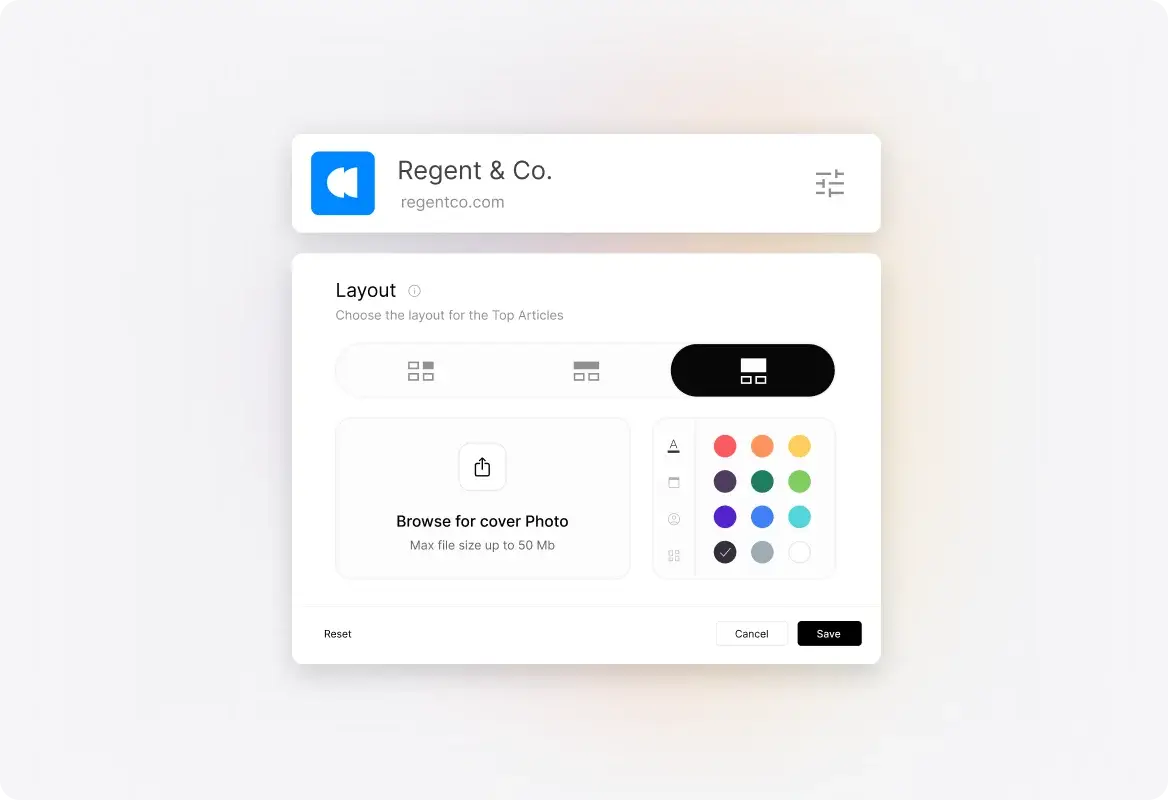
Customize Knowledge Bases Per Brand
Build dedicated knowledge bases for each brand with relevant articles and resources. Customers see only what's relevant to them, reducing confusion and support tickets.
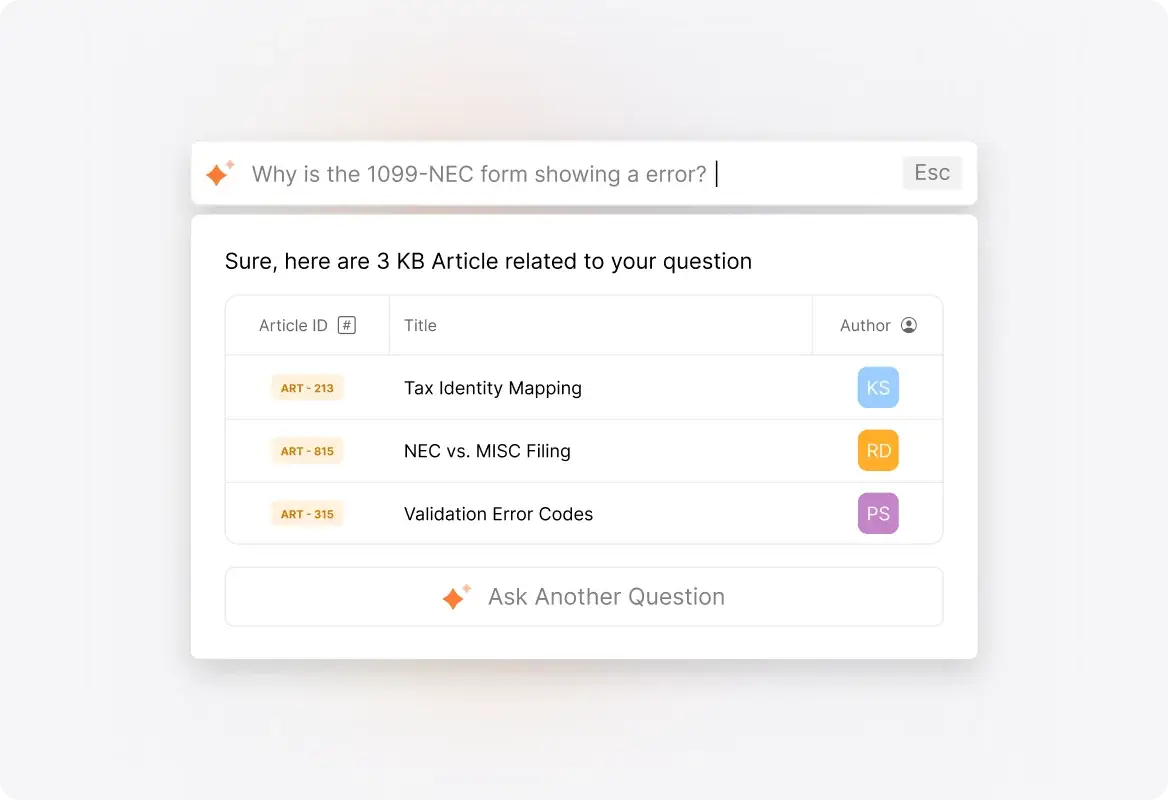
Unique Branding & Design for Every Product
Create unique content, design, and even custom favicons that reflect each brand's identity. Your support portal becomes a seamless extension of each product experience.
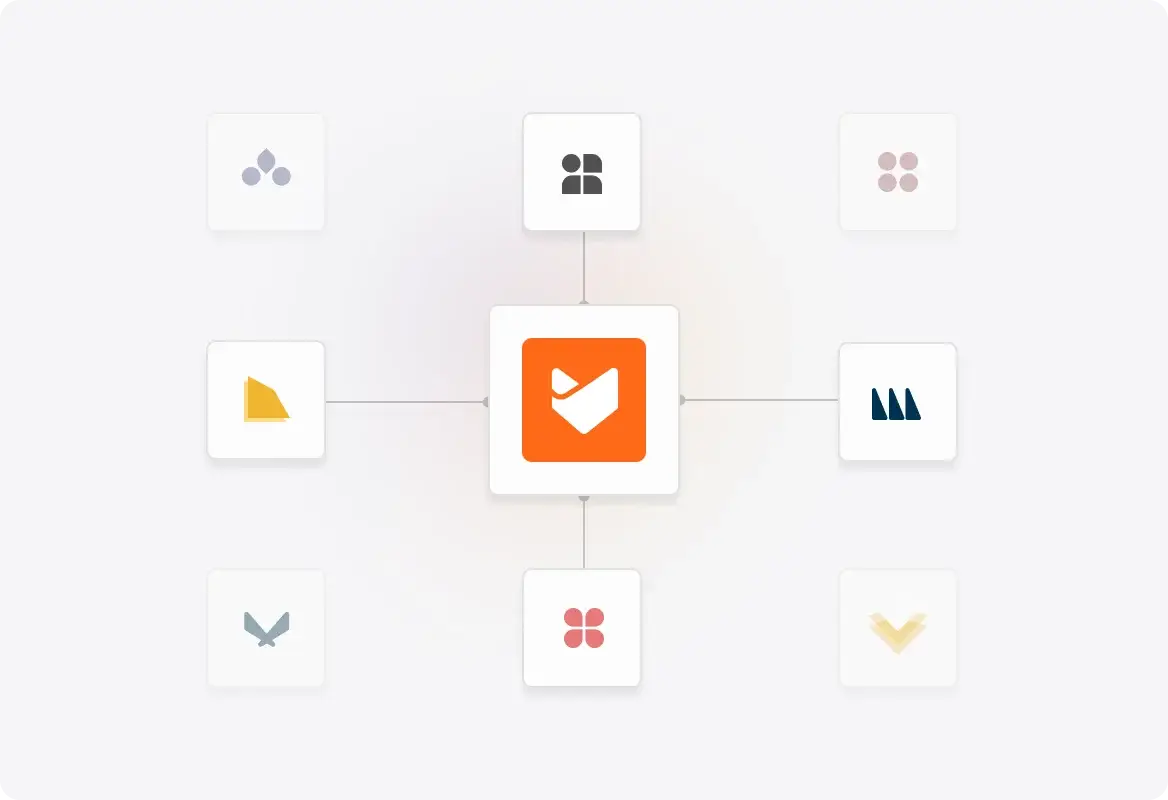
Dedicated Support Email Addresses
Configure unique support email addresses for each brand. Tickets automatically route to the right categories, keeping everything organized without manual sorting.
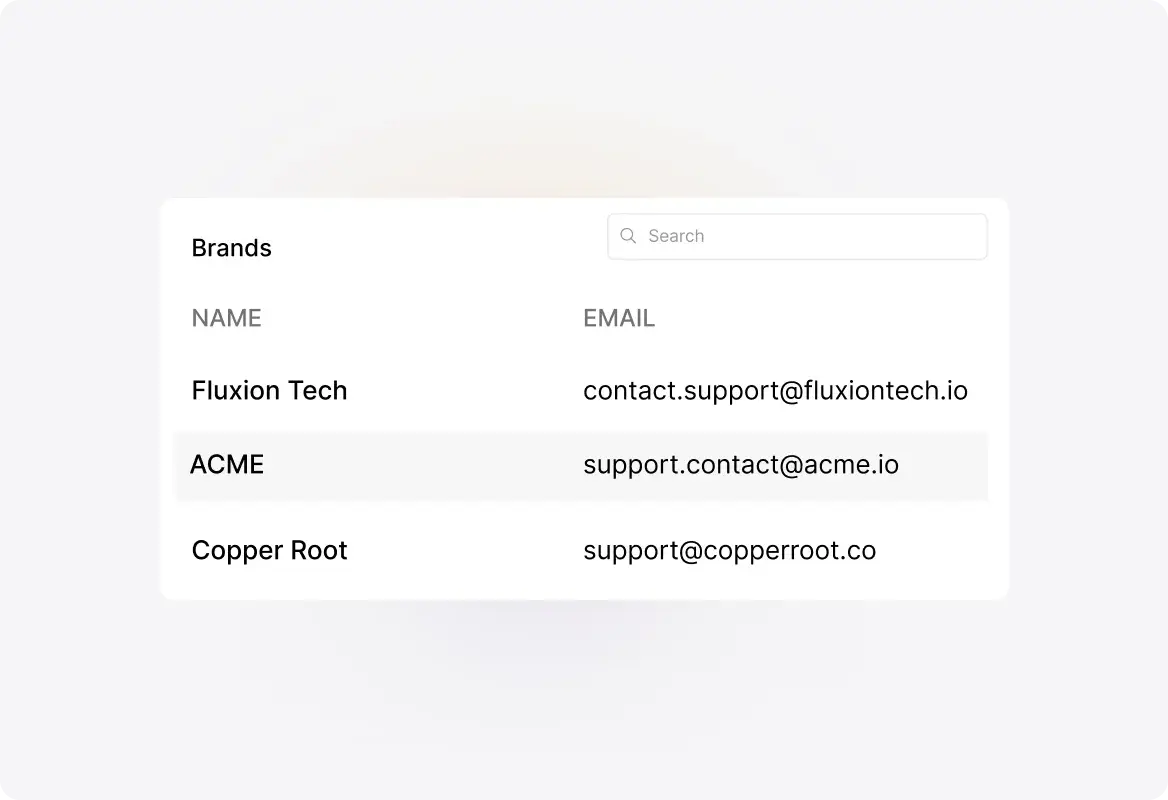
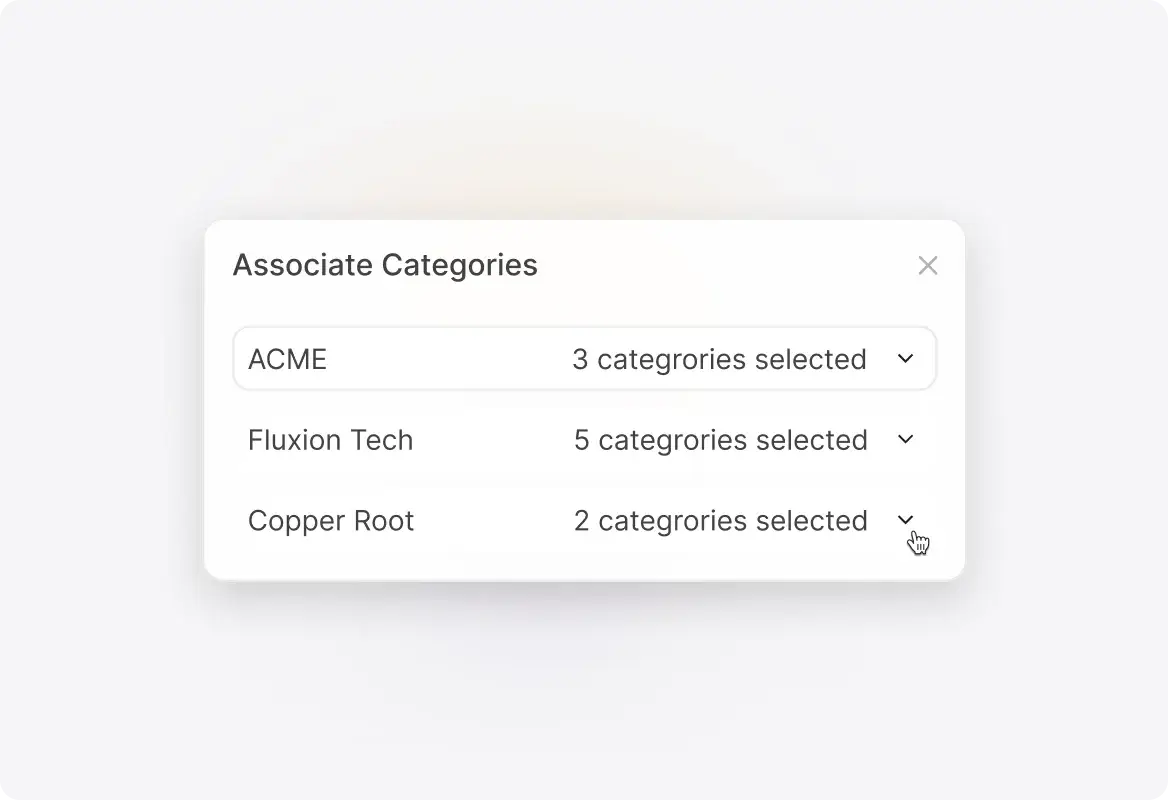
Associate Categories with Brands
Link specific ticket categories to each brand for automatic organization. When customers reach out, their tickets are instantly categorized and routed to the right team.
Explore Other HappyFox Features

FAQ's
One Portal. Every Brand. Total Control.
Stop juggling multiple helpdesks. Manage all your brands from one place while giving each customer a tailored support experience.

USE CASES
FOR BUSINESSES
FOR INDUSTRIES
For Teams


Copyright ©2026 HappyFox Inc. All rights reserved.