Turn IT Tickets into Resolved Cases Faster

Equip your IT support team with a help desk that cuts resolution time and eliminates process bottlenecks. HappyFox helps your IT team focus on what matters—solving technical problems, not managing ticket chaos.
trusted-companies-logo trusted-companies-logo trusted-companies-logo trusted-companies-logo trusted-companies-logo trusted-companies-logo trusted-companies-logo trusted-companies-logo trusted-companies-logo trusted-companies-logo trusted-companies-logo trusted-companies-logo trusted-companies-logo trusted-companies-logo trusted-companies-logo trusted-companies-logo trusted-companies-logo trusted-companies-logo trusted-companies-logo trusted-companies-logo trusted-companies-logo trusted-companies-logo trusted-companies-logo trusted-companies-logo

Why HappyFox for IT Teams?

IT support faces unique challenges: high ticket volumes, complex technical issues, and growing user expectations. HappyFox provides the tools needed to meet these demands efficiently.

45%

Reduction in average resolution time

30%

Decrease in ticket reopens

25%

Increase in first contact resolution

Key Challenges Faced by IT Teams

Managing Unpredictable Ticket Volume

IT teams struggle with sudden spikes in tickets during system outages or updates.

Tracking Assets & Software Licenses

Keeping track of hardware, software, and managing access requests creates administrative overhead.

Meeting SLA Requirements

IT teams need to prioritize urgent issues while balancing routine support tasks.

Complex Ticket Resolution

Many IT issues require multi-step processes or coordination across teams.

How IT Teams leverage HappyFox

Incident Management

Categorize incidents by severity, automate notifications to stakeholders, and track resolution progress in real-time. Use Smart Rules to escalate critical issues based on SLA timers.
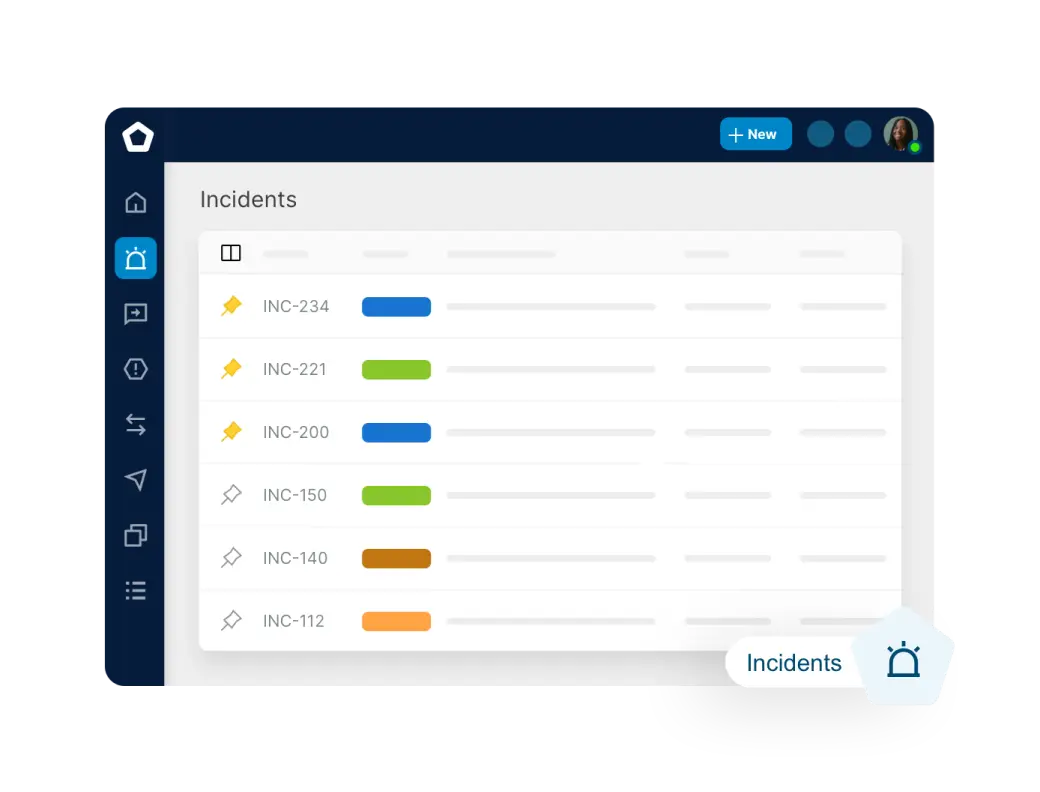
Incidents.original

Access & Permission Requests

Create dedicated ticket templates for access requests to capture all necessary information upfront. Set up approval workflows and automate provisioning notifications.
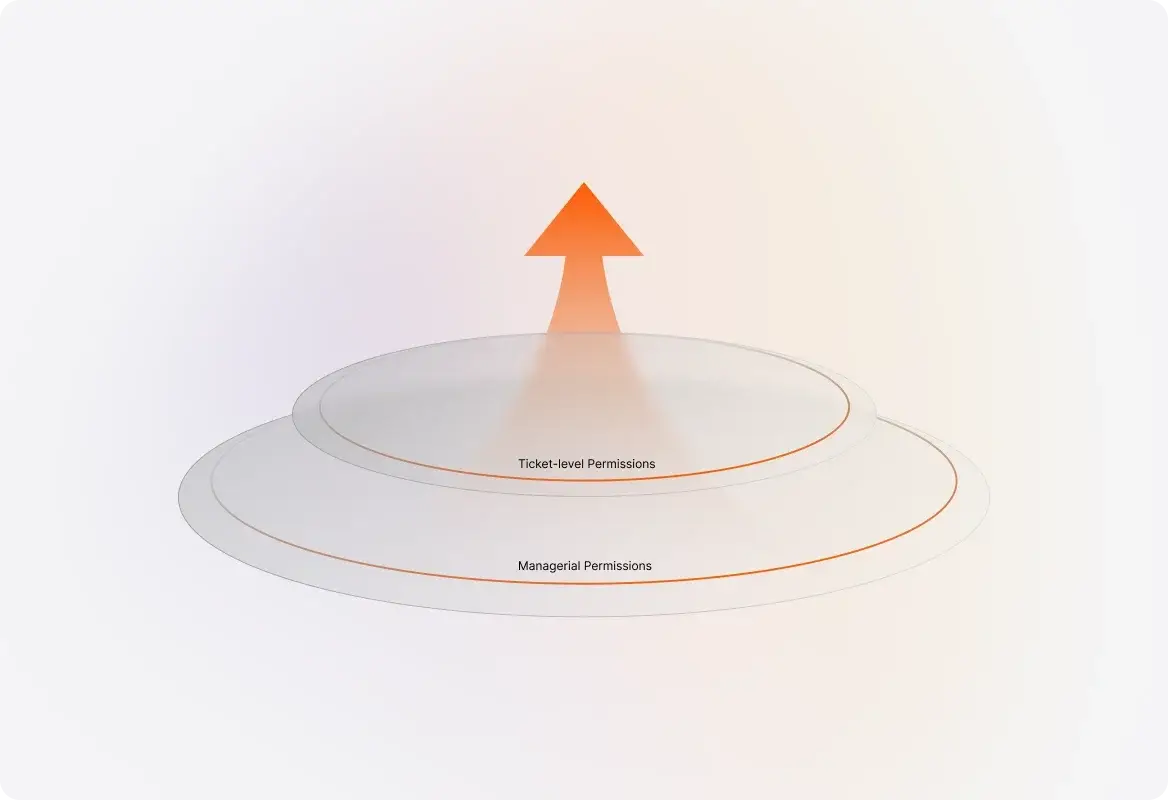
Two_Levels_of_Permissions_for_Maximum_Flexibil.original

Hardware & Software Support

Link support tickets directly to specific assets, track recurring issues, and build a searchable knowledge base of common solutions to technical problems.
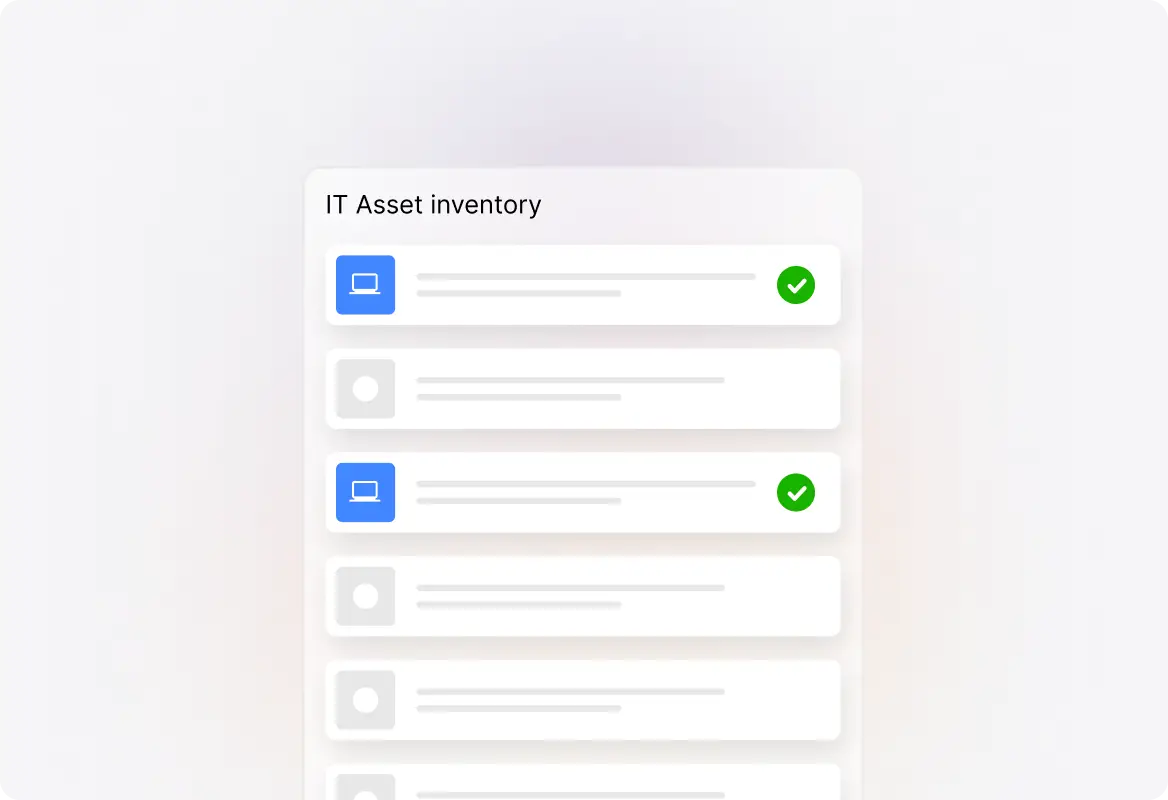
Asset_Management_1.original

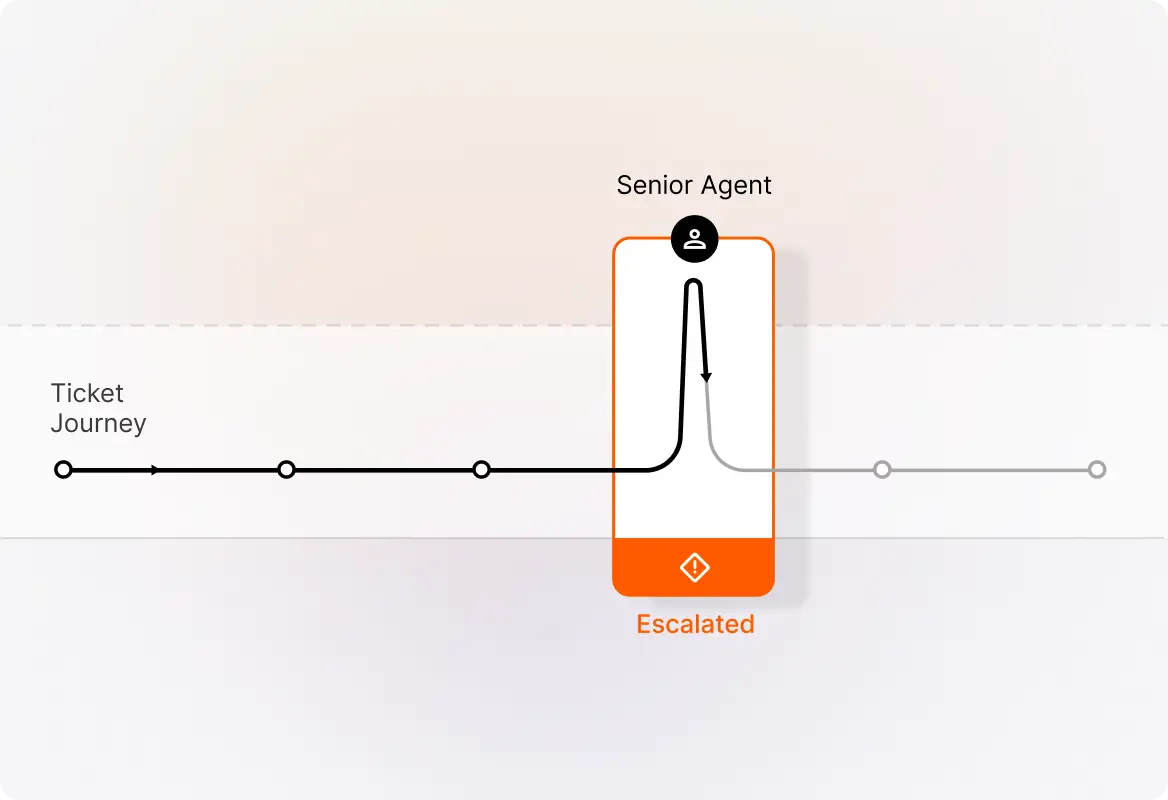
System Outage Communication

Use automated notifications to keep users informed during outages or maintenance. Create status update templates that can be quickly deployed when systems go down.
Customer_Escalation_Handling.original

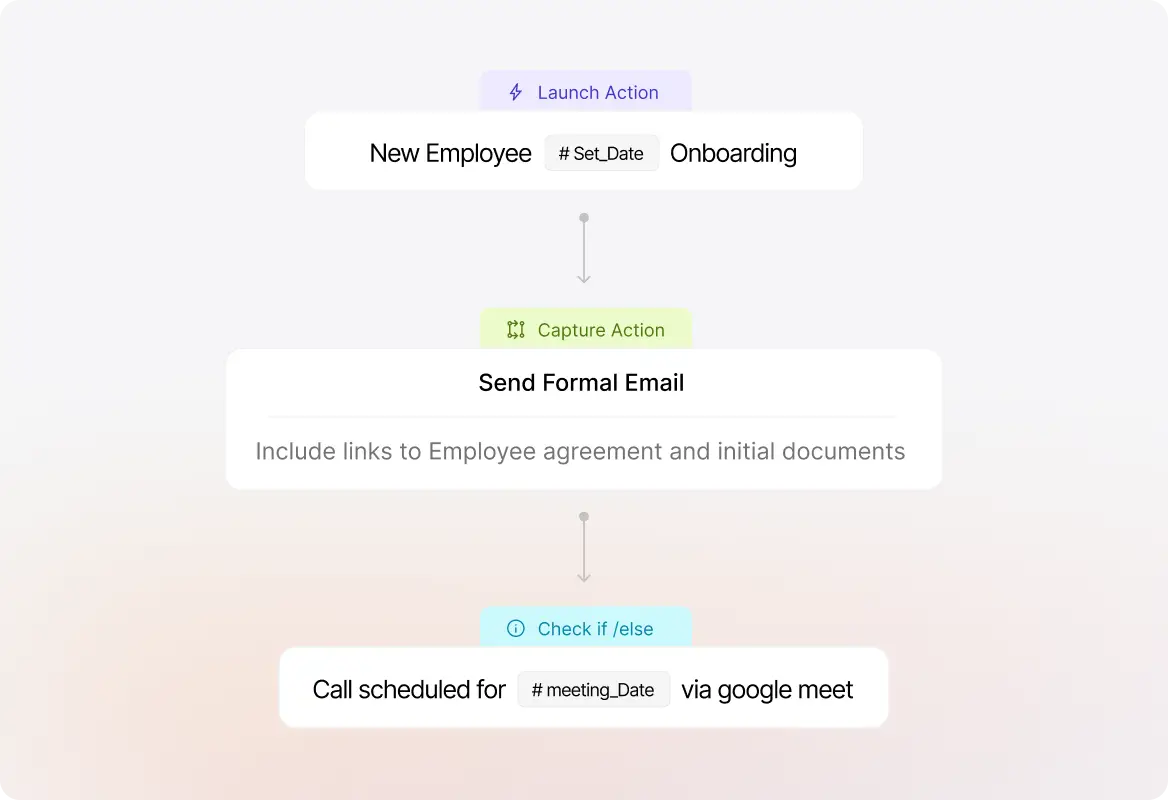
Employee Onboarding & Offboarding

Streamline IT aspects of employee transitions with task templates ensuring every step is completed—from equipment setup to account creation or deletion.

Seamless_Employee_Onboarding__Offboarding.original

FAQs

How does HappyFox help manage peaks in ticket volume?
arrow
HappyFox combines intelligent ticket routing with self-service options to handle volume spikes efficiently. Smart Rules automatically assign tickets based on agent capacity and expertise, while the knowledge base and AI-powered chatbot deflect common questions.
Can we track assets like laptops and software licenses?
arrow
Yes, HappyFox includes asset management capabilities that let you track hardware and software inventory. You can link assets to specific users and tickets, creating a complete picture during troubleshooting.
How does SLA tracking work for different issue priorities?
arrow
HappyFox allows you to configure multiple SLAs based on ticket properties like category, priority, and customer type. When an SLA is at risk of being breached, the system can automatically alert agents or escalate to managers.
Can we integrate with our existing IT security tools?
arrow
HappyFox offers various integration options including SSO with major identity providers like Okta, Google, and Microsoft Entra ID. You can also use webhooks or our API to connect with other security tools in your stack.

Ready to Streamline Your IT Support?

See how HappyFox can help your IT team reduce resolution times and improve service quality.

footer-banner-image