















Your Support Team's Central Source of Knowledge













Struggling with Knowledge Gaps & Repetitive Questions?
When critical information lives across multiple tools and documents, agents spend unnecessary time searching for answers. HappyFox Internal Knowledge Base centralizes and organizes knowledge, giving teams across departments instant access to the right answers.
What is HappyFox Internal Knowledge Base?
A centralized repository where your support teams can create, manage, and search internal documentation, helping them resolve queries faster.
60%
Faster Onboarding Time
Get new agents to start handling tickets faster with organized knowledge.
4X
Increased Agent Efficiency
Agents spend less time searching and more time in solving issues.
45%
Reduced Wait Times
Help customers get answers faster with knowledgeable agents.
Everything You Need For Effective Knowledge Management
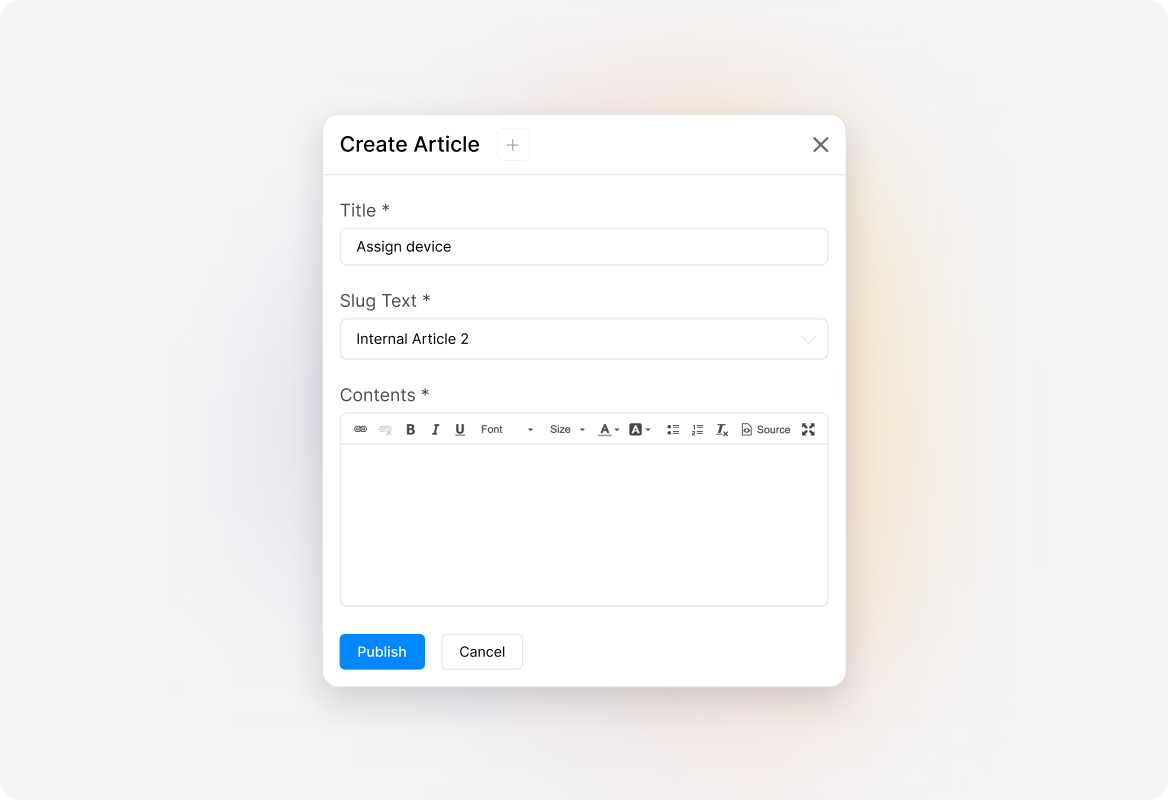
Create Easily Digestible Knowledge Artices
Format internal knowledge base articles with rich text, videos, images, and attachments for better comprehension.
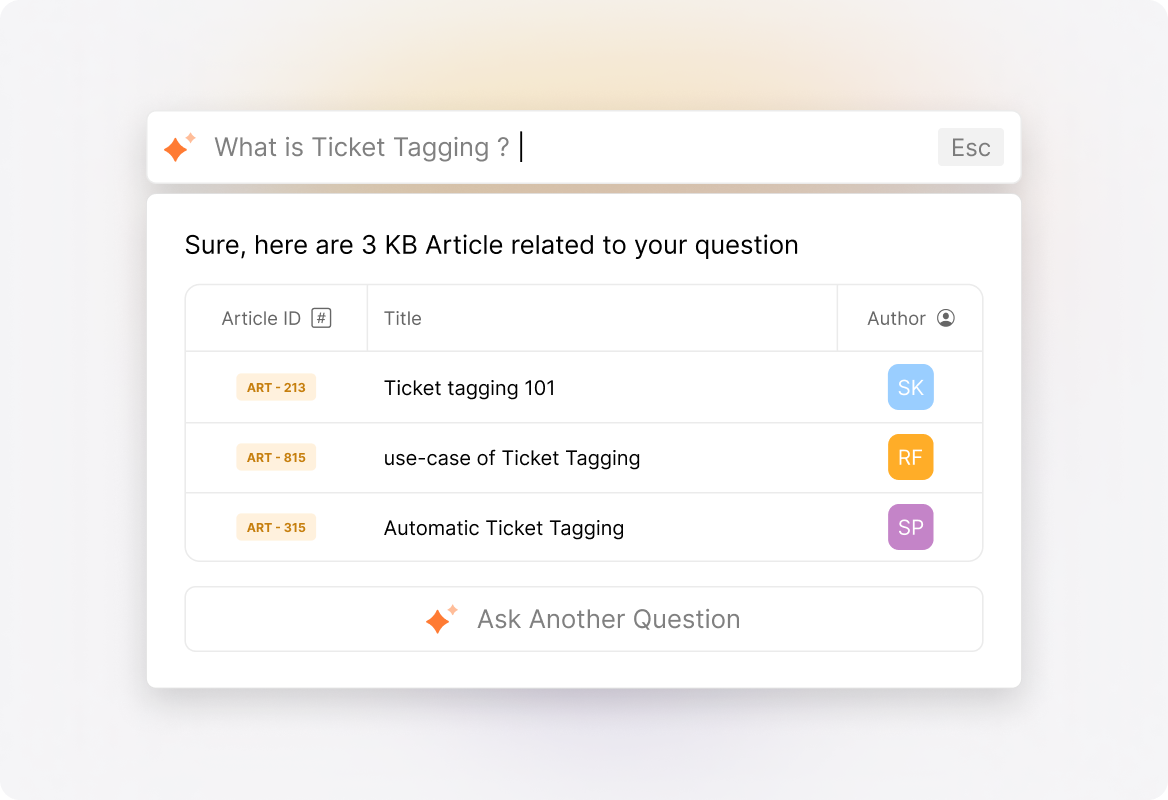
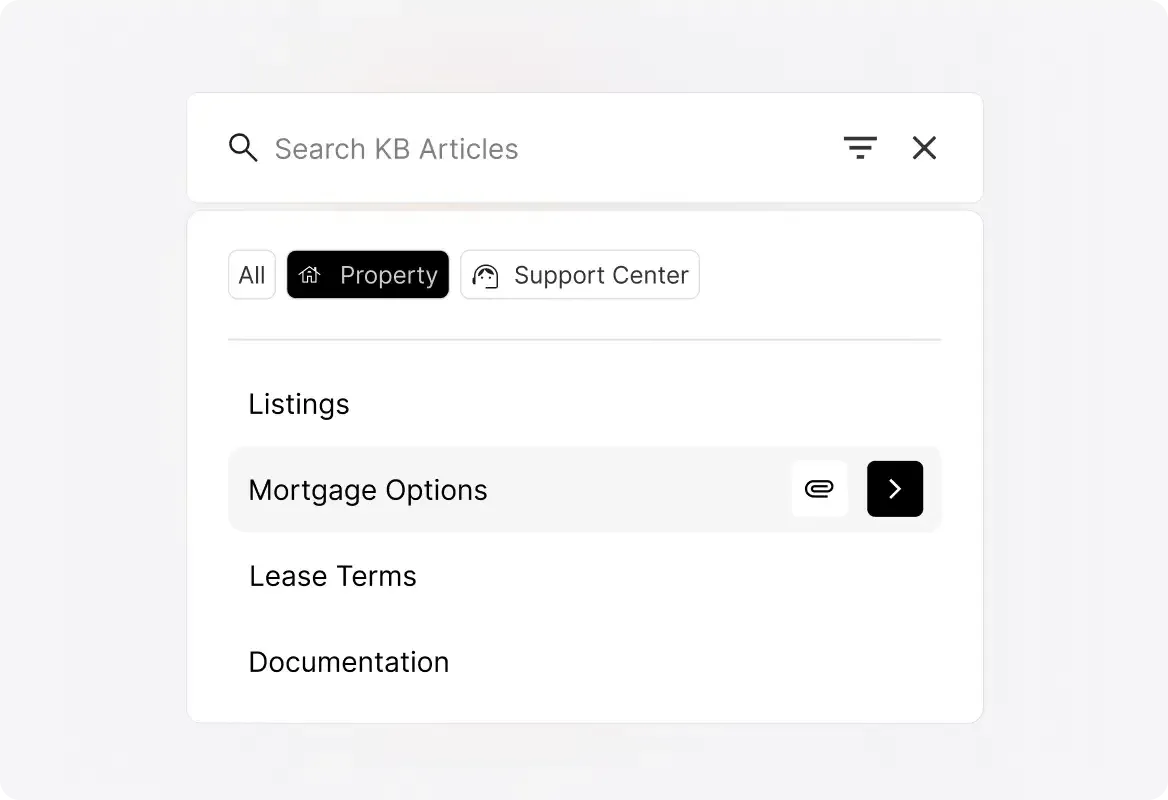
Quickly Access Knowledge Without the Hassle
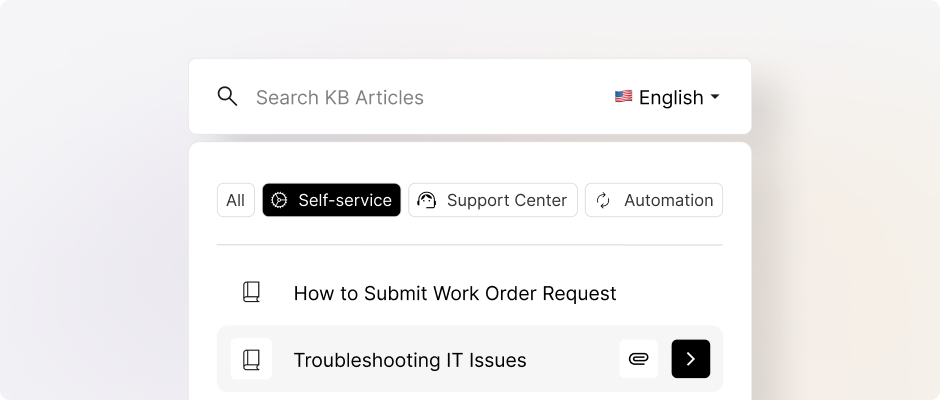
Find exactly what you need with intelligent search that understands context and suggests related articles.
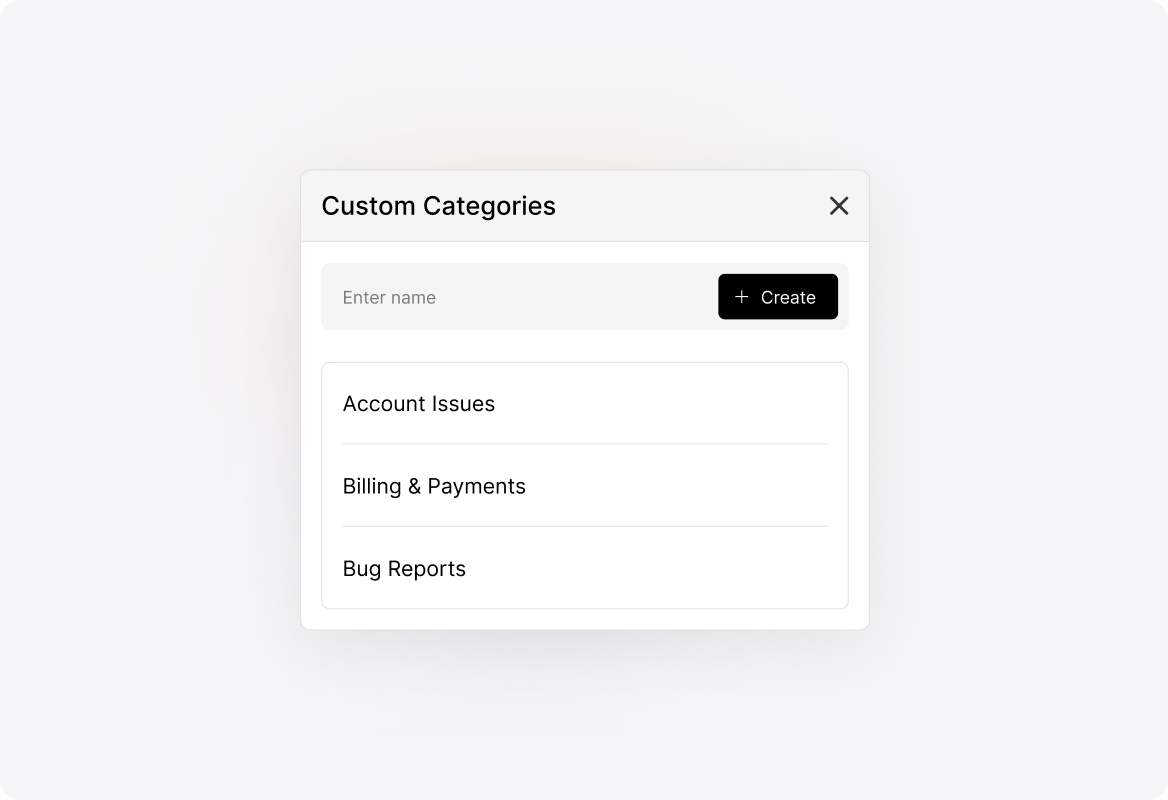
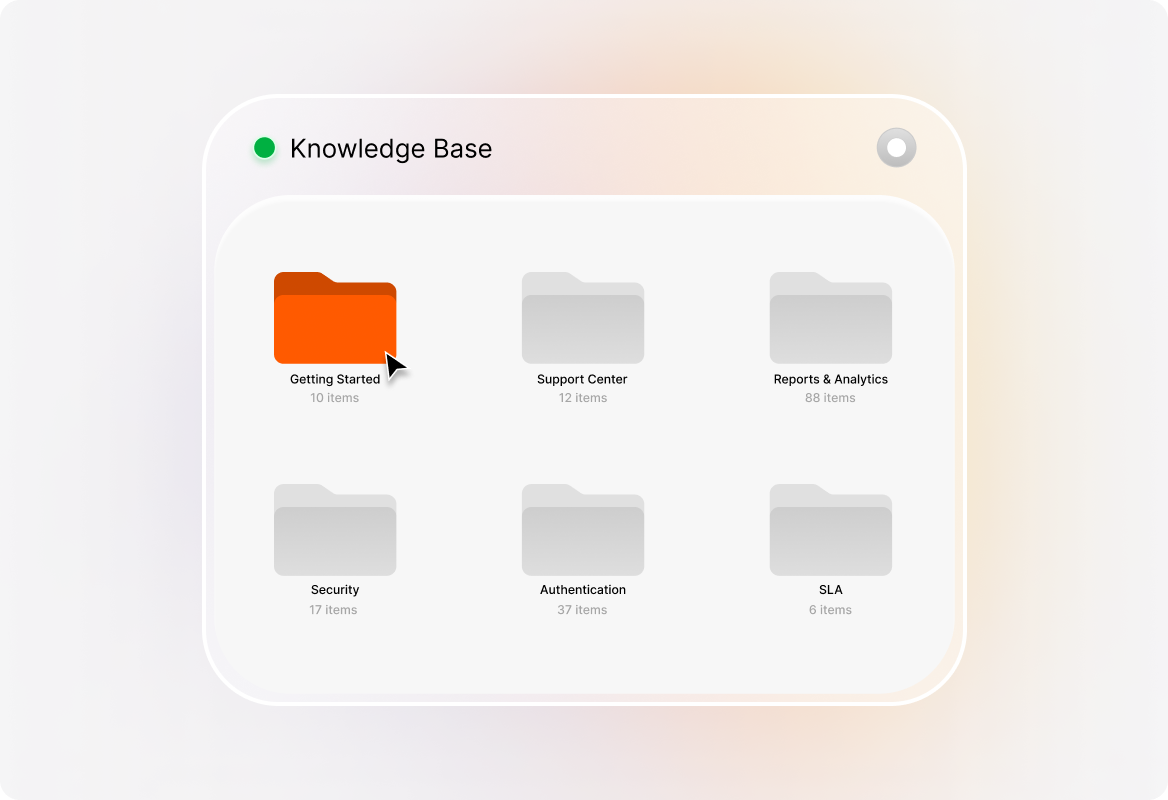
Organize Knowledge Articles Your Way
Organize your knowledge base with categories, sections, and tags, enabling agents to easily access the right information when they need it.
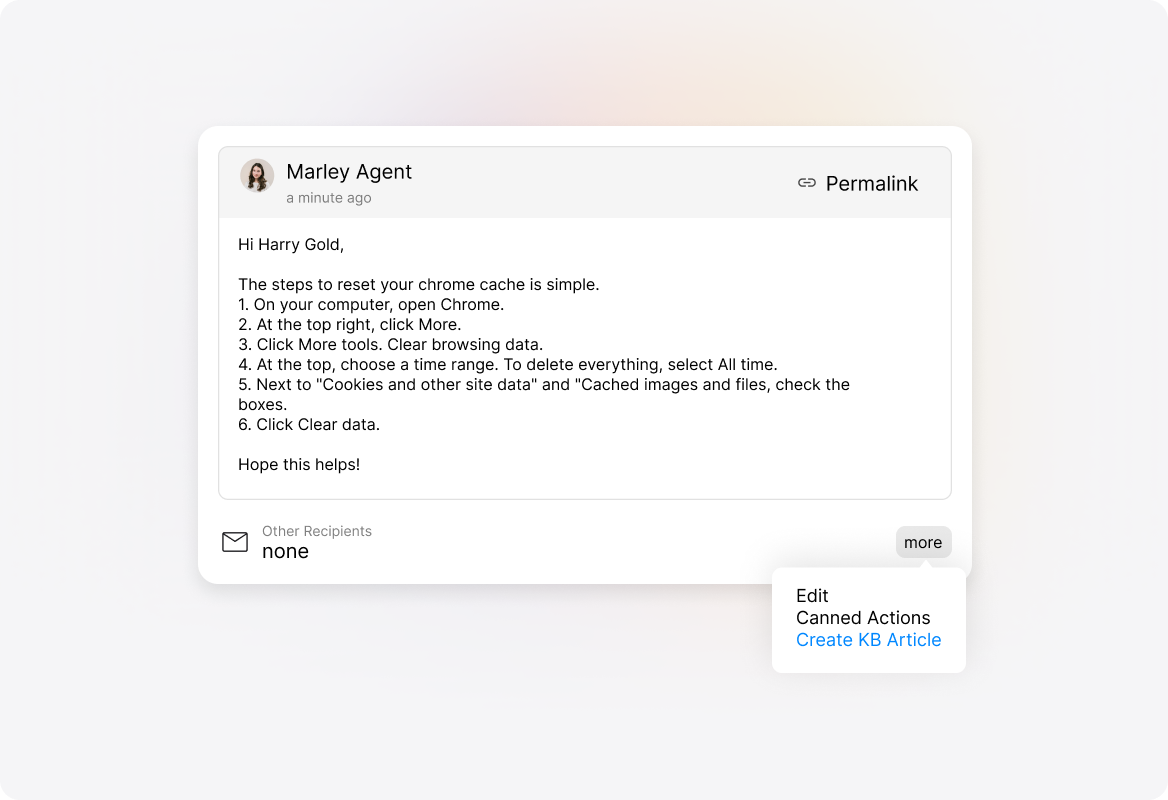
Create Knowledge Articles from Agent Responses
Convert agent responses into knowledge base articles with a few clicks, capturing expertise as you work.
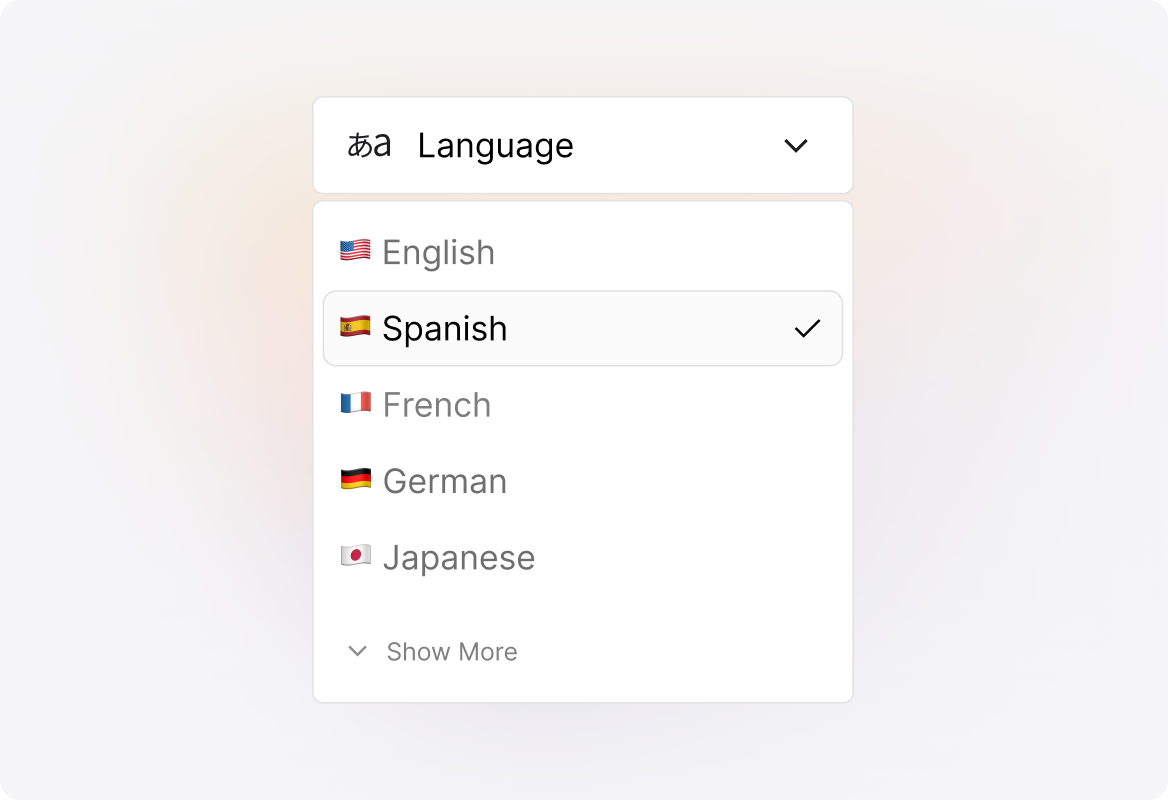
Create Multi-lingual Knowledge Articles
Create and maintain content in multiple languages to support global teams effectively and ensure your agents always have documentation in their native language.
Access Knowledge Directly from Tickets
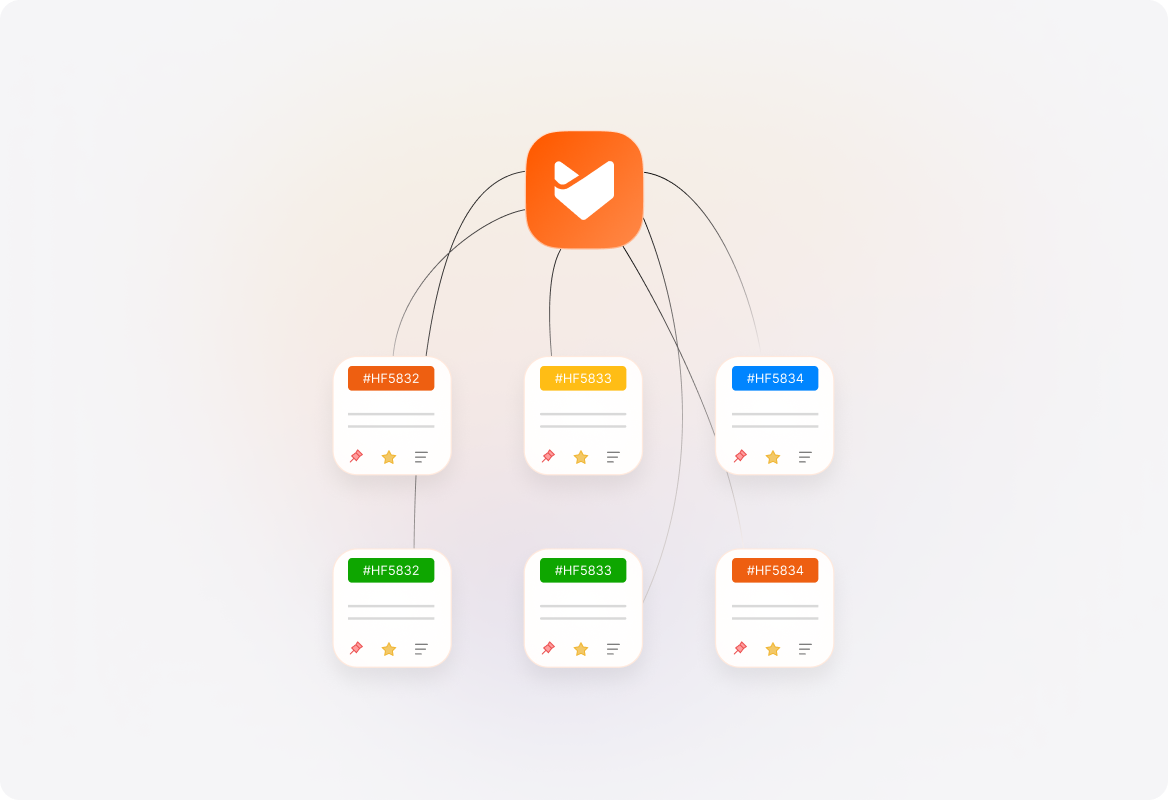
Bring up relevant internal knowledge with one click from any ticket, so agents can find answers instantly without switching screens.
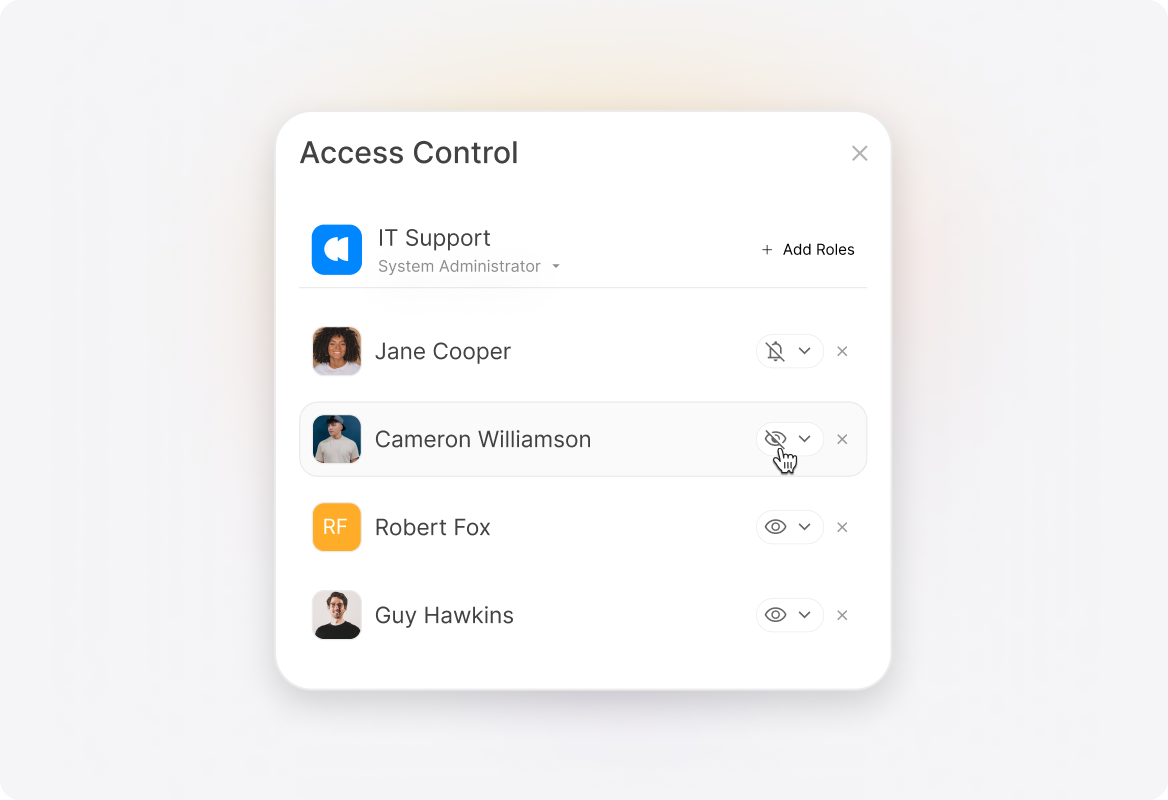
Granular Access Control
Ensure teams only see information relevant to their roles with customizable viewing permissions.
Explore Other HappyFox Features

FAQs
Empowered Agents. Faster Support. Happier Customers.
Ensure your support team always has the right information at their fingertips.

Use Cases
For Business Type
For Industries


Copyright ©2026 HappyFox Inc. All rights reserved.