Social Media Managers
monitoring Facebook interactions
 Help Desk
HappyFox Help Desk integration
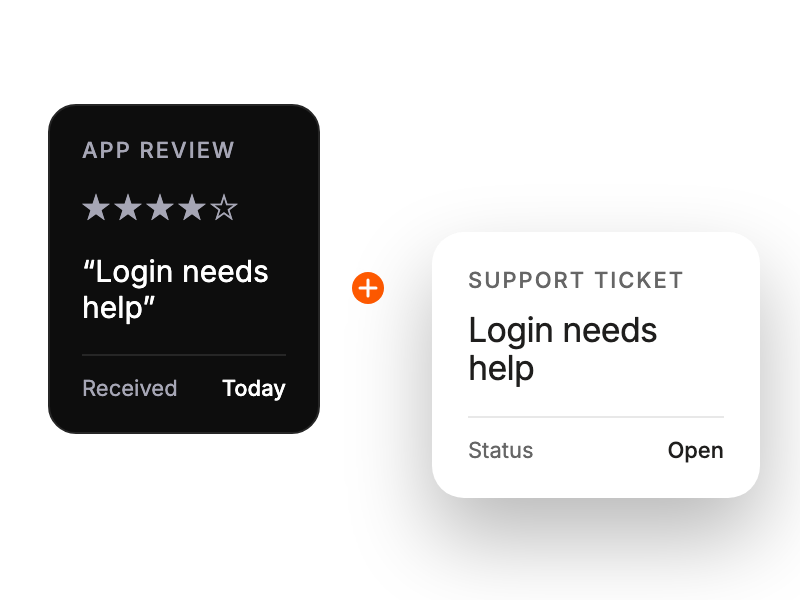
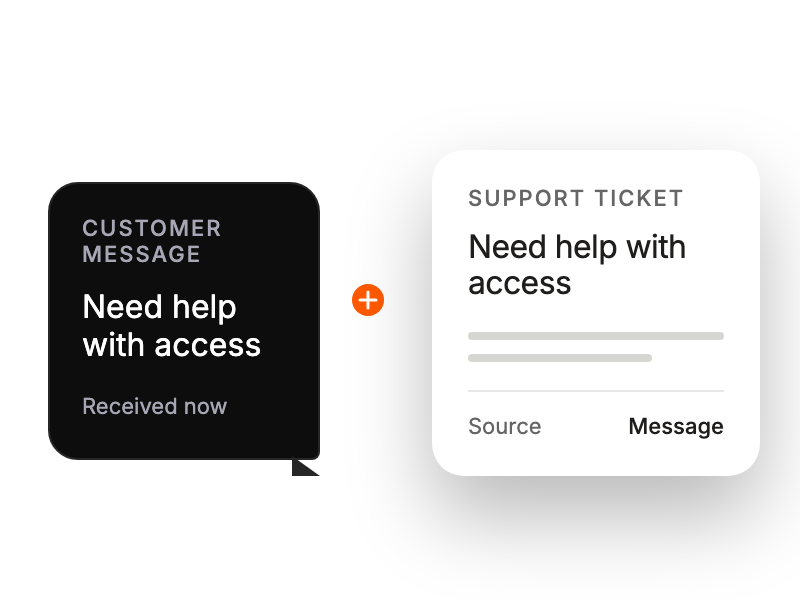
Turn Facebook messages into HappyFox support tickets.

Use an administrator account to link the required Pages from HappyFox Apps.
Select HappyFox in the Page’s messaging settings so direct messages reach the integration.
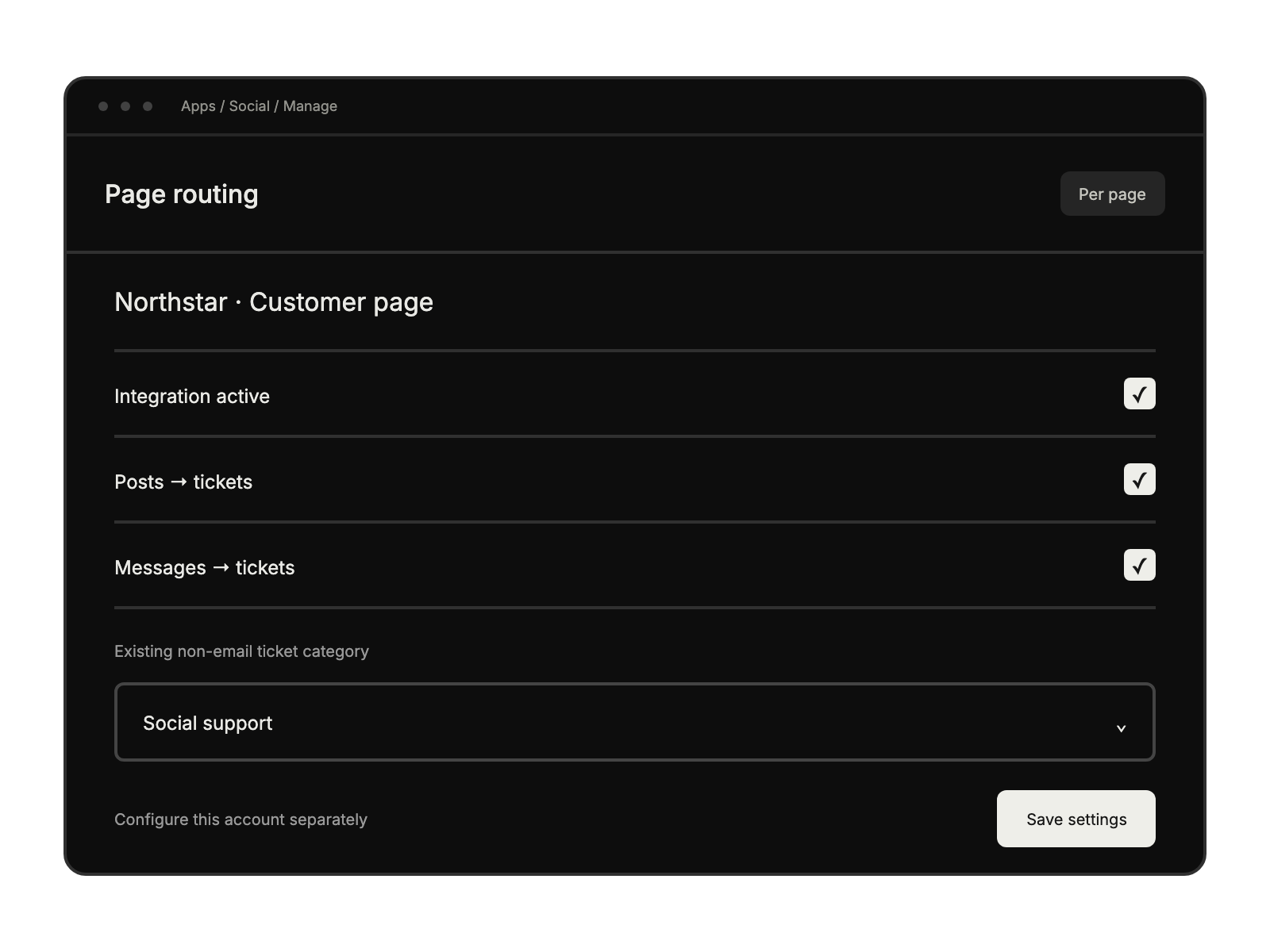
Activate the required post and message options and select a non-email ticket category.
monitoring Facebook interactions
handling Facebook inquiries alongside other channels
tracking and managing customer engagement across posts
overseeing response times and team performance on social channels


