
Trusted by Industry-Leading Companies




The problem
“We get it. Manually typing the same answers, day in and day out, isn't just inefficient; it's draining. It leads to delayed responses, inconsistent support quality, and burnout. Your agents are stuck in a loop of repetitive tasks, while complex, high-value issues wait.”
With HappyFox Canned Actions, agents can insert a pre-written reply and apply related ticket updates (like changing status or priority) in just one click. Your customers get consistent answers faster, and your support team gains back hours of productivity.
What canned actions make possible.
- Faster Response Times
- 70%
- Time saved per ticket
- 45%
- Improved Agent Productivity
- 34%
Answer repetitive queries instantly with one-click replies using templated responses.
Automate responses and ticket updates, like changing status, priority and deadline, in one click
Empower agents to handle more tickets by spending less time on repetitive queries.
Instant Replies
Quickly insert pre-written responses into tickets, eliminating manual typing and reducing response times.
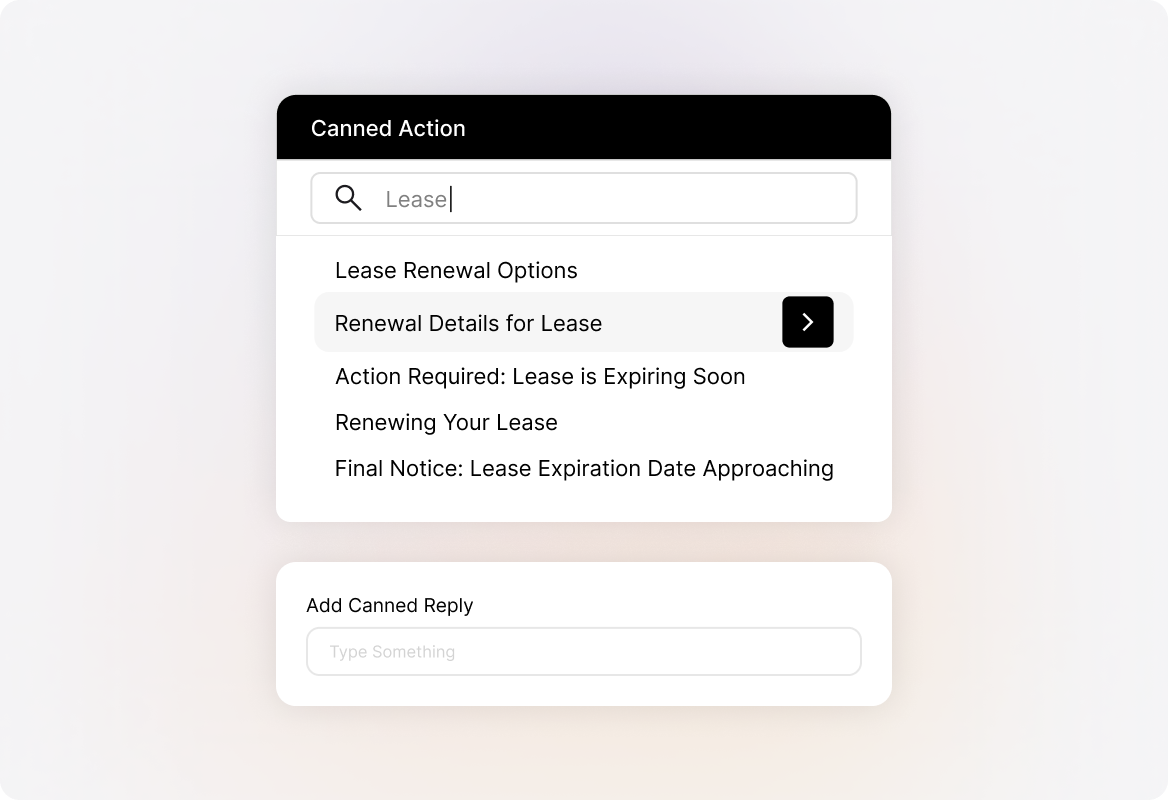
Consistent Messaging
Ensure all agents deliver standardized, accurate information, improving support quality and customer experience.
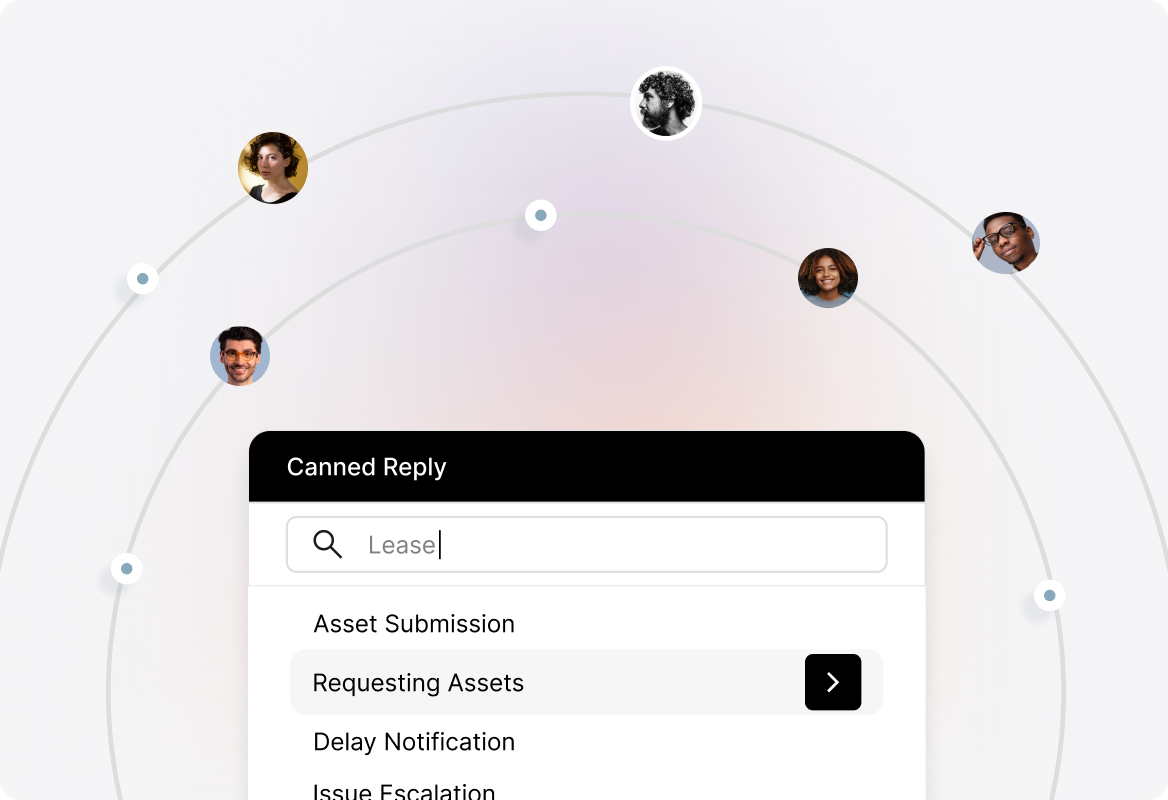
Reduced Agent Fatigue
Minimize repetitive typing, allowing agents to focus on complex issues and reducing burnout.
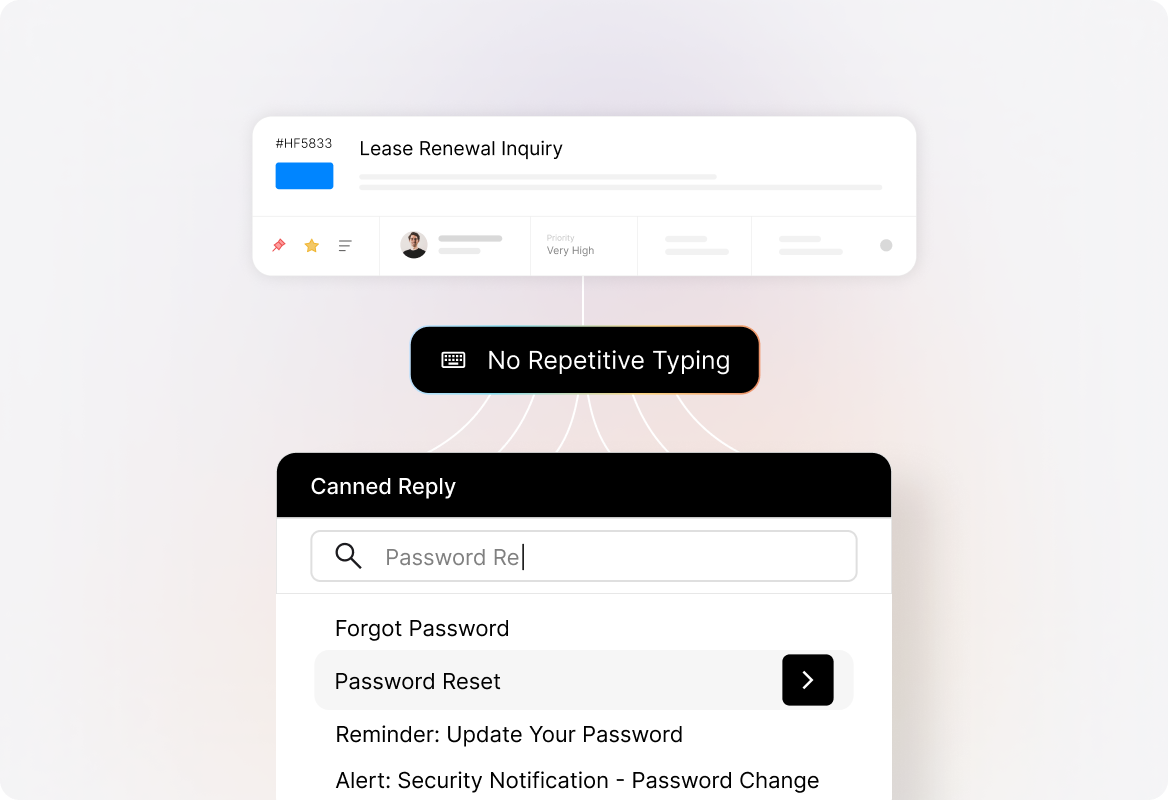
Unified Actions & Responses
Combine templated responses with automated actions like changing ticket status, priority, and tags, simplifying ticket management.
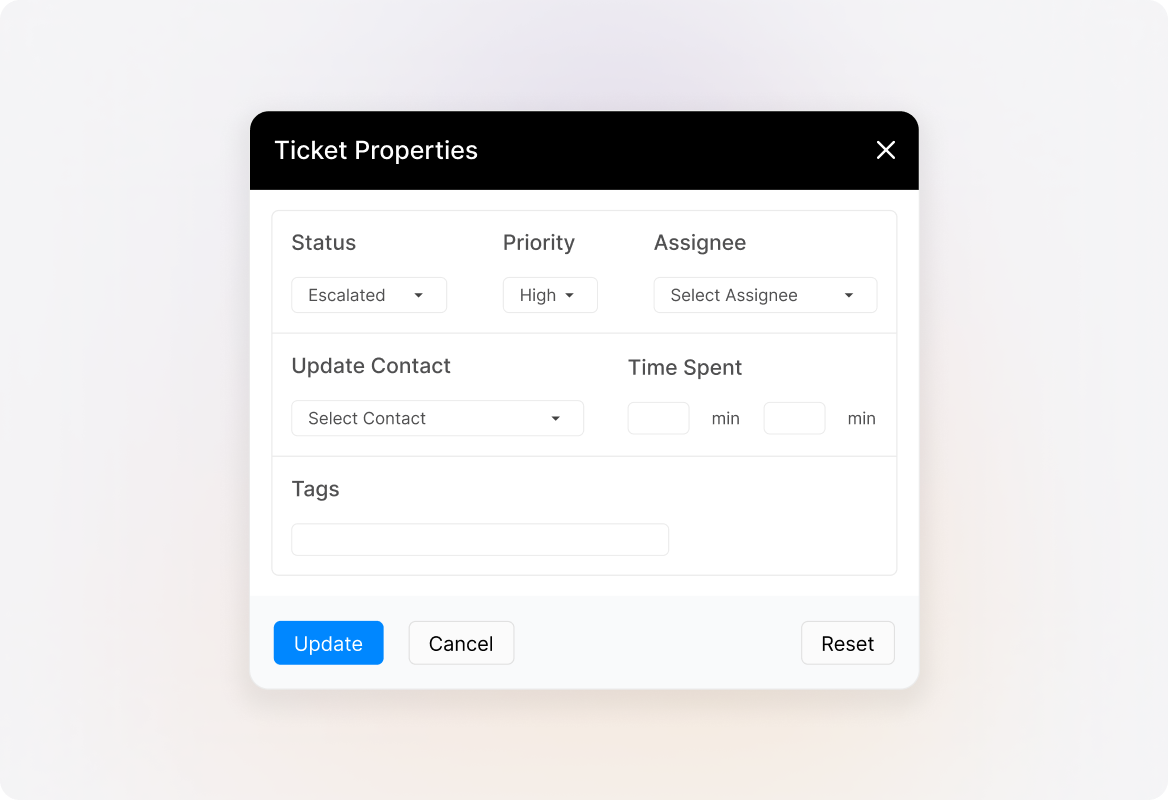
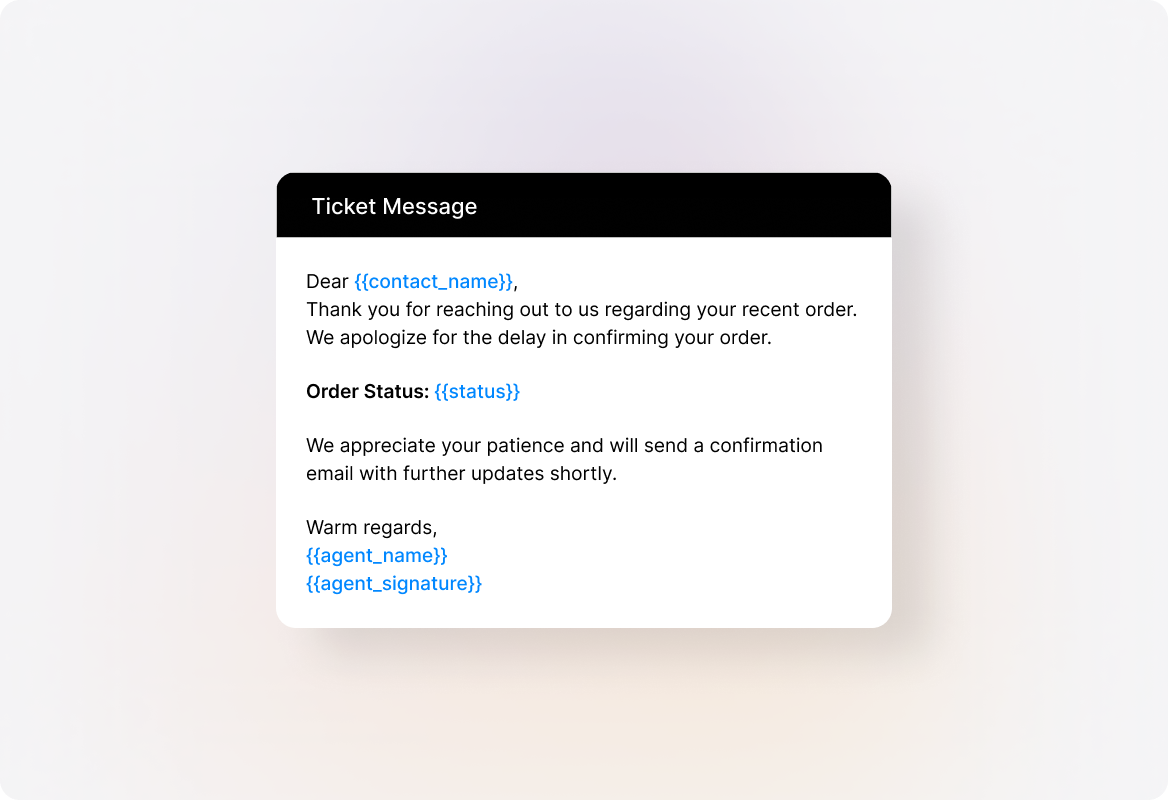
Context-Aware Responses
Use placeholders to personalize replies with customer-specific details, adding a personal touch to standardized responses.
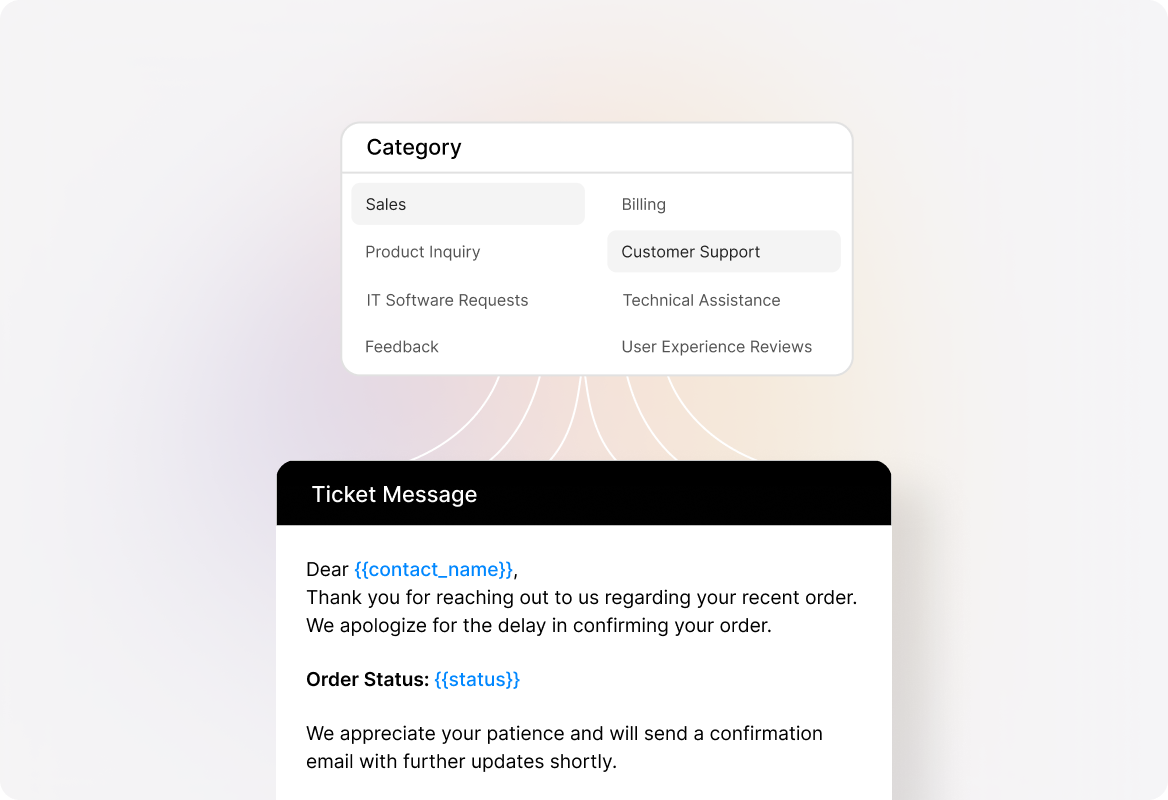
Categorized Templates
Organize canned actions by team or category, making it easy for agents to find the right response quickly.
Frequently asked questions.
How do I create and categorize Canned Actions?
You can create Canned Actions directly in HappyFox. Organize them by team, category, or product line to make it easy for your support staff to find and use the right response quickly.
Can I personalize Canned Actions for each customer?
Yes. Use placeholders to automatically pull in customer-specific details (like name, order number, or account ID) so every response feels personal while still being efficient.
Do Canned Actions include more than just pre-written replies?
Absolutely. In addition to responses, you can bundle ticket updates such as changing status, priority, or adding tags—so multiple steps are handled in a single click.
Can my whole team share and use Canned Actions?
Yes. Canned Actions can be shared across agents, teams, or departments, ensuring everyone benefits from standardized and consistent replies.
What happens if I need to update a Canned Action?
Updates are simple. When you edit a Canned Action, the latest version is instantly available for all agents with access—so everyone stays aligned.