
Trusted by Industry-Leading Companies




The problem
“Standard ticket fields don't always tell the whole story. When your team lacks critical details—like product type, subscription plan, or issue category—they waste time chasing information instead of solving problems.”
HappyFox Custom Fields let you capture exactly what you need, right from the start.
What custom fields make possible.
- Field Types
- 6
- Data Control
- 100%
- Missed Details
- Zero
Text, number, dropdown, multiple options, date, and currency formats
Define exactly what information agents and customers can input
Required fields ensure critical data is always captured
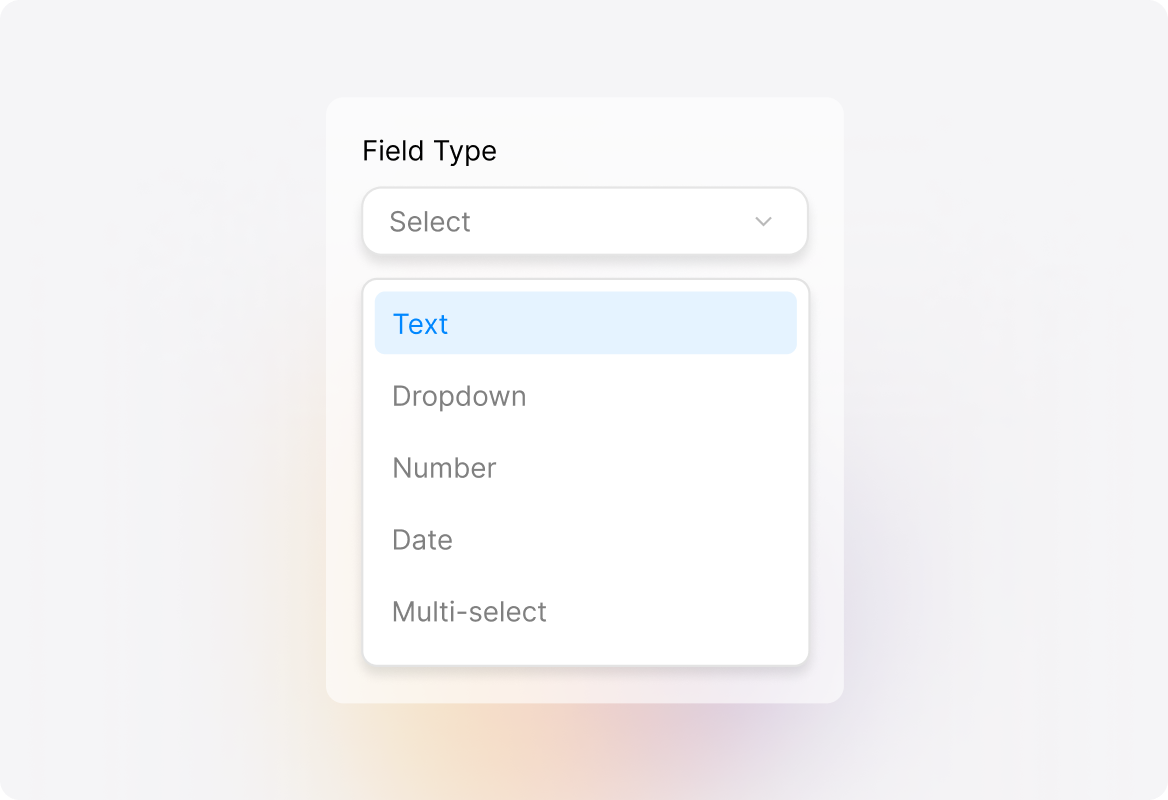
Wide Range of Custom Field Types
Choose from text, dropdown, number, date, multi-select, and more—customize fields for tickets and contacts based on your unique workflows.
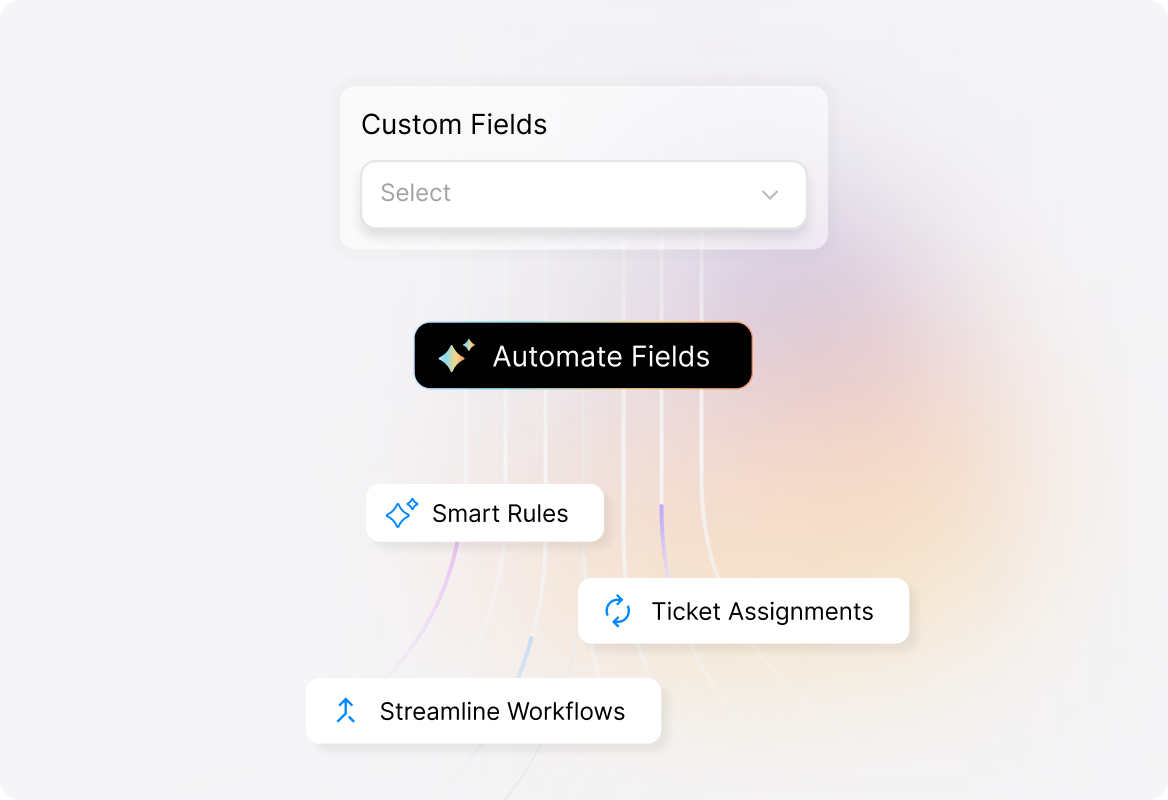
Automate with Custom Fields
Use custom fields to trigger smart rules, automate ticket assignments, and streamline workflows, ensuring every ticket gets the right attention.
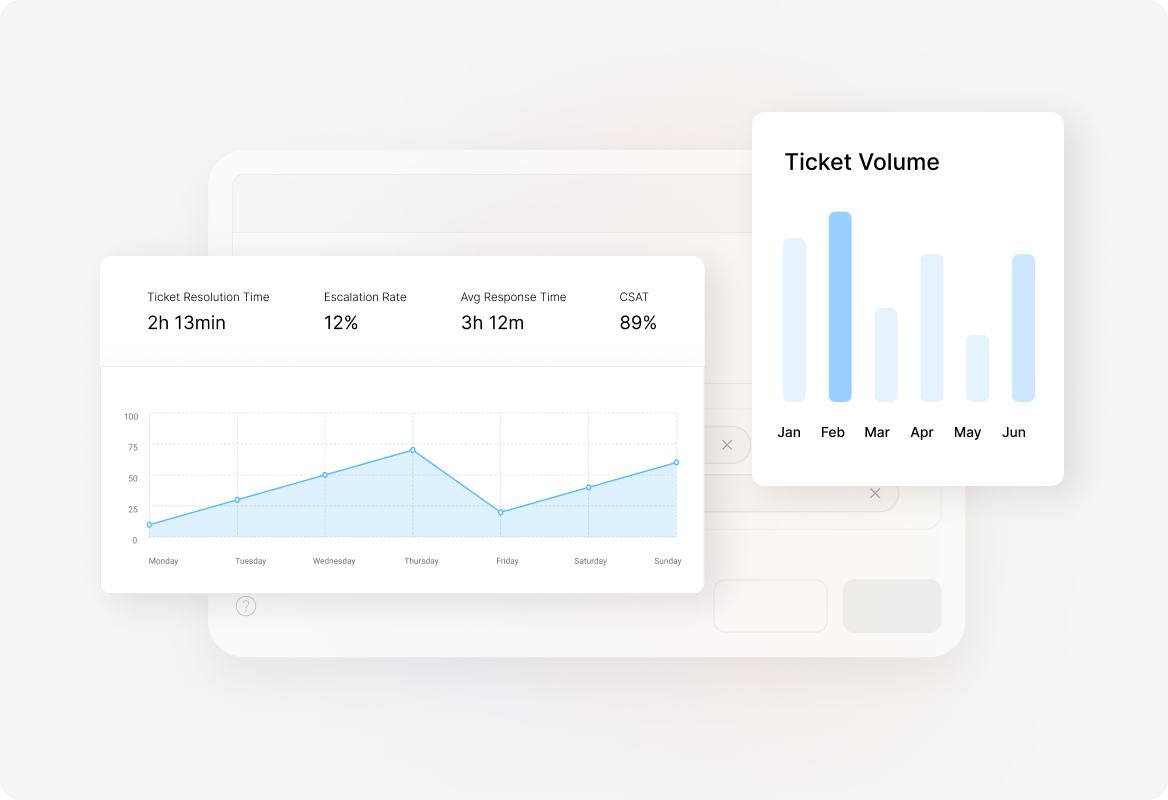
Custom Field-Based Reporting
Track patterns, generate reports, and analyze field-driven trends for tickets and contacts—empowering better decision-making.
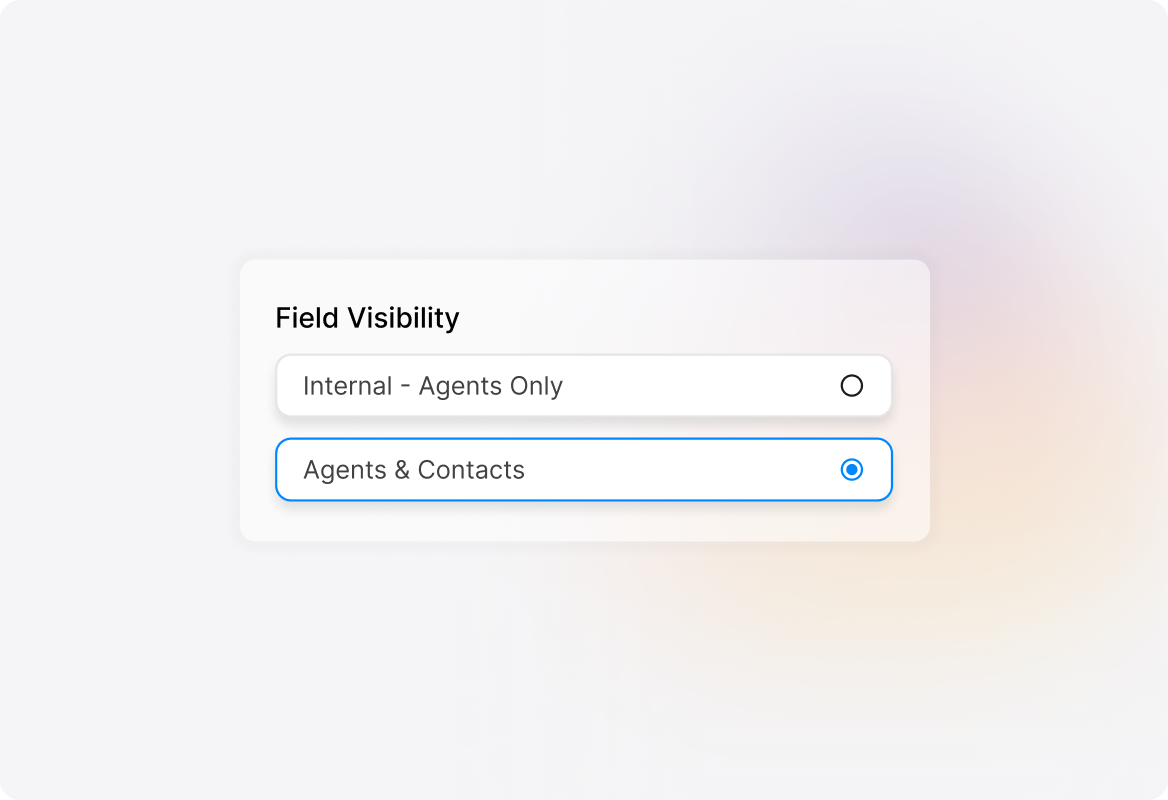
Controlled Access & Visibility
Define field visibility for agents and customers, ensuring sensitive data stays secure while teams get the context they need.
Frequently asked questions.
What types of custom fields can I create?
Choose from text, dropdown, number, date, multi-select, or checkbox fields, based on your needs.
Can I make fields mandatory?
Yes! Set fields as required during ticket creation, category change, or closure.
Can customers view and edit custom fields?
Yes! You can choose internal-only visibility for agents or shared visibility for customers.
How do custom fields improve reporting?
Custom fields allow you to filter tickets, build reports, and analyze trends based on collected data.
Can I link fields to specific categories?
Absolutely! Associate fields with categories, ensuring the right fields appear for the right tickets.