
Trusted by Industry-Leading Companies




The problem
“When your SLA timers keep running during nights, weekends, and holidays, your team gets penalized for time they weren't even at their desks.”
HappyFox Work Schedules let you define exactly when your support team is available—so time-based rules and SLAs only count the hours that matter.
What work schedules make possible.
- Schedules Supported
- Multiple
- SLA Accuracy
- 100%
- Manual Adjustments
- Zero
Configure different schedules for different teams or shifts.
Time-based conditions only count actual working hours.
Holidays and off-hours are automatically excluded.
Create Custom Work Schedules
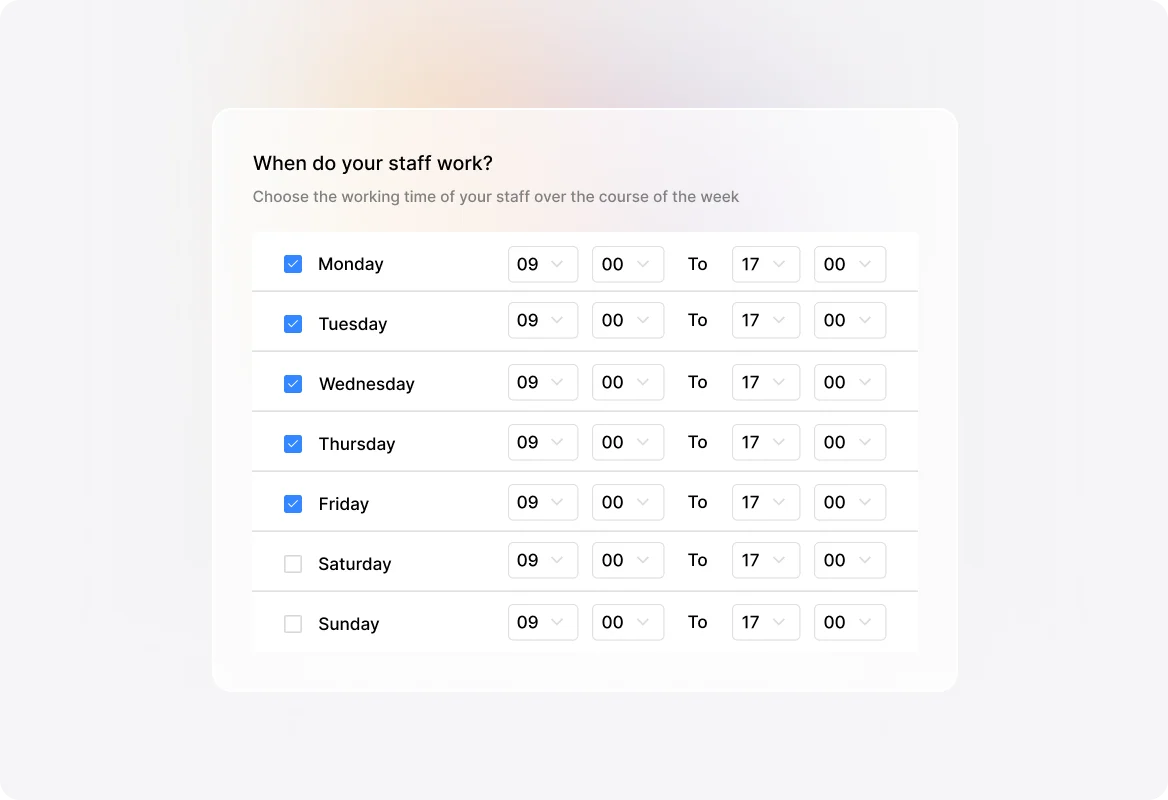
Define your team's availability with precision. Choose work timings for each day of the week, set the applicable time zone, and give each schedule a clear name and description for easy management.
Manage Holidays and Time Off
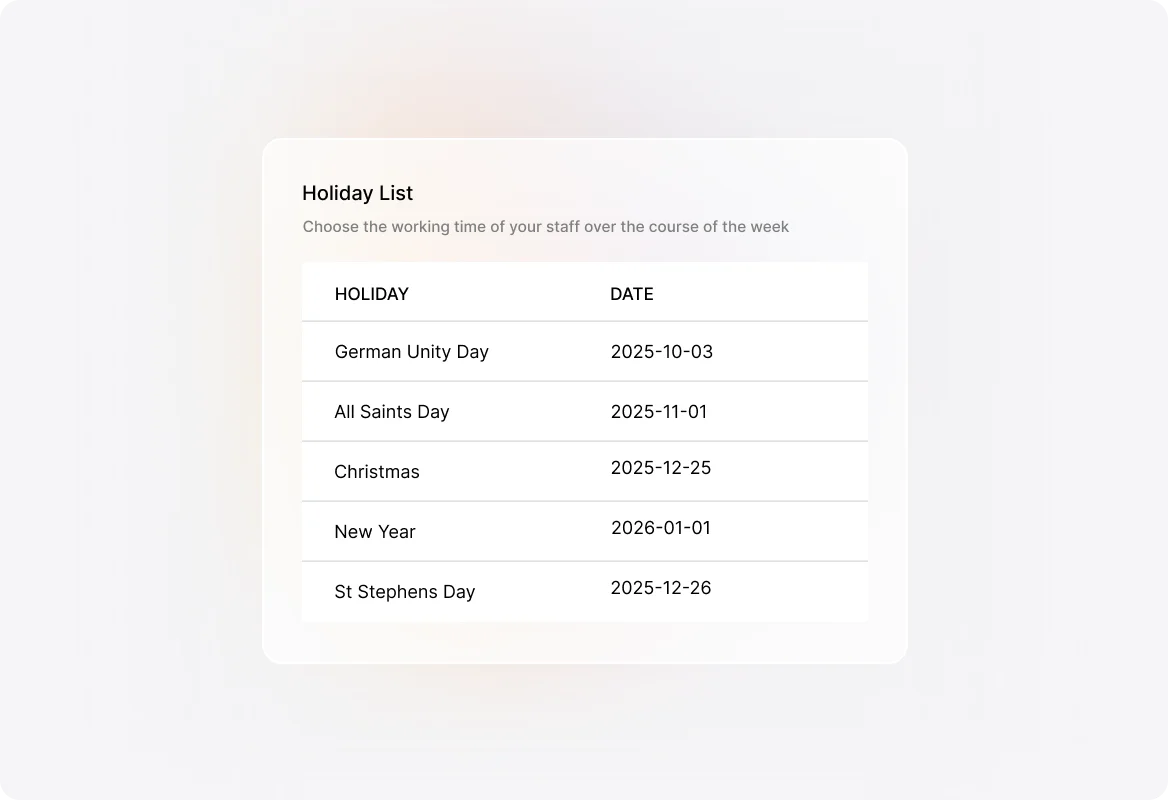
Add public holidays and pre-declared days off to your work schedules. When your team isn't working, HappyFox automatically excludes those hours from time-based calculations—no manual adjustments needed.
Integrate with SLAs and Smart Rules
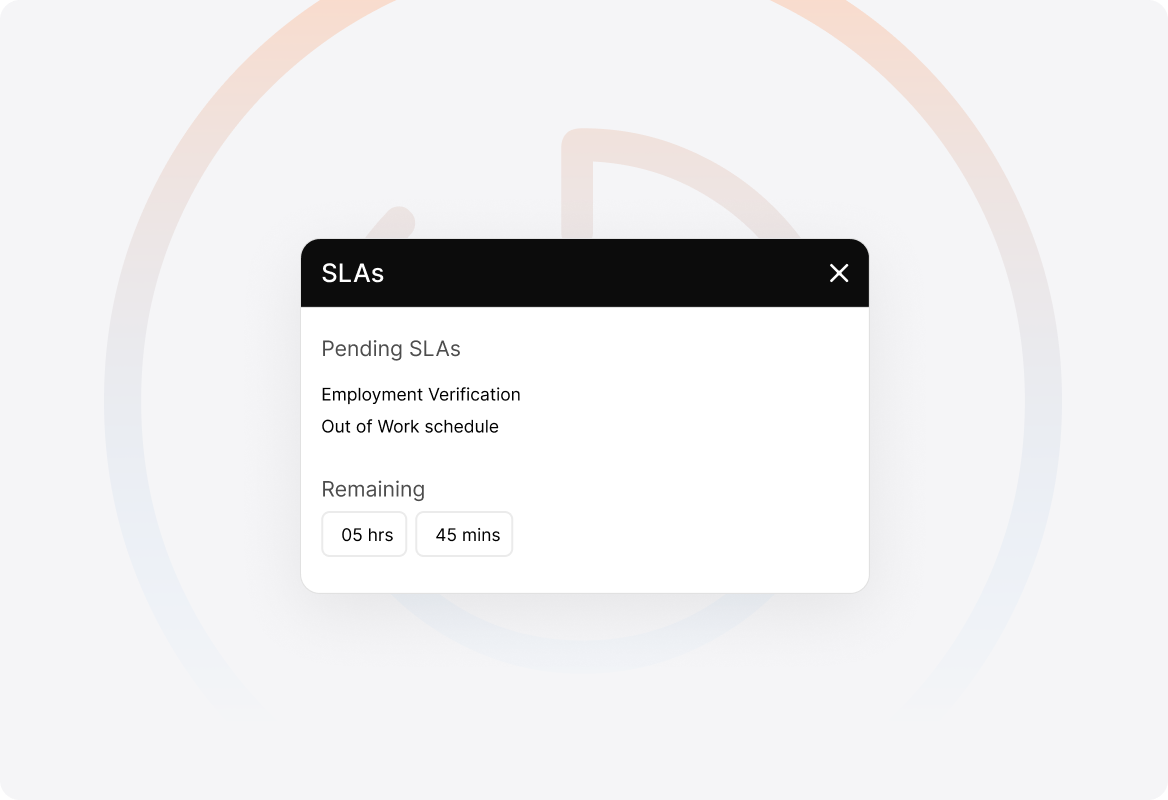
Connect your work schedules to SLAs and Smart Rules to ensure time-based conditions only count working hours. Response and resolution timers pause when your team is off the clock.
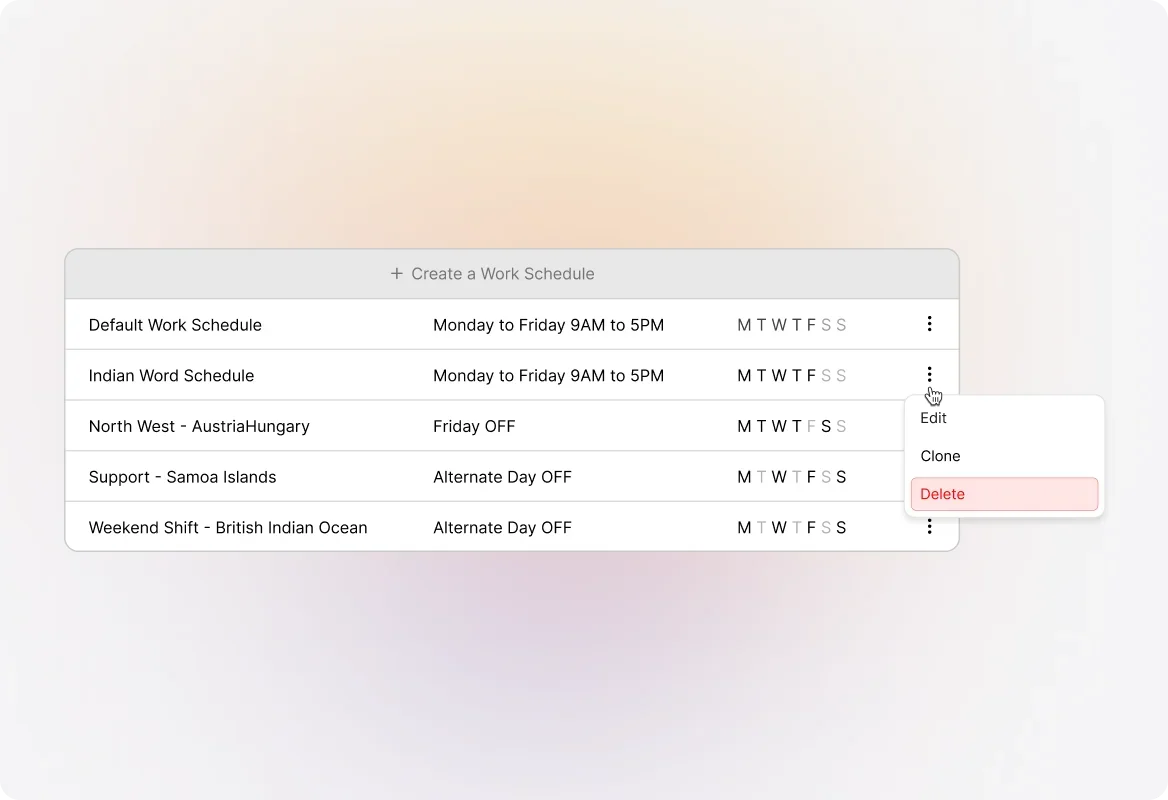
Multiple Schedules for Different Teams
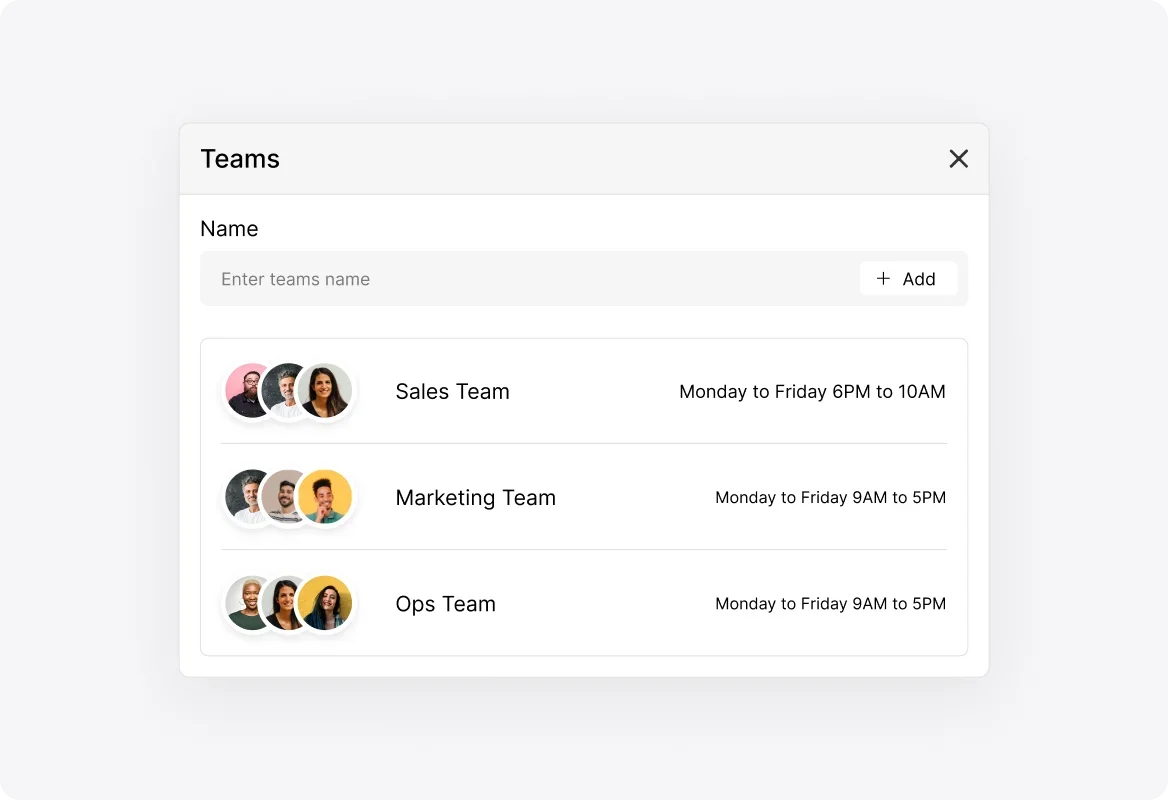
Running a global support team or multiple shifts? Create separate work schedules for each team or region, ensuring accurate time tracking across your entire operation.
Easy Schedule Management
View, edit, clone, or delete work schedules anytime. The Details Sidebar gives you quick access to all schedule information, making updates a breeze.
Frequently asked questions.
What are Work Schedules in HappyFox?
Work Schedules help you define the work timings of your support team. You can configure multiple schedules based on your team setup and use them with SLAs and Smart Rules to exclude non-working hours from time-based calculations.
Can I create multiple work schedules?
Yes! You can configure more than one work schedule based on your team setup—perfect for global teams, different shifts, or departments with varying hours.
How do I add holidays to a work schedule?
When creating or editing a work schedule, you can add public holidays and other pre-declared days when your agents won't be working. These are automatically excluded from time calculations.
How do Work Schedules integrate with SLAs?
You can include work schedules in your SLAs to exclude non-working hours when calculating time-based conditions. This ensures your team isn't penalized for time outside their working hours.
Who can manage Work Schedules?
Page visibility is governed by the "Manage Work Schedules" permission. If you can't see the Work Schedules page, contact your help desk administrator to get access.
Where do I find Work Schedules in HappyFox?
Navigate to Automate >> Work Schedules to create and manage your team's work schedules.