
Trusted by Industry-Leading Companies




The problem
“Customers often prefer voice support for complex issues, but without an integrated system, calls get missed, follow-ups fall through, and agents lack context. Switching between platforms wastes time, and manual call logging creates confusion.”
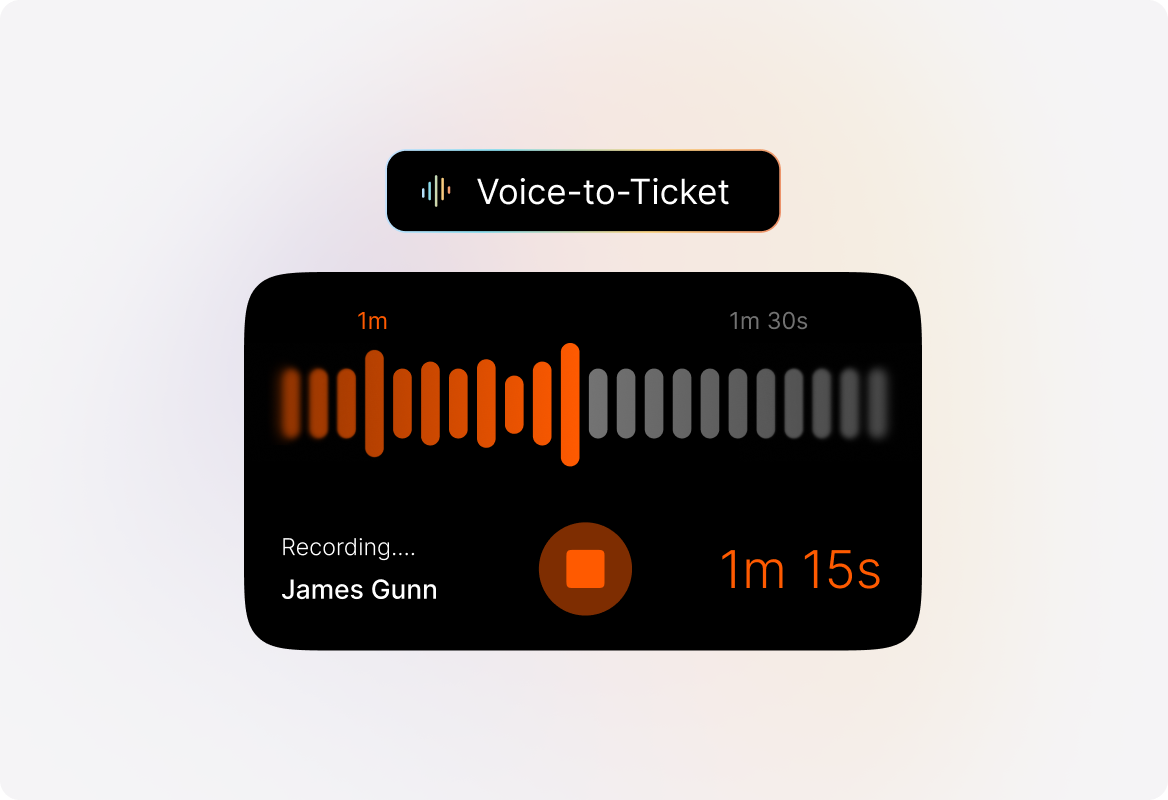
HappyFox Voice Support solves these challenges by converting every call into an actionable ticket.
What voice support makes possible.
- Call-to-Ticket Conversion
- 100%
- Faster Call Resolutions
- 30%
- Missed Follow-Ups
- Zero
Every inbound, outbound, and missed call becomes a ticket for seamless tracking and follow-up.
Agents have instant access to customer history, ensuring faster, more informed conversations.
Missed calls and voicemails automatically become tickets, ensuring every inquiry gets addressed.
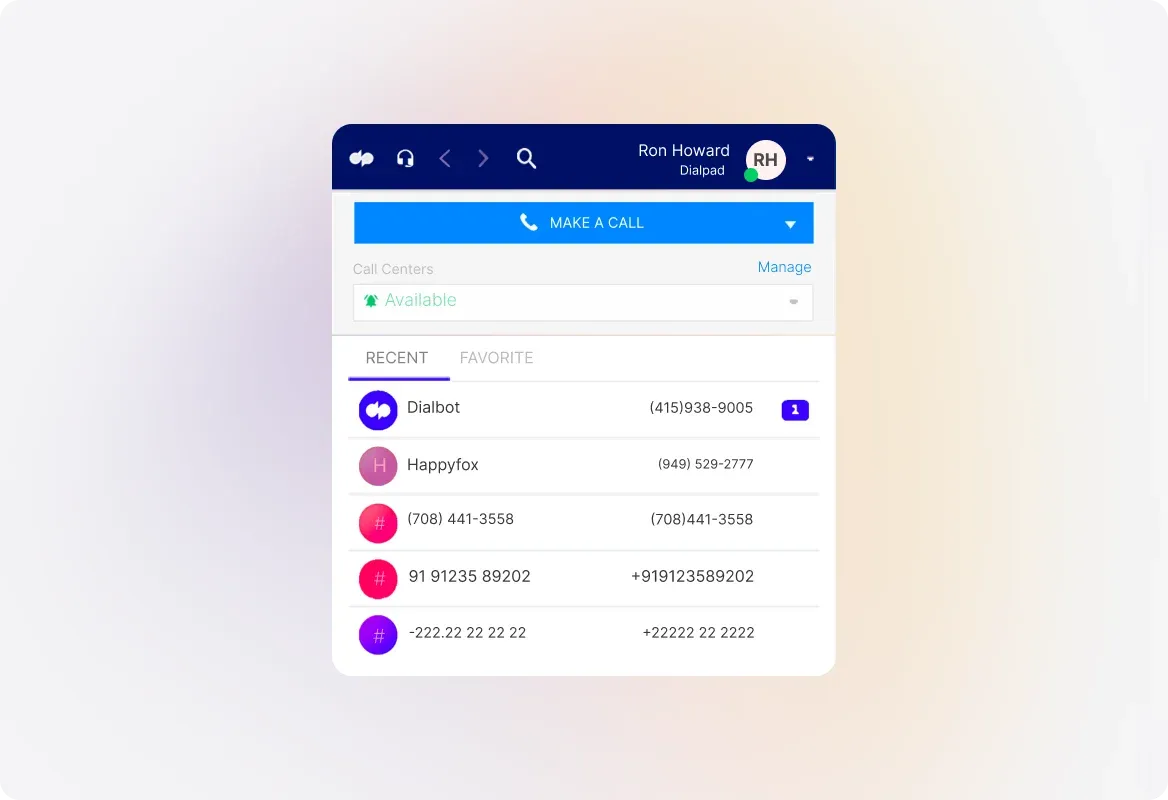
Dialpad Integration: Smarter Conversations, Every Time
Make and receive calls within HappyFox using the Dialpad dialer. Convert every call into a ticket with caller details, summaries, and recordings. Associate Dialpad numbers with HappyFox categories to route calls based on issue type or team.
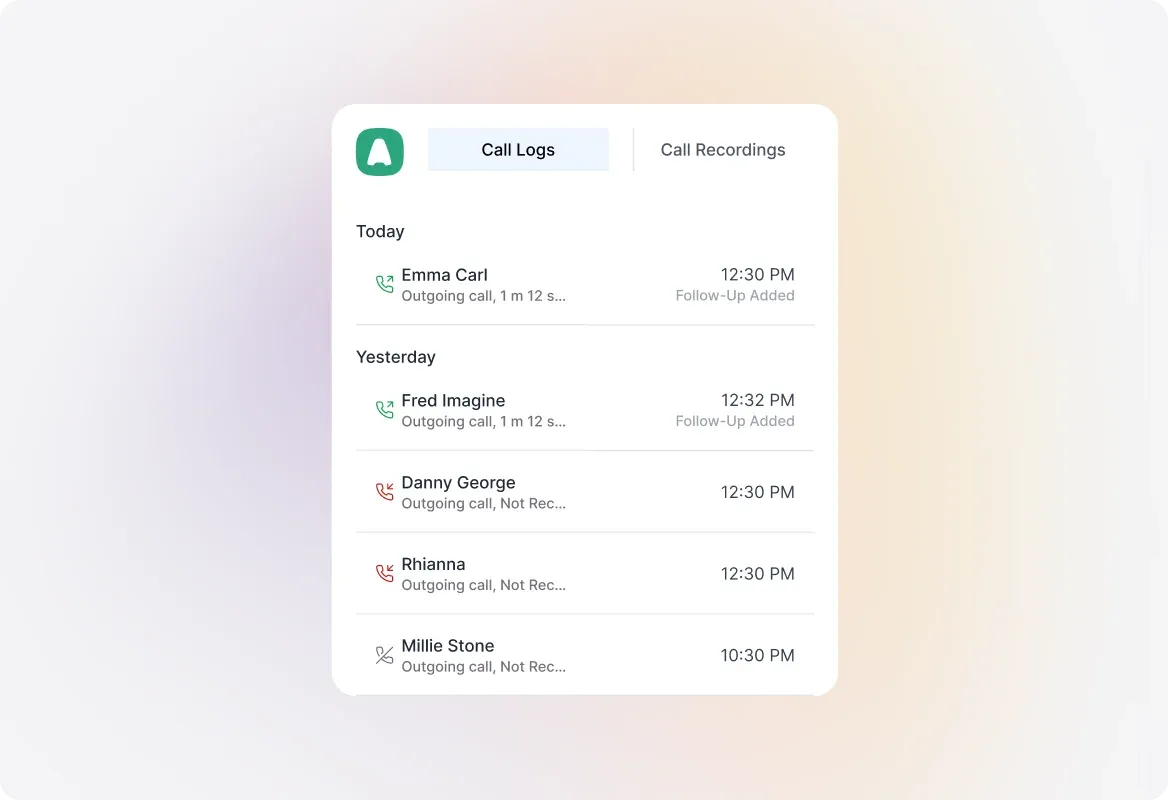
Aircall Integration: Unified Help Desk & Call Center
Use the Aircall dialer within HappyFox for seamless voice interactions. Automatically log inbound, outbound, and missed calls as tickets. Associate an Aircall number with a HappyFox category to track an issue with the correct team.
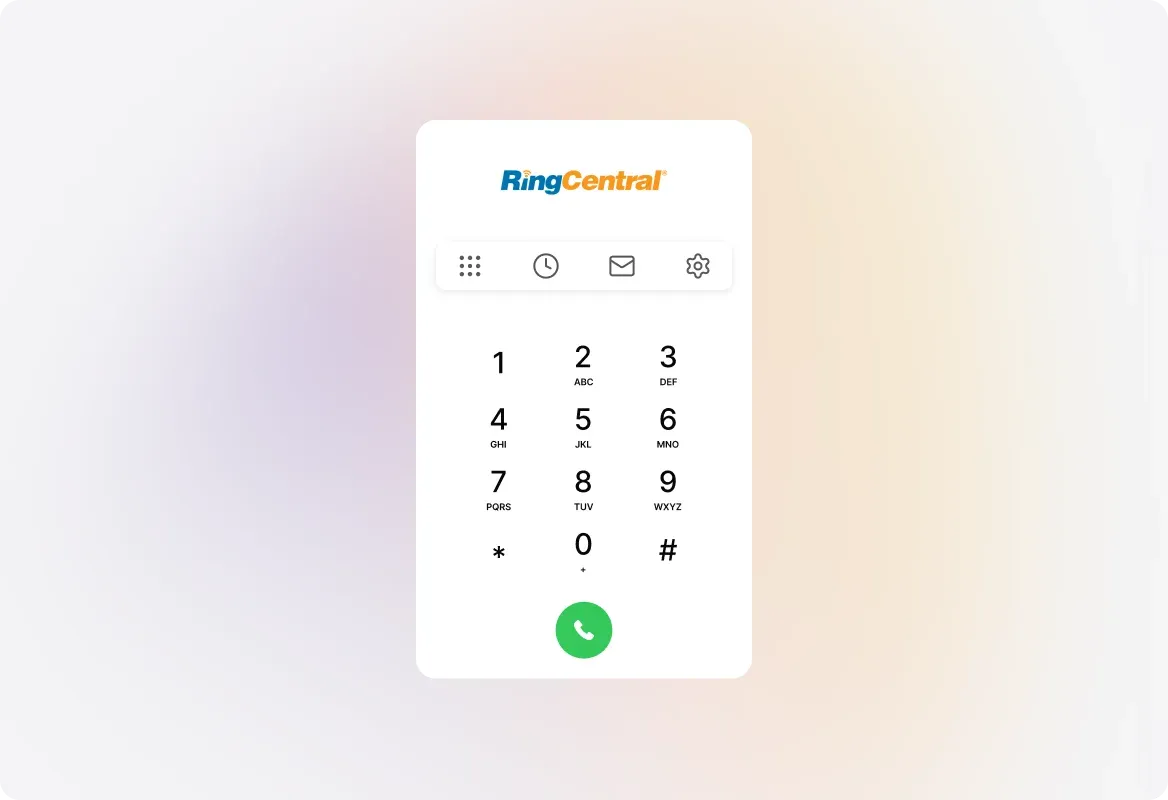
RingCentral Integration: Complete Call Management
Handle customer calls directly within HappyFox, without switching platforms. Automatically pull up caller history and past tickets for contextual support. Log missed calls and voicemails as tickets for timely follow-up.
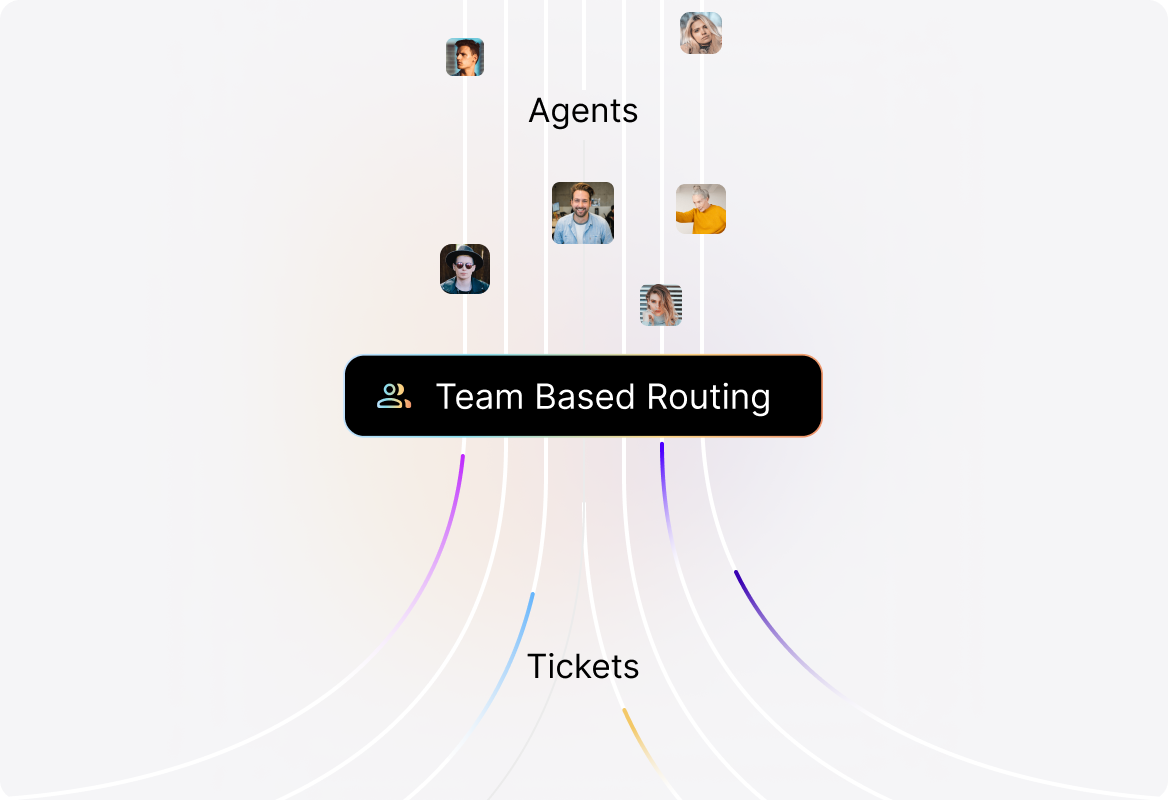
Team-Based Call Categorization for Better Routing
Associate Dialpad, Aircall, and RingCentral numbers with specific categories. Sales, billing, or support? Ensure calls always reach the right team.
Automatic Call Recording for Accuracy & Training
Record all conversations and attach them to tickets for future reference. Improve quality assurance and enhance agent training with real examples.
Frequently asked questions.
How does HappyFox convert calls into tickets?
HappyFox automatically logs every inbound, outbound, and missed call as a ticket, complete with caller details, recordings, and summaries.
Can agents make calls directly from HappyFox?
Yes! With Dialpad, Aircall, and RingCentral integrations, agents can initiate and receive calls without leaving the ticketing system.
What happens if a call is missed outside business hours?
Missed calls and voicemails are automatically converted into tickets, ensuring no follow-up gets overlooked.
Can I track call recordings for quality and training?
Absolutely. All calls are recorded and attached to tickets, making them easy to access for review and training purposes.
How does call routing work within HappyFox?
You can assign phone numbers to specific categories (like sales, support, or billing), ensuring every call reaches the right team.