Connect phone support to tickets
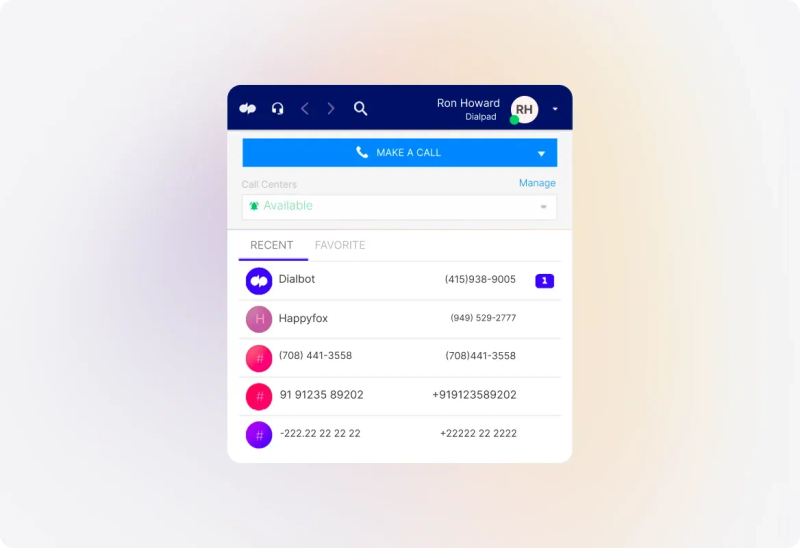
Use a supported telephony integration to connect calls with Help Desk work. Review the provider’s supported calling actions and the information recorded in the resulting ticket.
 Help Desk
Use a supported telephony integration to connect calls with Help Desk work. Review the provider’s supported calling actions and the information recorded in the resulting ticket.
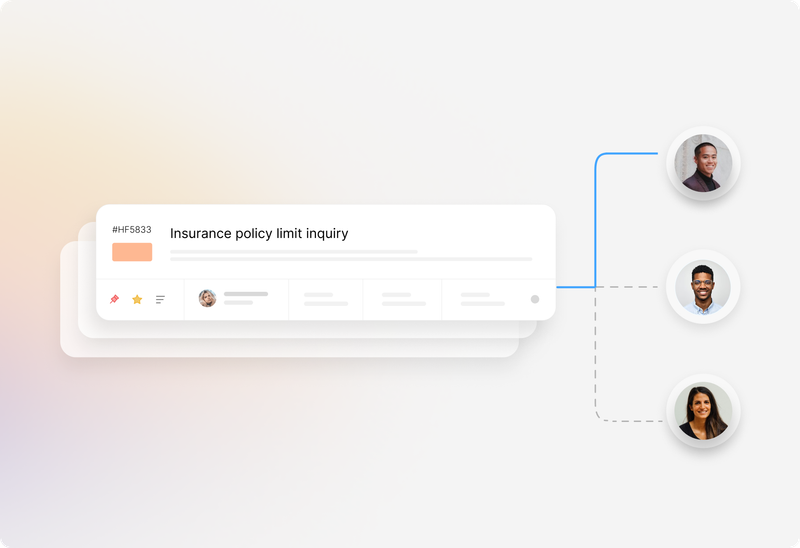
Use configured assignment methods to distribute the follow-up work. Keep the distinction clear between a phone provider routing a live call and HappyFox assigning the service ticket.
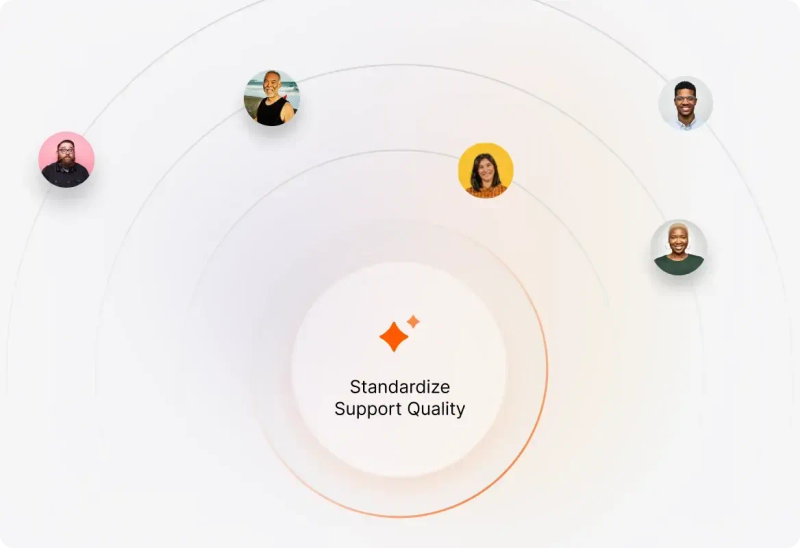
Use agent scripts to provide a structured troubleshooting path. Help agents collect relevant information and work through the steps your team has defined for common request types.


“Since switching to HappyFox, many of our managers and administrators enjoy the reporting widgets and overnight reporting”
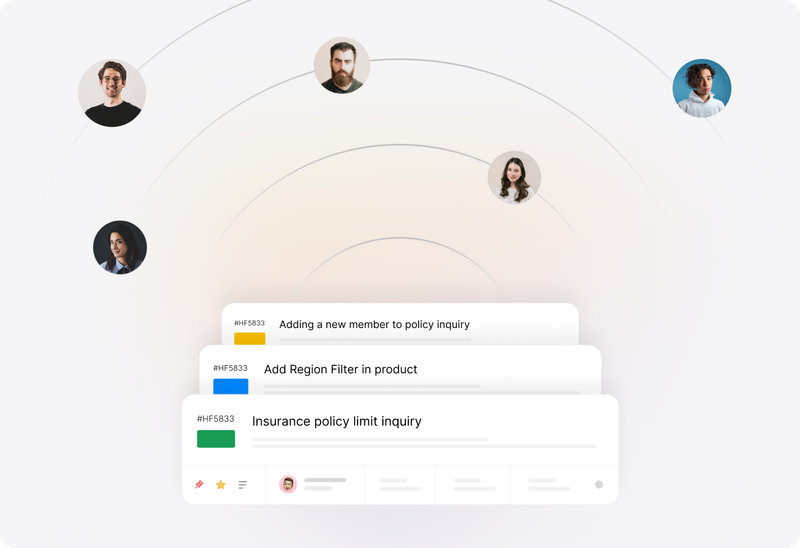
Use Smart Rules to update or route tickets when configured conditions are met. Apply automation to the follow-up work that should happen consistently after an interaction.
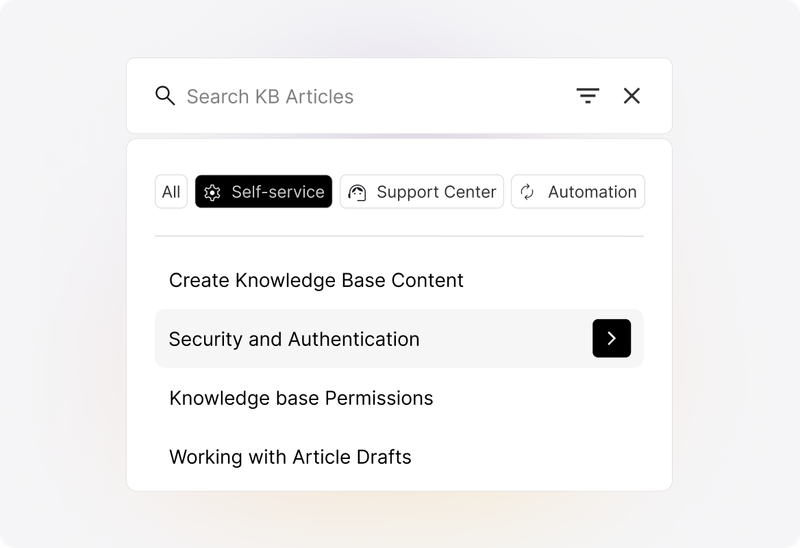
Maintain knowledge articles for common questions and troubleshooting. Give agents a dependable reference and customers a self-service route for questions they can answer themselves.
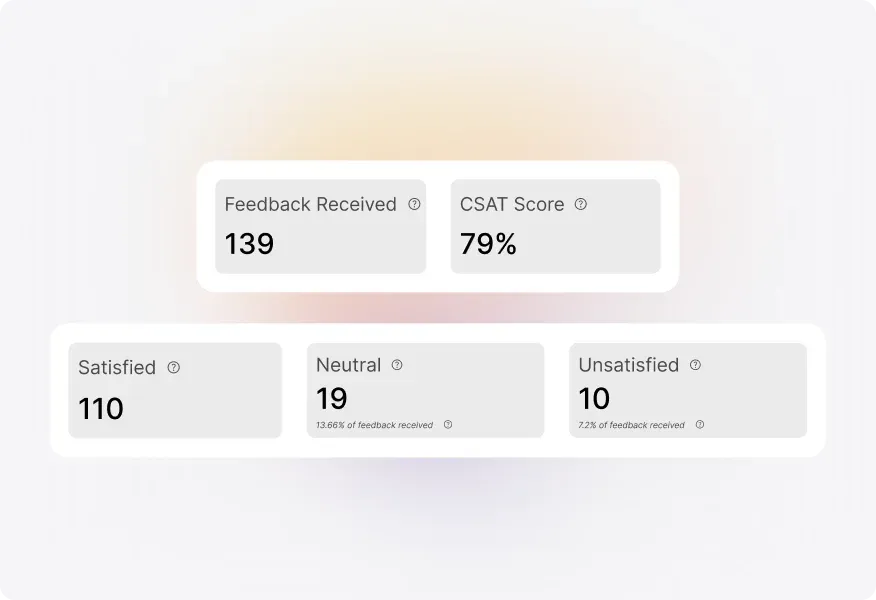
Use satisfaction surveys and reports to examine feedback on support. Look at the conversation and outcome alongside the score before deciding which part of the process needs attention.
Check the integration’s supported numbers, call controls, ticket creation, recordings, and permissions. Include the provider subscription and configuration in the evaluation.
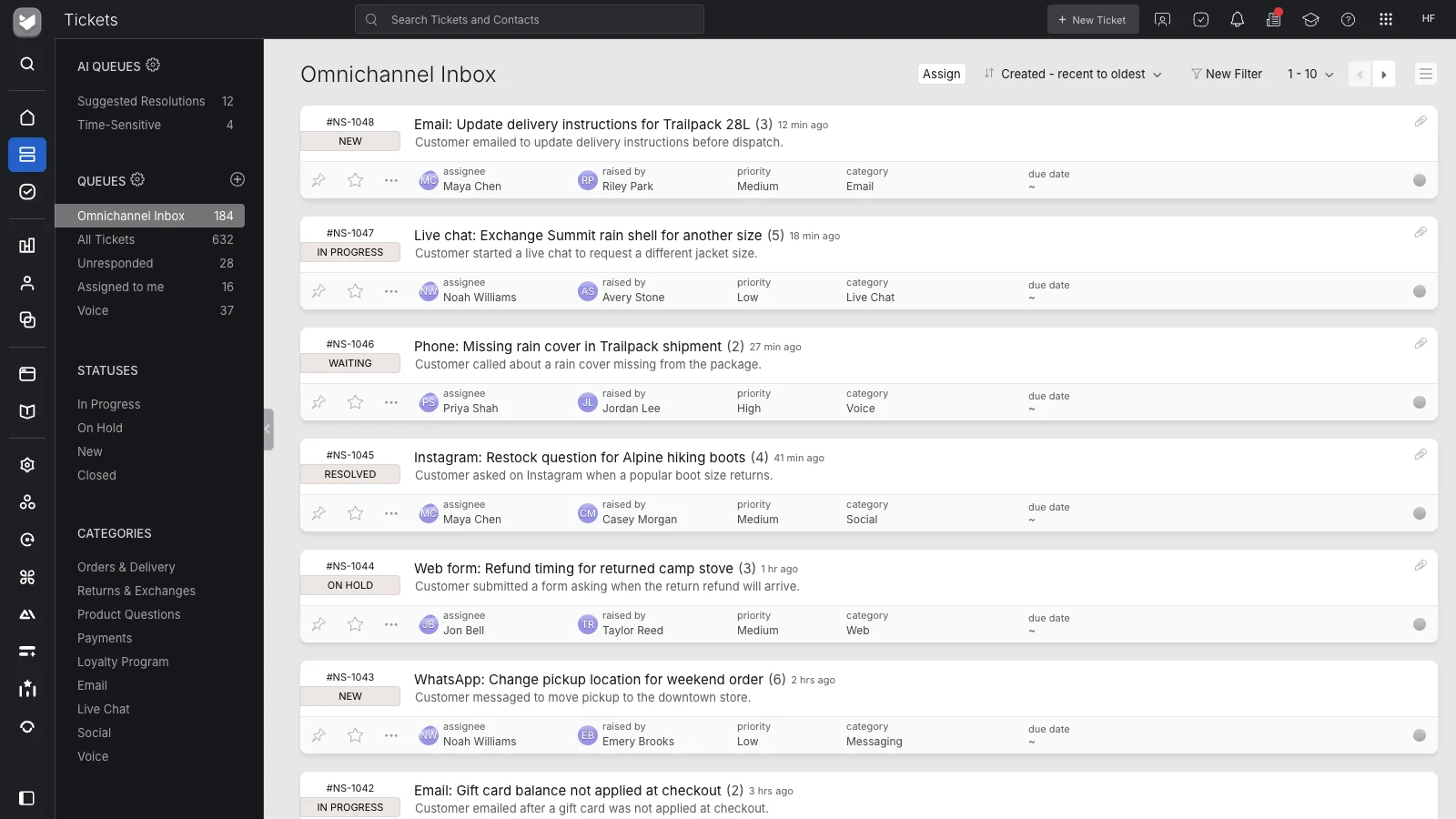
Decide which mailboxes, forms, messaging channels, and phone interactions should become tickets. Confirm each connection’s behavior rather than assuming every channel works in the same way.
Decide who owns work that remains after the interaction. Make the next agent’s responsibility visible in the ticket so a call ending does not leave the customer waiting without an owner.
Review available CRM integrations when agents need account information beside a ticket. Confirm the supported records, sync direction, permissions, and required third-party subscriptions.
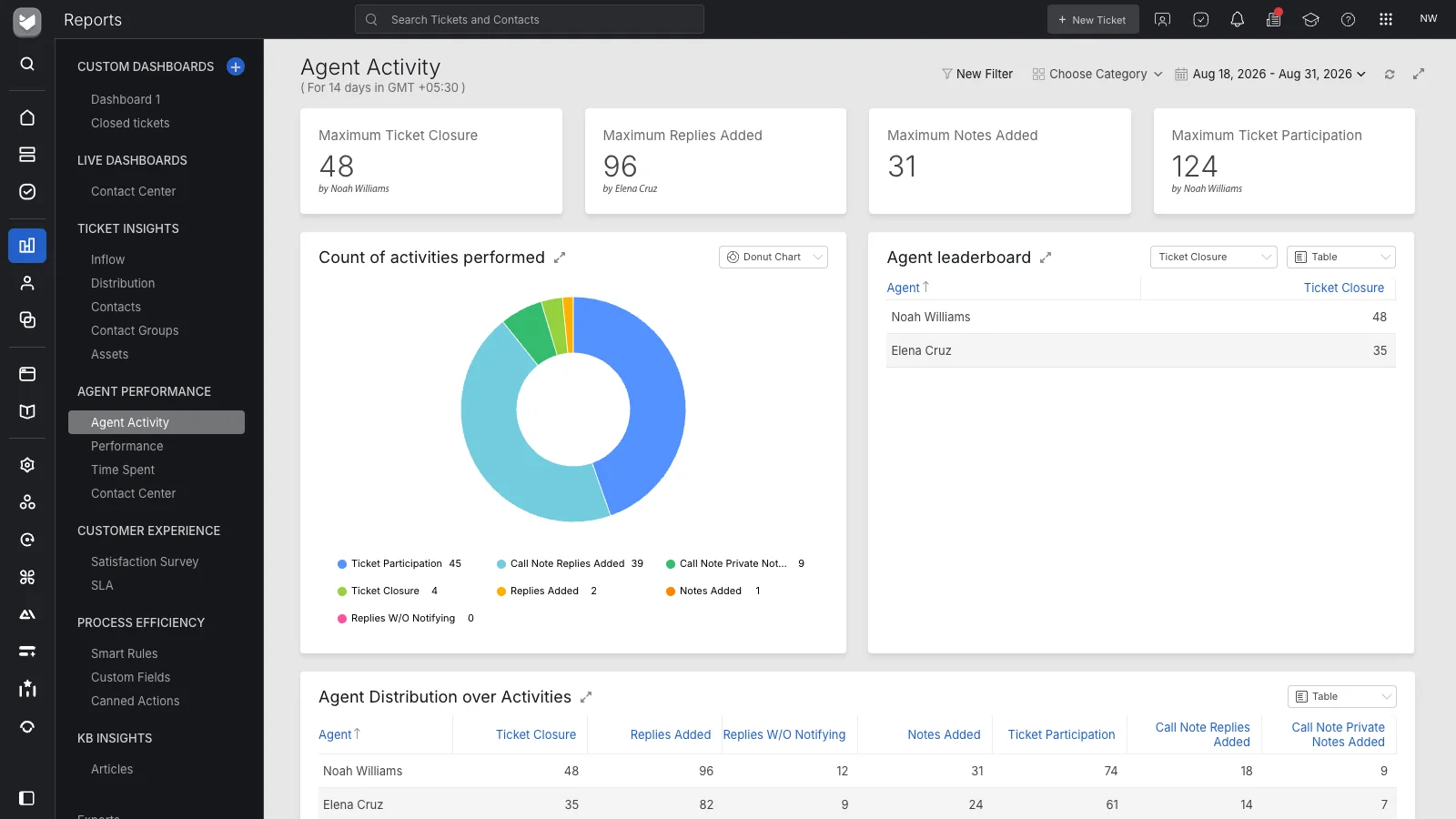
Use Help Desk reporting to review ticket demand, agent activity, and service outcomes. Confirm which live-call and telephony measures must come from the phone platform.
This page concerns Help Desk ticketing and connected support channels. If you need voice AI or autonomous call handling, evaluate HappyFox AI Contact Center separately.
It describes HappyFox Help Desk as the ticketing and follow-up workspace for a contact team. Supported integrations connect phone and digital interactions to service records, agent workflows, and reporting. Confirm the connected products required for your channel setup.
No. HappyFox AI Contact Center is a separate product for voice AI. This Help Desk use case focuses on the service work around customer interactions, including tickets, ownership, scripts, knowledge, and reports.
Supported phone integrations can expose calling actions within HappyFox. For example, the documented Dialpad integration supports inbound and outbound calls and creating tickets from calls. Capabilities and supported numbers depend on the provider and configuration.
Evaluate the phone service and its integration requirements separately. Confirm subscriptions, applicable Help Desk plans, permissions, and provider charges in the proposal for your intended setup.
Call routing directs the live interaction through the phone platform. Ticket assignment determines who owns the associated service work in HappyFox. Review both flows so the live conversation and later follow-up have clear responsibility.
HappyFox agent scripts provide a defined path through a conversation or investigation and can collect structured ticket information. Build the guidance around the questions and steps agents actually need for that request type.
HappyFox supports CRM integrations. Review the records and actions available for your chosen CRM, the required subscription, and how information appears beside the ticket. Integration behavior varies by application.
Use Help Desk reports for ticket inflow, agent activity, response and closure performance, and customer satisfaction. Confirm the source of any required call-queue, live-call, or workforce measures separately.
Choose an interaction that requires follow-up. Review the channel connection, ticket record, agent guidance, ownership, customer context, next action, and report. Include the phone provider and any CRM in that discussion.