Give each request a visible owner
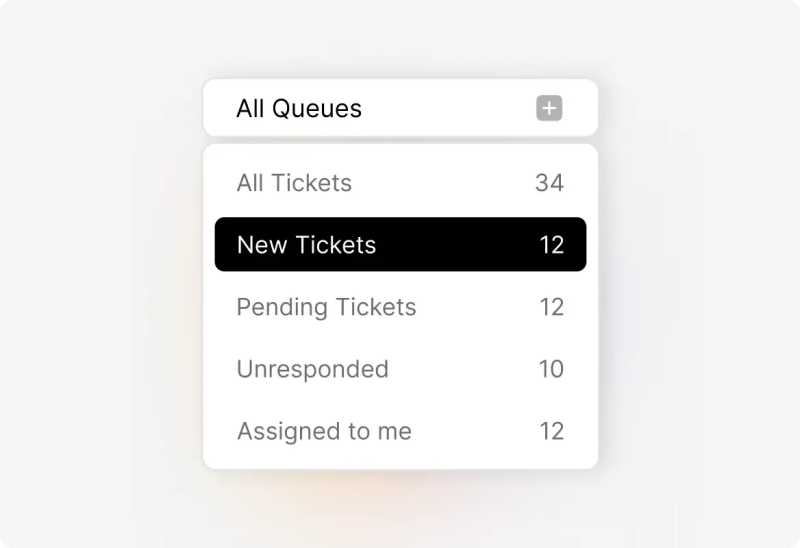
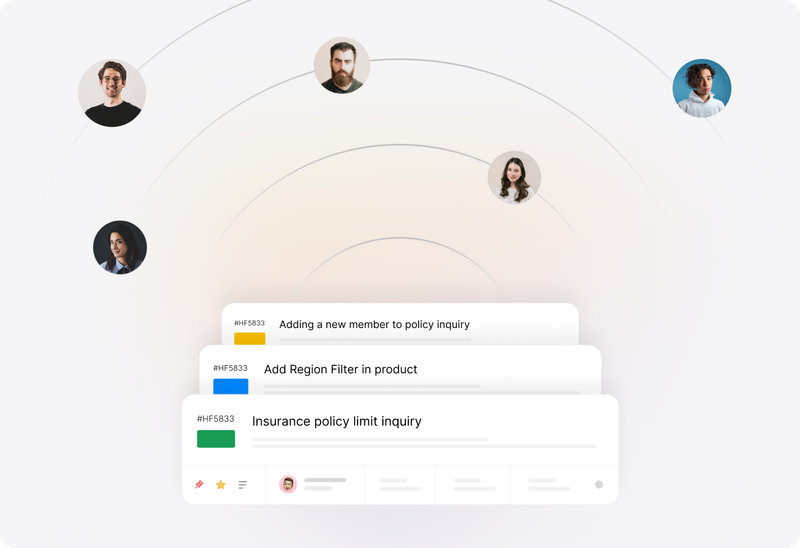
Use assignments and team queues to make responsibility clear. When colleagues cannot ask across the desk, a ticket should show who is handling the next customer update.
 Help Desk
Use assignments and team queues to make responsibility clear. When colleagues cannot ask across the desk, a ticket should show who is handling the next customer update.
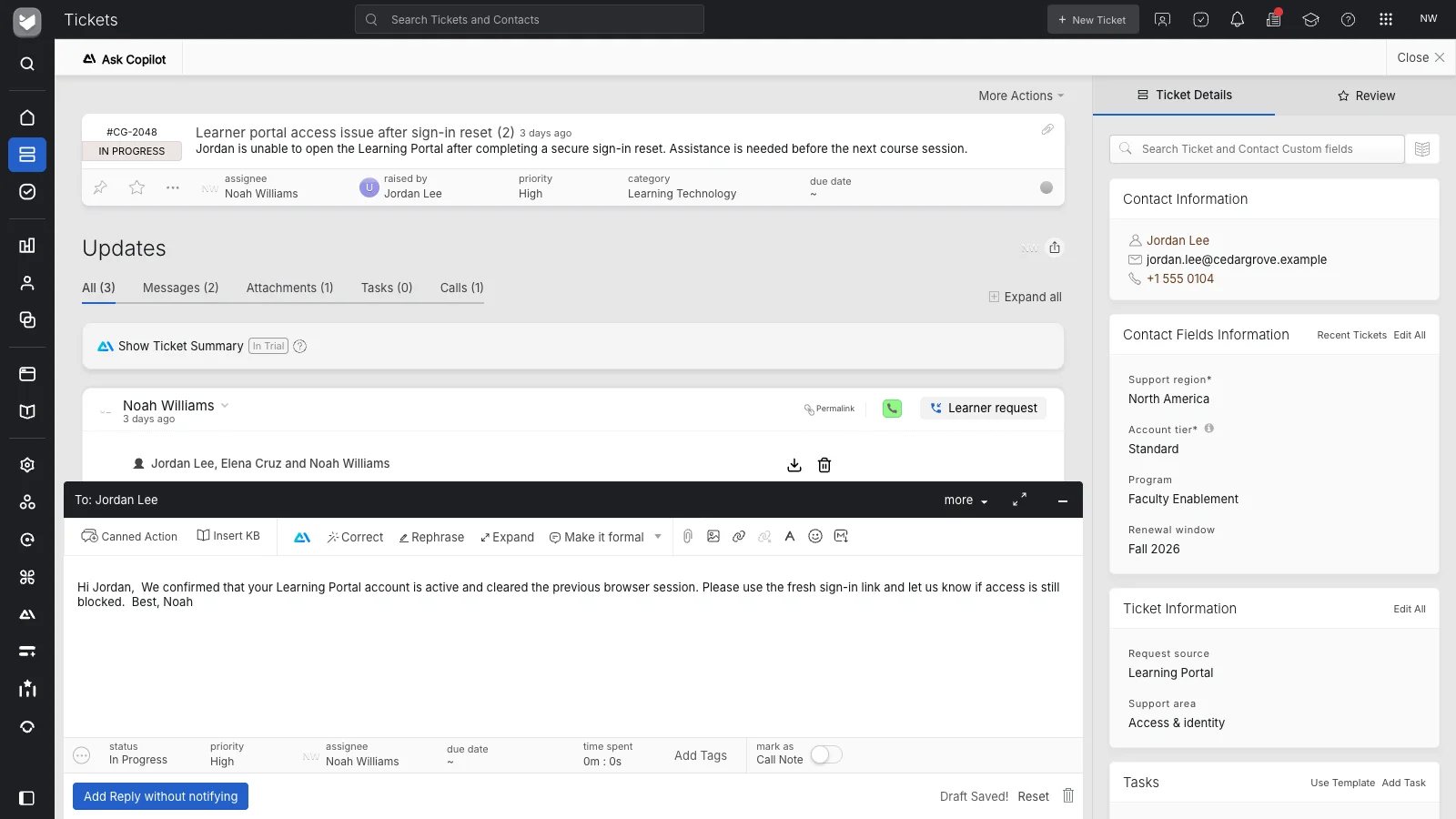
Use private notes to record what was checked, what is still unknown, and what another agent should do next. Keep the handoff useful for someone starting work later.
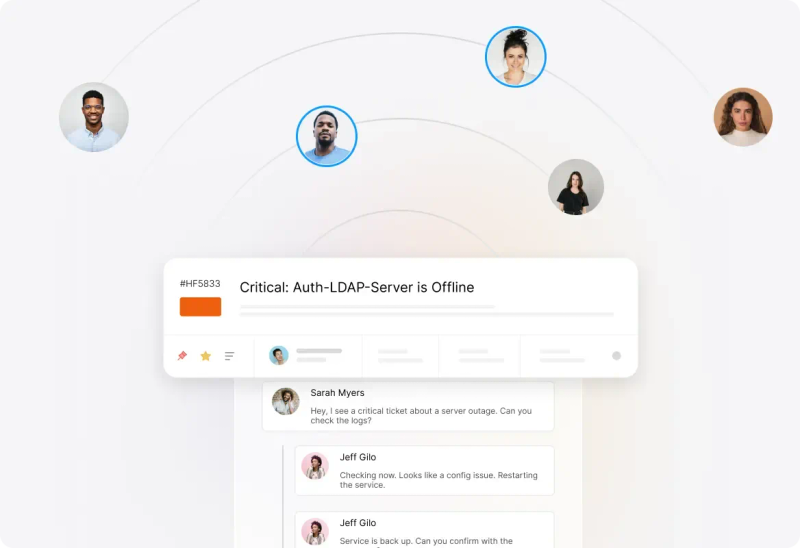
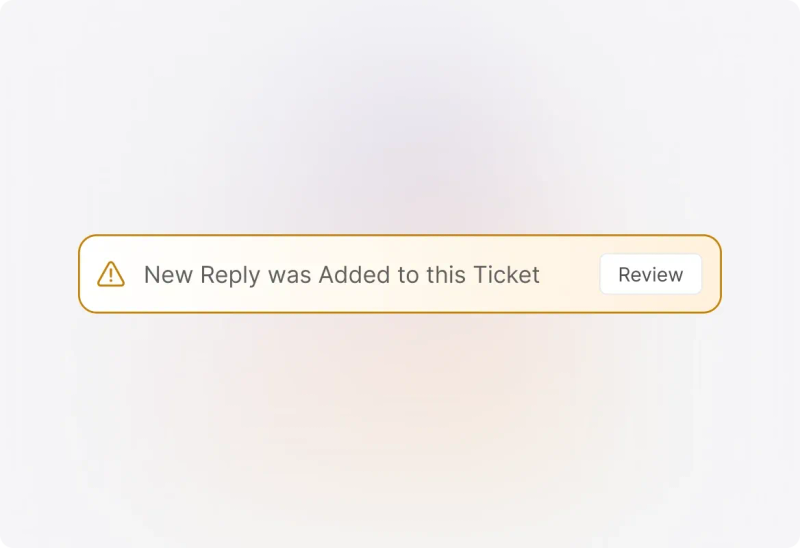
Use agent collision detection to see when another agent is working on the same ticket. Combine that visibility with clear ownership so the team can coordinate its response.


“HappyFox added a level of clarity and convenience to an otherwise overwhelming support load.”
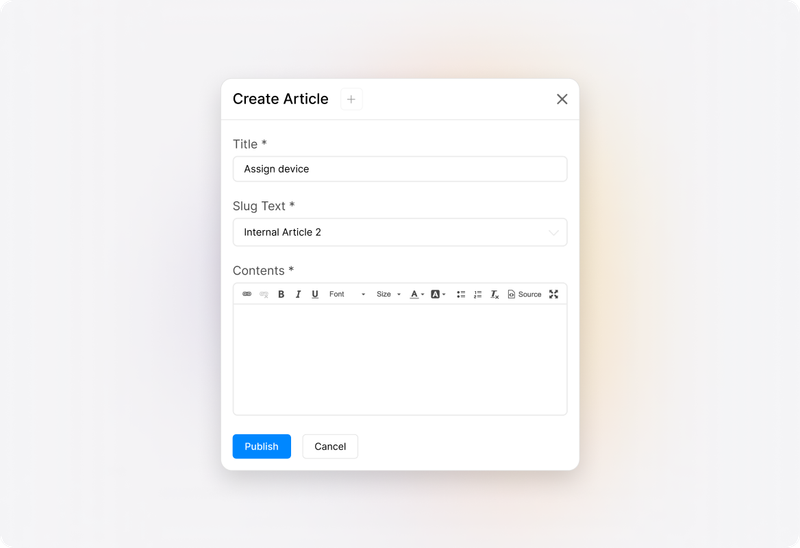
Maintain internal knowledge for support procedures and customer-facing articles for common questions. Give a new agent access to the same guidance as an experienced colleague in another location.
Use Smart Rules for configured ticket updates, routing, and notifications. Make repeatable handling part of the system rather than depending on the same person being present.
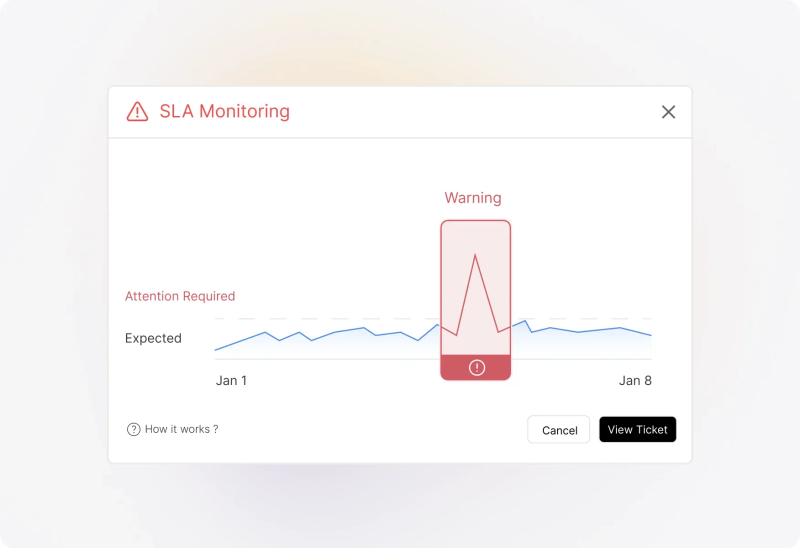
Configure SLA policies and work schedules to reflect the service you provide. Agree on coverage and escalation responsibilities before relying on notifications to bring in another agent.
Agree on the minimum useful update: customer need, work completed, open questions, and next owner. Use the same structure when a request moves between shifts or locations.
Identify working hours and who handles urgent requests outside a particular agent’s availability. A shared workspace supports coverage; the team still needs people assigned to provide it.
Review roles and category access before giving distributed agents account access. Confirm sign-in requirements with the people responsible for your organization’s security policies.
Agents can use the mobile app for replies, private notes, and ticket updates away from their desktop. Review that workflow separately from the day-to-day browser experience.
For technical troubleshooting, review the LogMeIn Rescue integration and its account requirements. Confirm customer authorization and your remote-session operating procedures.
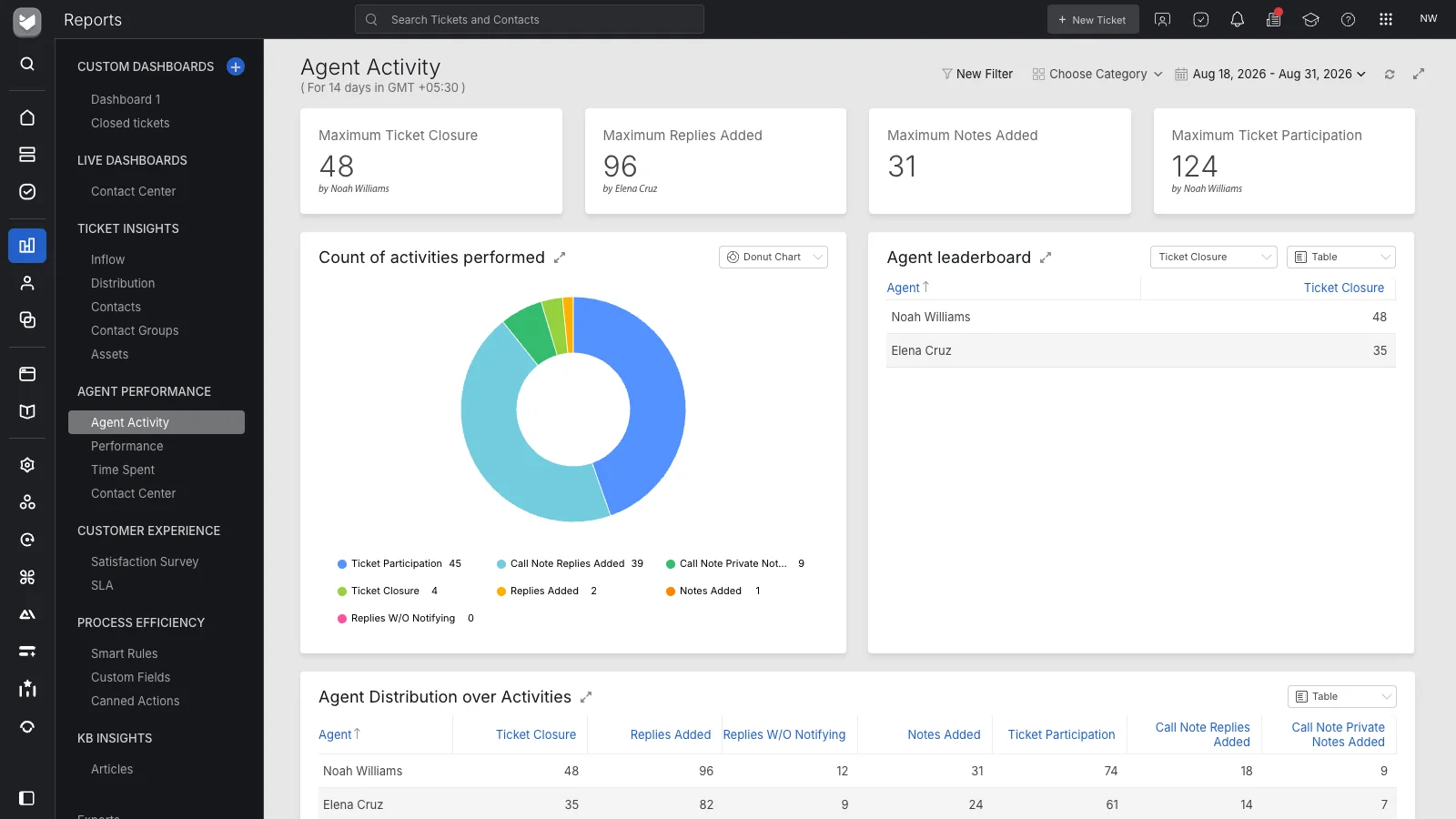
Use shared reporting for service reviews: incoming demand, response and closure performance, workload, and customer feedback. Investigate the tickets behind a pattern before changing the process.
It gives a distributed support team a shared place to handle customer requests. HappyFox combines ticket history, ownership, collaboration, knowledge, automation, and reporting so agents can coordinate their service work from different locations.
Cloud describes how the application is hosted. Remote support describes how people work together across locations. This page focuses on handoffs, coverage, shared guidance, and management visibility within that distributed operation.
Keep the customer conversation in the ticket, record the internal context in private notes, and assign the next owner. Agree on the update another agent needs before a shift or location takes responsibility.
Yes. Help Desk reporting covers ticket demand, agent activity, service performance, and customer satisfaction. Review the applicable report definitions and the ticket data behind them when comparing teams or operating periods.
The LogMeIn Rescue integration lets agents create a remote-support session from a ticket, share the session link in a reply, and capture session information back in HappyFox. An active LogMeIn account and integration setup are required.
Remote device access is provided through the configured integration. It is separate from using the Help Desk in a browser. Review the third-party account, permissions, customer authorization, and session requirements before using it.
The HappyFox mobile app supports ticket replies, private notes, and property updates for registered agents. Test the tasks your agents need to perform on their devices and confirm connectivity where they work.
Maintain knowledge articles and internal procedures, use prepared actions where appropriate, and define repeatable handling with configured rules. Assign an owner to review the guidance as products and service policies change.
Bring a request that crosses agents or shifts. Review ownership, a private handoff note, shared guidance, access, service targets, and reporting. Include any remote-device access requirement as a separate workflow.