















Manage All Your Support Emails in One Place
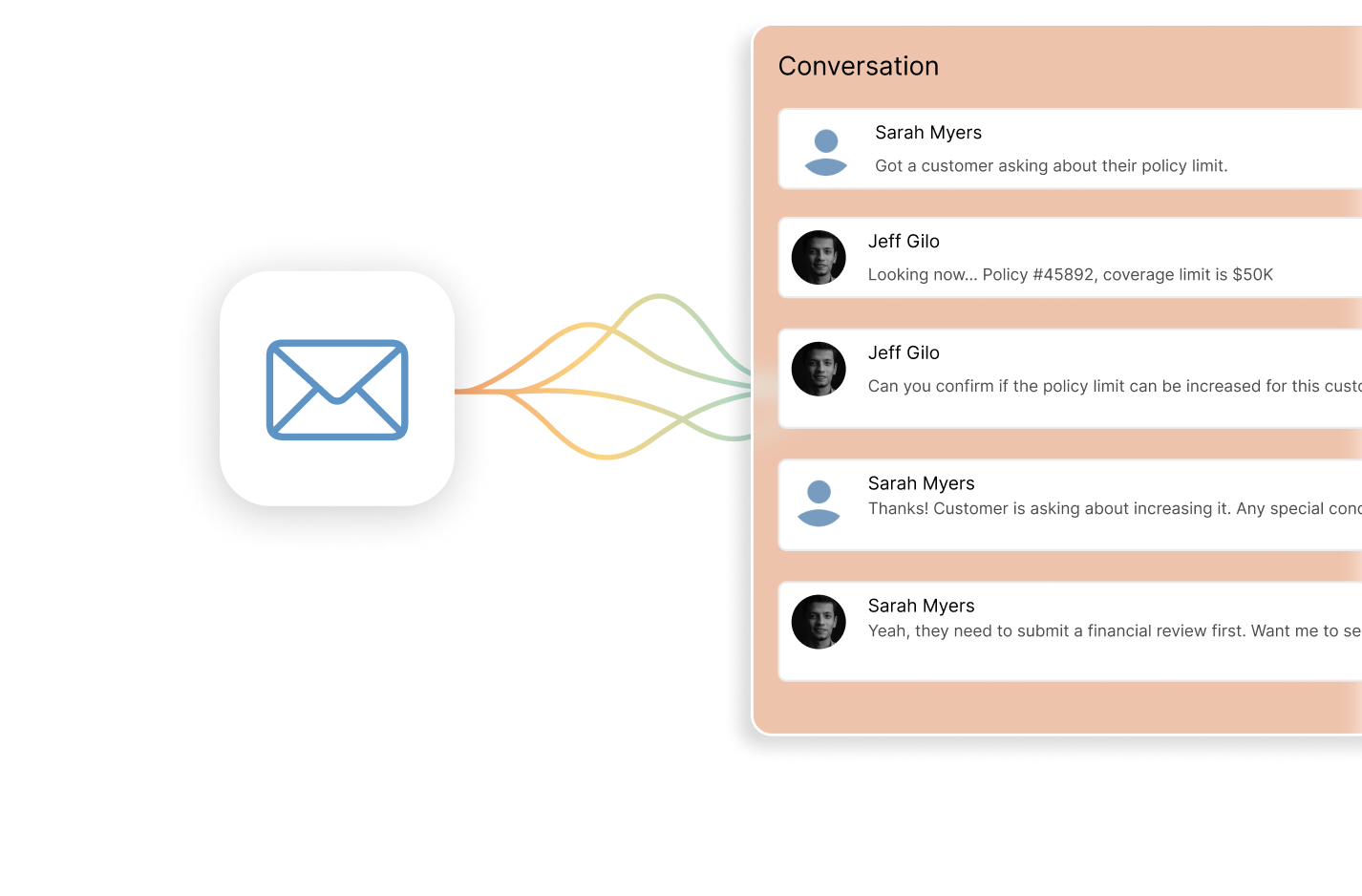












Are Multiple Email Inboxes Creating Customer Service Blind Spots?
When customer emails are spread across multiple inboxes, support teams struggle to track ownership, prioritize requests, and respond on time. Messages get missed, replies are duplicated, and managers lack visibility into inbox-level performance. Managing support over email becomes inefficient, reactive, and hard to scale.
What is Multiple Mailbox Management?
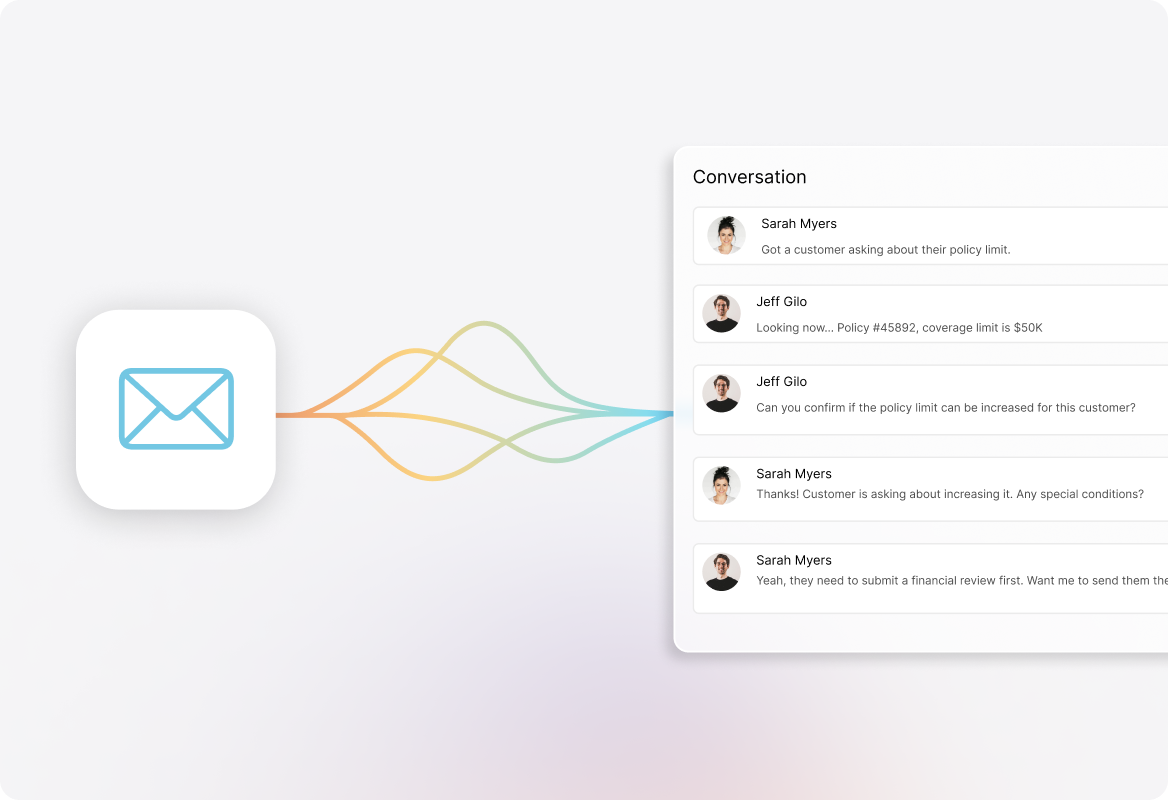
Multiple Mailbox Management connects all your support email addresses to HappyFox while preserving each address's unique identity. Your team works in one system while customers continue interacting with their familiar email addresses.
Eliminate Lost Requests
Capture every customer email from all inboxes in a single dashboard with full visibility and tracking.
Cut Response Time by 50%
End time-wasting account switching and enable instant collaboration between departments.
Gain Actionable Insights
Generate custom reports for each mailbox to identify trends and optimize resource allocation.
Single Source of Truth for All Customer Emails
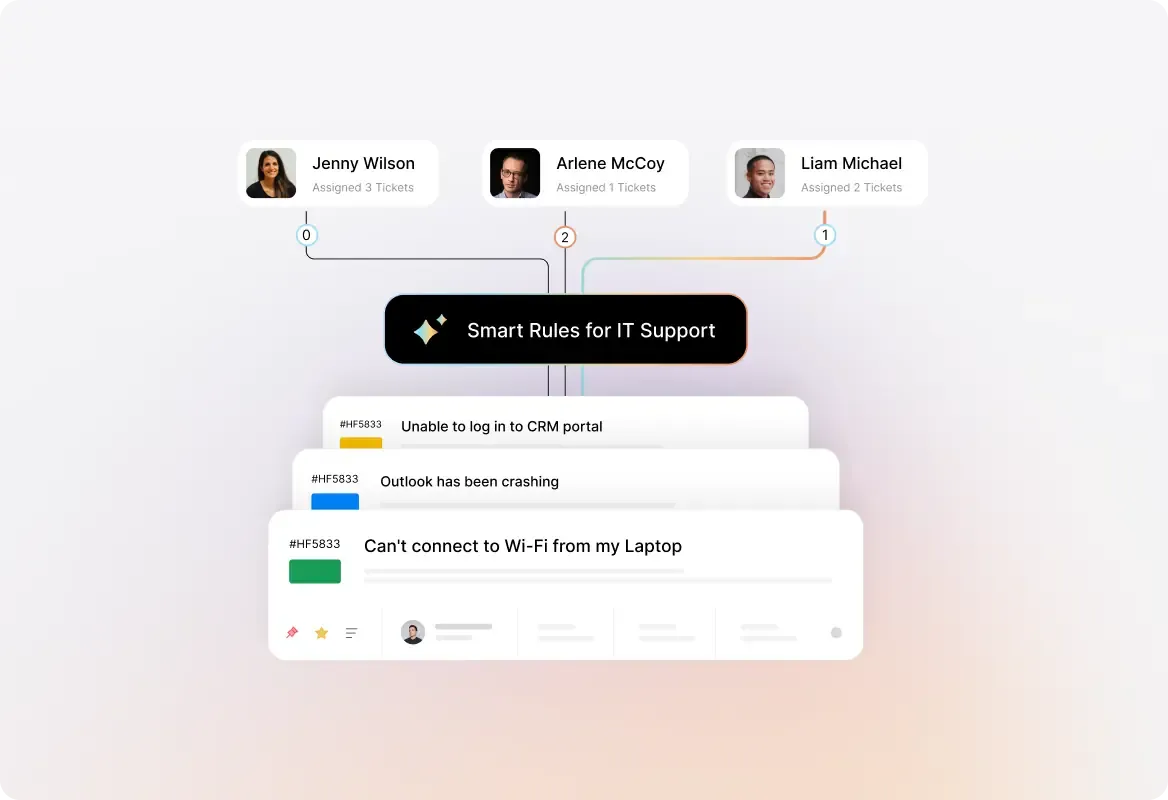
Route Emails to the Right Teams Automatically
Connect support, sales, billing, and department-specific mailboxes to instantly direct messages to the right teams based on which inbox received them.

Collaborate Across Teams Without Forwarding Emails
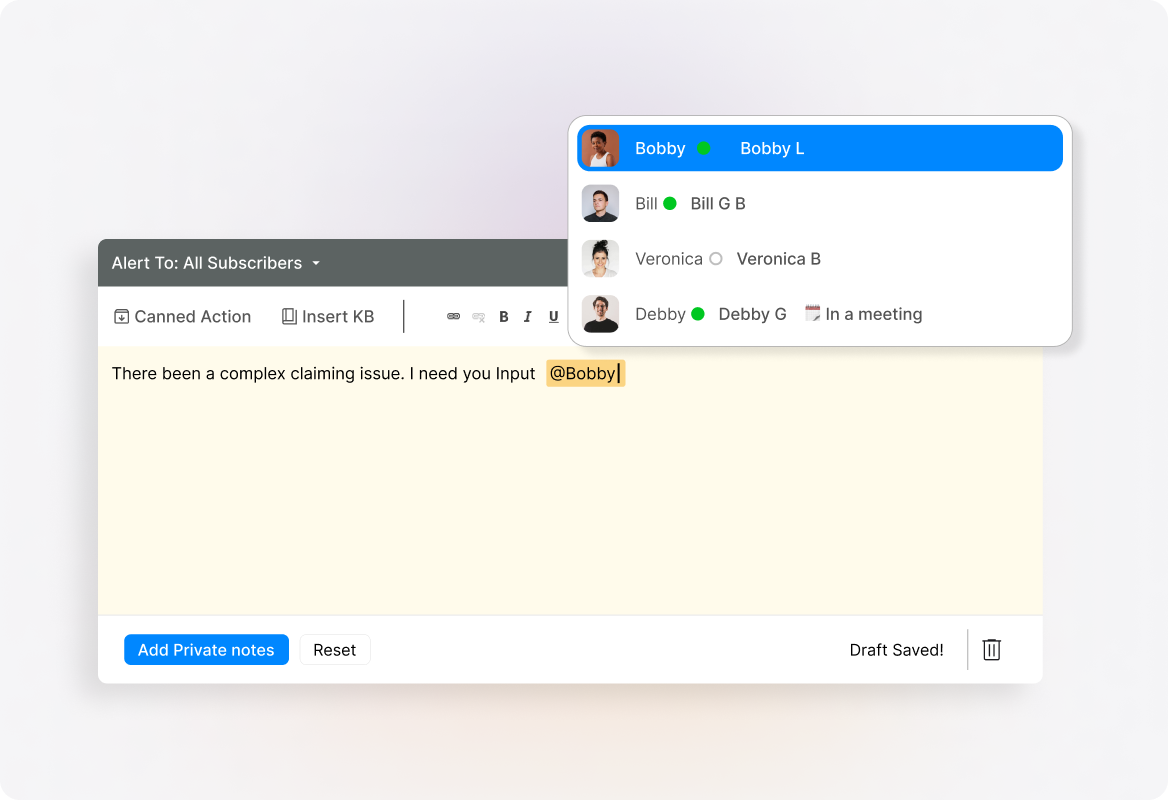
Use internal private notes and @mentions to work together inside tickets without cluttering customer threads or CC'ing colleagues.
Maintain Consistent Customer Conversations
Send replies from the exact email address customers originally contacted, creating seamless conversation continuity with no confusion.
Track Performance Metrics for Each Mailbox
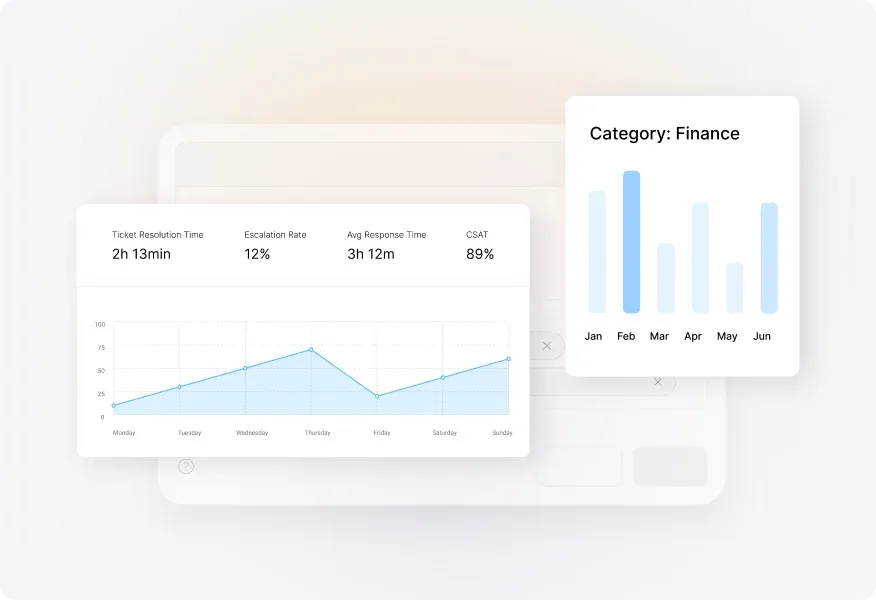
Create custom reports for each mailbox to measure volume, response times, and resolution rates—identifying which channels need additional resources.
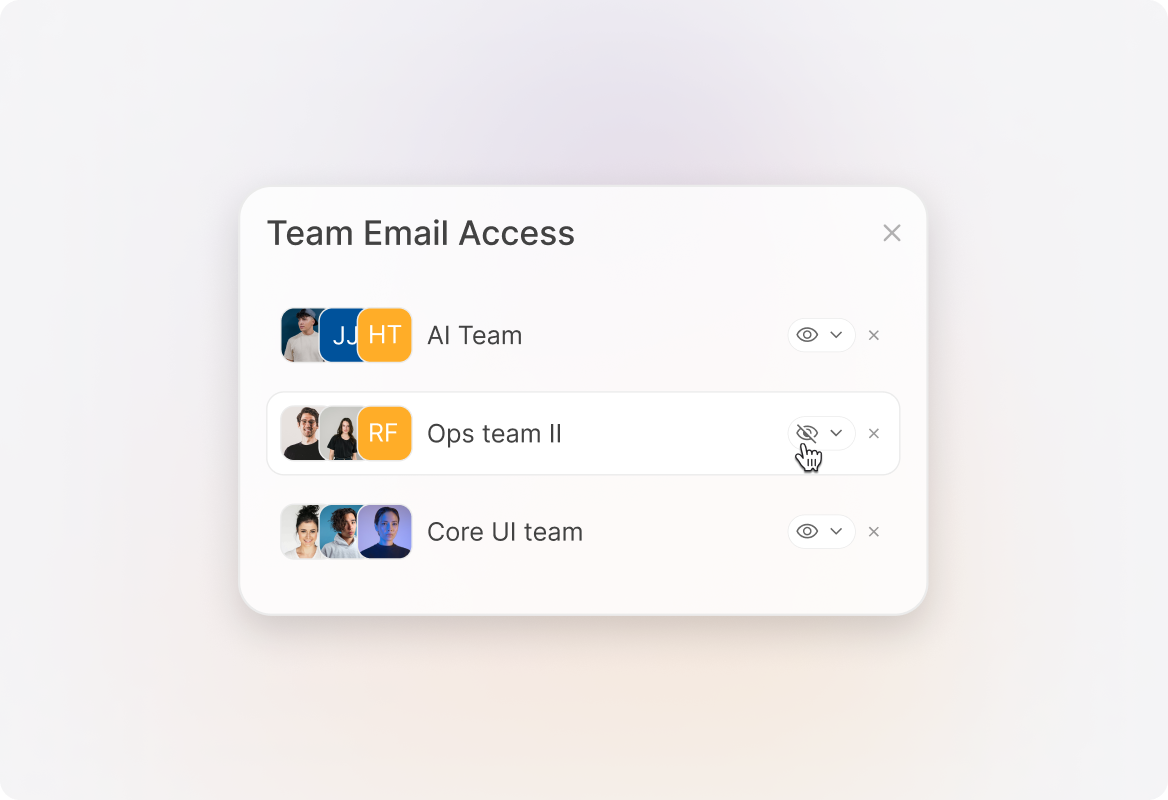
Set Precise Team Access Permissions
Control exactly which team members can view and respond to specific mailboxes while maintaining a single platform for your entire organization.
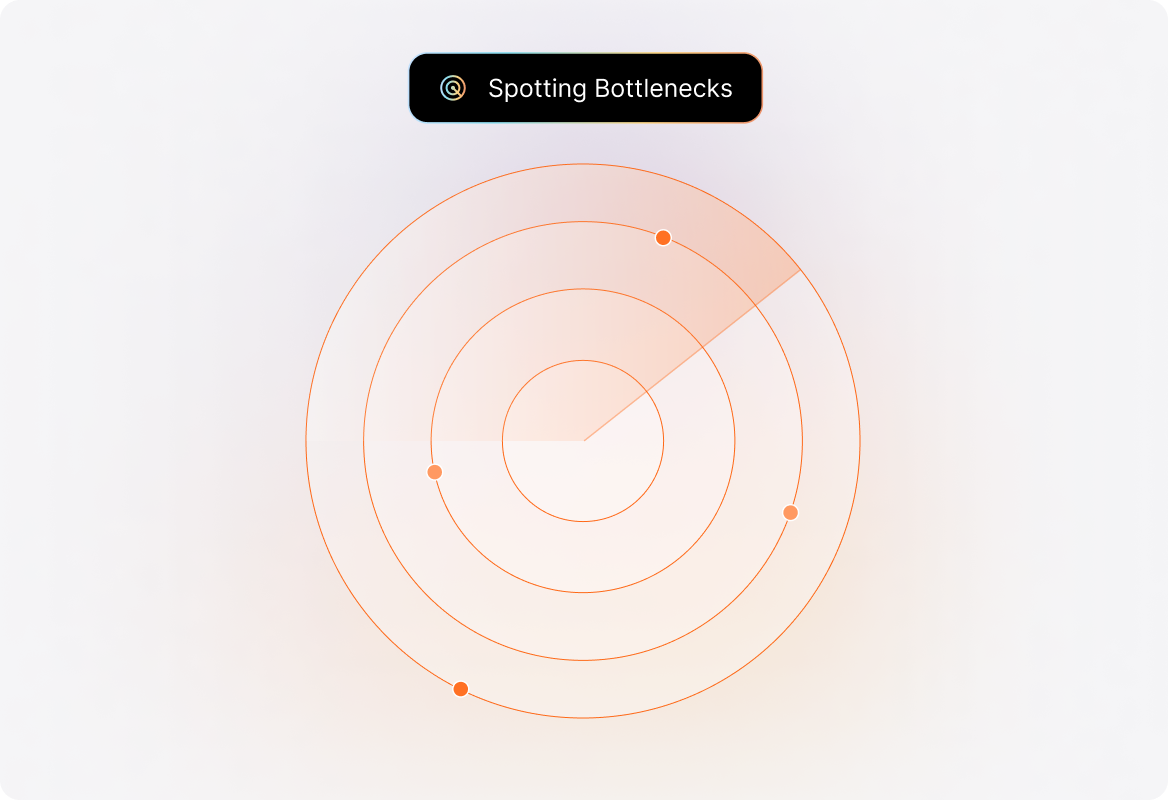
Spot and Fix Email Support Bottlenecks
Pinpoint which email channels generate the most tickets or longest resolution times to optimize your support strategy and resource allocation.
Explore Other HappyFox Features
FAQs

Unify Your Email Support Today
Stop juggling multiple inboxes. Start delivering faster, more consistent customer support with complete email visibility.

Use Cases
For Business Type
For Industries


Copyright ©2026 HappyFox Inc. All rights reserved.