Support Agents
Creating and tracking development issues from tickets.
 Help Desk
HappyFox Help Desk integration
Track and create issues within your helpdesk

Find the app under Project Management and approve the HappyFox application.
Select the repositories agents can use and configure comments and notifications.
Add the HappyFox webhook URL for Issues and Issue Comments events.
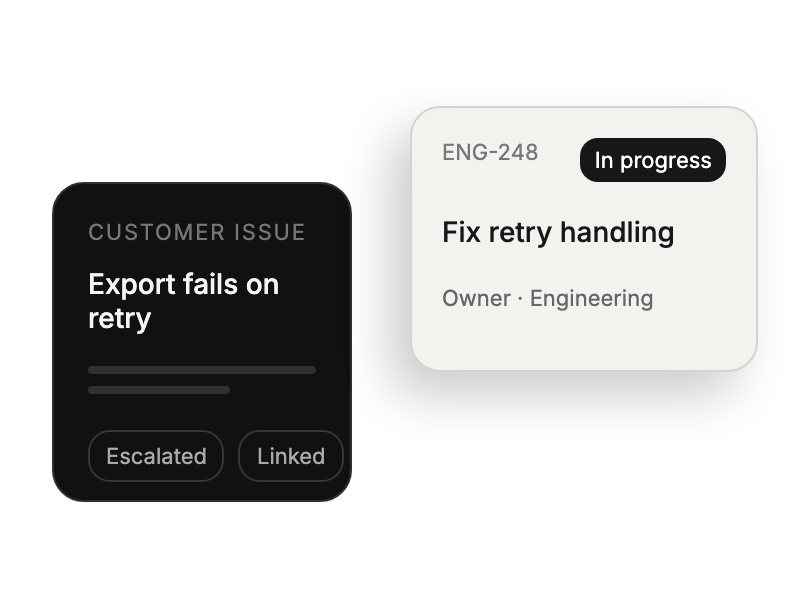
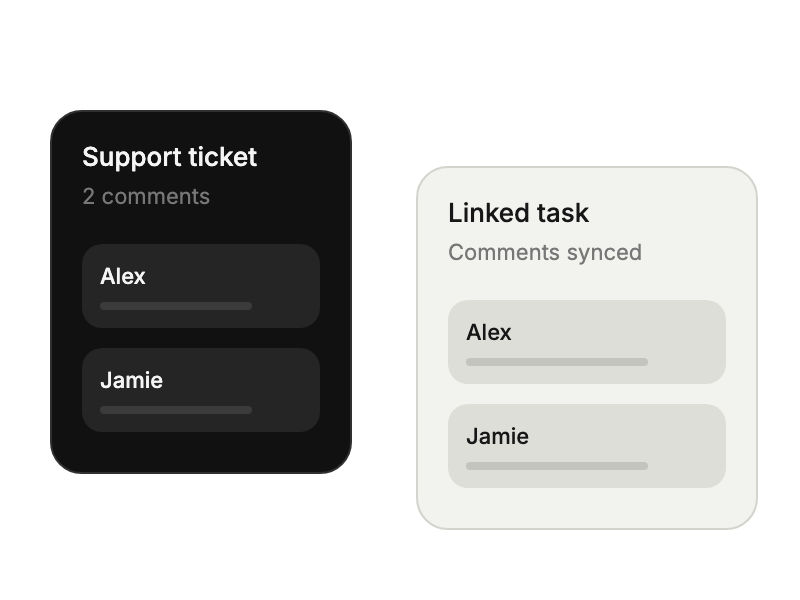
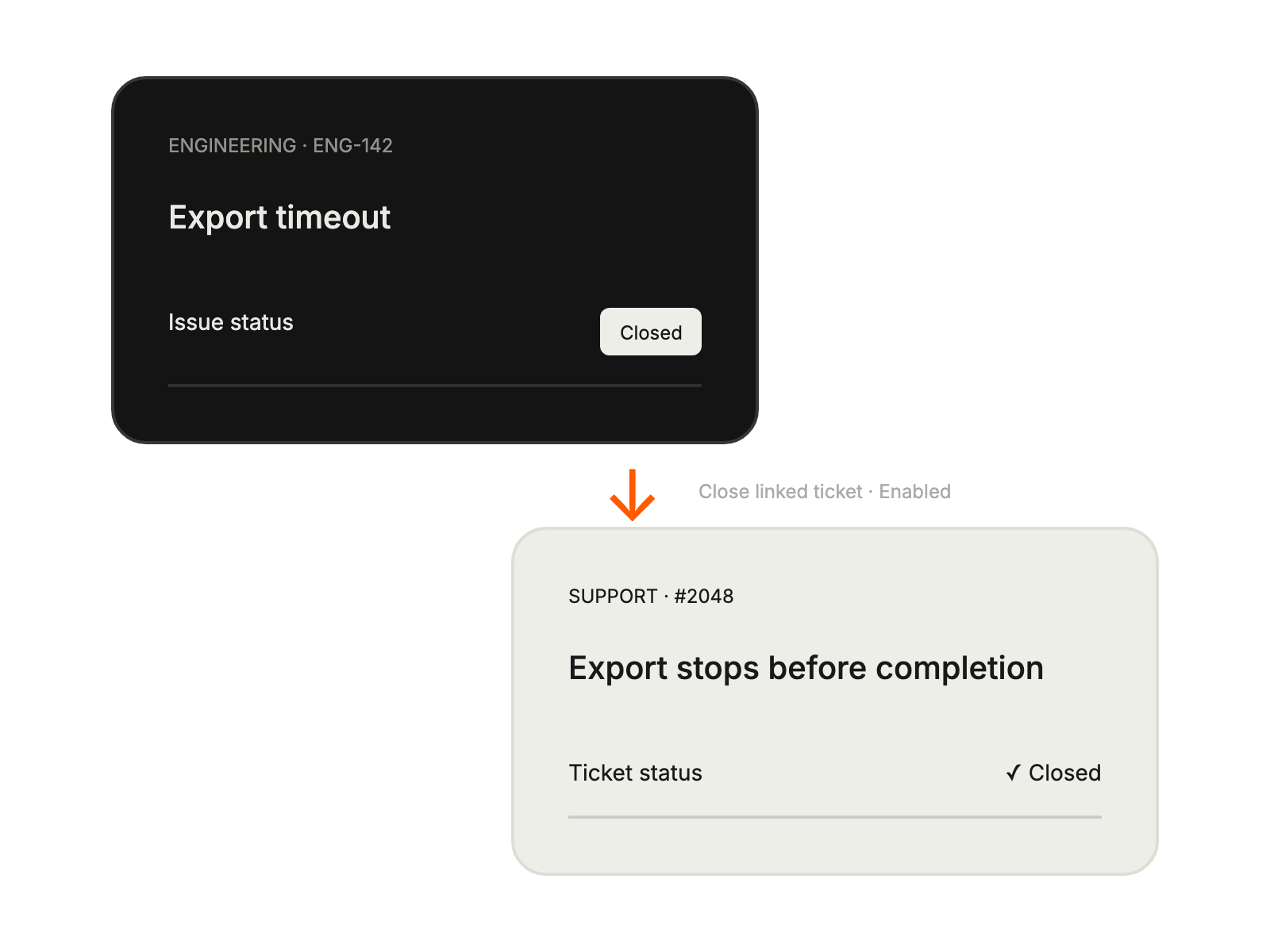
Creating and tracking development issues from tickets.
Receiving detailed context from support tickets in GitHub.
Monitoring fix progress and development timelines.
Maintaining overview of customer-reported issues.


