HappyFox Help Desk integration

Track your phone calls as tickets

Help DeskAircall logo

How the Aircall Integration Works

  1. Create Aircall API credentials

    Generate an API key and copy its API ID from the Aircall dashboard.

  2. Install and map phone numbers

    Enter the credentials in HappyFox, choose a default category, and configure individual numbers.

  3. Sign in to the phone widget

    Open the phone control and complete the Aircall login and microphone setup.

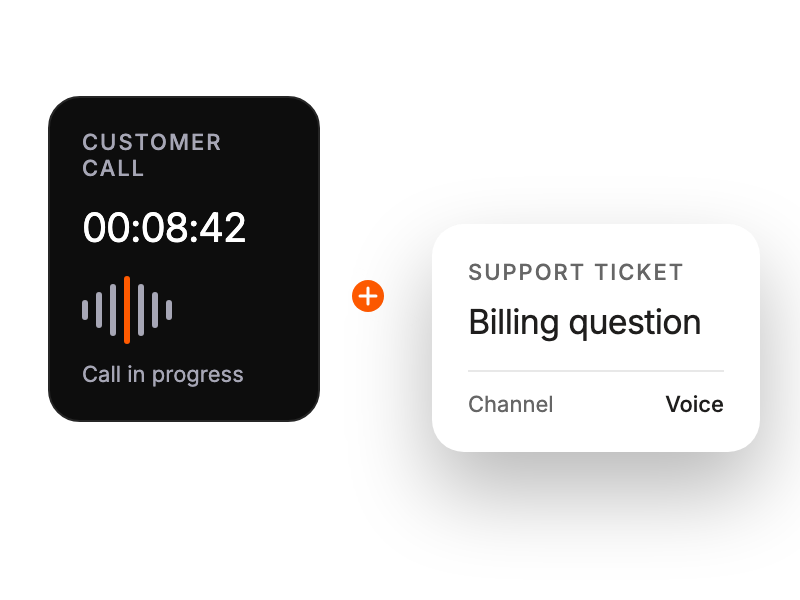
Active customer call captured alongside a support ticket.

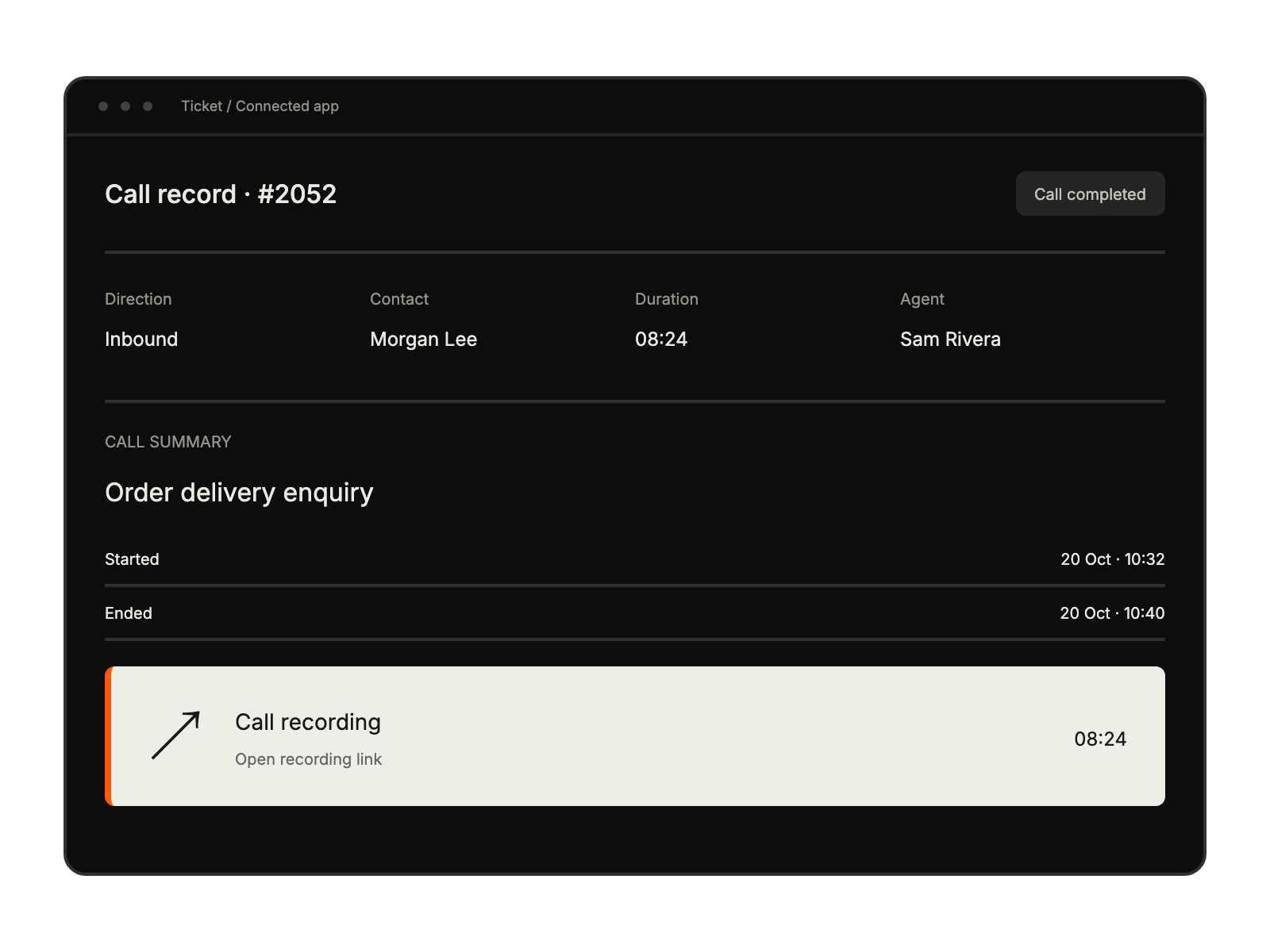
Call record with call details, a short summary and a highlighted recording link.

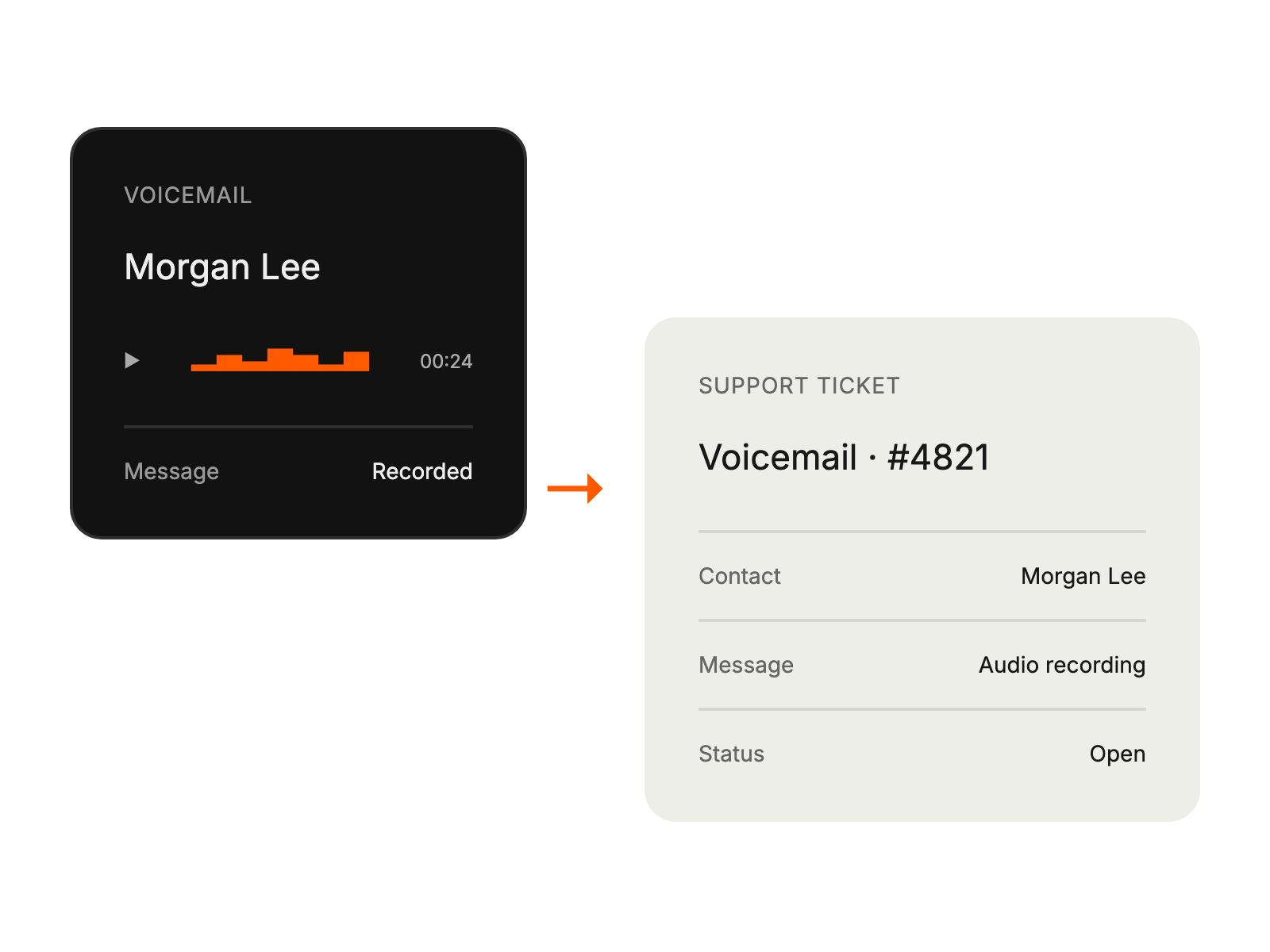
Recorded voicemail becomes a support ticket for organized follow-up.

Built for Teams Using Aircall

Support Managers

unifying communication channels

Customer Service Teams

handling calls efficiently

Help Desk Agents

managing omni-channel interactions

IT Support Staff

streamlining ticket creation

See More Integrations