Customer support teams
serving WhatsApp-centric markets
 Help Desk
HappyFox Help Desk integration
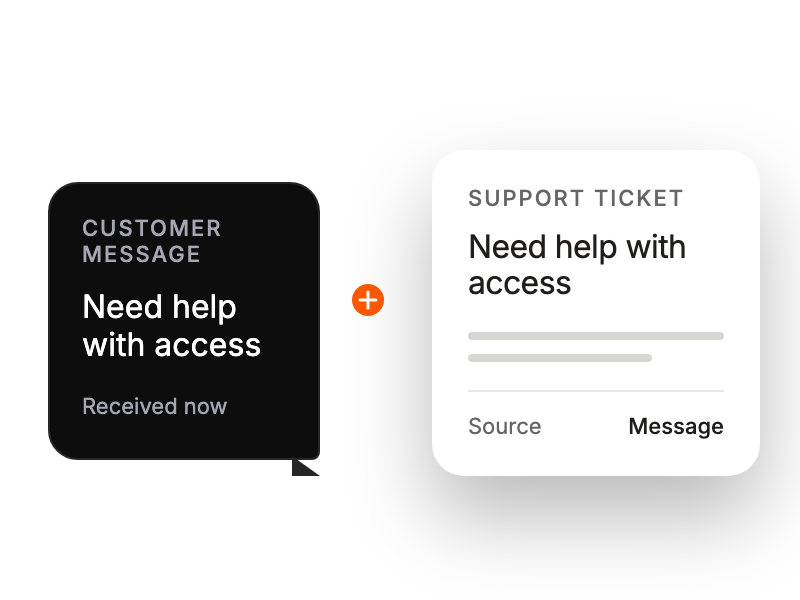
Convert WhatsApp messages into help desk tickets

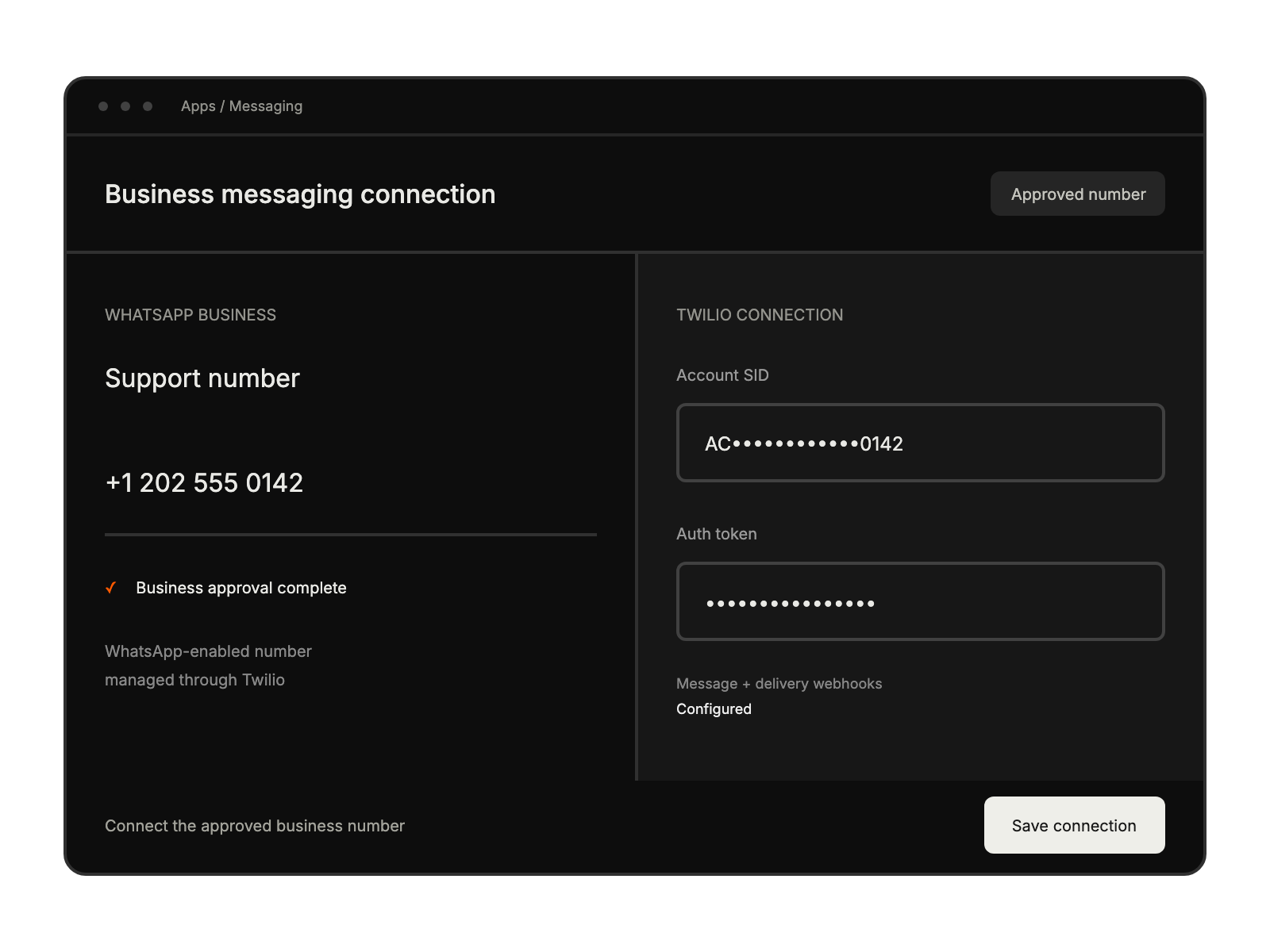
Use a WhatsApp-compatible Twilio number and complete the business approval process.
Enter the Twilio account and number settings described in the integration guide.
Apply the documented webhook and category configuration, then test incoming messages and replies.
serving WhatsApp-centric markets
prioritizing instant messaging support
handling international customer base
needing mobile-first communication


