
HappyFox
A configurable help desk for service teams.
- Customer service and internal support workflows
- Configurable ticketing, SLA policies and self-service
- Agent-based or unlimited-agent pricing
A quick scan of the criteria teams evaluate first.
| Criteria | HappyFox | BMC Helix (Remedy) |
|---|---|---|
| G2 Rating | Ease of use: 9.3/10; quality of support: 9.1/10 (G2, October 20, 2026) | G2: 3.7/5 (287 reviews); Gartner Peer: 4.4/5 |
| Starting price | Basic: $24/agent/month; Team: $49/agent/month; Pro: $99/agent/month (billed annually). Growth: $1,999/month for unlimited agents (billed annually) | Custom quote; ~$115/named user/month (est.) |
| Setup time | Hours to 1 week; no IT required; self-service onboarding | 4-6 months; certified partner strongly recommended |
| Hidden costs | HappyFox AI, Chat, and Workflows are sold separately; annual contract for unlimited plans | Module fees; implementation costs high; annual maintenance fees |
| AI copilot pricing | HappyFox AI: from $14/agent/month; a separately priced Help Desk add-on | Contact BMC Helix sales for HelixGPT pricing and licensing |
| Agentic AI pricing | Autopilot: $0.02/successful action; agentic resolution for tickets | ~30 AI agents (ServiceOps); custom enterprise pricing |
| Storage | 50 GB (Basic) to 2 TB (Enterprise PRO); generous per tier | Cloud, on-prem, or hybrid; customer-specific storage |
| Support availability | 24/5 on Team+; 24/7 email on Pro; 24/7 phone on Enterprise | 24/7 enterprise support; premium tiers contract-specific |
Start with the operating model that best matches your team.
A configurable help desk for service teams.
Enterprise IT service management and ServiceOps.
Compare one decision area at a time.
Match the rollout to the workflows and data you need to bring across.
Compare ticket automation separately from AI and cross-application processes.
A connector needs to support the actions your service process actually requires.
Evaluate the controls required for the data you handle.
Agree on the help your team needs before and after launch.
Use your actual service questions to evaluate reporting depth.
Check the plan that contains the controls you need.
Compare scope, term and usage rather than headline prices alone.
Understand the role each platform is designed to play.
A configurable help desk for service teams.
HappyFox brings customer and employee requests into structured ticketing, SLA policies, knowledge and reporting. Plan-dependent task, asset and administration features support more involved service work; AI, Workflows and BI extend the platform as separate products.
Enterprise IT service management and ServiceOps.
BMC Helix supports enterprise incident, change and configuration-management processes. Its ITSM and operations scope suits organizations coordinating service management with complex infrastructure and formal governance.


“HappyFox has not just been a tool; it's been a game-changer for Sonny's BBQ. The efficiency and clarity it brought to our IT support and business intelligence processes have allowed us to significantly reduce ticket volumes while improving our operational insights. This isn't just about solving IT issues; it's about elevating the entire brand's operational excellence.”
Test engineering handoffs, customer context, API access and connections to tools such as Jira and Slack. Include Helix’s enterprise ITSM and operations scope when your workflow depends on infrastructure and configuration relationships.
Explore integrationsCheck order context, Shopify and other store integrations, multi-brand support and refund or return actions. Model seasonal ticket peaks and AI usage together.
Explore ecommerce supportStart with data access, retention, residency, audit requirements and the agreement covering regulated information. Confirm that the specific products and workflow meet your organization’s requirements.
Explore healthcare supportEvaluate support for staff, students and departments, along with request categories, self-service knowledge and routing. Include training and school-year demand in the rollout plan.
Explore education supportTest incident ownership, asset context, approvals and customer separation. Confirm the tenant, department, brand and permission model against your service contracts.
Explore IT supportCompare procurement terms, deployment requirements, accessibility and budget predictability. HappyFox offers discounts to qualifying nonprofits and educational organizations; eligibility is confirmed by the team.
Explore nonprofit supportConnect equipment or asset context with tasks, approvals and service requests. Evaluate mobile access, integrations and cross-department ownership using a real operational scenario.
Explore manufacturing supportInventory tickets, contacts, knowledge articles, attachments, custom fields, tags, SLA policies and team structure. Confirm which records your existing platform can export and what history needs to remain accessible.
Map exported data to HappyFox categories, statuses, fields and teams. Configure roles, email routing, support channels and branding, and decide how historical references will be preserved.
Configure routing and escalation rules, business hours, SLA timers, canned responses and integration connections. Test permissions and webhook behavior using representative requests.
Validate ticket histories and end-to-end routing, train agents, and confirm reporting. Plan a parallel run or staged cutover where needed, with a rollback and support plan agreed before launch.
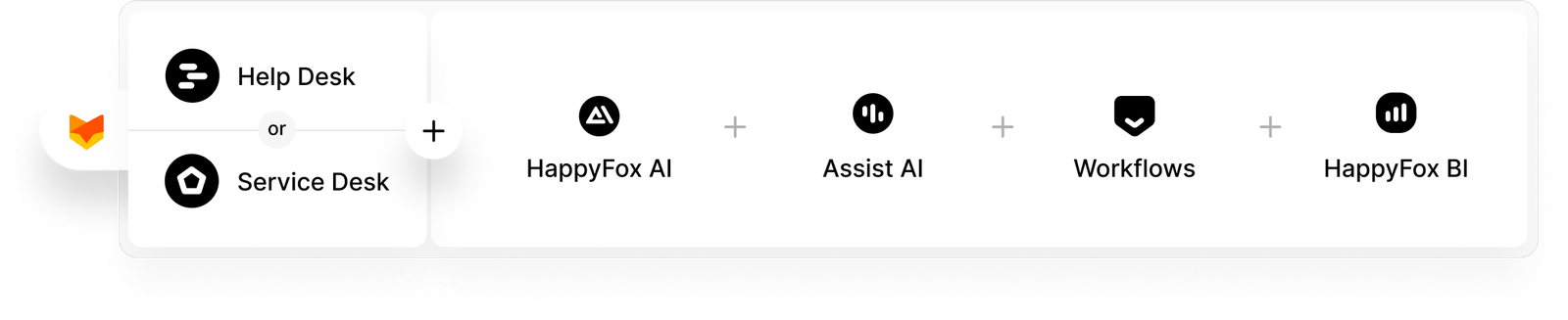
Manage customer requests through ticketing, self-service, routing and reporting.
Explore Help DeskCoordinate incidents, service requests, assets and approvals across internal teams.
Explore Service DeskConnect service work with the other tools and approval processes your business uses. Workflows is priced separately from Help Desk.
Explore WorkflowsStart by inventorying tickets, contacts, knowledge, custom fields and service rules. Export access and supported record types depend on your current platform. Map the data, recreate routing and SLAs, test a representative sample, and agree on the cutover plan. Discuss migration scope with our team before committing to a schedule.
Rollout time depends on the channels, historical records, integrations, approvals and service policies you need. Evaluate a representative workflow with the people who will administer and use it. Include migration testing and agent training in the schedule.
Choose the required support channels and response commitments, then review security controls, access permissions, data location and retention in the proposed plan. For regulated information, confirm the product scope and signed contractual terms. Explore HappyFox security for more detail.