Without automation, your agents route tickets by hand, chase SLA deadlines manually, copy-paste the same responses fifty times a day, and lose track of which tickets need escalation. Every manual action is a chance for something to go wrong. Tickets fall through the cracks. SLAs get missed. Agents burn out on work that should take zero human effort. HappyFox automates every repeatable action in your support workflow - so nothing gets missed and no agent touches something a rule can handle.

Automating your help desk can help reduce overall costs incurred per ticket by eliminating the need for manual actions.

With automation at the helm, support agents can focus on things that matter - delivering superior customer support.

Prompt resolutions and fewer touchpoints lead to improved customer satisfaction scores.

Industry best practices in support and audits can be carried out with ease with a powerful automation tool in place.

Reduce the chances of human errors and provide accurate resolution.

With automation doing all the gruntwork, customers experience an increase in First response time and First Contact Resolutions (FCR).
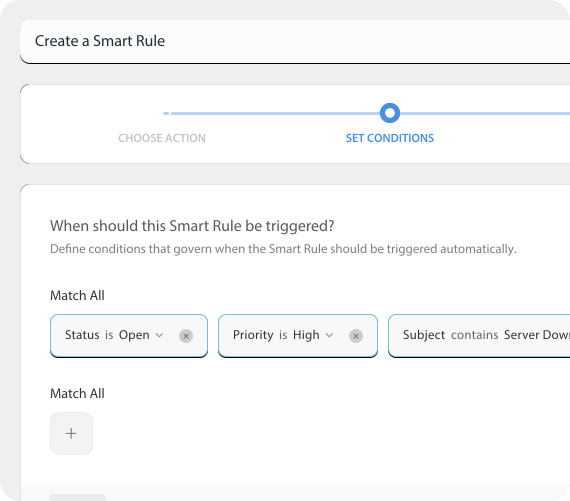
Define your own trigger conditions and automate everyday actions in your help desk! You can automate the entire workflows across modules in the service desk so no change or event is missed.
Smart Rules are always on the lookout for changes being made to tickets. When they come across one, they trigger actions immediately, if the prescribed conditions match. As a support agent, you'd never have to spend time performing manual, repetitive actions on tickets ever again.
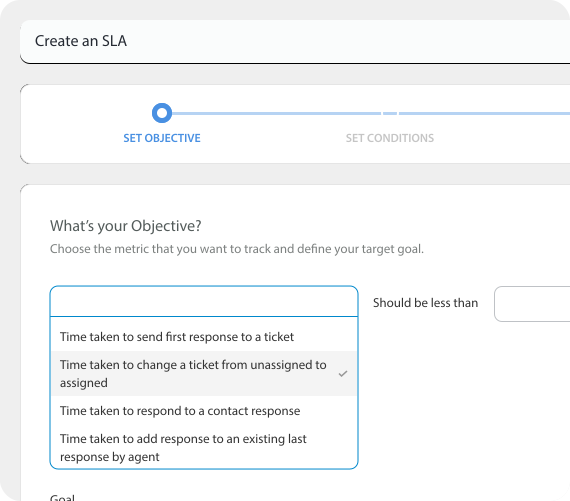
Improve productivity of your support team by automating escalations and ticket reassignment based on your SLA, number of responses, etc.
In case a ticket is nearing SLA or there are too many replies back and forth between support agents and end-users, create workflow automation for the ticket to be automatically escalated to your higher management for them to address.
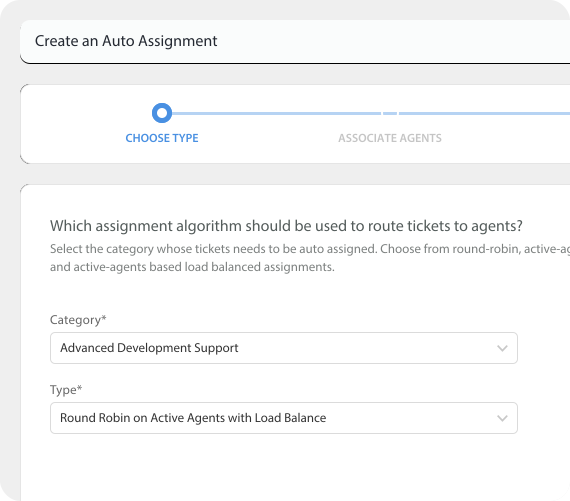
Use a variety of Auto-Assignment algorithms to automatically assign incoming support tickets to the right agent. Use the smart round-robin method to automate ticket assignments to the staff pool evenly.
Eliminate the need for admin intervention. Alternatively, use the Auto Assignment based on Active agents, to assign tickets only to the agents who are currently active. With the load balancing algorithm, assign tickets automatically to balance your team’s workload effectively.
Say, your support agent is busier than usual with a surge in customer requests.
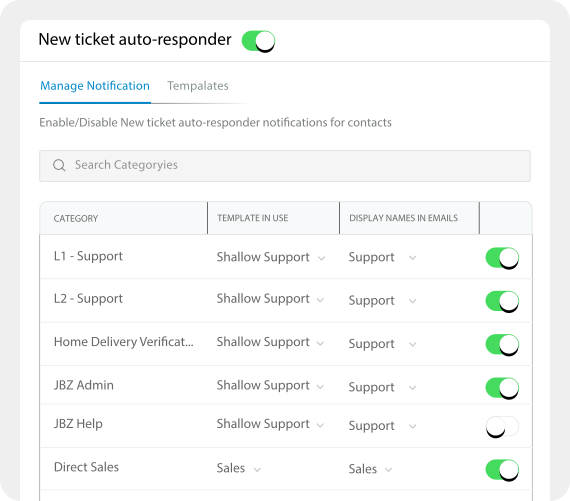
With an automated help desk like HappyFox, your staff and admin stay informed in the meantime about other tickets created, customer replies to these tickets, agent assignment, and more, through Help Desk Notifications.
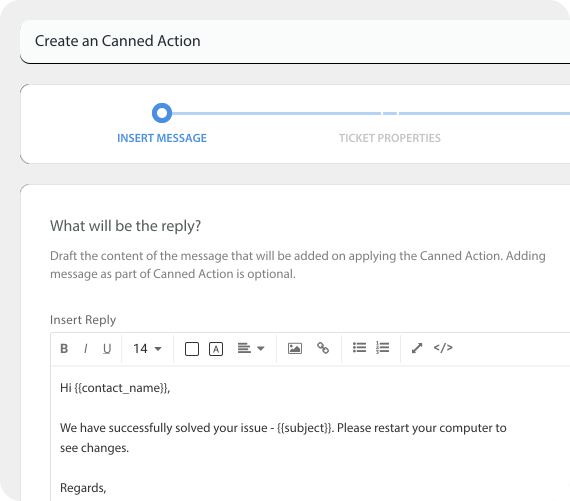
Canned Actions allow you to perform ticket actions like changing status, priority, adding tags etc., in addition to adding a templated response.
Canned Actions can be shared or personal. You can create Canned Actions that reflect your communication style or have generic responses shared with other agents.
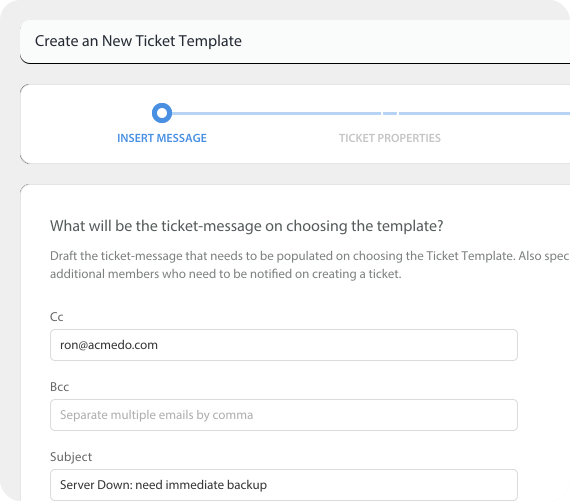
You can use Ticket Templates to pre-fill ticket properties including custom fields. Create tickets with fewer clicks.
You can create different ticket templates for different teams. Automatically fill required details for each team using ticket templates.
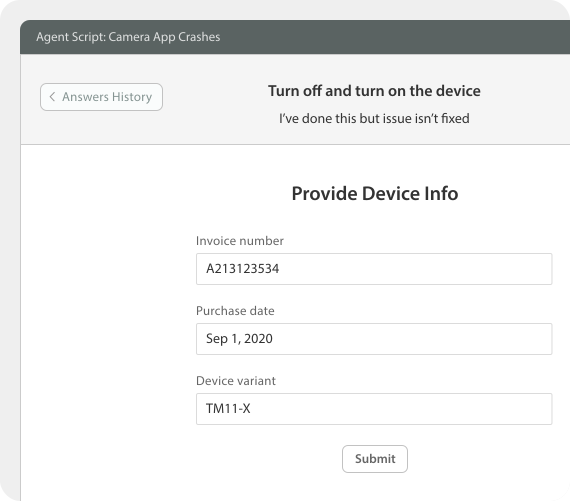
Agents Scripts assist agents in every step of troubleshooting and empower agents in your call center to troubleshoot issues with minimal agent training.
Boost your First Call Resolution (FCR) and Customer Satisfaction (CSAT) score, by resolving support queries faster and in a reliable manner.

Build and deploy a Smart Rule in under five minutes. No developer, no IT ticket, no waiting.

Run automation only when all conditions are true - or trigger it when any one condition matches. Complex multi-condition rules handle edge cases that simple if-then tools can't.

Every ticket comes with an audit log to help you keep track of automated actions easily.

Track your automation gains using the Smart Rules Help Desk Report.

HappyFox Workflows connects your help desk automation to external tools - Slack, Jira, Salesforce, and more - triggering cross-platform actions from a single ticket event.
Talk to a Help Desk Specialist. Get a one-on-one demo, that’s quick and focused on your business needs.















