HappyFox Help Desk integration

Make & take phone calls within HappyFox

Help DeskRing Central logo

How the Ring Central Integration Works

  1. Install and link RingCentral

    Select the app under Voice in HappyFox and sign in with administrator credentials.

  2. Authorize account access

    Approve the requested permissions; the guide recommends a dedicated integration administrator account.

  3. Choose users and ticket routing

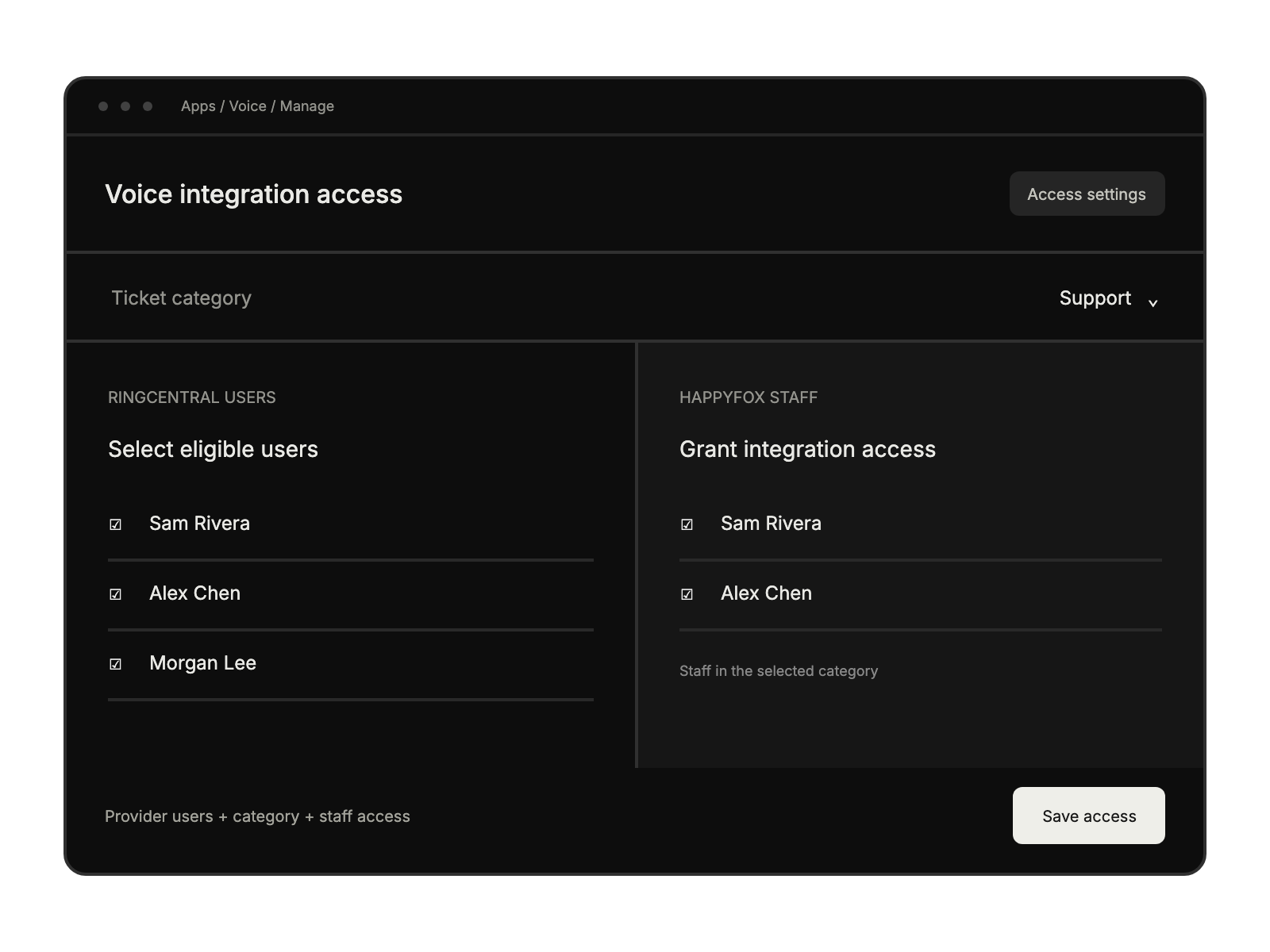
    Select eligible RingCentral users, a HappyFox category, and the staff with access.

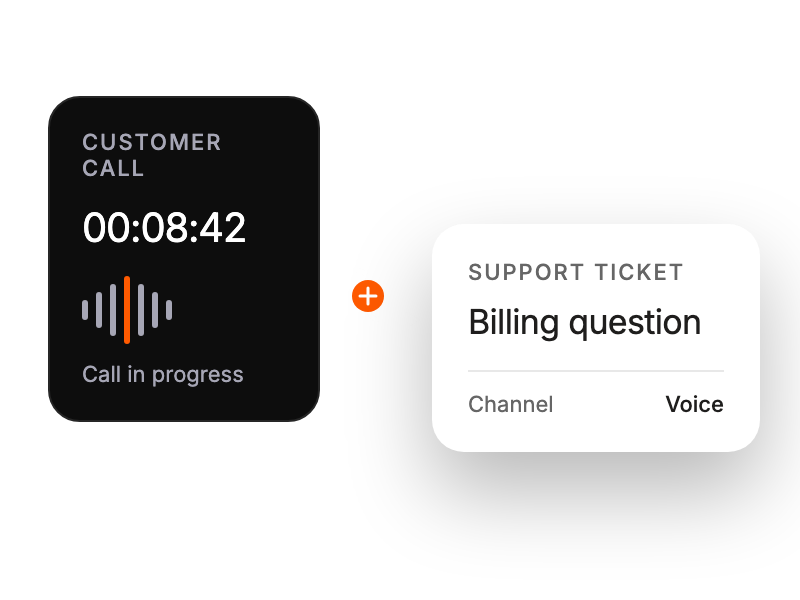
Active customer call captured alongside a support ticket.

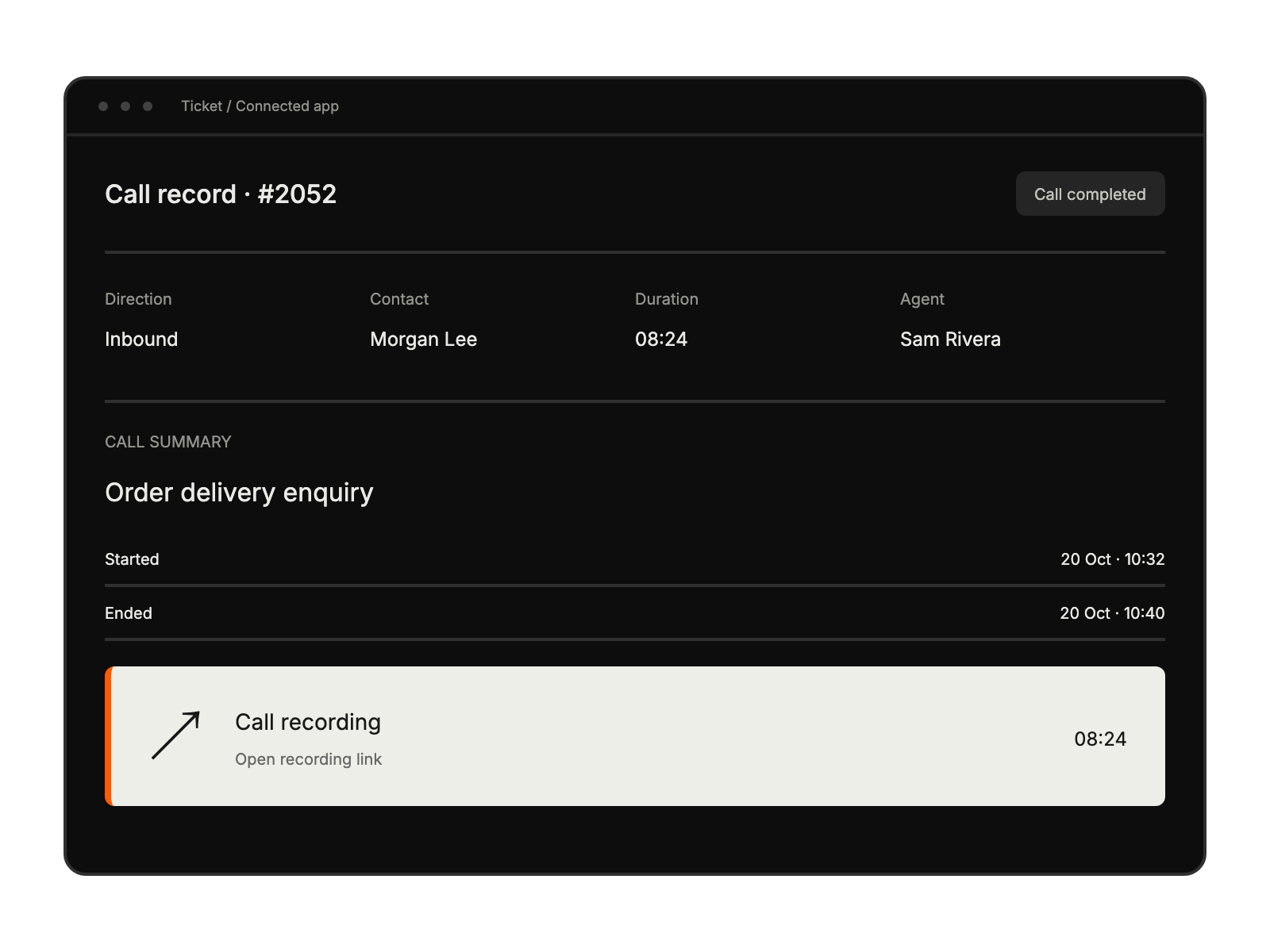
Call record with call details, a short summary and a highlighted recording link.

Voice integration setup selects provider users, a ticket category, and the support staff allowed to access the integration.

Built for Teams Using Ring Central

Support Managers

monitoring call quality and track team performance

Help Desk Agents

handling calls while accessing customer context

Customer Service Teams

providing voice support without leaving HappyFox

Quality Assurance Teams

reviewing call recordings within tickets

See More Integrations