Customer Support Managers
Needing immediate customer context.
 Help Desk
HappyFox Help Desk integration
View details from Salesforce objects in your helpdesk.

Configure the external client application and OAuth settings described in the guide.
Install the app and complete its credential and authorization steps.
Select the objects and fields agents should see, then configure case creation if required.
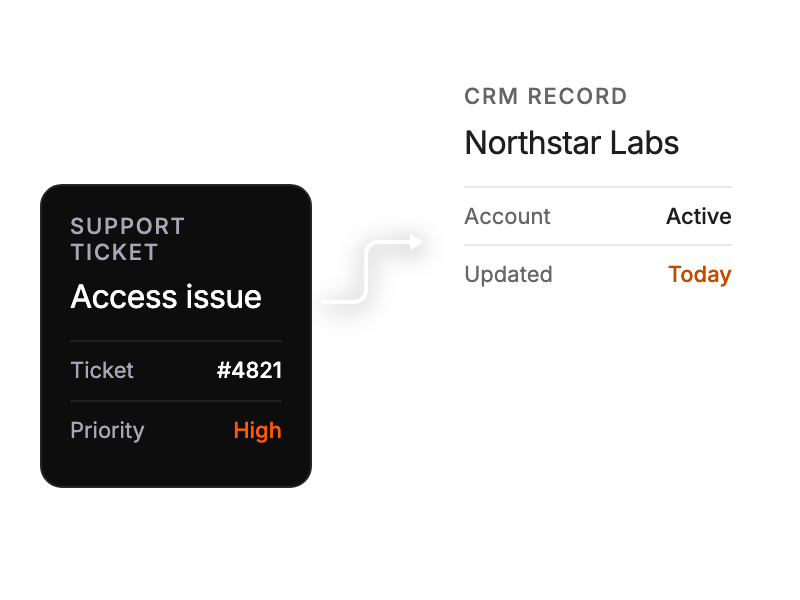
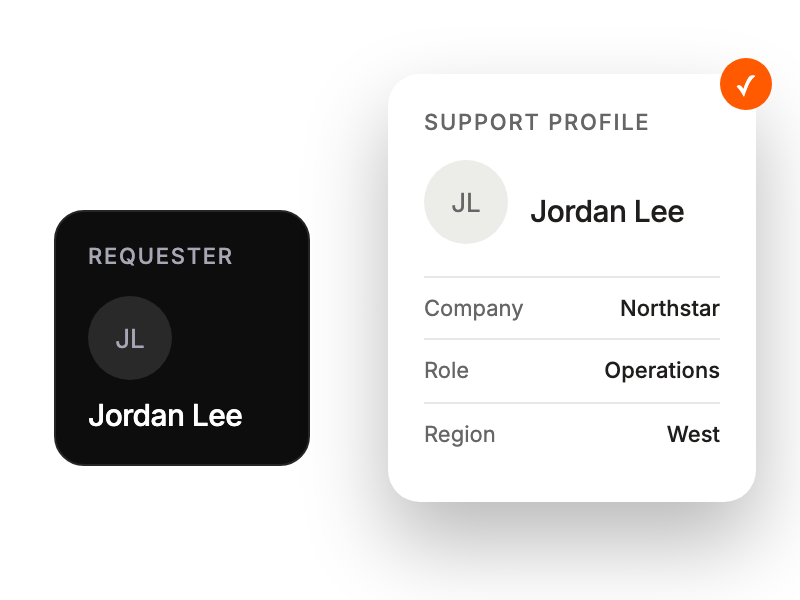
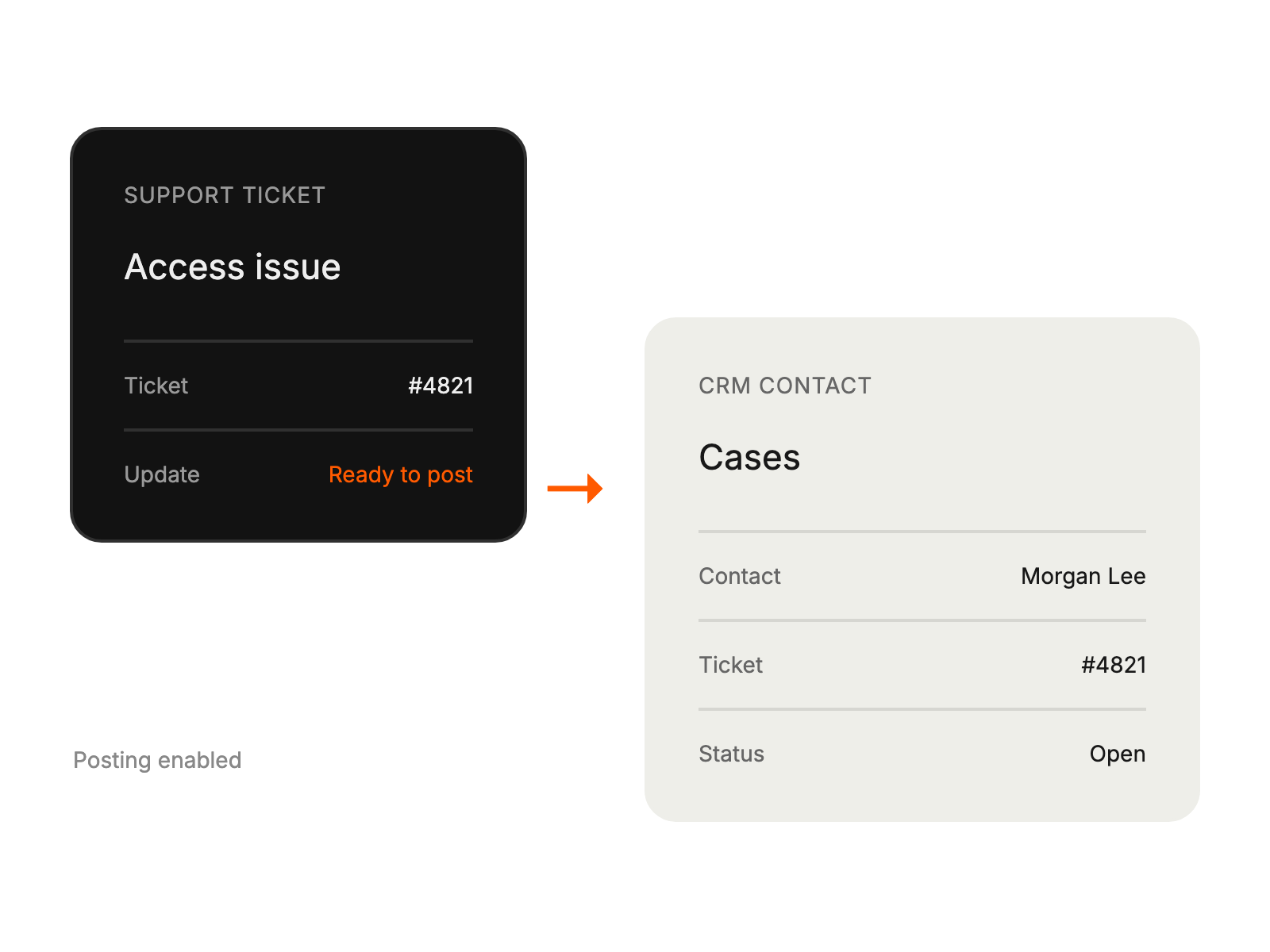
Needing immediate customer context.
Requiring support ticket visibility.
Connecting enterprise platforms.
Requiring unified customer views.