HappyFox Help Desk integration

Get instant ticket notifications

Help DeskSlack logo

How the Slack Integration Works

  1. Install Slack in HappyFox

    Open Apps, choose Chat, and select Slack.

  2. Authorize the workspace

    Use Add to Slack, sign in, and approve the connection.

  3. Choose notification rules

    Map ticket events and categories to channels and save the configuration.

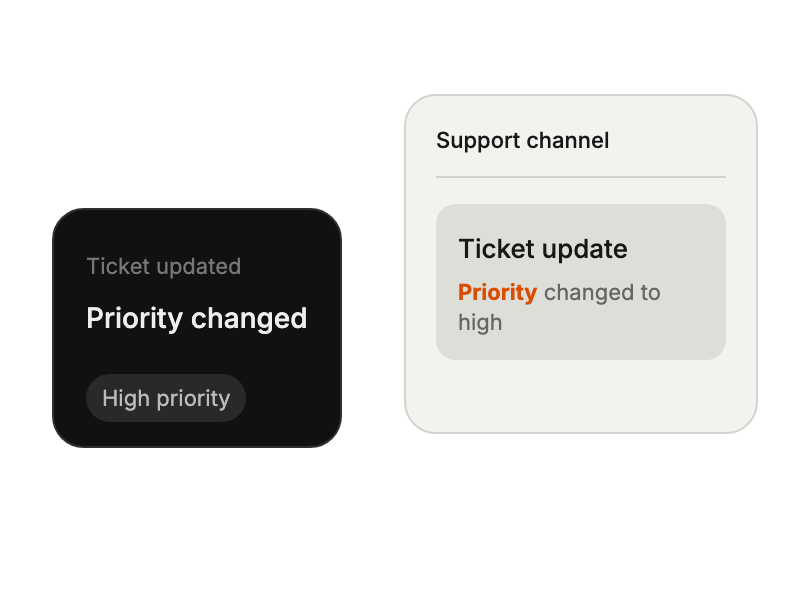
Support ticket update displayed in a team channel.

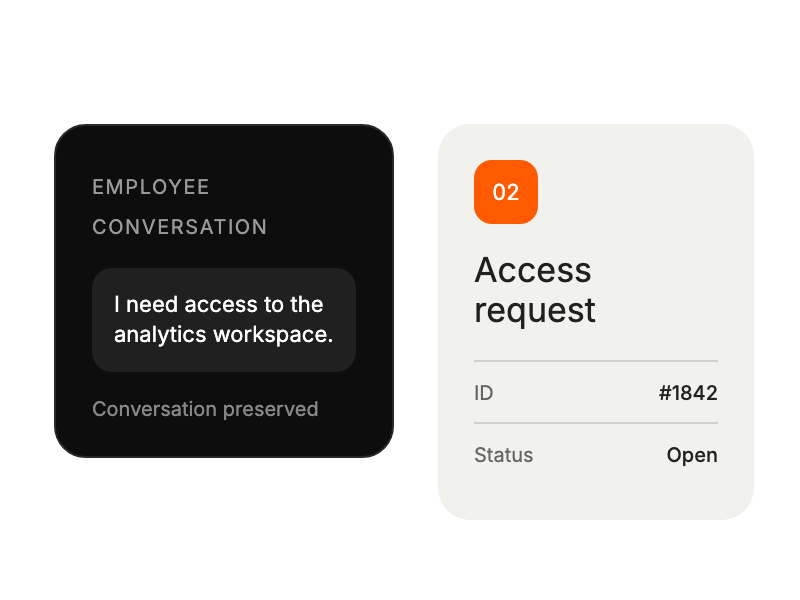
Employee conversation becoming an open service request with the conversation preserved.

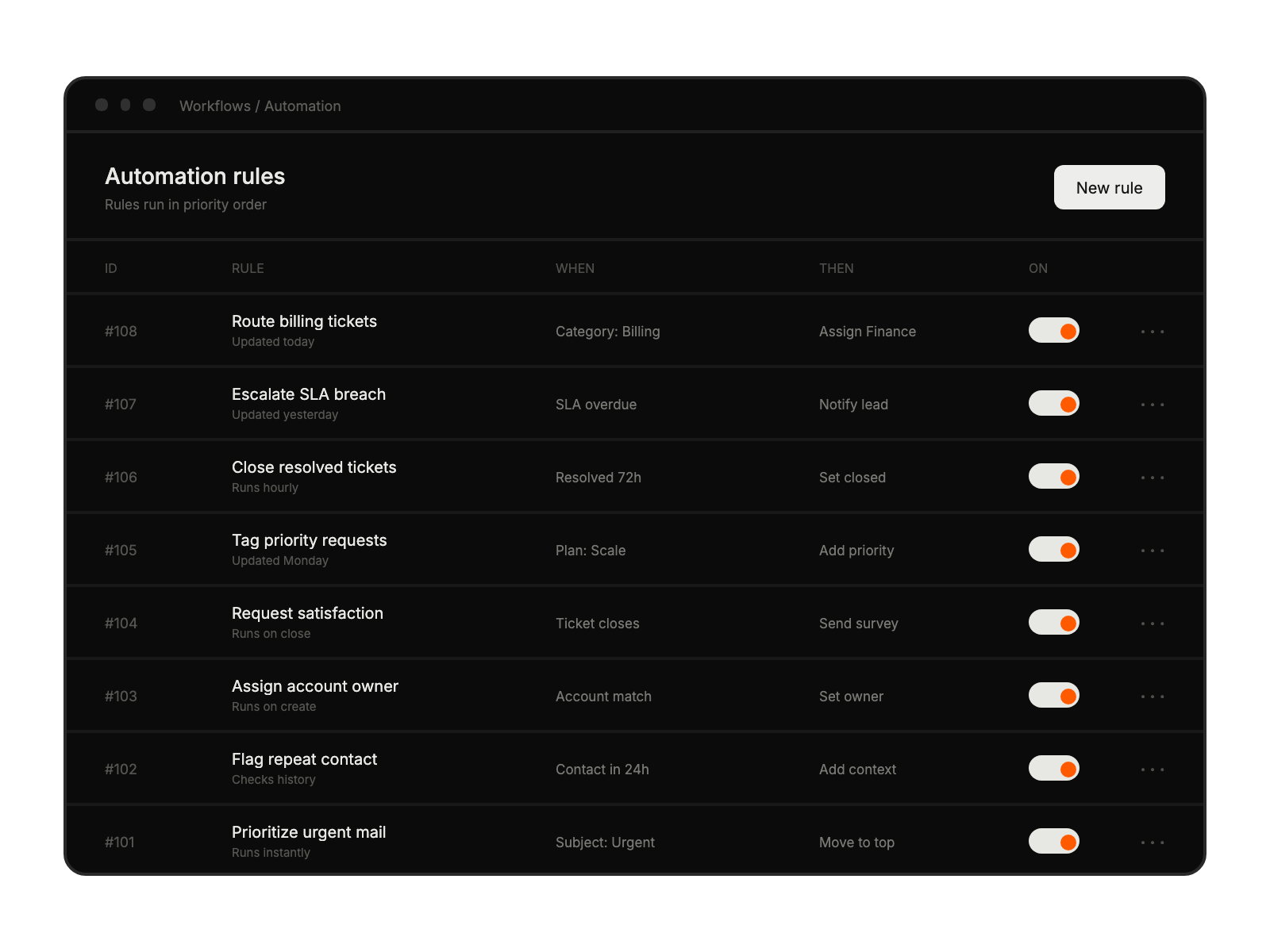
Automation workspace with eight identified fictional support rules showing triggers, actions, and enabled states.

Built for Teams Using Slack

Support Teams

managing tickets within Slack

Remote Workers

accessing help desk tools

IT Departments

streamlining support communications

Knowledge Managers

sharing information instantly

See More Integrations