Bring requests into a trackable workspace
Turn employee emails and form submissions into tickets. Connect supported Slack or Microsoft Teams workflows through integrations so requests raised in everyday tools can enter your support process.

 Help Desk
Turn employee emails and form submissions into tickets. Connect supported Slack or Microsoft Teams workflows through integrations so requests raised in everyday tools can enter your support process.
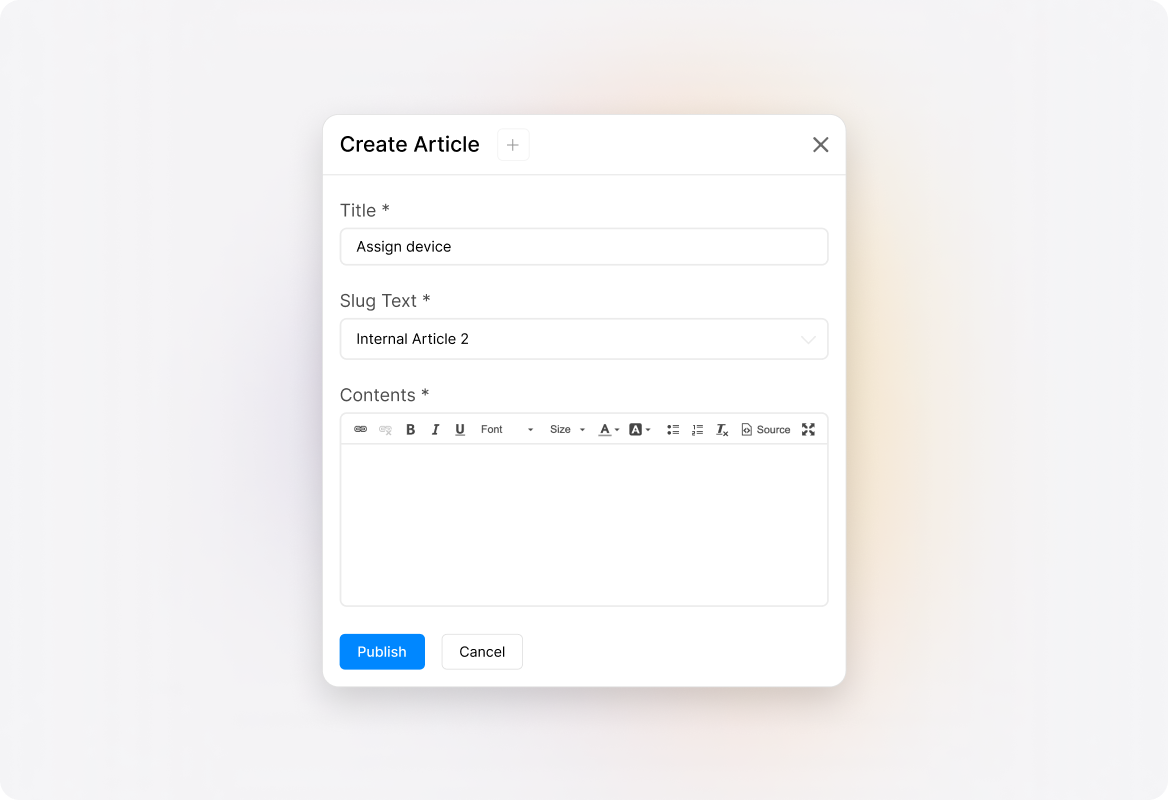
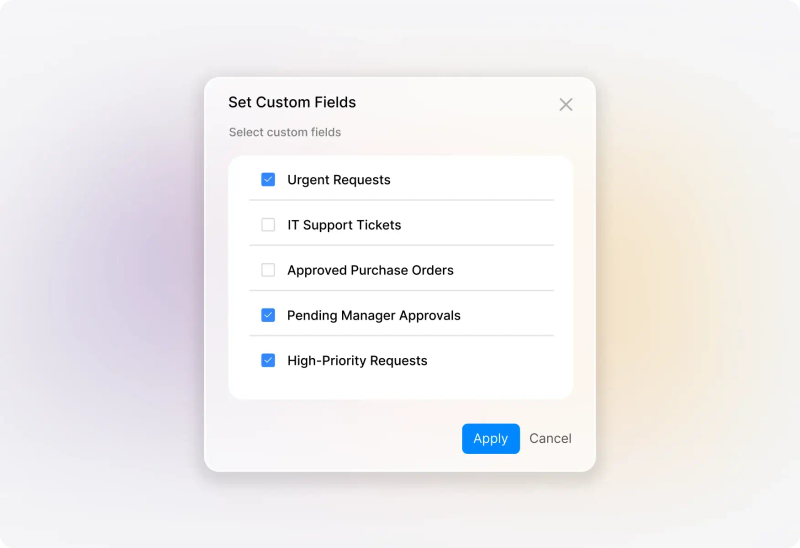
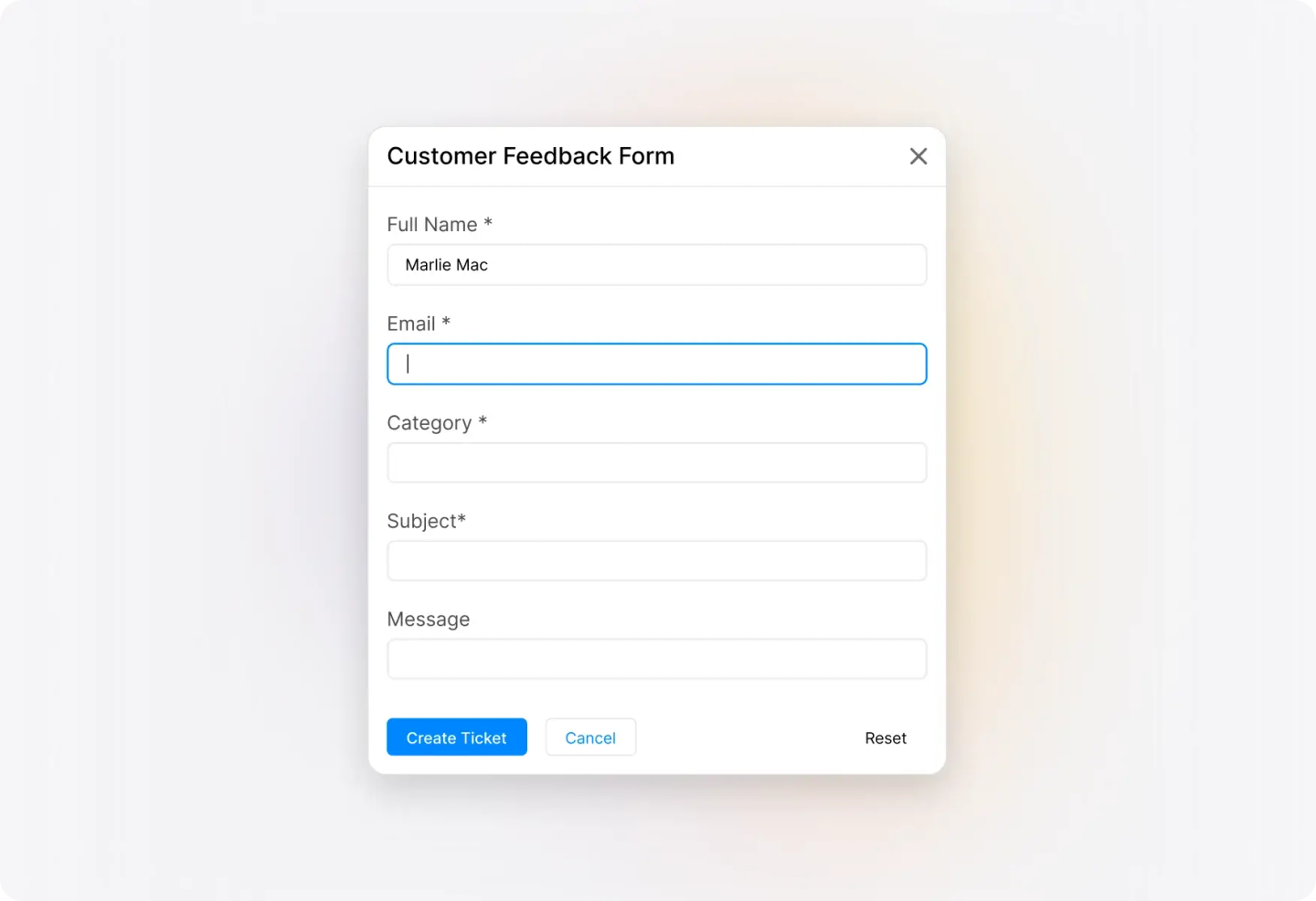
Use forms and custom fields to collect information for the request. A location, device, or description of the problem gives the receiving team a more useful starting point than a message that simply says, “Can someone help?”
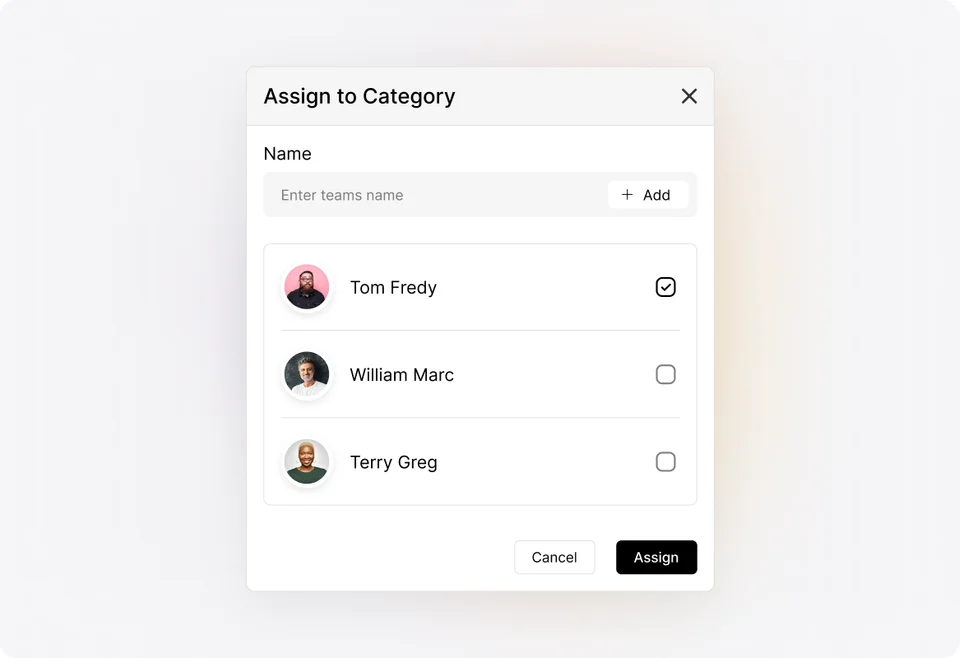
Organize incoming work into categories and queues, then assign responsibility. Keep status, priority, and the conversation with the request so the team can see what needs attention.
Receive
Review the request, submitted details, and attachments. Capture the information the team needs to act, and keep any clarification in the ticket so the next person can follow the conversation.
Route
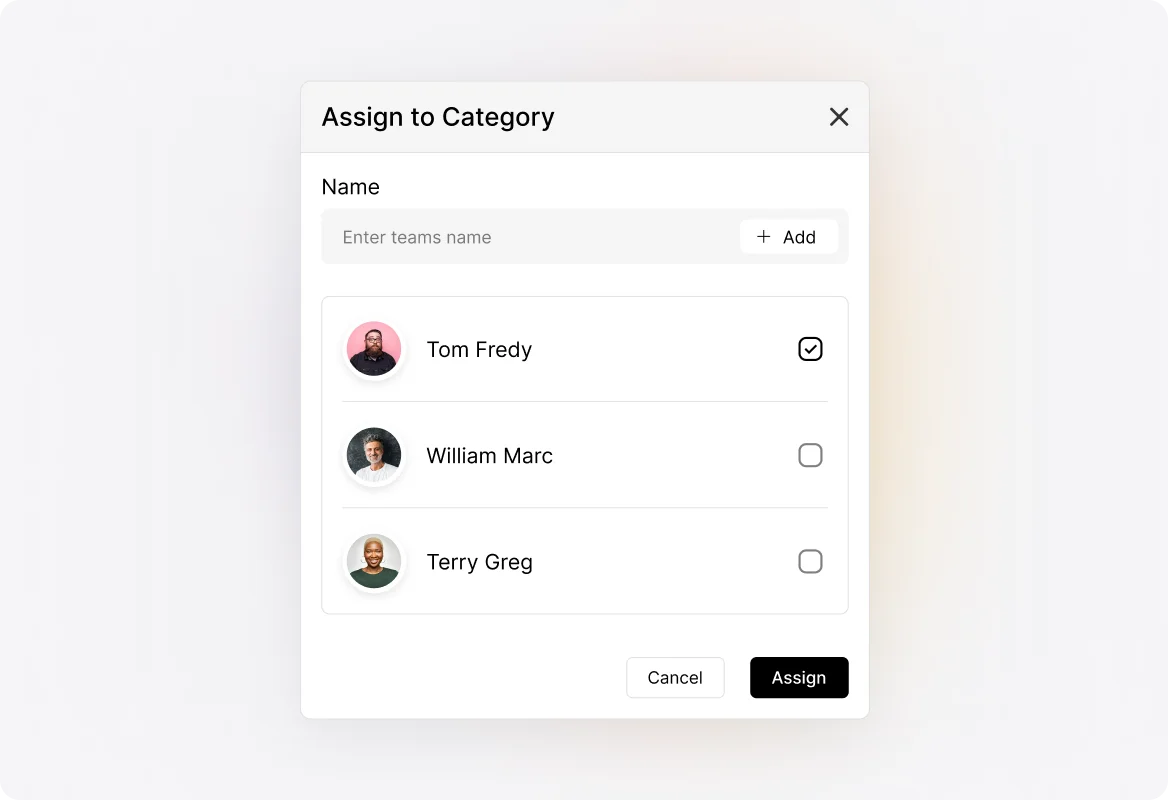
Use categories, queues, and assignment settings to direct the request. Apply Smart Rules to recurring routing decisions, and keep the responsible agent visible as work progresses.
Coordinate
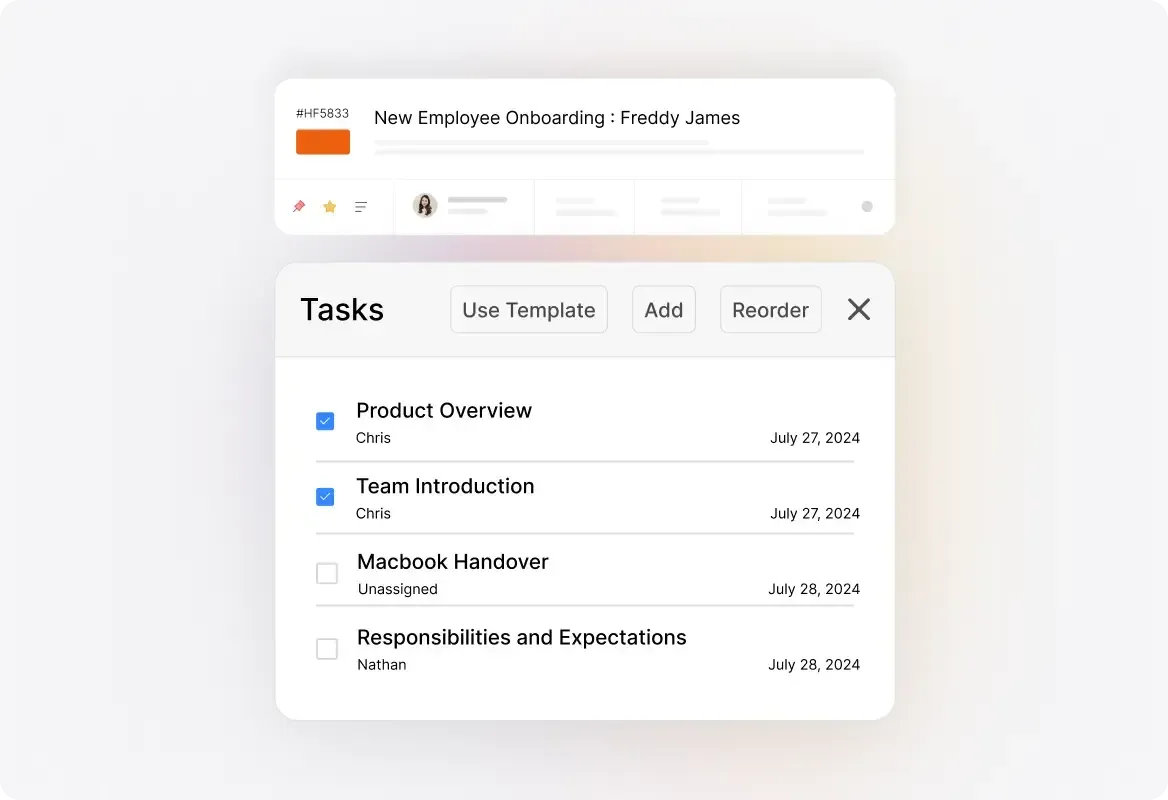
Discuss the request through private notes and break multi-step work into assigned tasks. If another department needs to contribute, keep its part of the work connected to the request instead of starting another disconnected conversation.
Complete
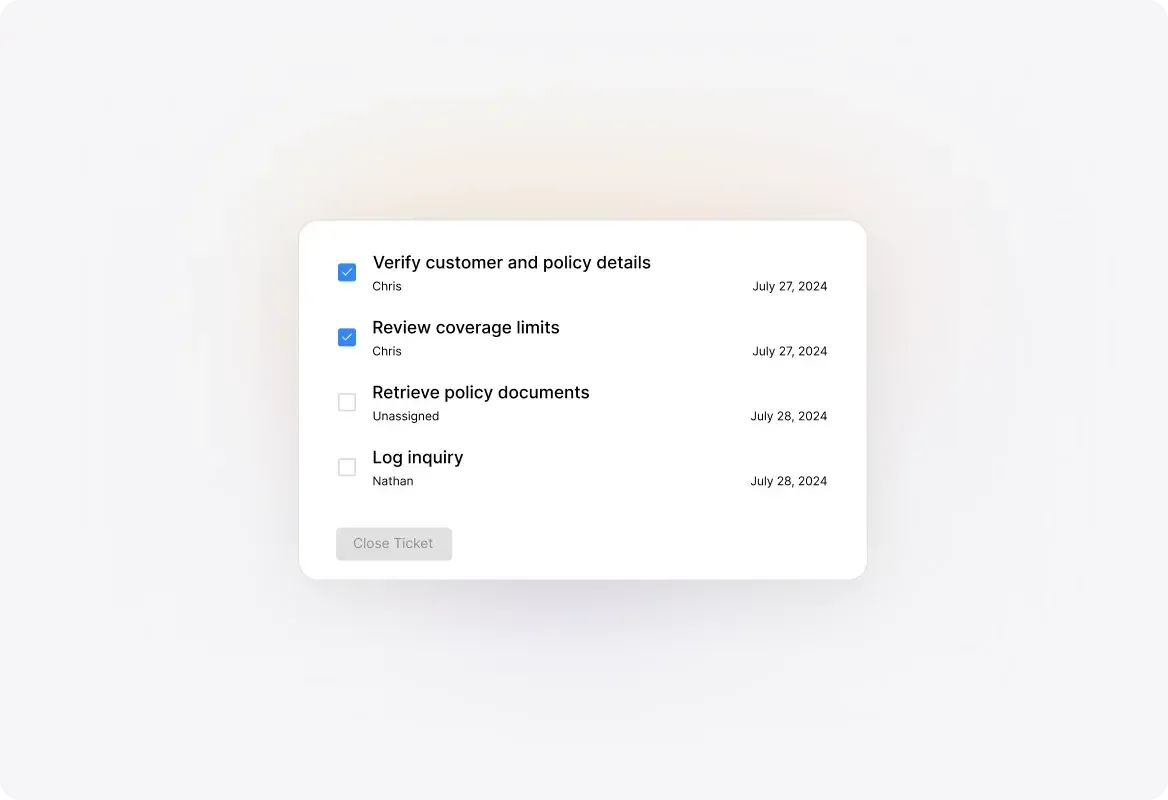
Update the ticket as work progresses and tell the employee what has been done. Record the resolution and complete the relevant tasks so the team has a useful history when a related question comes up.
Organize access questions, device issues, and technical requests. Keep troubleshooting details with the ticket and connect relevant asset records where supported.
Give employees a defined route for policy questions, document requests, and other HR assistance. Configure the information collected and review access requirements for each request type.
Capture workplace issues with the location and details needed to investigate. Assign responsibility and keep updates attached as the request moves toward completion.
Track everyday service requests that otherwise live in individual inboxes. Give recurring work a category, an owner, and a clear record of what happened.
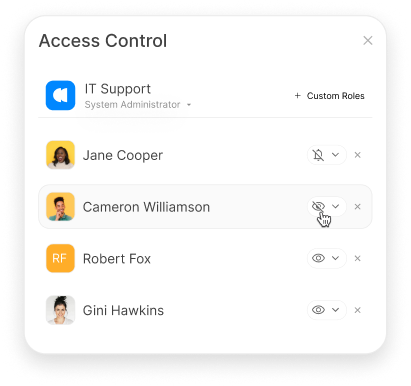
Configure roles, permissions, and category access around departmental responsibilities. Review those settings when deciding which teams should see a request and which actions they should be able to take.
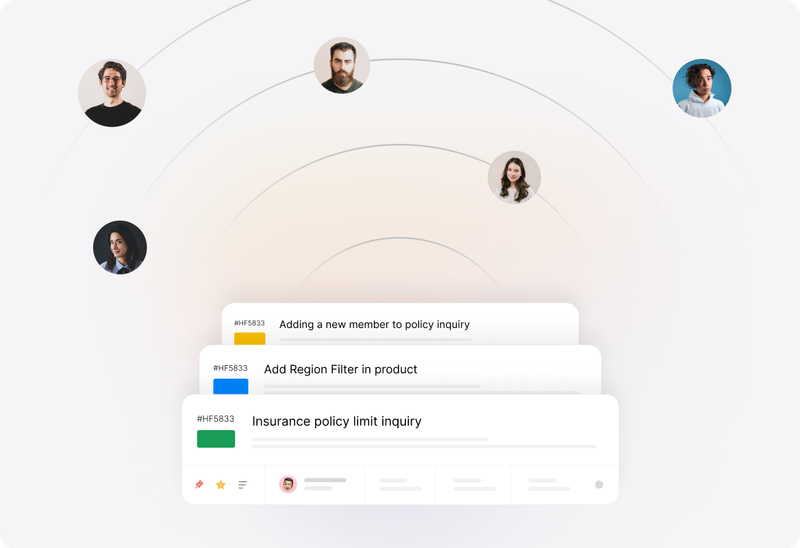
Use Smart Rules to apply configured ticket updates, routing actions, and notifications. Give repeatable requests a consistent process while leaving the team responsible for decisions that need judgment.
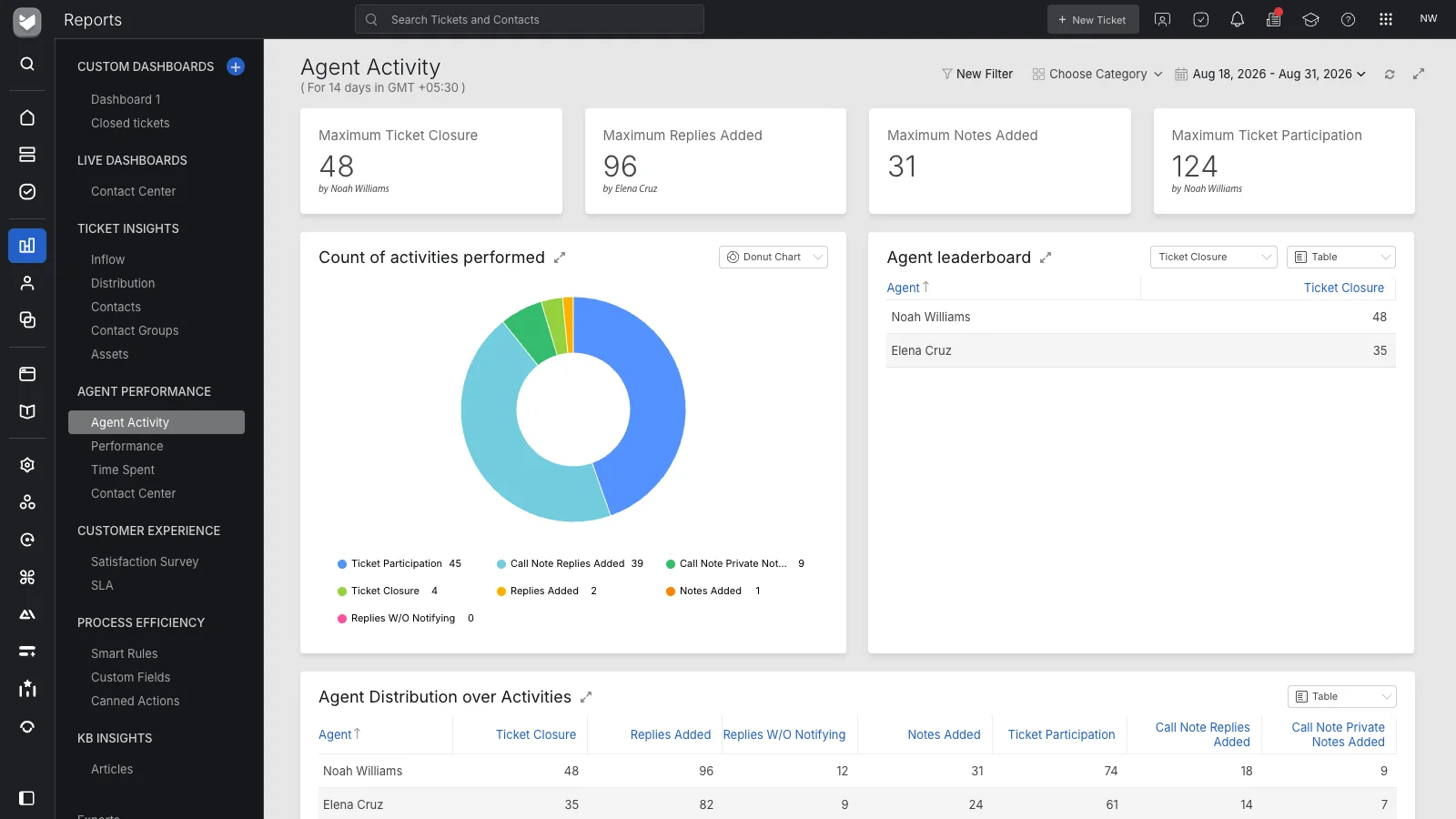
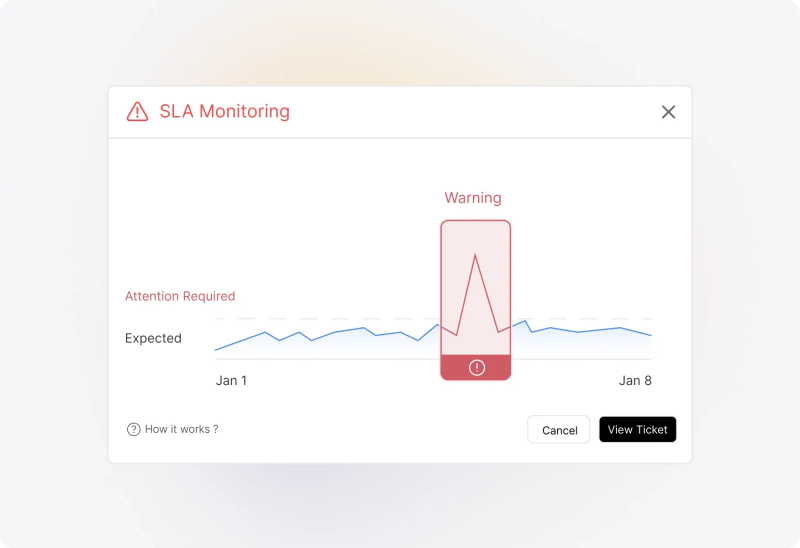
Define SLA targets and configure the available alerts or escalation actions. Help teams recognize requests needing attention and review where service commitments are being missed. Availability depends on the plan and configuration.


“We could craft our experiences around each of our departments so that the platform worked for them.”
Internal help desk software gives employees a structured way to request assistance from departments such as IT, HR, facilities, and operations. It helps the receiving teams organize requests, assign responsibility, communicate progress, and review service performance.
An IT help desk focuses on technical support, such as access, devices, and software issues. An internal help desk can also serve HR, facilities, administration, and other employee-support teams. IT can be one department within the broader internal-support operation.
Yes. Configure categories, fields, queues, assignment rules, and service targets around the work each department handles. Shared administration does not require every team to use identical request details or handling steps.
HappyFox supports email-based intake and integrations with workplace communication tools. Confirm the supported ticket-creation and notification behavior for your chosen Slack or Microsoft Teams integration, including any setup and product requirements.
Use private notes for internal discussion and assigned tasks for the steps involved in resolving a ticket. Establish a responsible ticket owner so the employee’s request remains coordinated while colleagues contribute.
A knowledge base can provide guidance for recurring questions, with access configured for the intended audience. Keep employee-facing guidance distinct from agent-only documentation, and provide a clear request path when an article does not answer the question.
HappyFox provides roles, permissions, and category-based controls. Review the required visibility, administrative access, and handling process before collecting sensitive information. A private note separates internal discussion from requester-facing replies; it does not by itself restrict access to a particular internal team.
Not automatically. A ticket can organize an access request, equipment issue, or other service task. Actions in another business system may require an integration, separate workflow, or manual work. Confirm the full process during evaluation.
Help Desk supports ticket automation and task coordination. More involved approval or cross-system onboarding processes may require HappyFox Workflows or another integration. Evaluate the required steps and product scope rather than treating routing a ticket as completing an approval.
Your rollout can start with a defined set of request types and participating teams. Agree on intake, ownership, access, notifications, and reporting before expanding. North Country Healthcare’s published account describes beginning with HR and extending the setup to other departments; its approach is a customer example, not a prescribed implementation timeline.
Bring one common employee request, one request requiring a handoff, and one with restricted access. Walk through who submits it, who can see it, who does the work, how the employee receives updates, and what managers need to measure.