HappyFox Help Desk integration

Bigcommerce on your HappyFox help desk

Help DeskBigcommerce logo

How the Bigcommerce Integration Works

  1. Create store API credentials

    Obtain the client ID and access token with the read-only scopes documented in the guide.

  2. Add the BigCommerce account

    Install the HappyFox app and enter the permanent store URL and API credentials.

  3. Enable the store connection

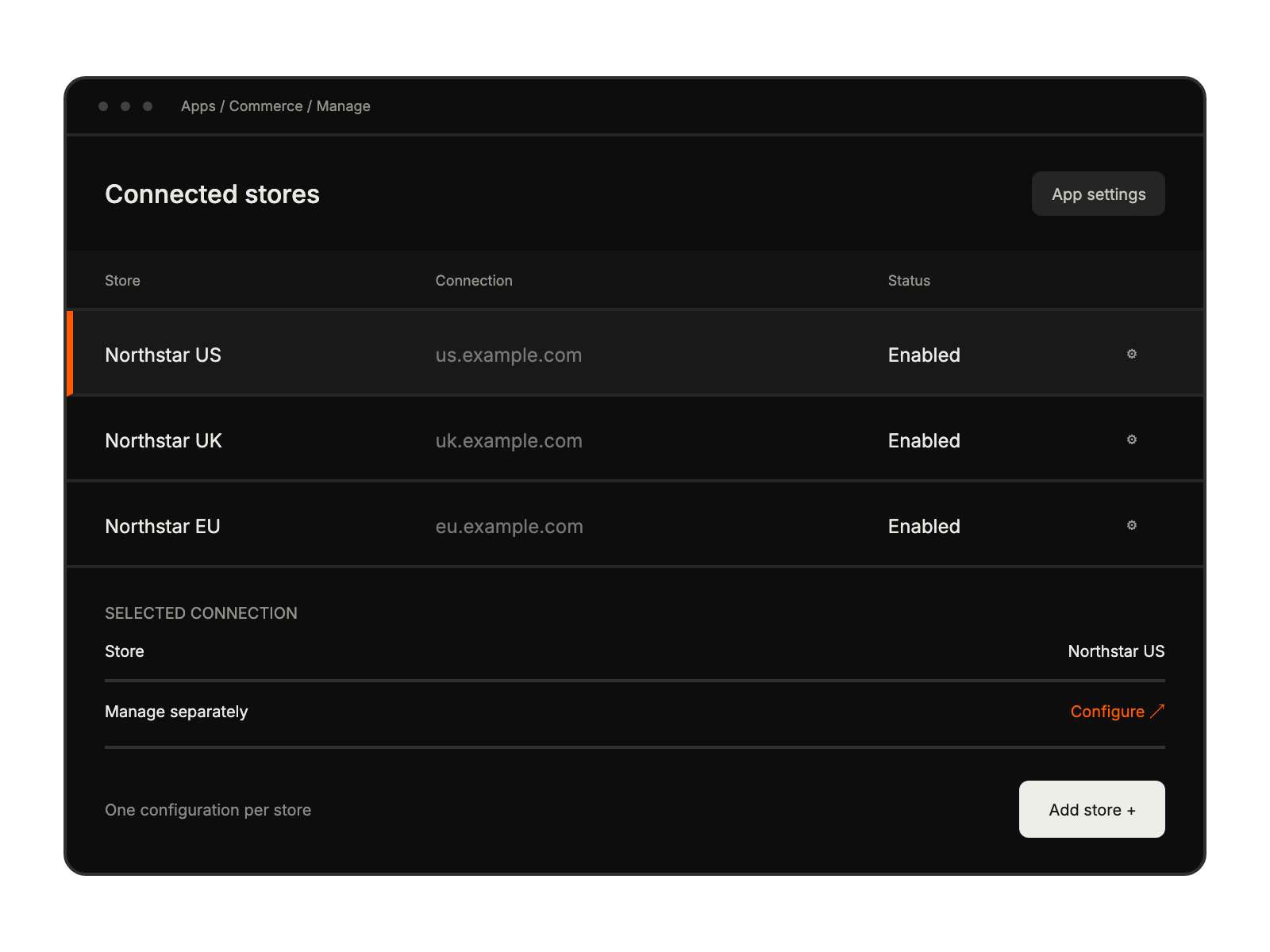
    Turn on Account Status and save; add other stores individually when required.

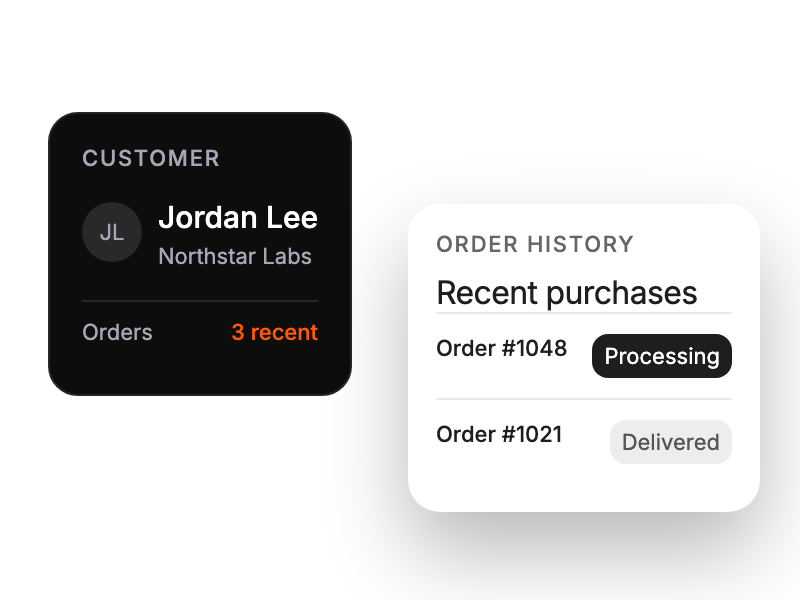
Customer profile connected to a concise order-history card.

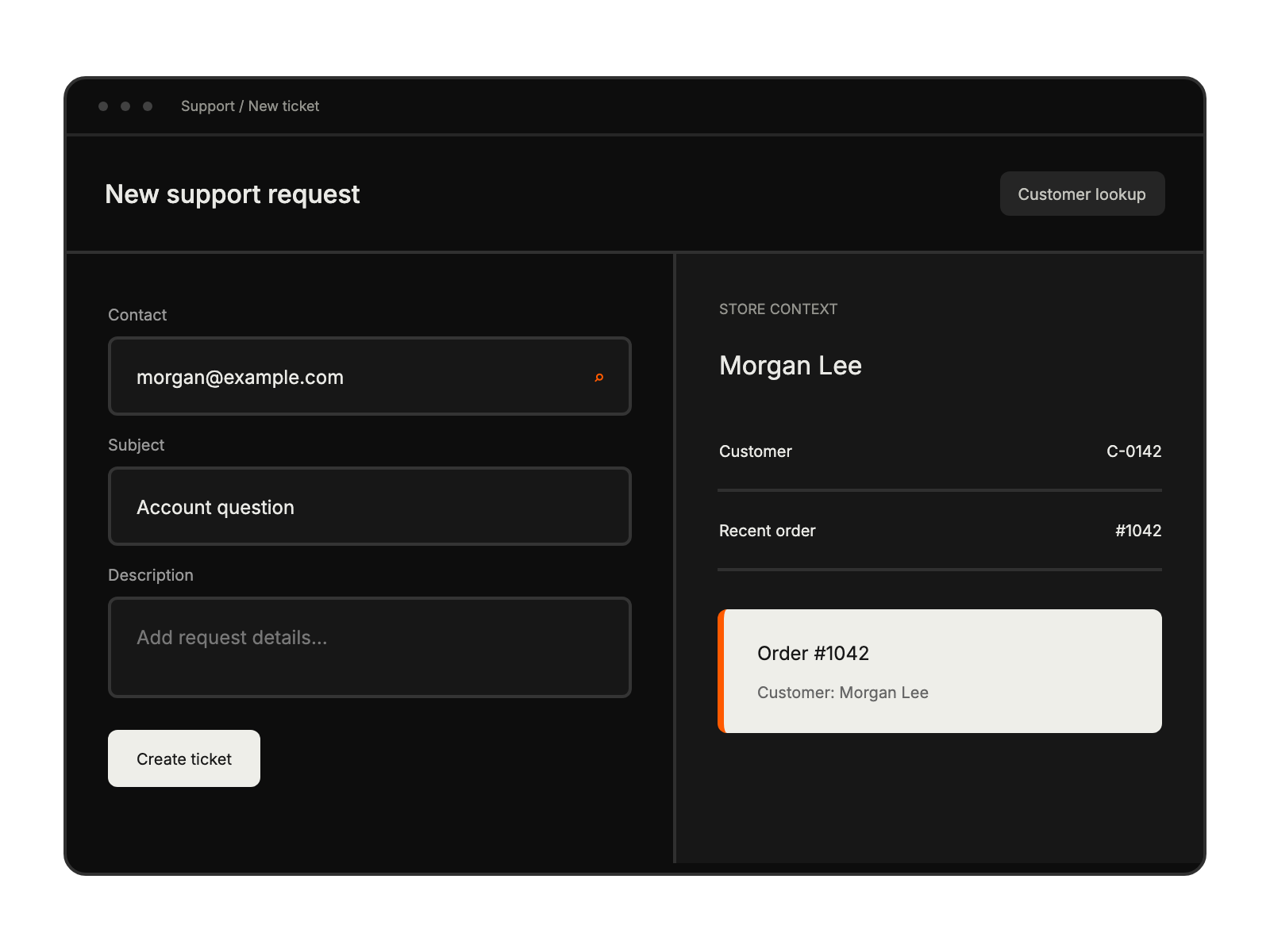
New-ticket form shows matching store customer information and recent orders beside the request fields.

Integration settings list separate connected stores with their status and individual configuration controls.

Built for Teams Using Bigcommerce

Support Agents

accessing order and customer details while resolving tickets

Customer Service Managers

monitoring support quality with complete order context

Multi-Store Support Teams

managing customer inquiries across multiple BigCommerce stores

See More Integrations