Support Agents
Accessing complete customer profiles and history while handling tickets.
 Help Desk
HappyFox Help Desk integration
Combine Zoho CRM context with HappyFox support.

Generate the client ID, client secret, and token with the documented scopes.
Install the CRM app, enter the generated credentials, and save.
Turn on Push Ticket Information to CRM to create contact cases.
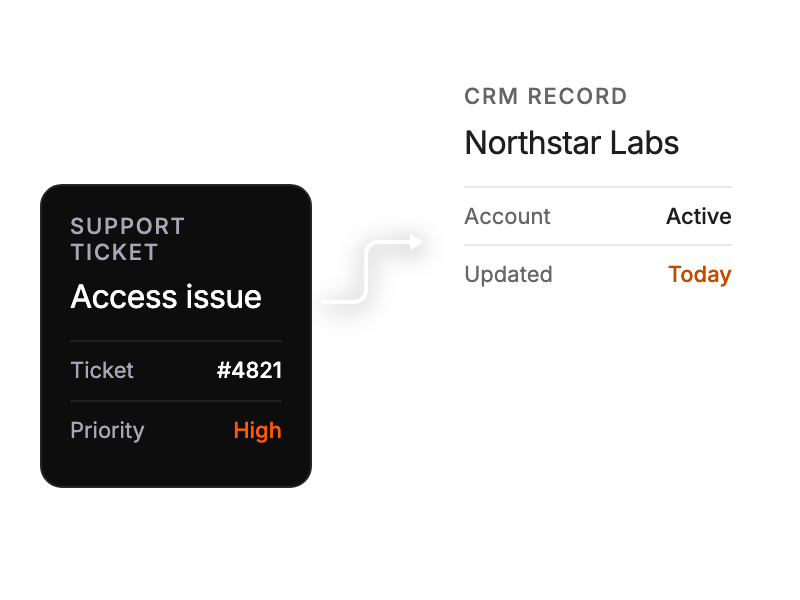
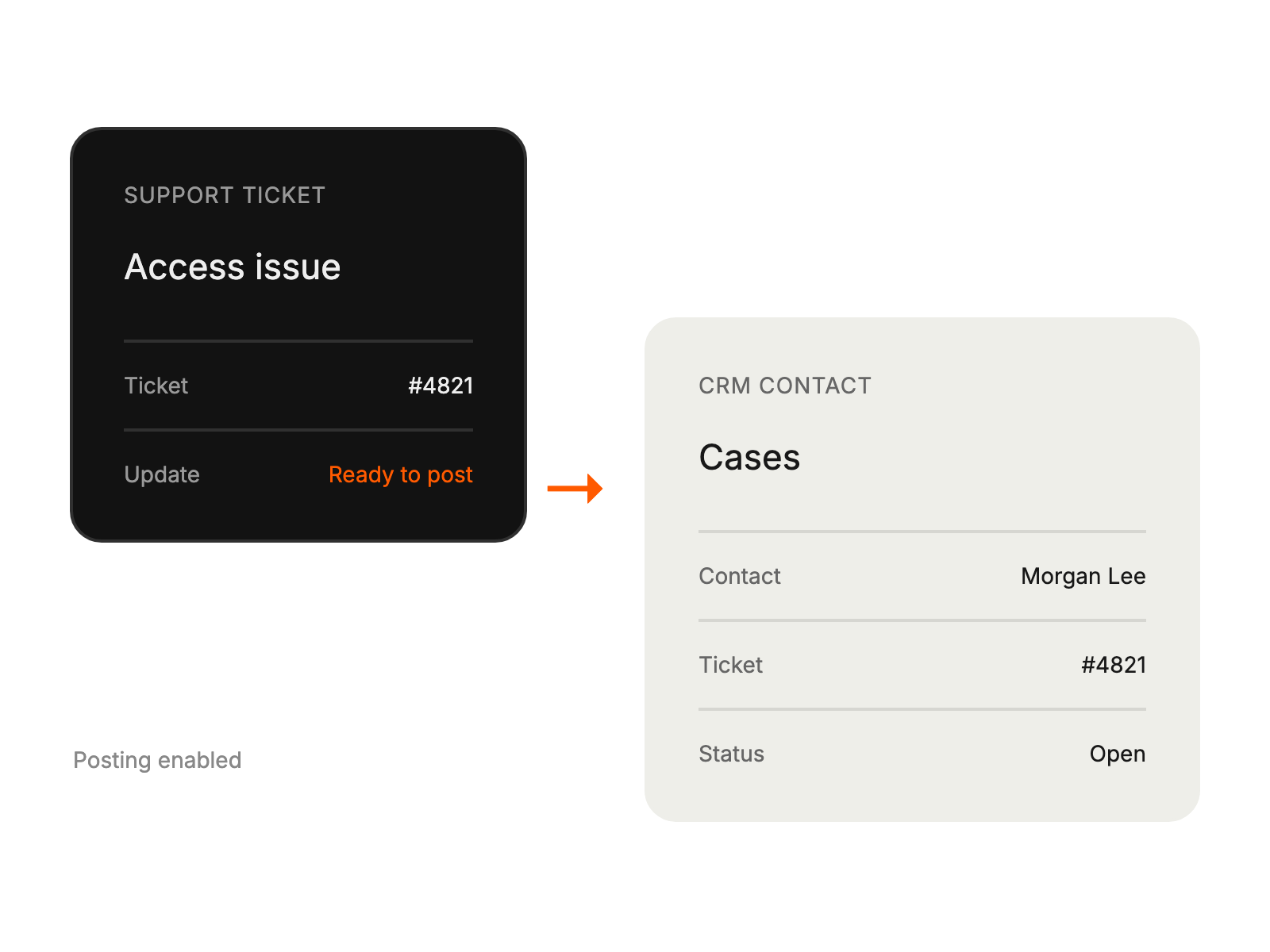
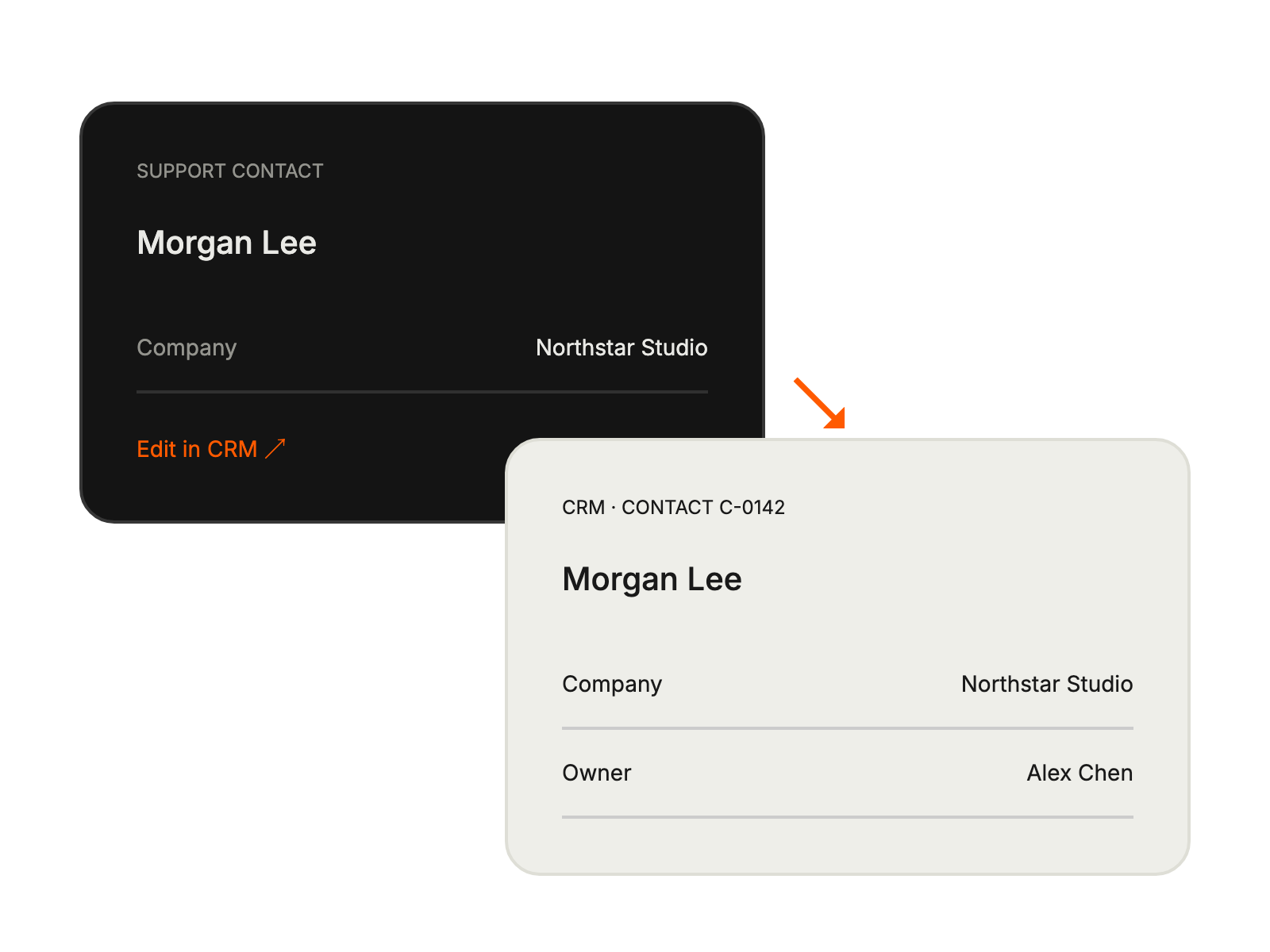
Accessing complete customer profiles and history while handling tickets.
Tracking customer interactions across sales & support channels.
Identifying upsell opportunities from support interactions.


