HappyFox Help Desk integration

Use OneLogin SSO to access HappyFox.

Help DeskOnelogin logo

How the Onelogin Integration Works

  1. Add HappyFox in OneLogin

    Create the application and configure the HappyFox account URL and parameters.

  2. Copy the SAML provider details

    Obtain the SAML endpoint and complete X.509 certificate.

  3. Activate OneLogin in HappyFox

    Enter the target URL and certificate in the SSO app, activate SAML, and save.

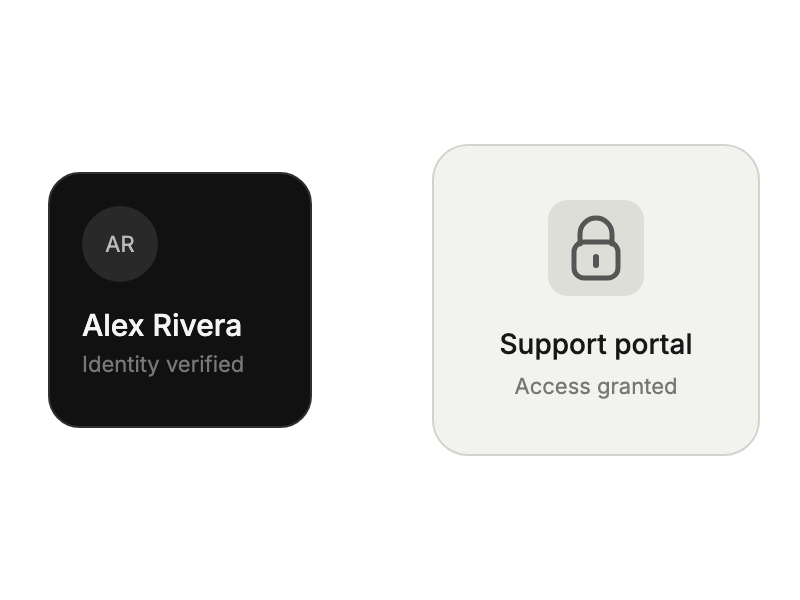
Verified identity credential beside an unlocked support portal.

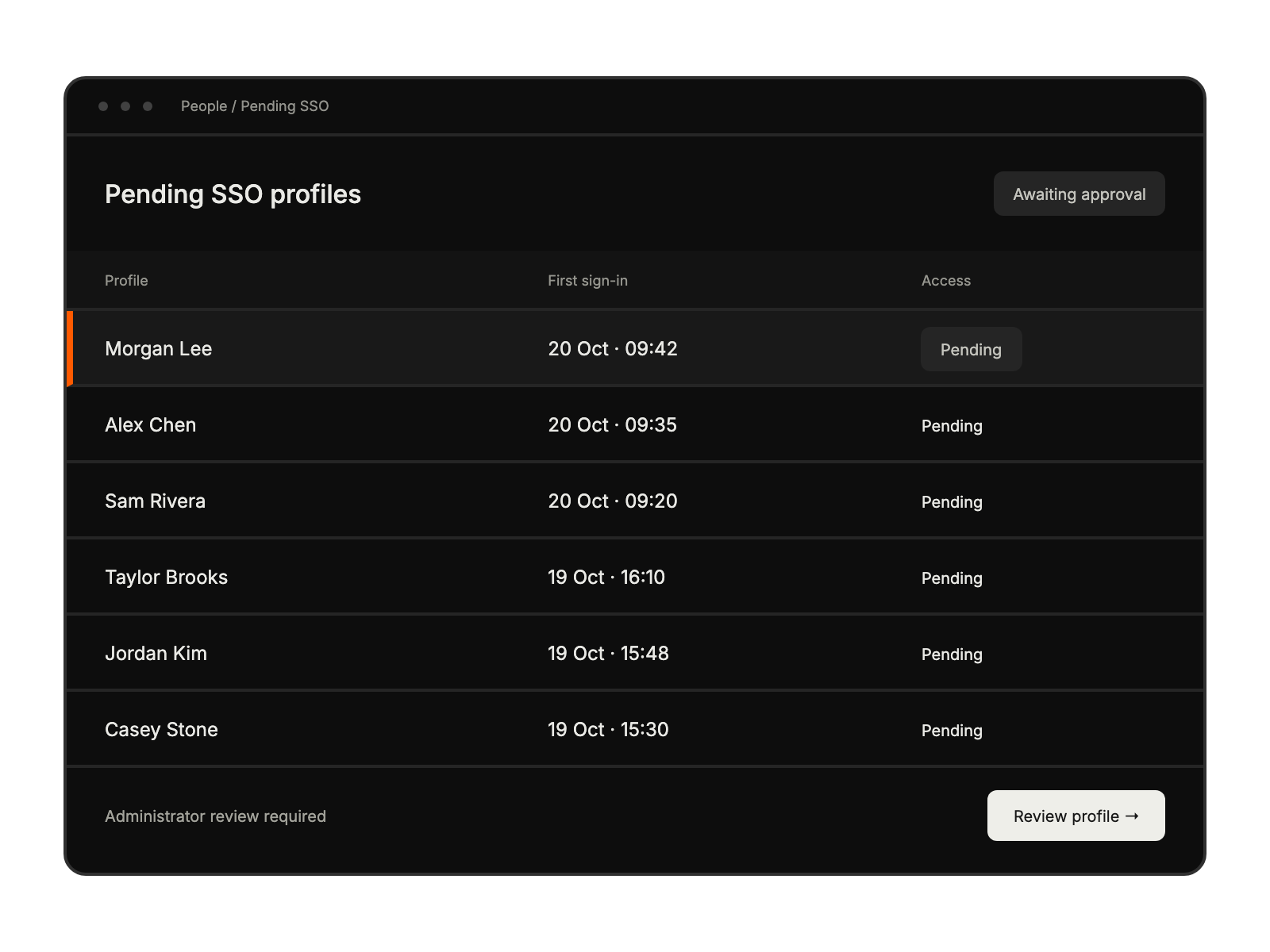
Pending SSO identities awaiting administrator approval, with a selected profile ready for review.

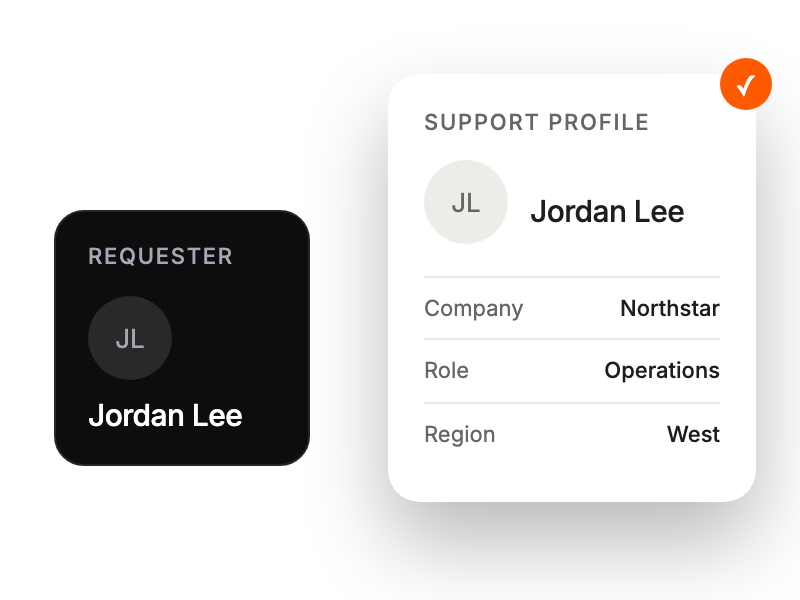
A basic requester identity expanding into an enriched support profile.

Built for Teams Using Onelogin

Support Staff

accessing HappyFox without password hassles

End Users

simplifying login through OneLogin portal

IT Managers

centralizing access management

Team Leaders

controlling team access efficiently

See More Integrations