Support Team Leaders
Coordinating escalations while tracking task progress.
 Help Desk

Select the app under Project Management in HappyFox.
Use Link Asana and allow HappyFox to connect to the account.
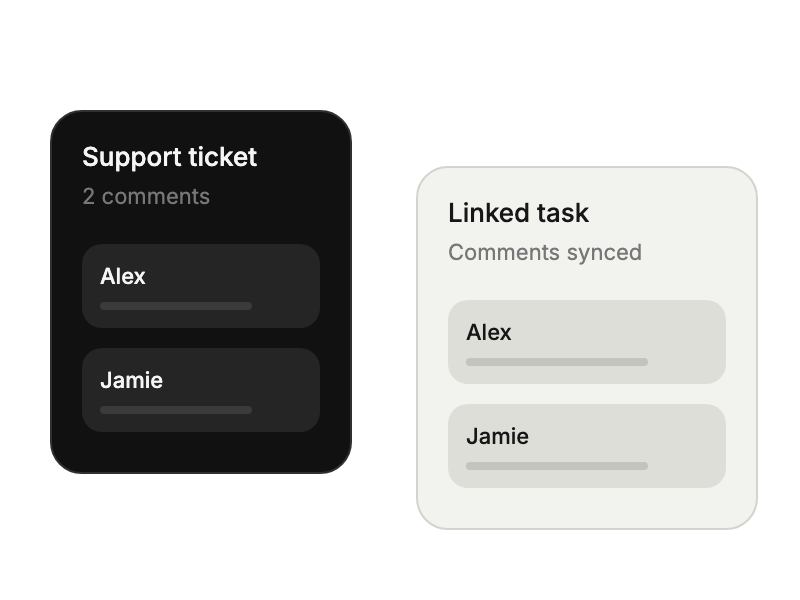
Choose comment directions, notifications, and the linked-task completion behavior.
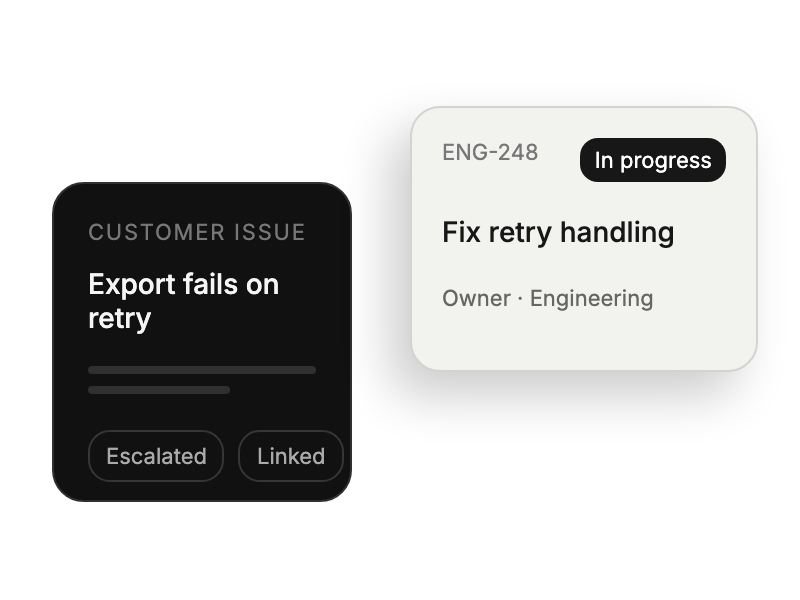
Coordinating escalations while tracking task progress.
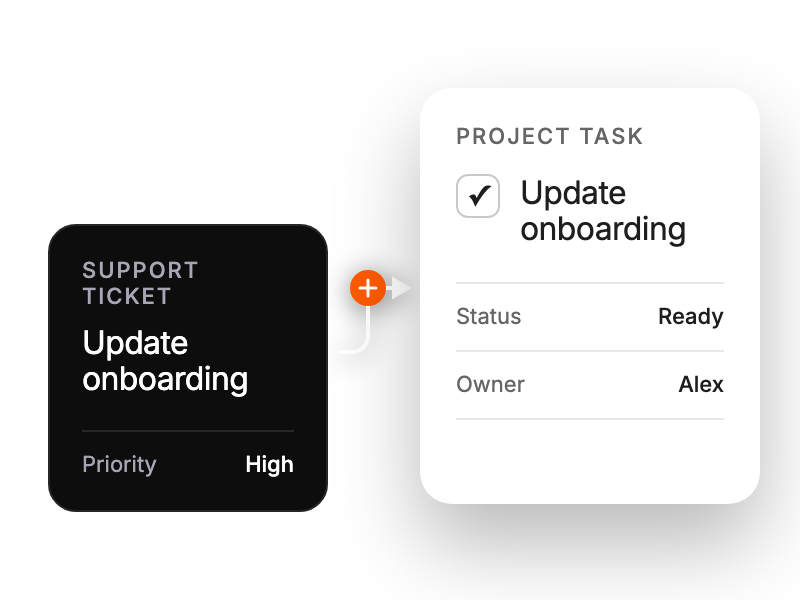
Transforming tickets into trackable development work items.
Converting customer feedback into actionable product insights.
Bridging support requests with internal project tracking.


