HappyFox Help Desk integration

Auto sync customer data from Pipedrive CRM

Help DeskPipedrive logo

How the Pipedrive Integration Works

  1. Retrieve the Pipedrive API key

    Find the API key in your Pipedrive profile settings.

  2. Install and connect Pipedrive

    Enter the company name and API key in the HappyFox CRM app, then save.

  3. Choose activity posting

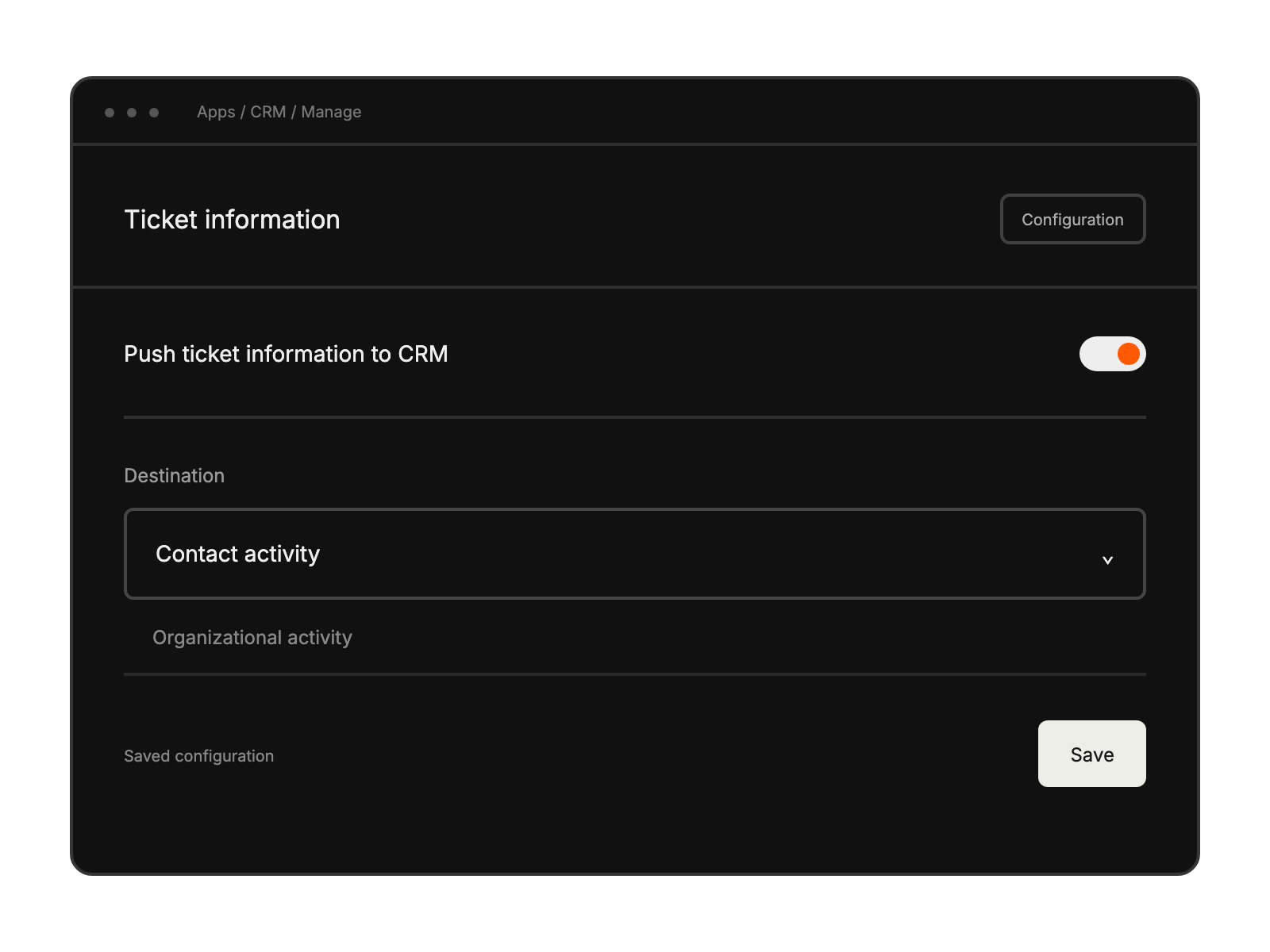
    Enable Push Ticket Information to CRM and select contact or organizational activity.

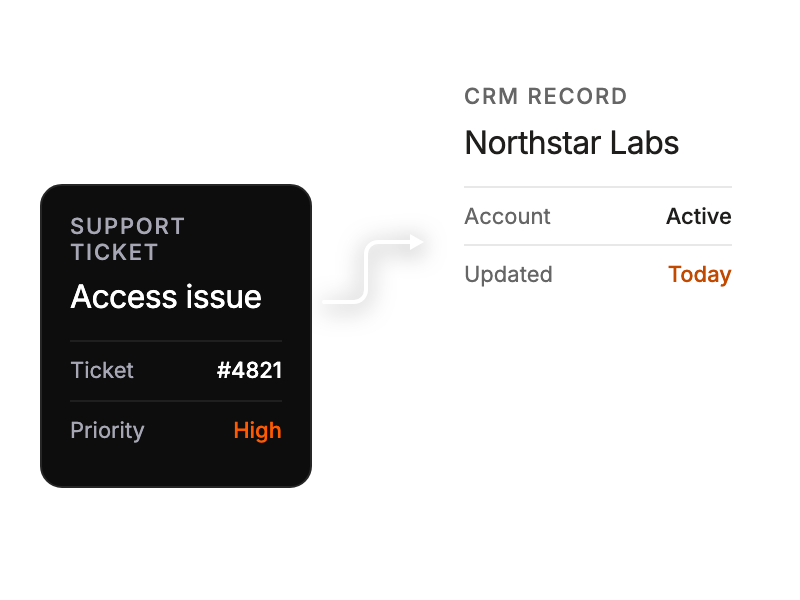
Support ticket displayed alongside concise CRM customer context.

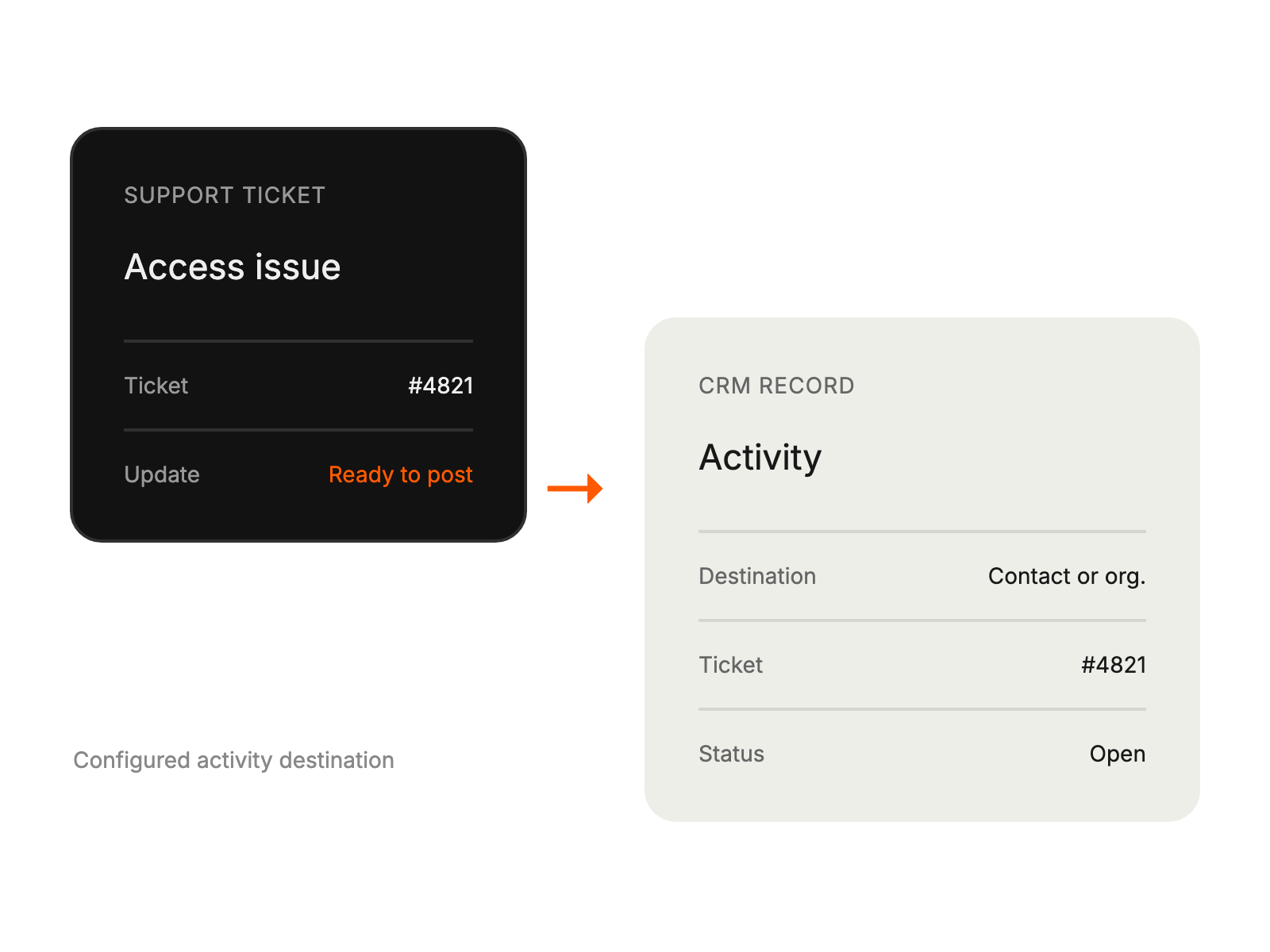
Ticket information posts as activity against a CRM contact or organization.

CRM settings choose contact or organizational activity as the ticket-information destination.

Built for Teams Using Pipedrive

Support Managers

driving data-driven support strategies with sales insights

Customer Service Agents

delivering personalized support with context

Sales Representatives

monitoring customer support experience in real-time

Account Managers

Keep customer details and support activity together.

See More Integrations